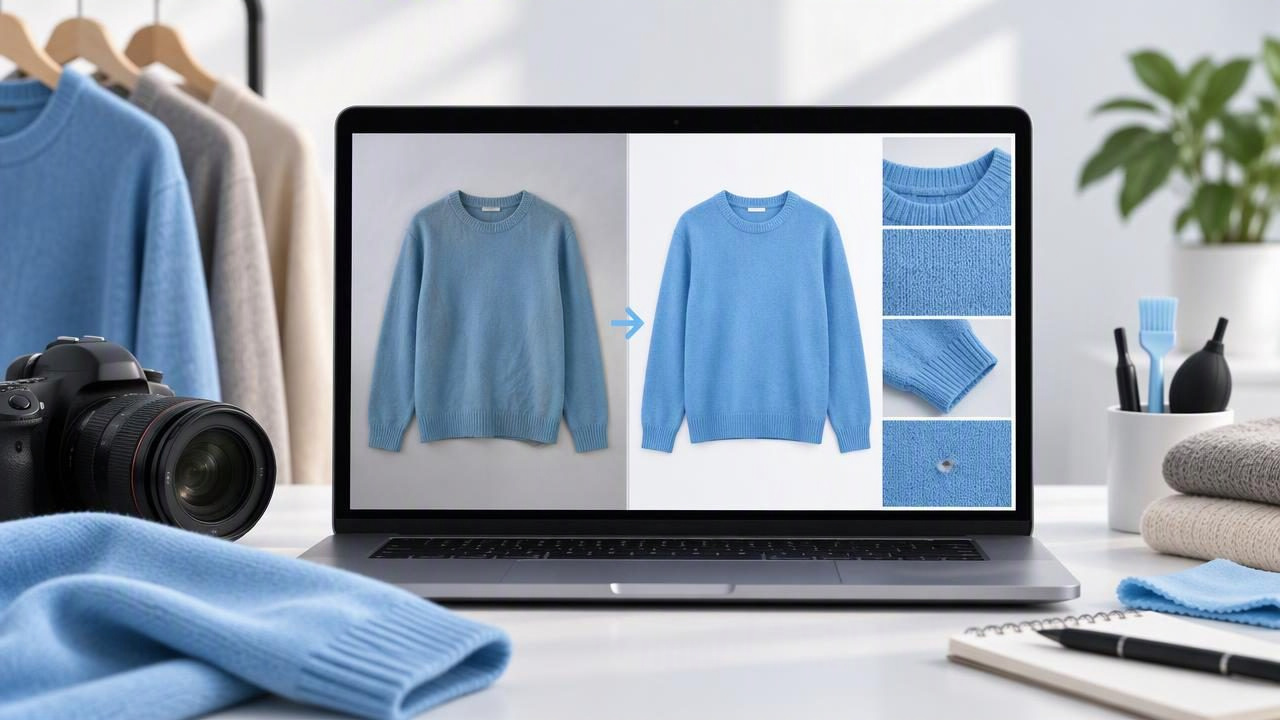
How to Edit Product Photos for eBay Without Misleading Buyers
Learn how to edit product photos for eBay with clear, accurate clothing images that show condition, color, details, and flaws.
October 28, 2026
Clothing Studio is an AI-powered photo editor iOS App tailored for fashion resellers and brands. It enables users to instantly unwrinkle clothes, create ghost mannequin images, and generate professional model shots with ease. The app features automatic background removal and offers high-quality outputs for e-commerce platforms like Poshmark and eBay. Designed for quick and efficient photo enhancements, it supports various styles including on-hanger and folded presentations. Users can start with a free demo and access full features via subscription. Don't write too technical.
Visit website
Learn how to edit product photos for eBay with clear, accurate clothing images that show condition, color, details, and flaws.
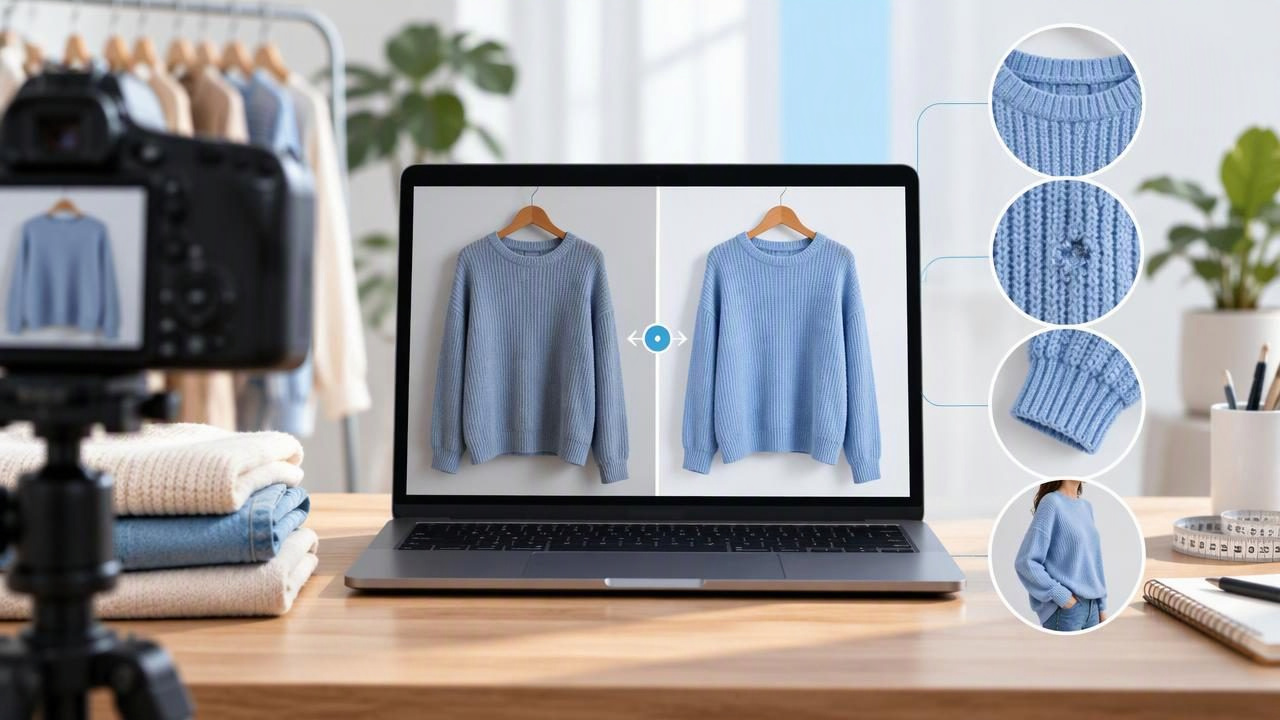
Learn how to edit clothing photos for Poshmark with clear, consistent images that show true color, condition, fit details, and flaws.
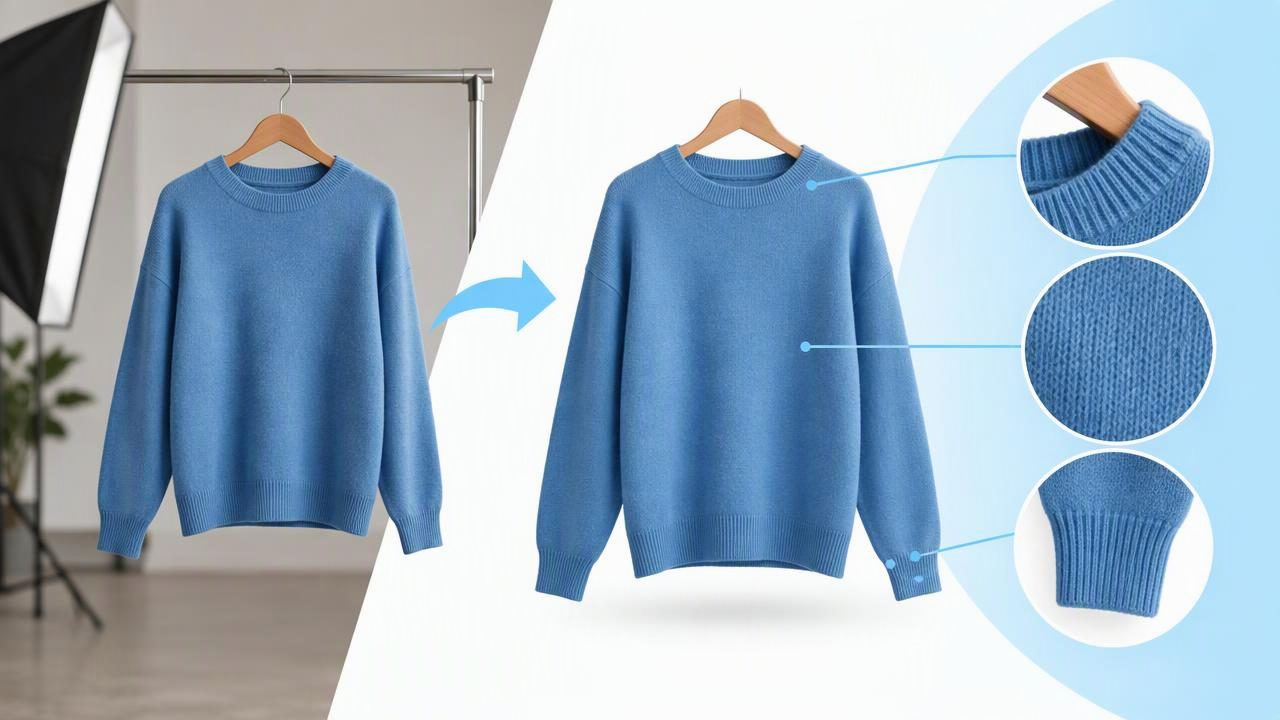
Learn how to remove the background from clothing photos, choose a clean replacement, and preserve garment details buyers need to see.
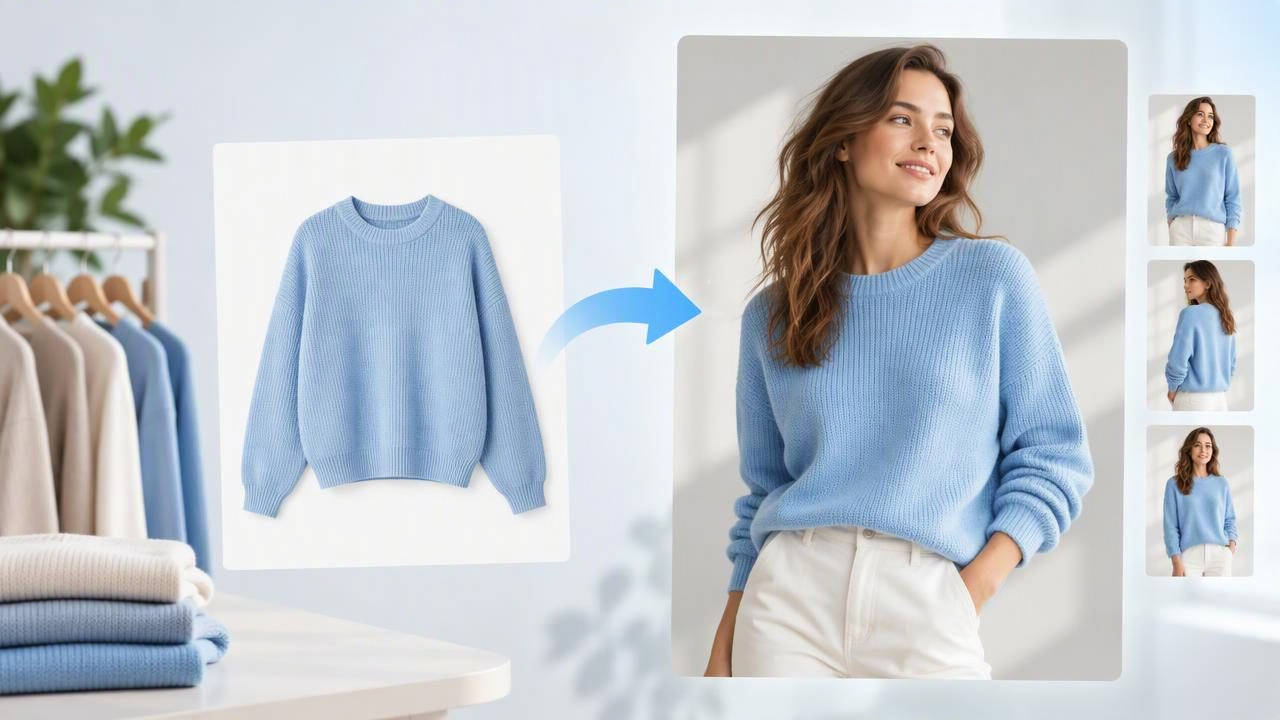
Learn how to create model shots from clothing photos, choose a suitable source image, and check AI results for accurate, trustworthy listings.
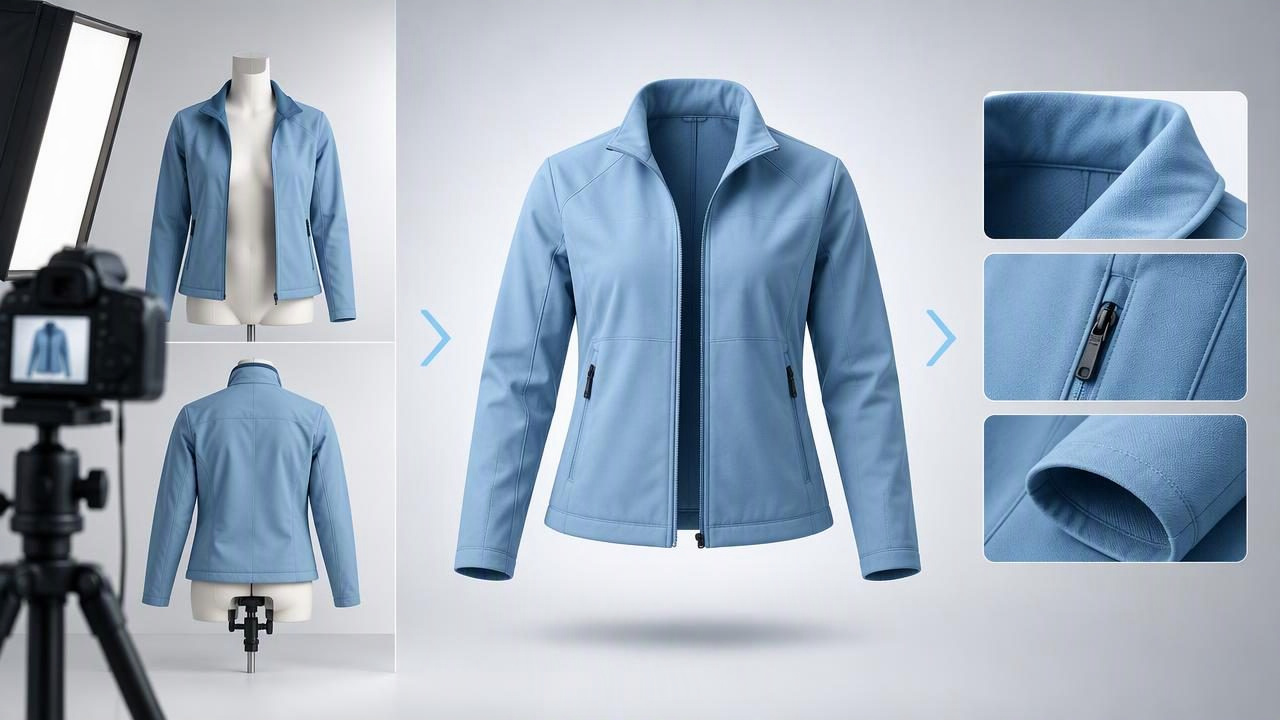
Learn how to make ghost mannequin product images with clear garment details, practical capture tips, editing checks, and honest limits.

Learn how an AI app to unwrinkle clothes can improve listing photos, what it may miss, and how to keep garment details honest.
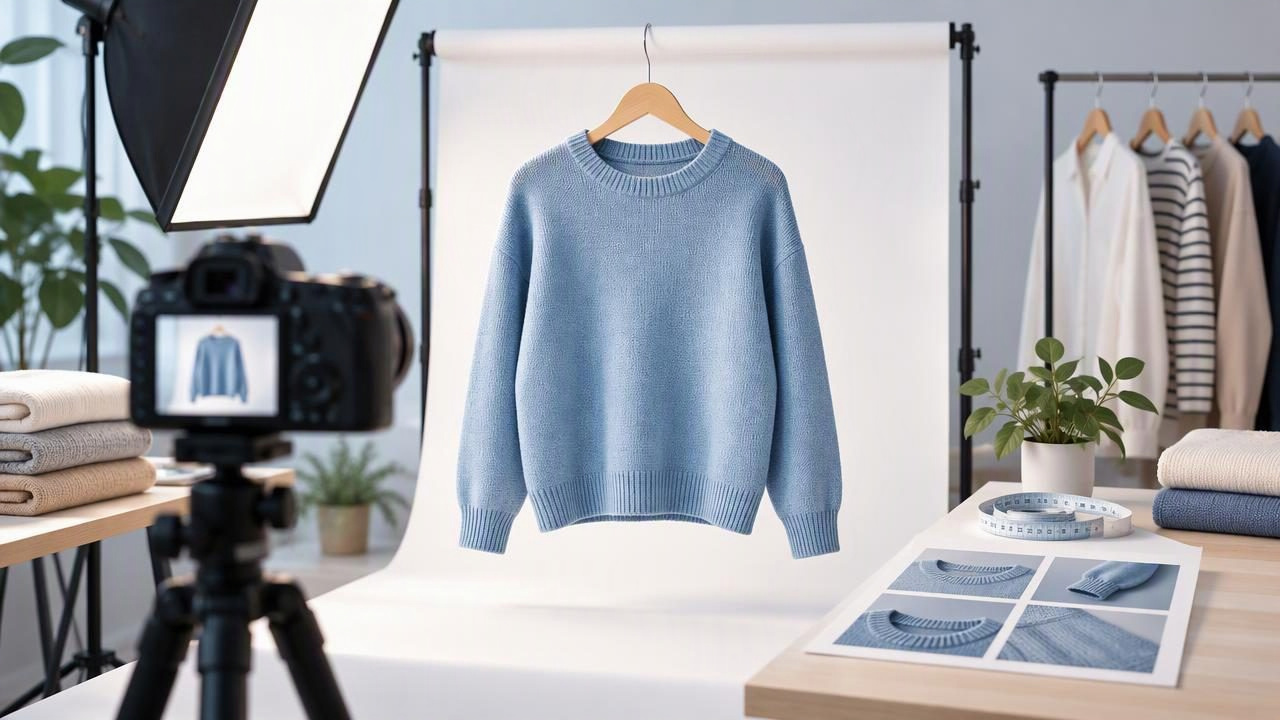
Learn how to create professional product photos for clothing listings with clear presentation, careful edits, and honest details buyers can trust.

Learn what to look for in a boutique photo editor, how to choose clothing photo styles, and where editing should stop to keep listings honest.
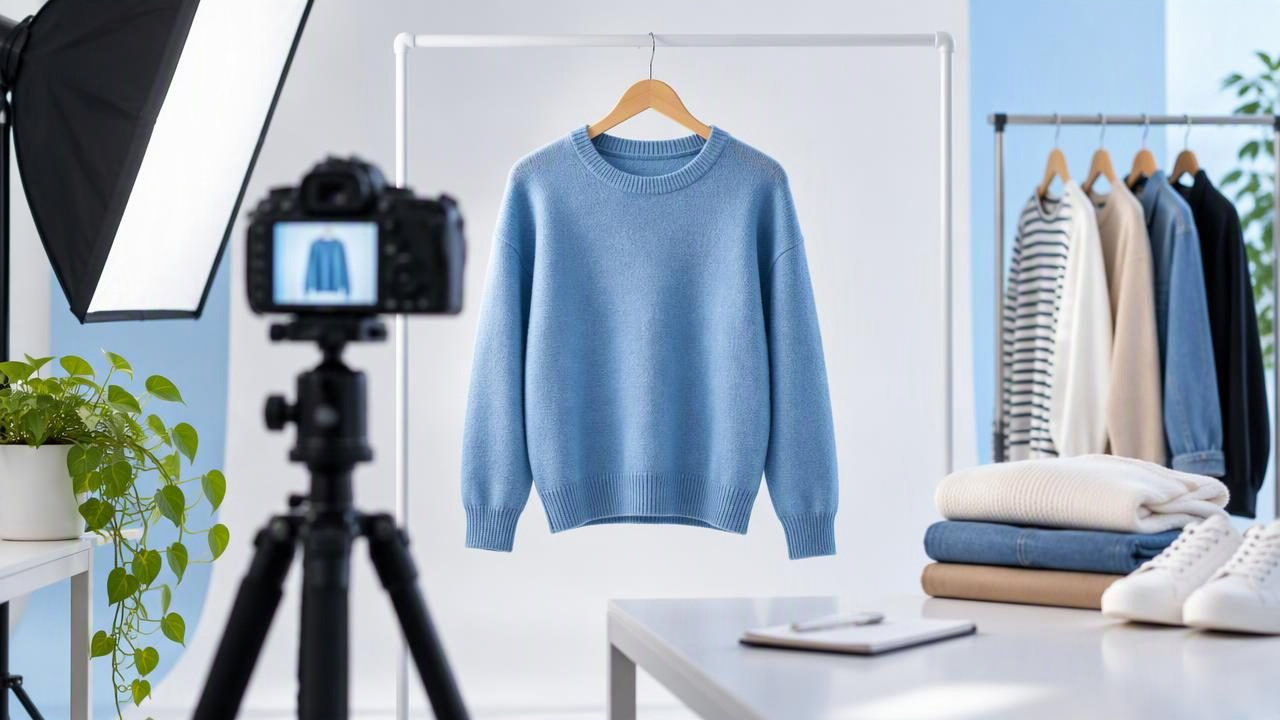
Learn how to take clear, accurate eBay product photos for clothing, show condition honestly, and choose the right angles and presentation.
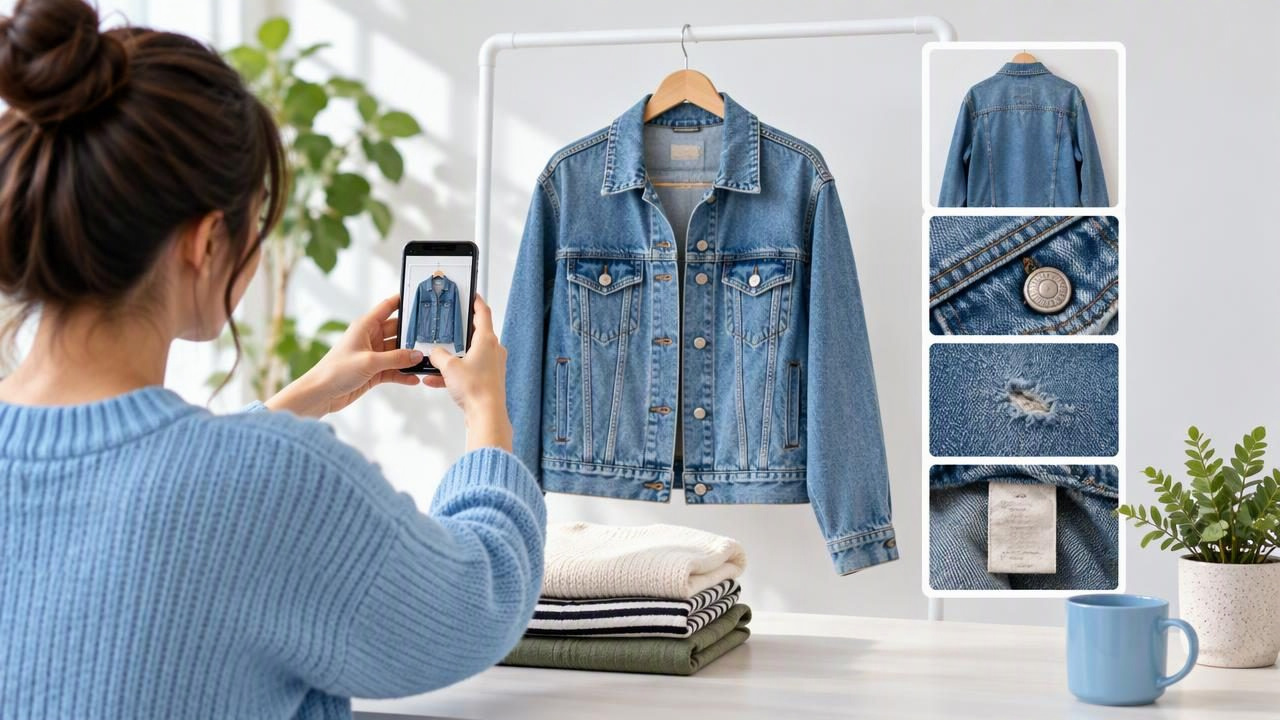
Plan Poshmark listing photos that show a garment clearly, document wear, and help buyers understand what they’re considering.

Learn how to sell clothes online with clear garment photos, honest editing, and the right presentation for every item.
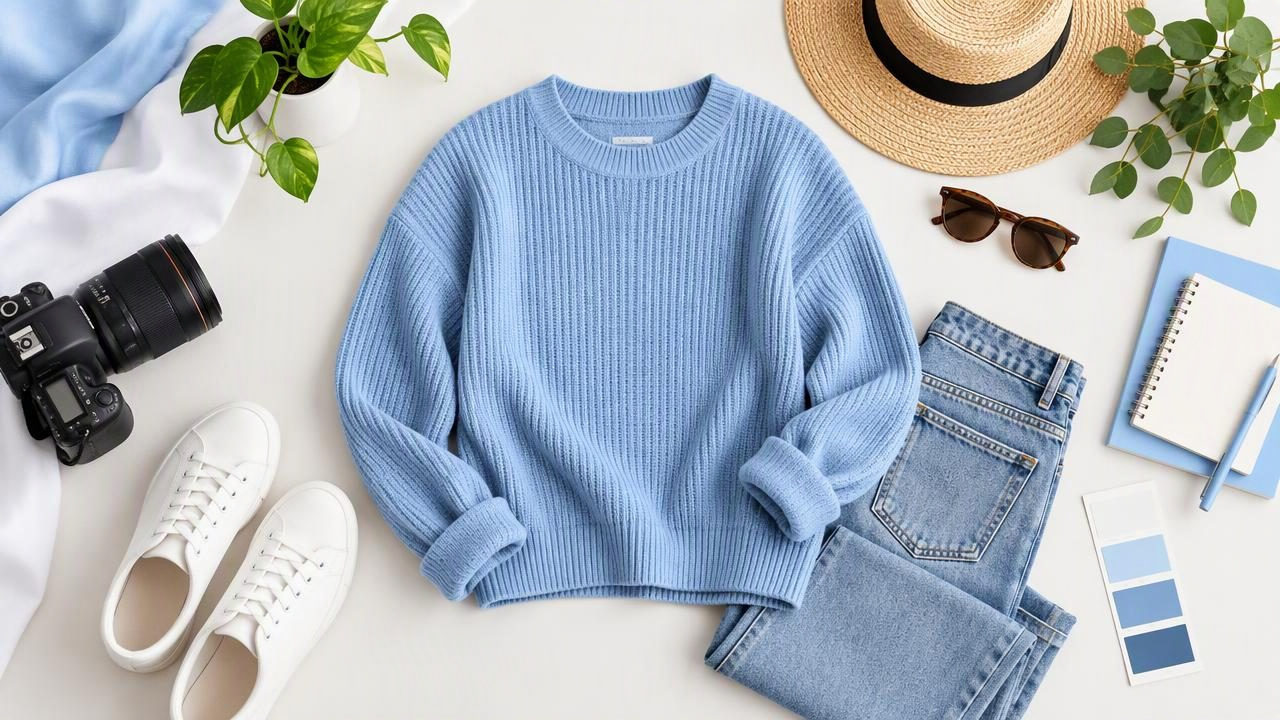
Learn how to take clear, accurate flat lay photos of clothing with simple styling, lighting, and editing tips for online listings.
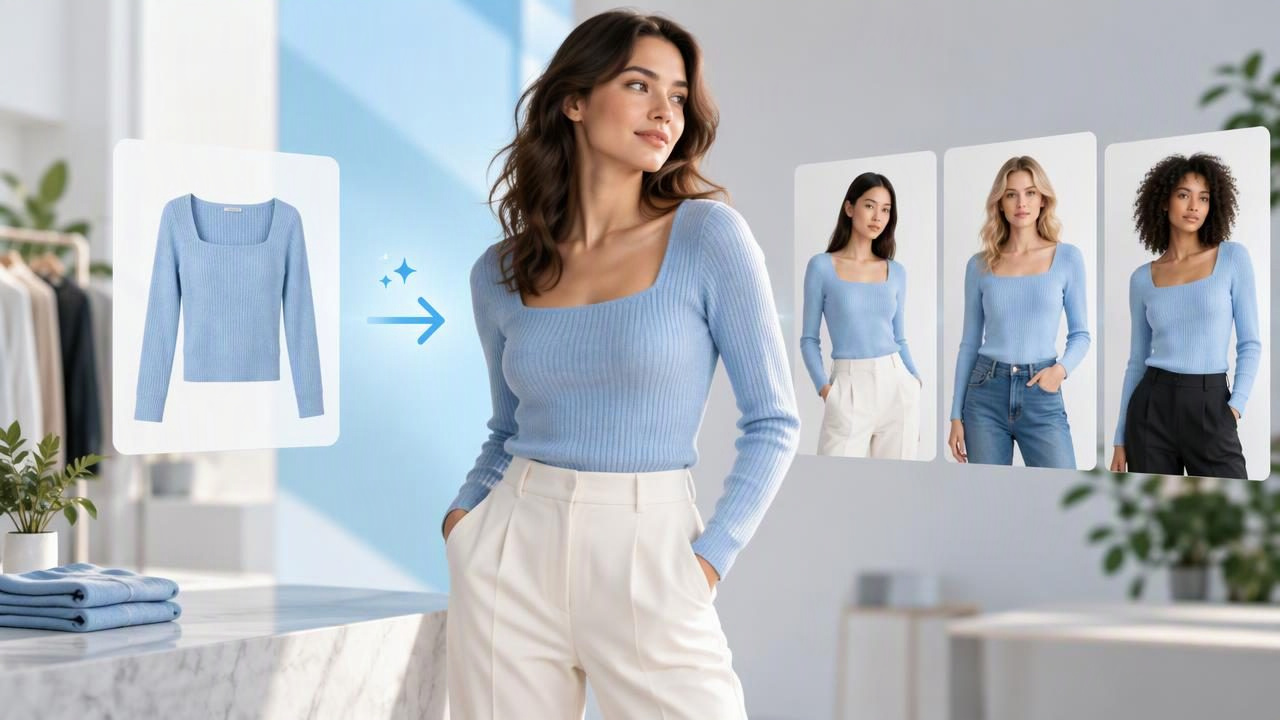
Learn how a model photo generator can present clothing online, when to use generated images, and how to check results for accuracy.
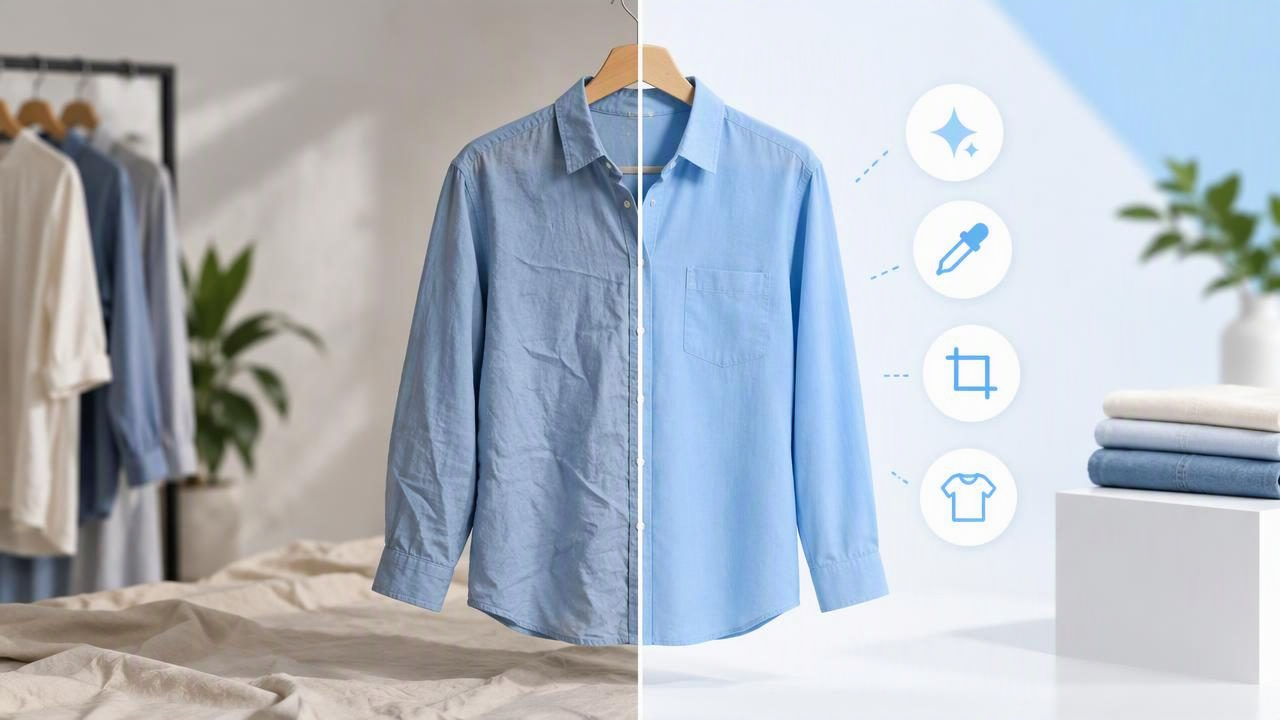
Learn what an ecommerce photo editor should fix in clothing photos—and what to leave untouched for clear, trustworthy listings.

Learn how to choose a product photo app for clothing, pick the right presentation style, and keep edited listing photos accurate and trustworthy.
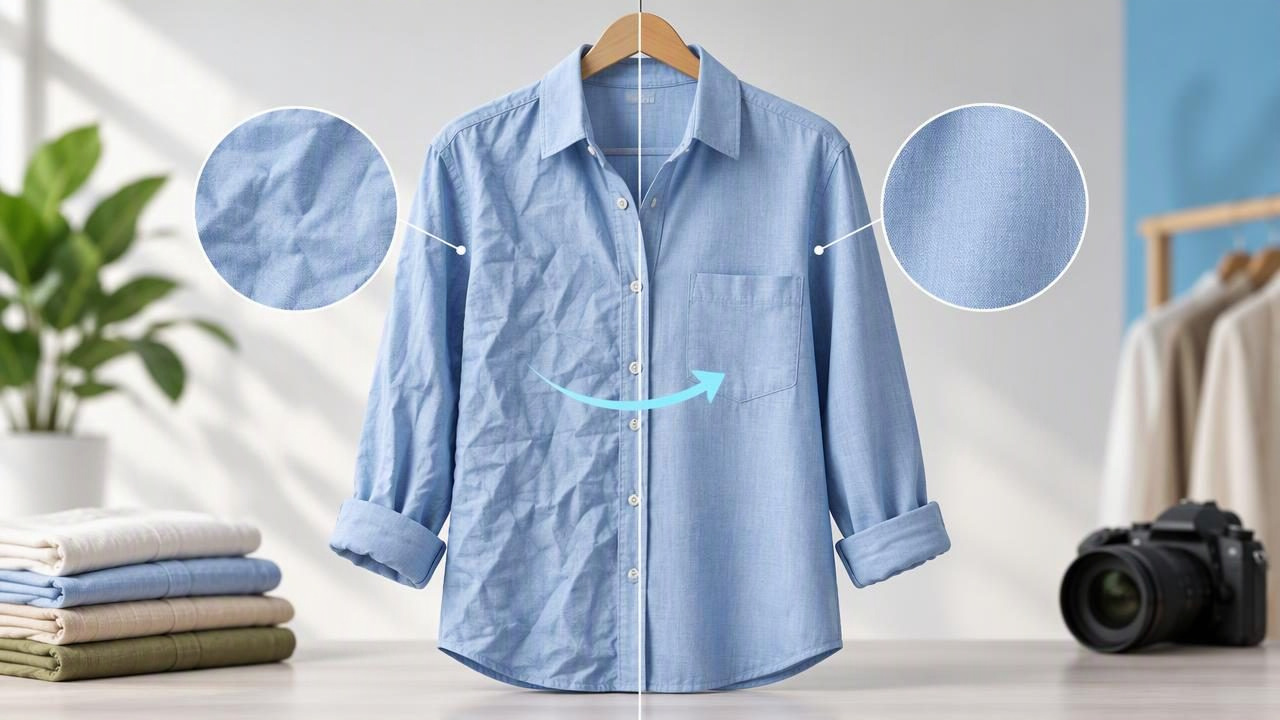
Learn how to unwrinkle clothes photos for clearer listings while keeping fabric texture, garment details, and buyer expectations in view.
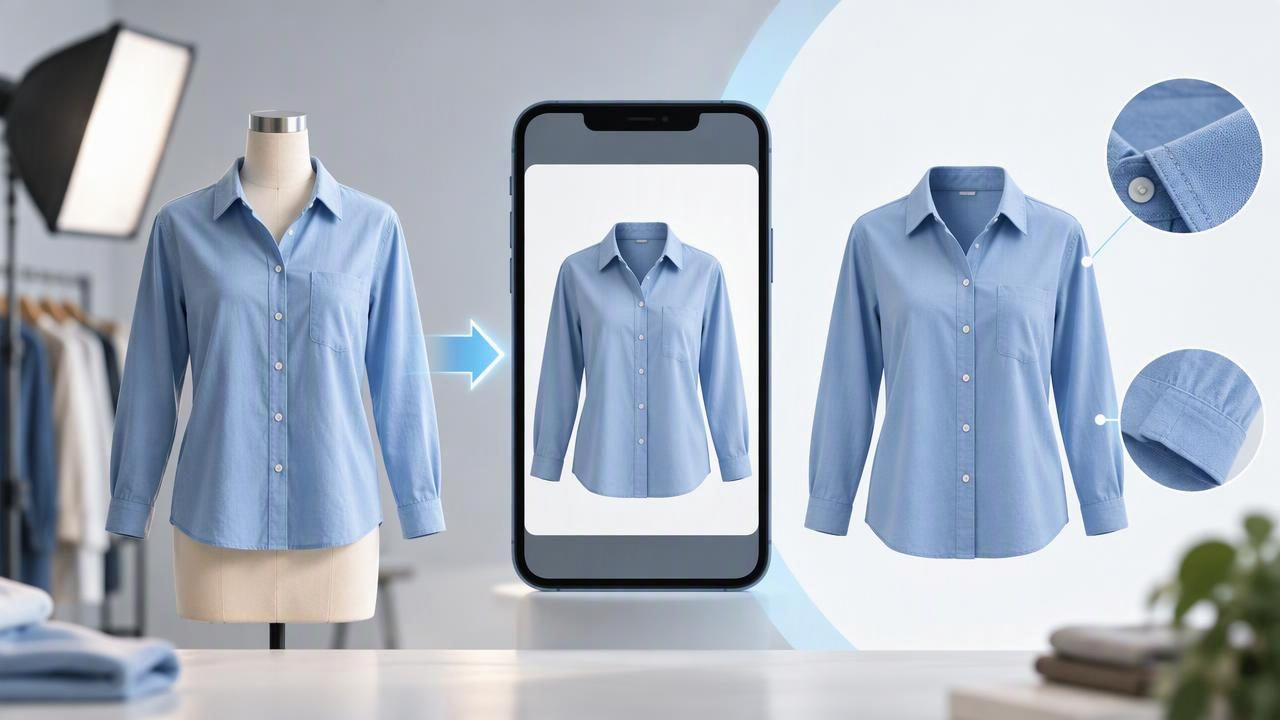
Learn how to choose and use a ghost mannequin app, assess AI edits, and present clothing clearly without hiding flaws or changing the garment.
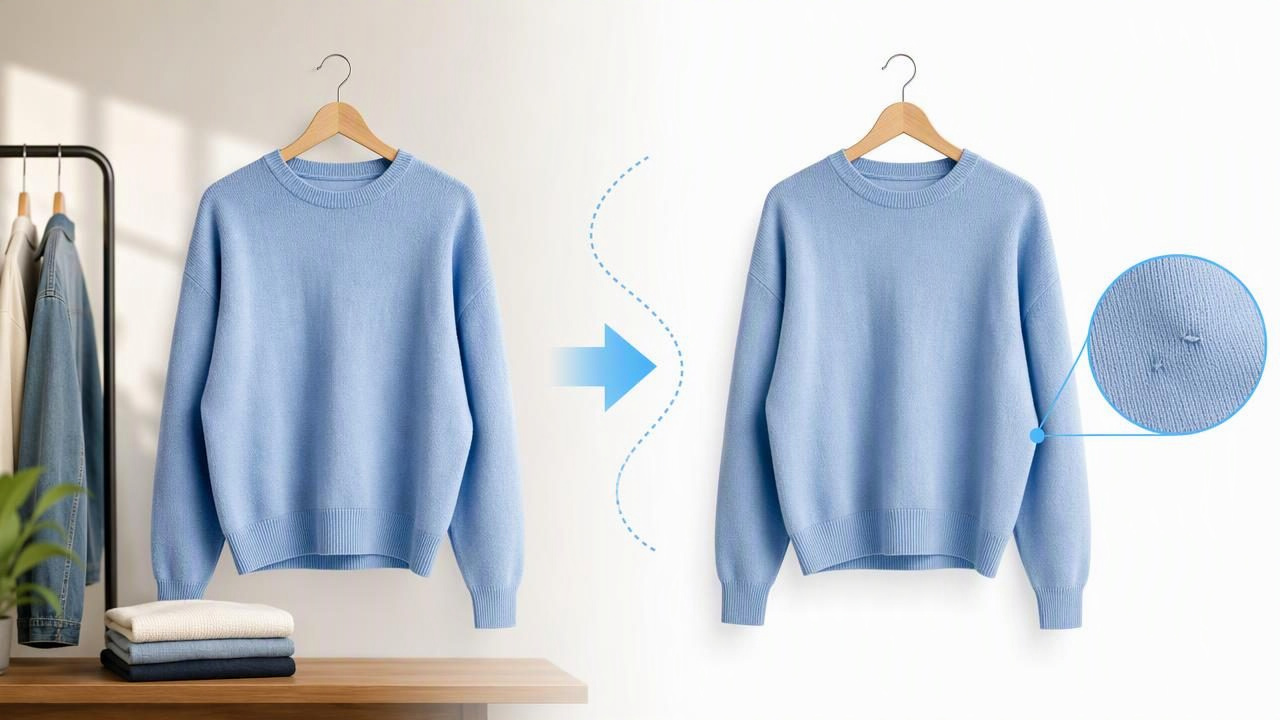
Learn how to remove a photo background for clothing listings while keeping colors, edges, flaws, and garment details honest.
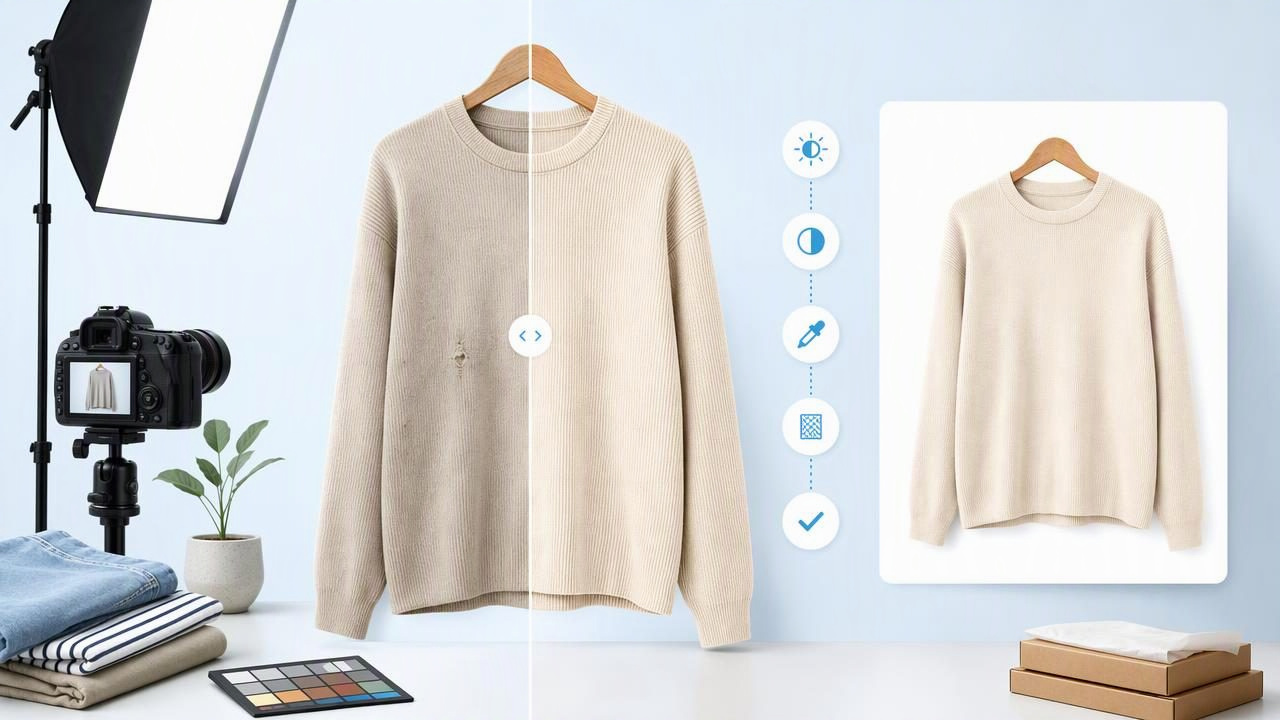
Learn a practical clothing photo editor workflow for cleaner, accurate e-commerce images without hiding garment details or defects.
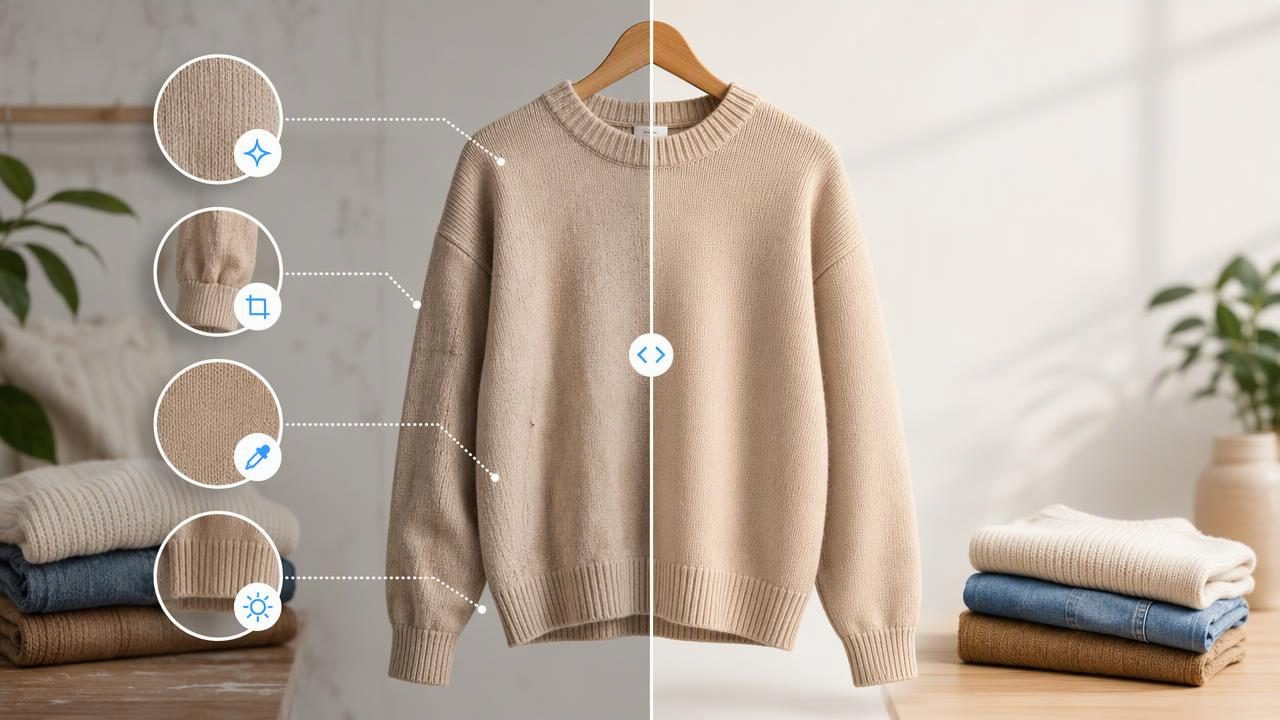
Learn how to use an AI photo editor for clothing listings while keeping colors, fit, condition, and details accurate for buyers.
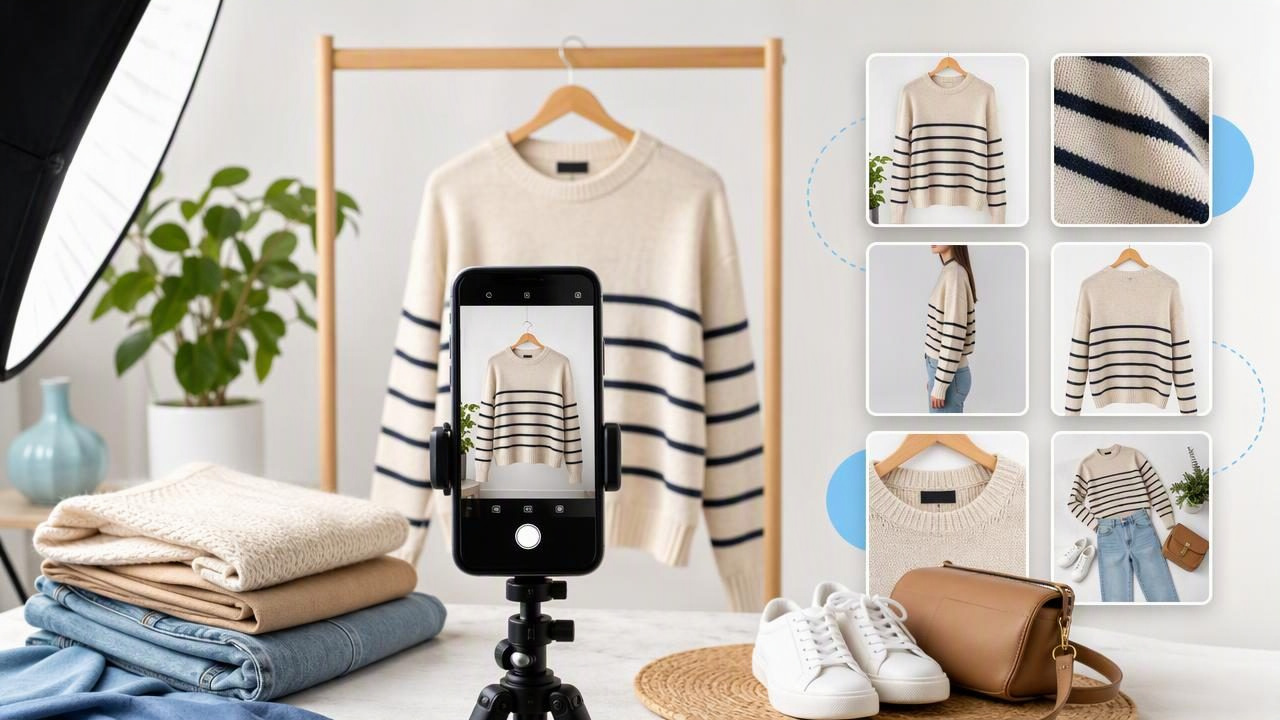
Improve Poshmark photos with practical angles, lighting, styling, and editing tips that help shoppers assess clothing confidently.
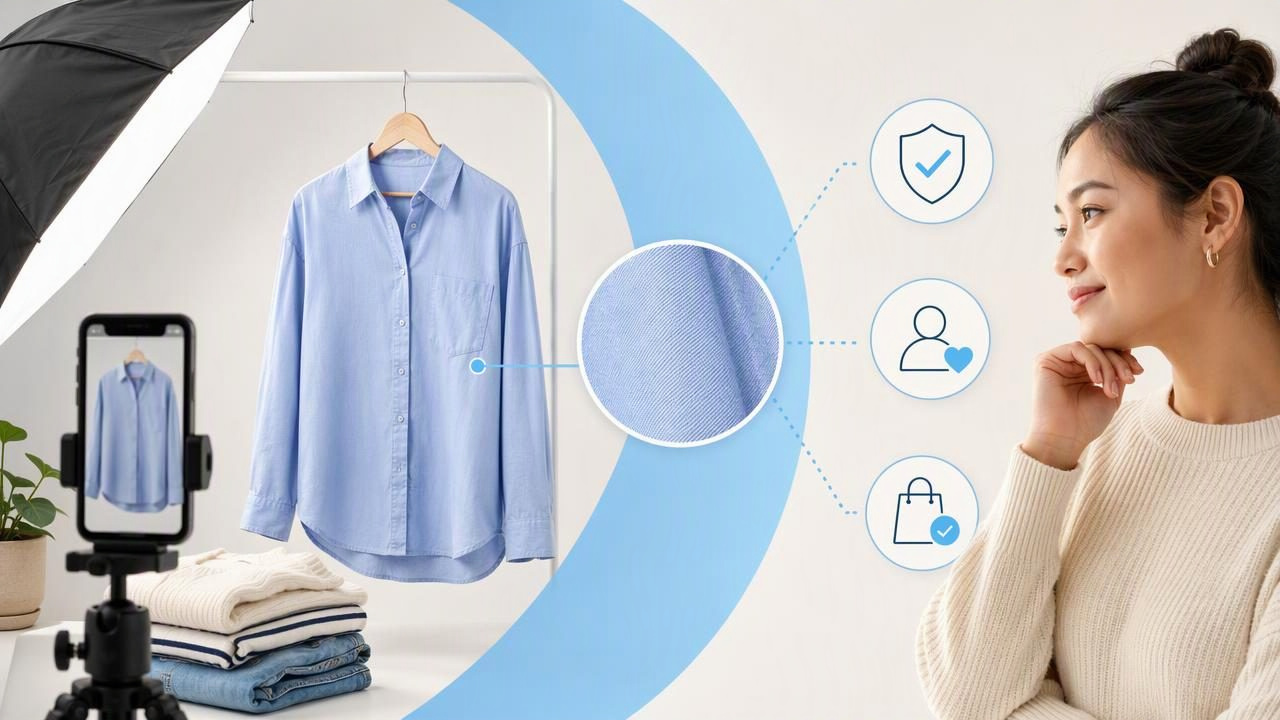
Learn how to create honest, polished product photos for clothing listings that improve clarity, buyer confidence, and consistency.
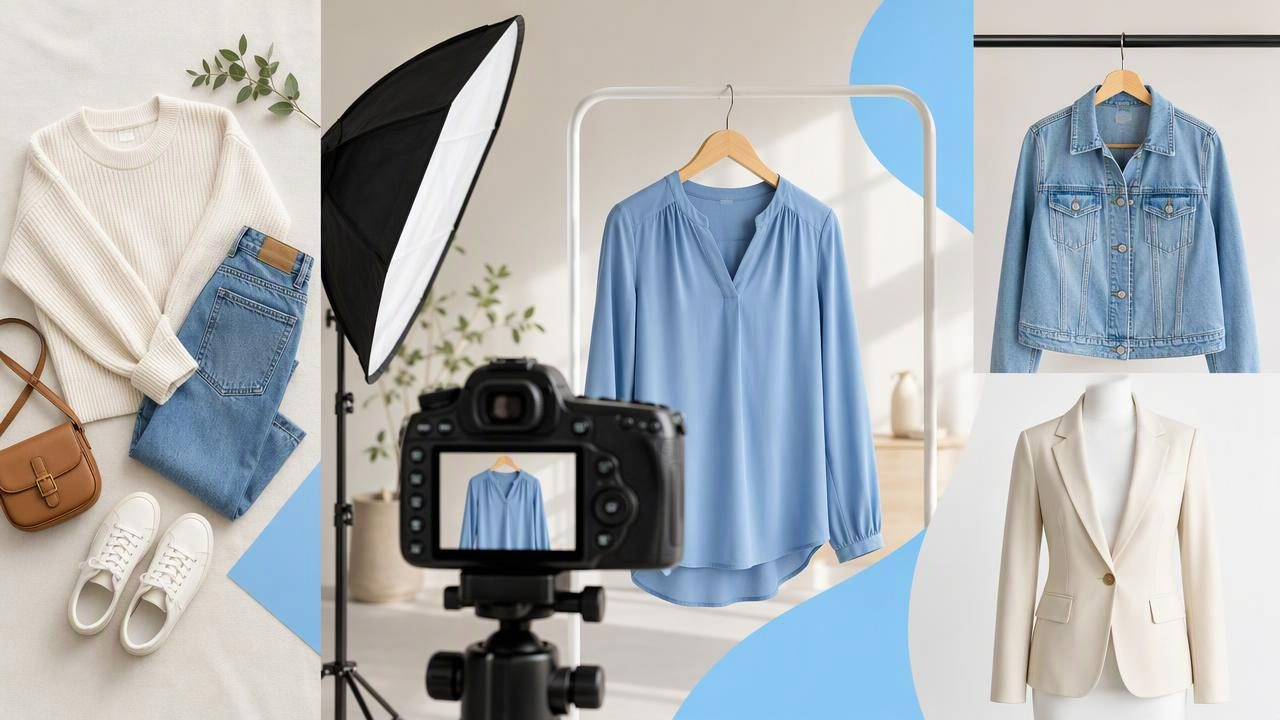
Learn fashion photography techniques for resale listings, from lighting and angles to flat lays, hangers, and ghost mannequin photos.
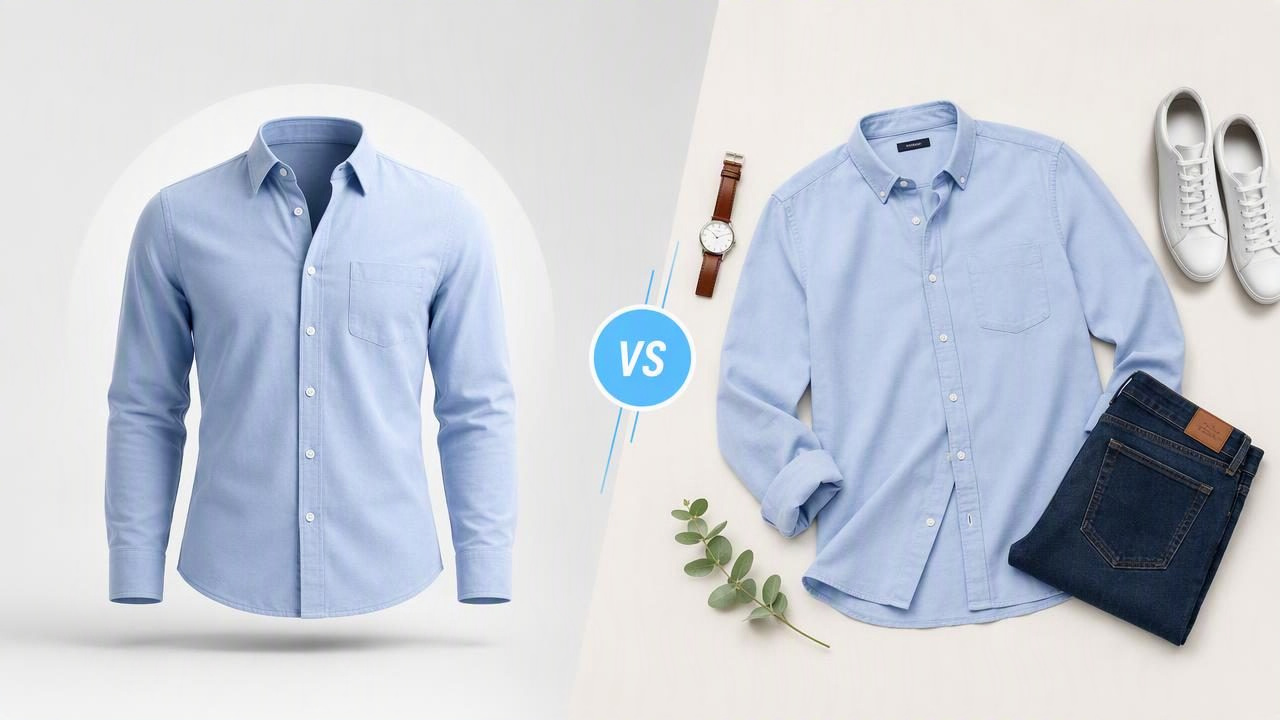
Compare ghost mannequin and flat lay clothing photos to choose the best presentation style for clear, trustworthy e-commerce listings.
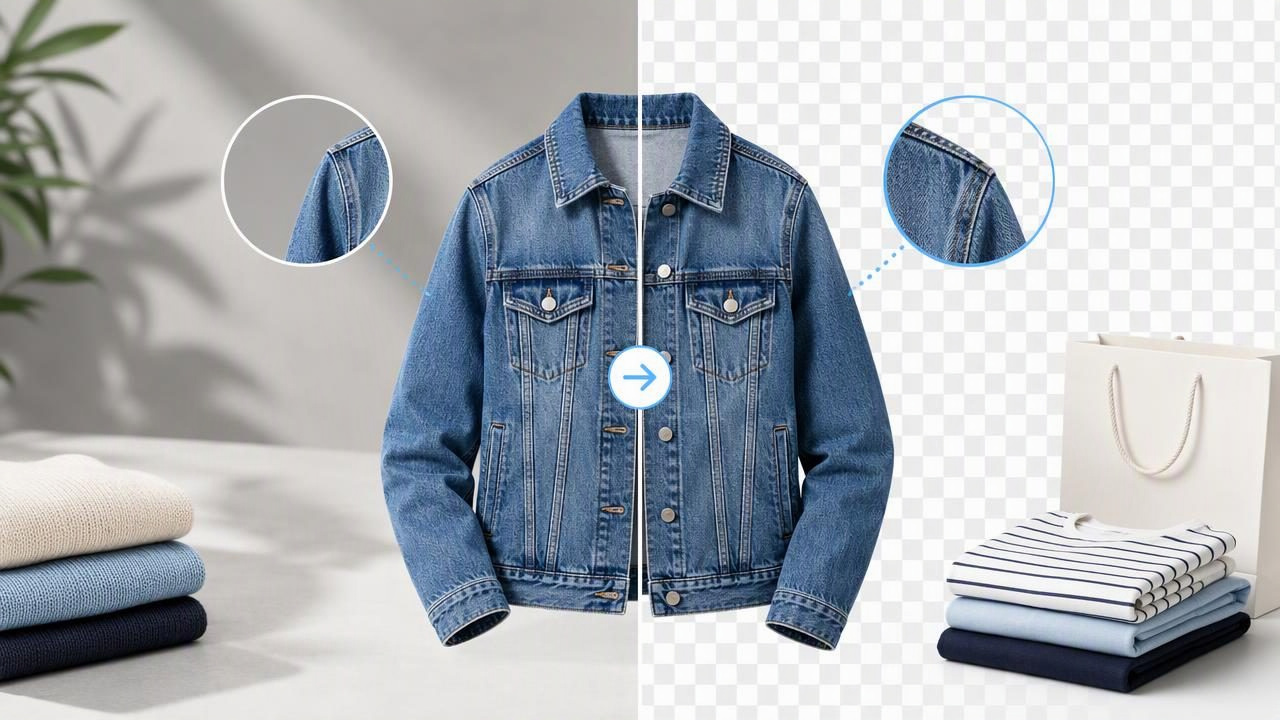
Learn how to use a background remover for clothing photos while preserving garment edges, details, colors, and buyer trust.
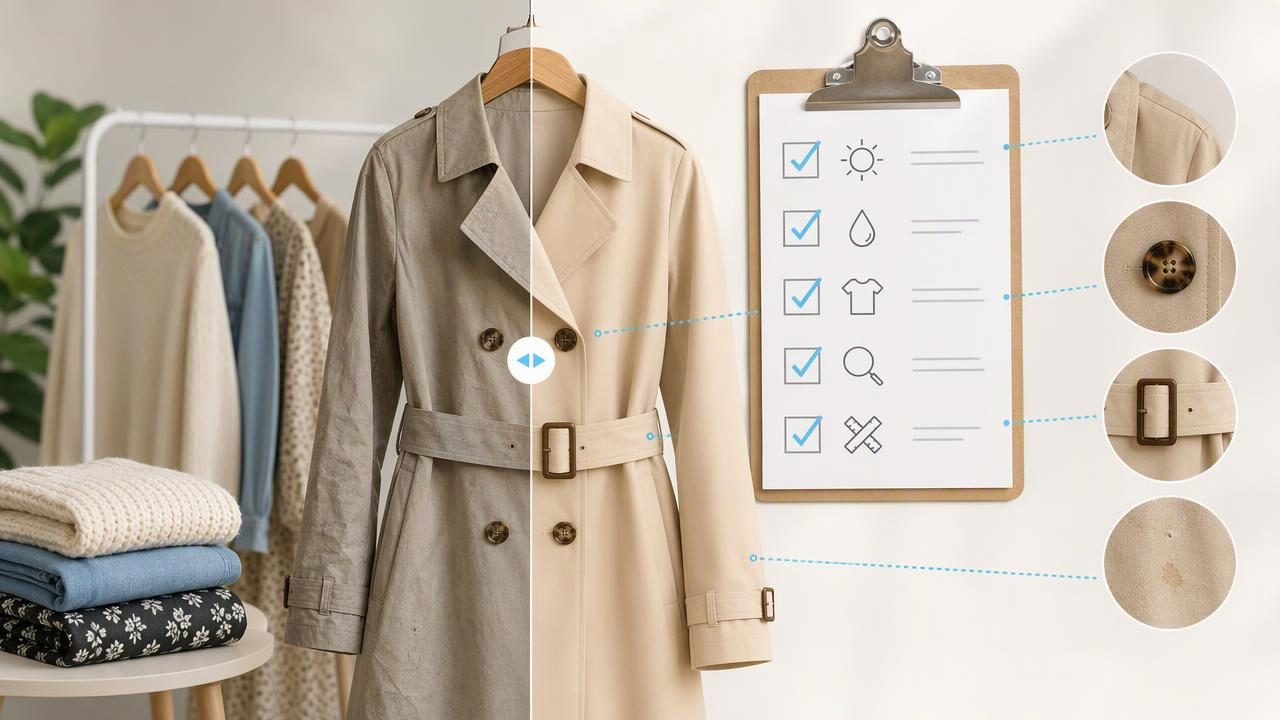
Use a photo editor for cleaner fashion resale images while keeping garment condition, color, fit, and flaws accurate for buyers.

Learn how to use an AI tool for fashion resale photos while keeping listings accurate, polished, and buyer-friendly.
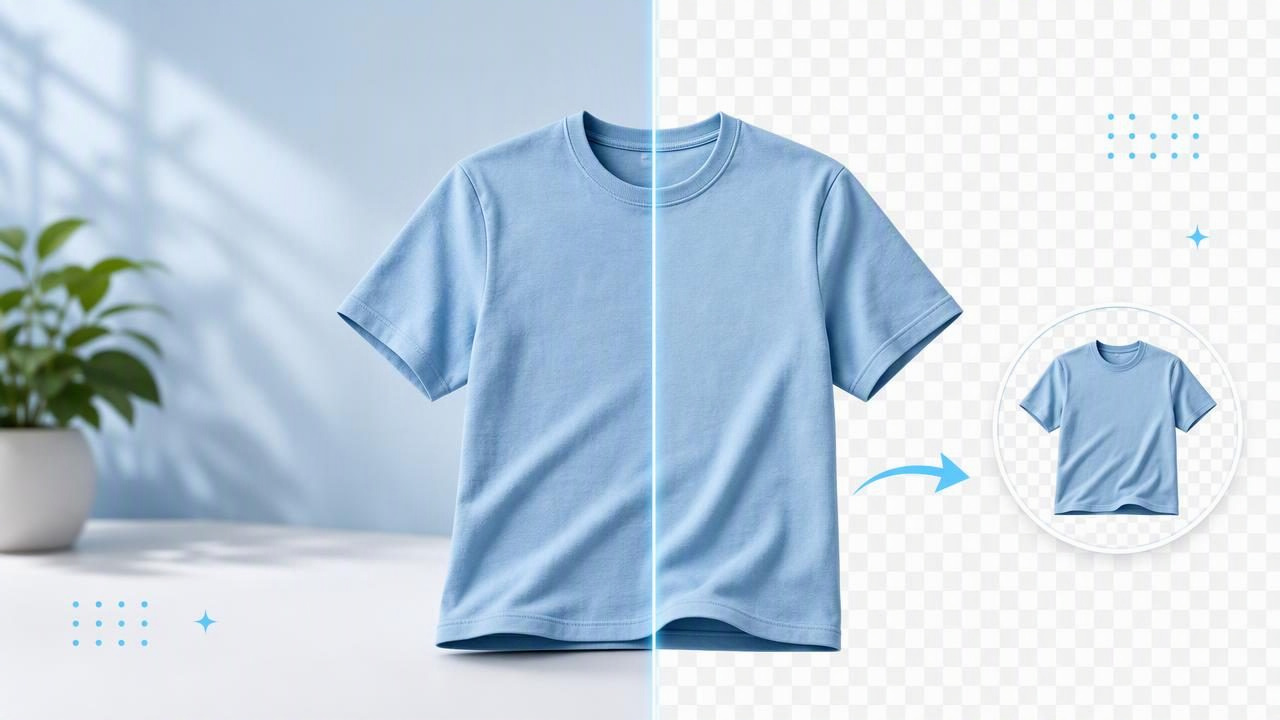
Learn how to use an instant clothing photo background remover for cleaner, consistent apparel listings without misleading buyers.
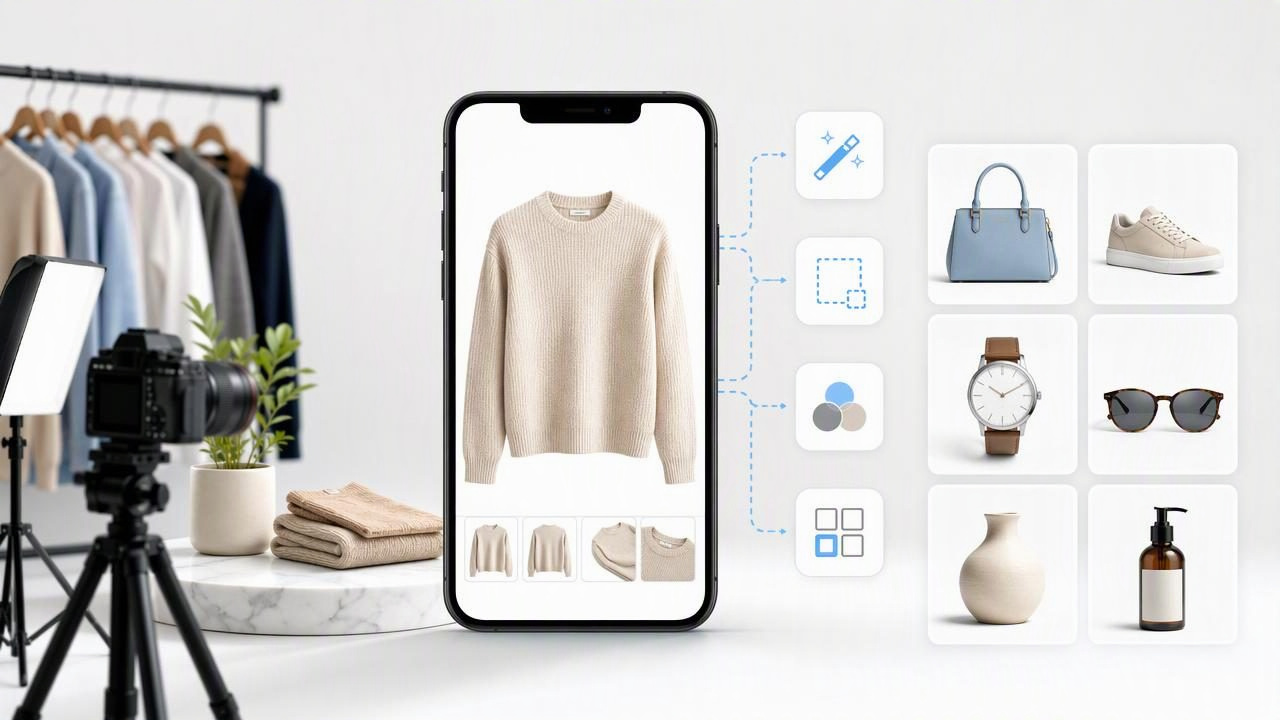
Learn what to look for in an app for professional product photos, from clothing cleanup and backgrounds to consistent listing images.
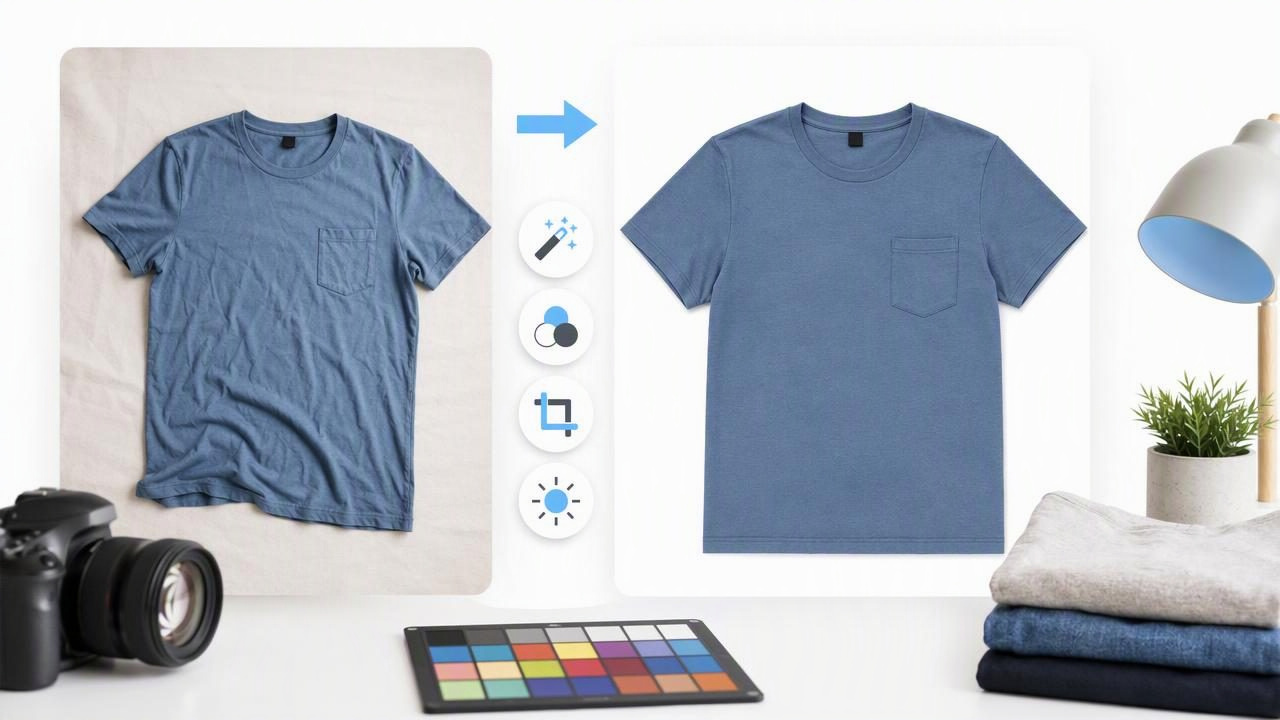
Learn how to edit clothing photos for eBay with cleaner backgrounds, accurate color, better garment presentation, and practical checks.
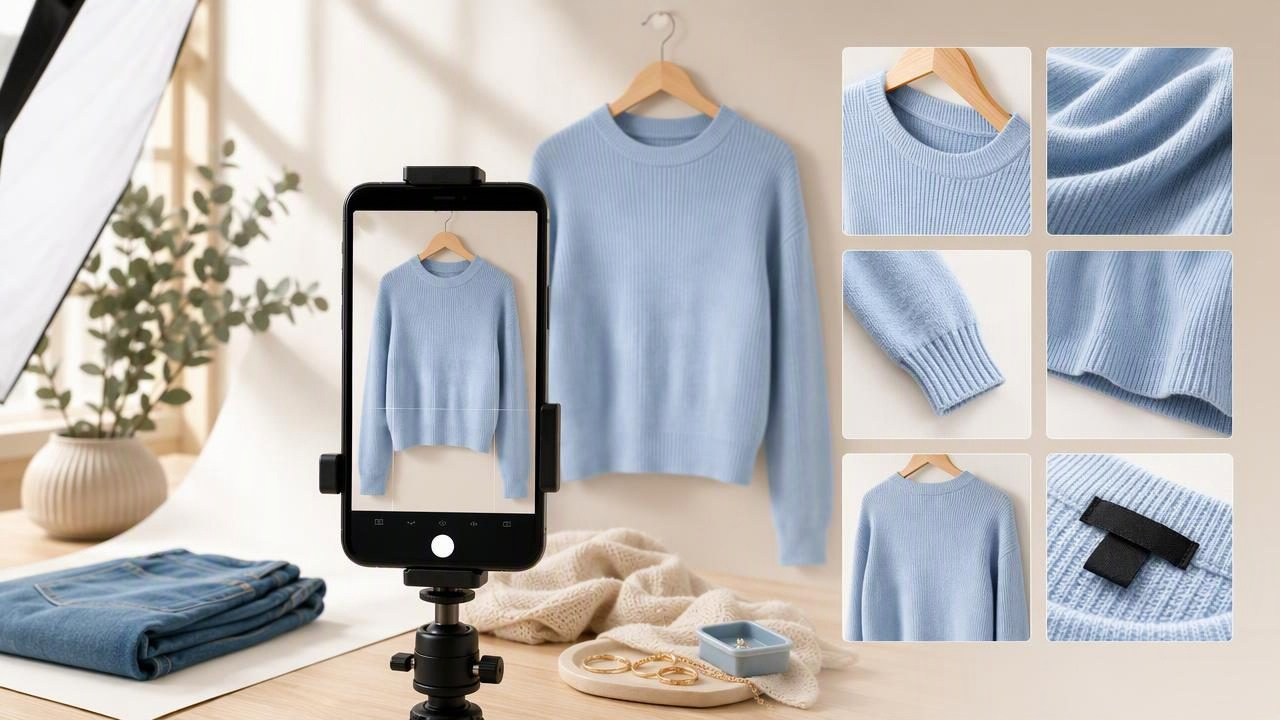
Learn how to make product photos for Poshmark with better lighting, styling, backgrounds, detail shots, and consistent listing images.
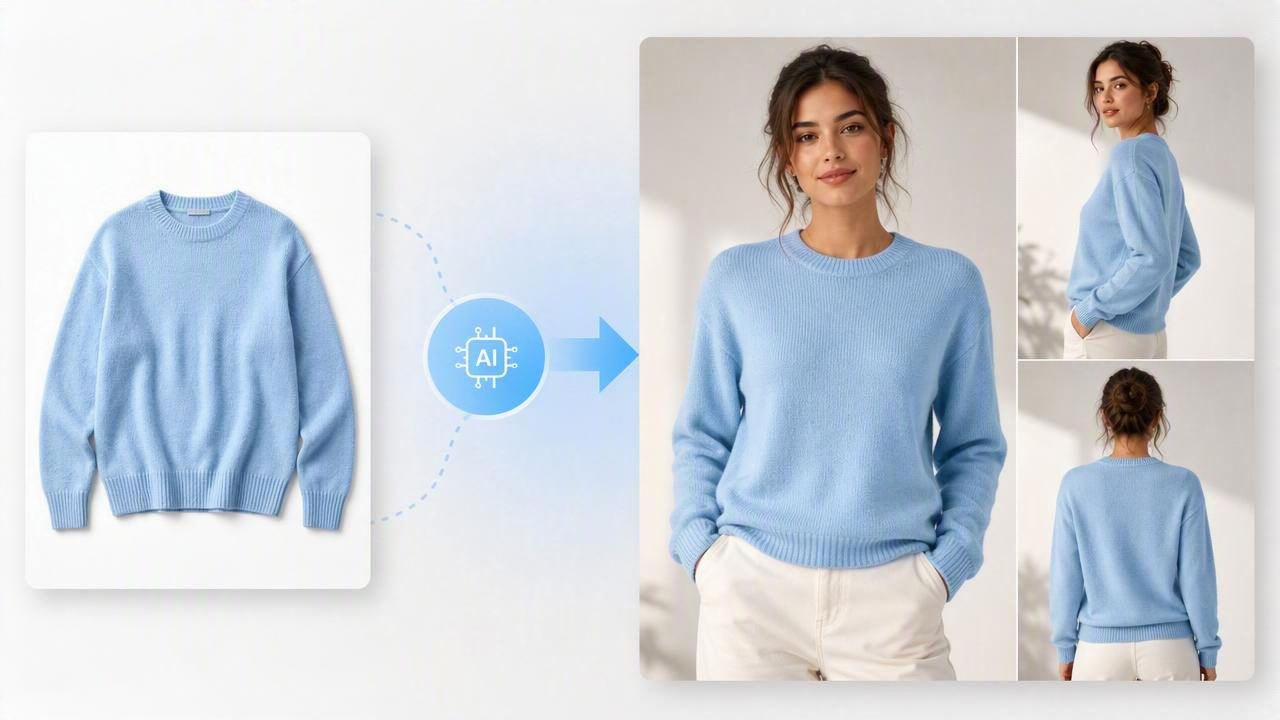
Learn how to turn clothing photos into model shots while keeping apparel listings accurate, consistent, and ready for e-commerce.
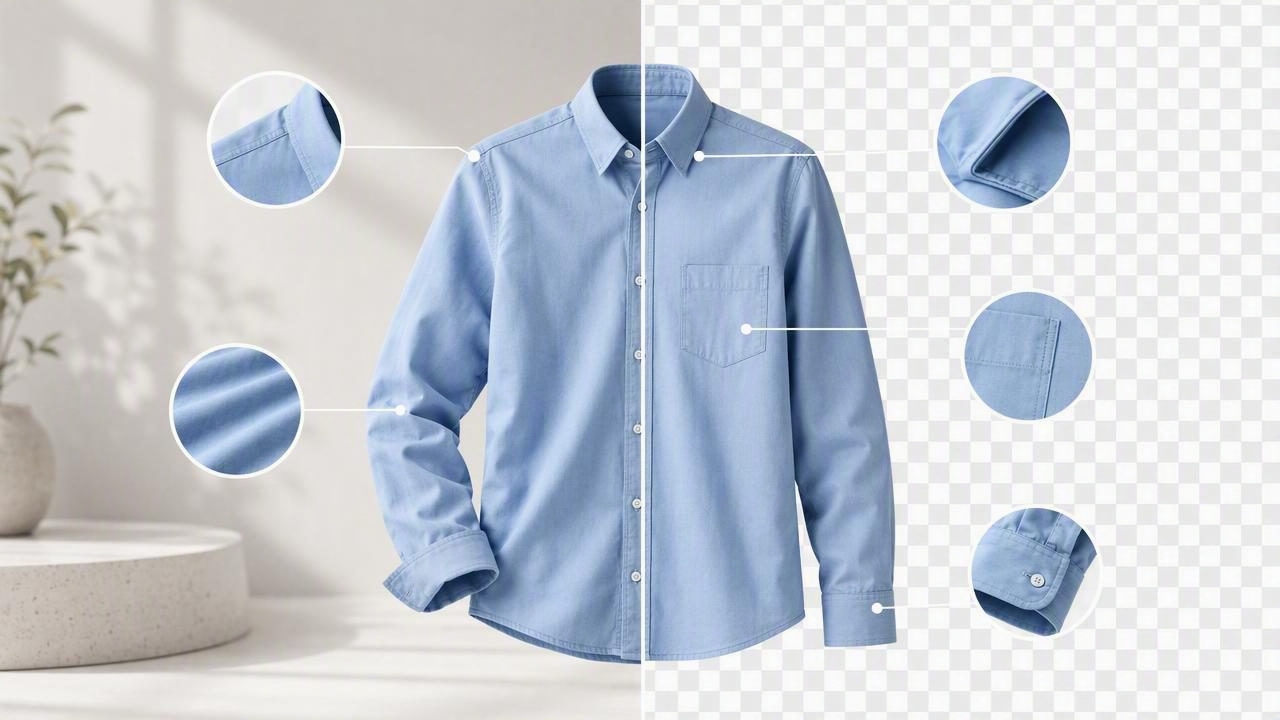
Learn how to use background removal for clothing photos while keeping edges, colors, and garment details accurate.
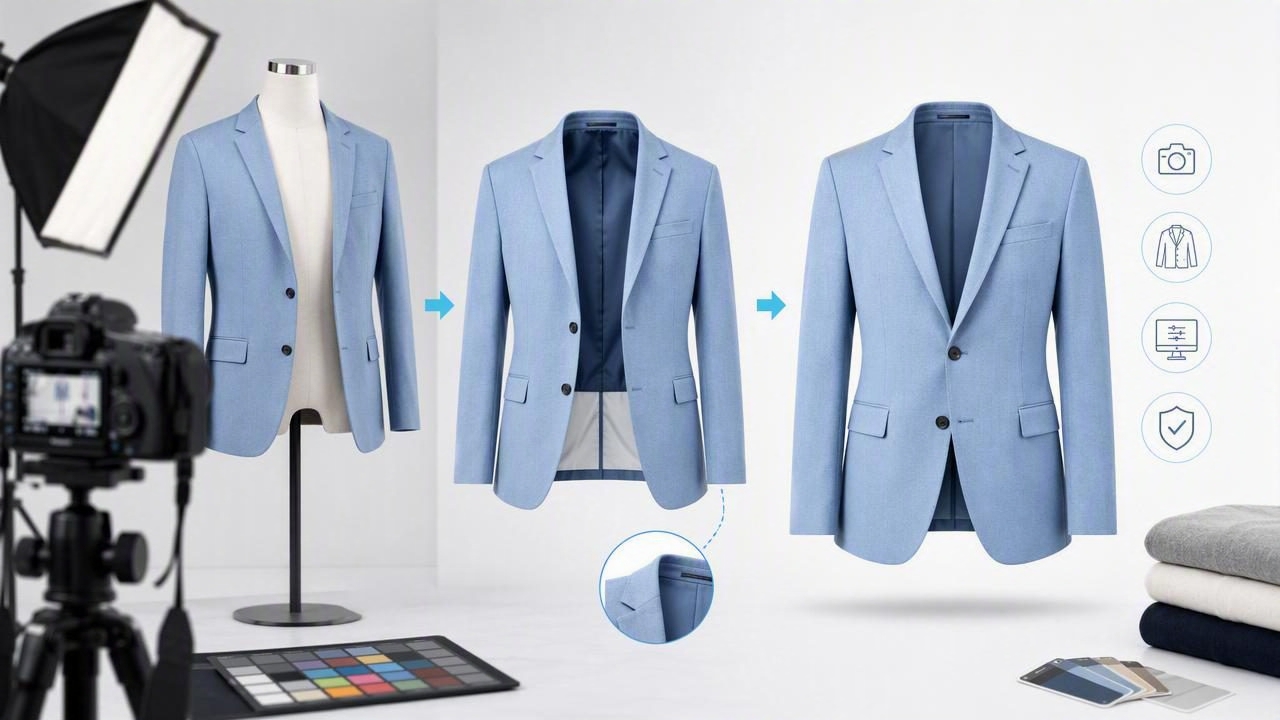
Learn how to create ghost mannequin product photos with practical shooting, editing, and quality-control tips for apparel listings.
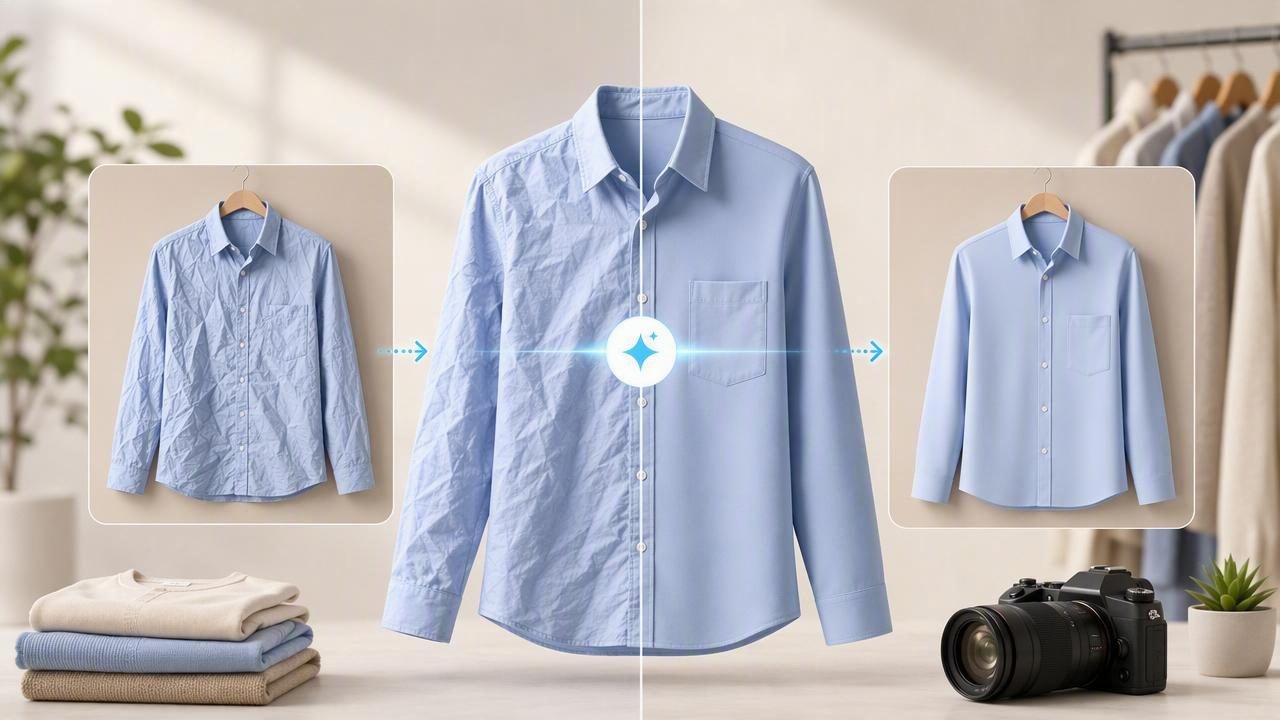
Learn how an AI app to remove wrinkles can improve clothing photos while keeping listings accurate, clear, and buyer-friendly.
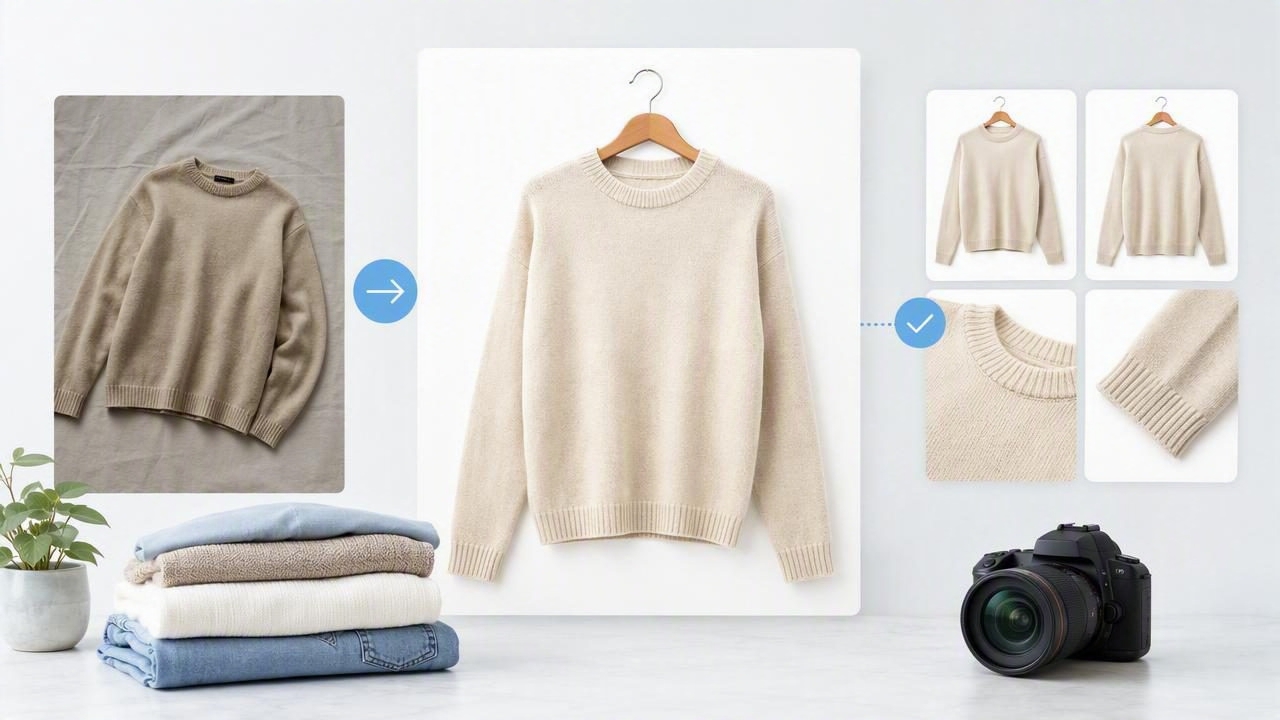
Learn how to use an ecommerce photo editor to create cleaner, consistent clothing photos for resale and retail listings.
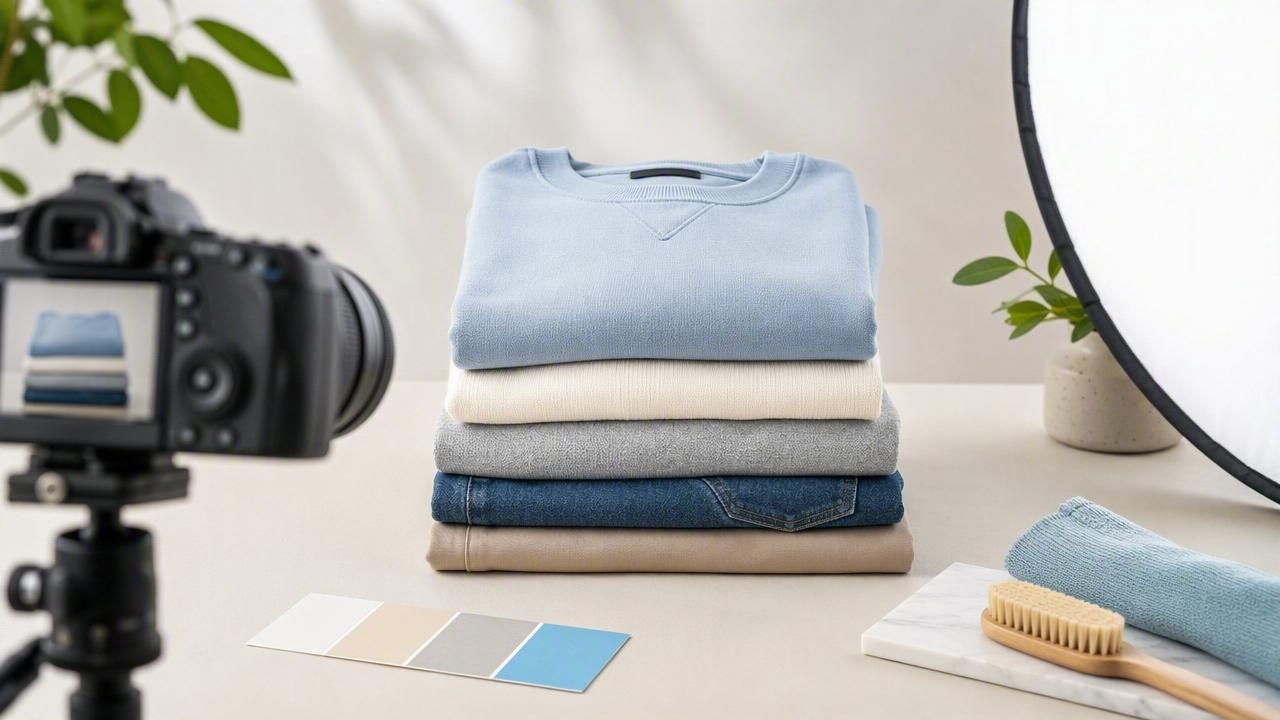
Learn how to create clean, consistent folded clothing photos for resale and e-commerce listings, with practical styling and lighting tips.
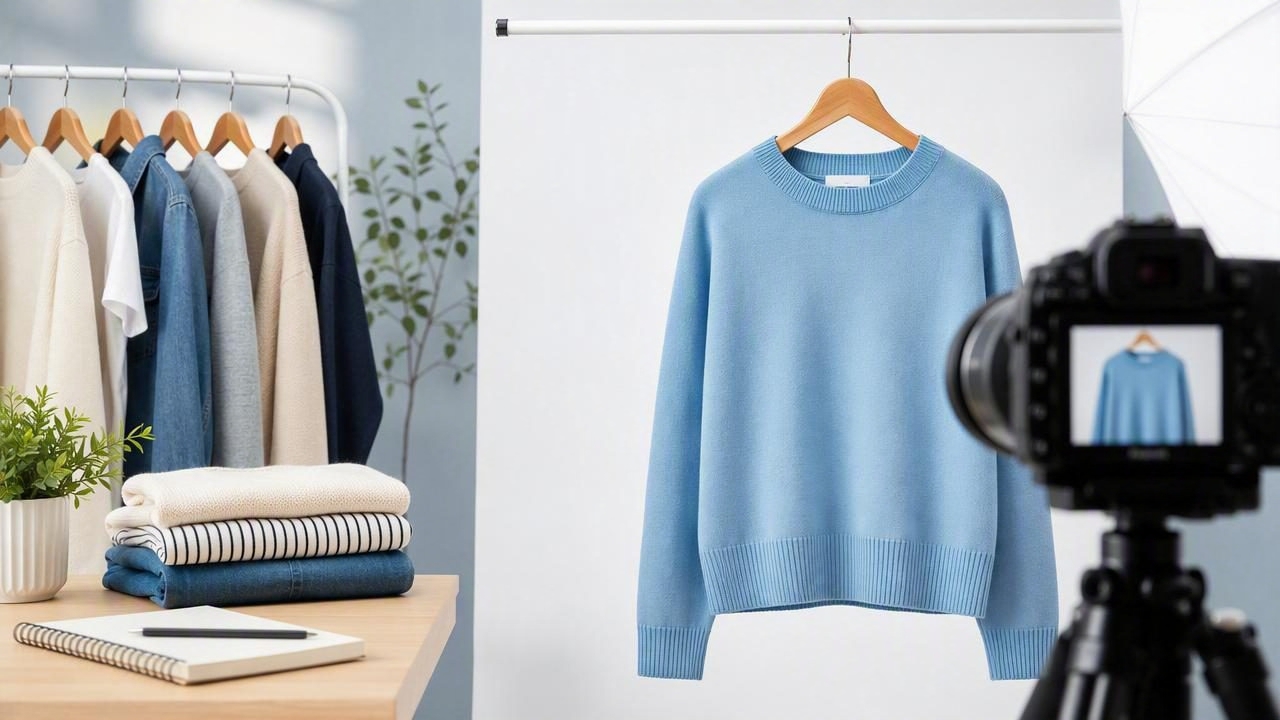
Learn how to create clean, consistent on-hanger photos that present clothing clearly for resale and e-commerce listings.
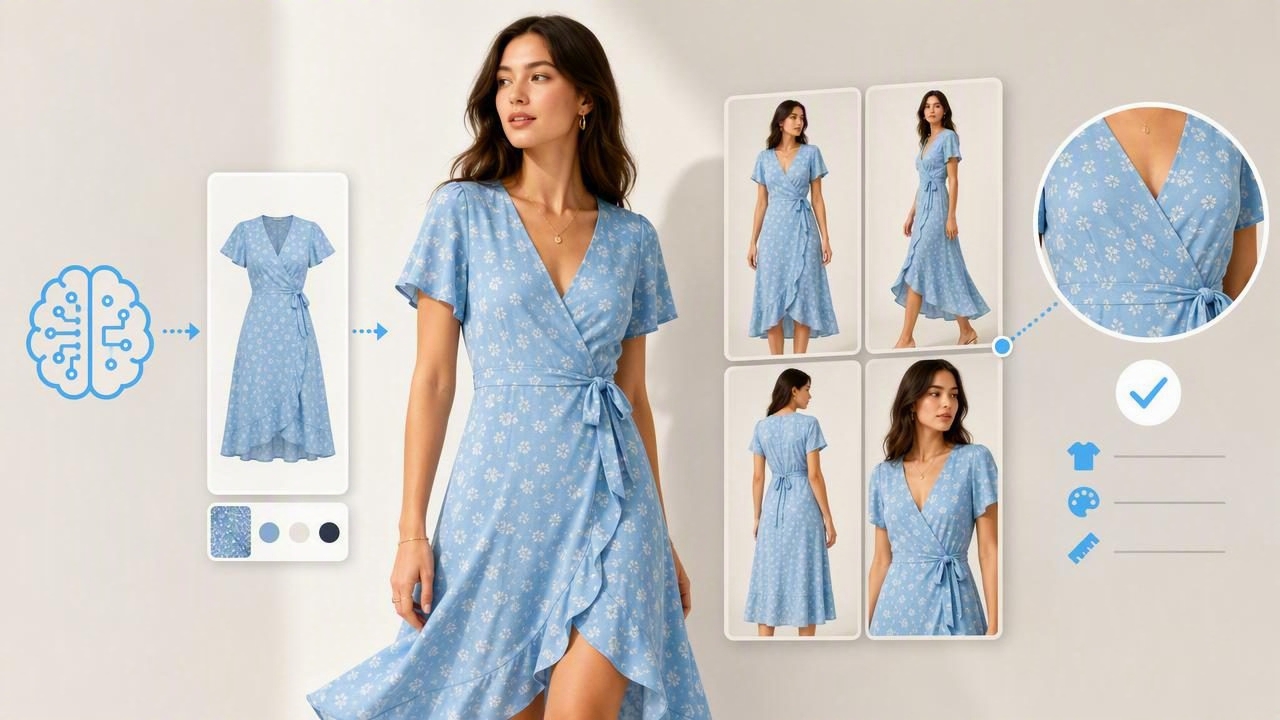
Learn how to use AI fashion model images responsibly for clothing listings while keeping fit, color, and garment details clear.
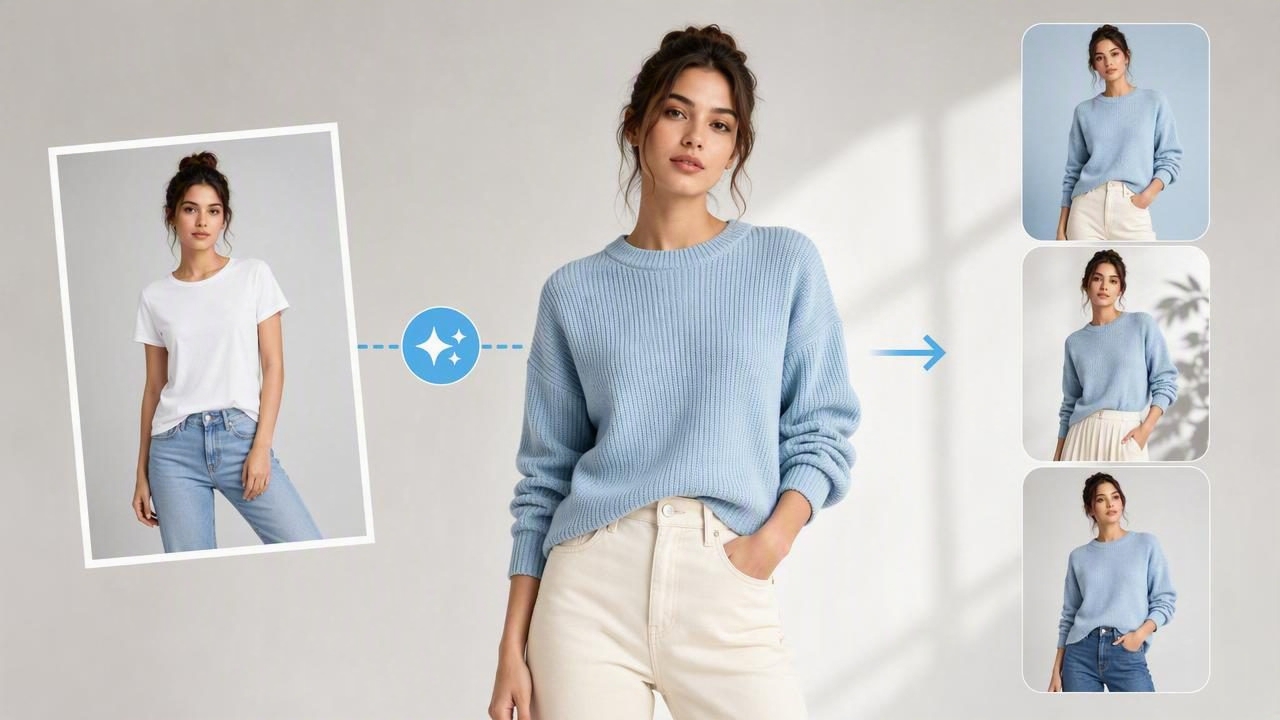
Learn how to use a model photo generator for apparel listings, choose source photos, avoid misleading edits, and present clothing clearly.
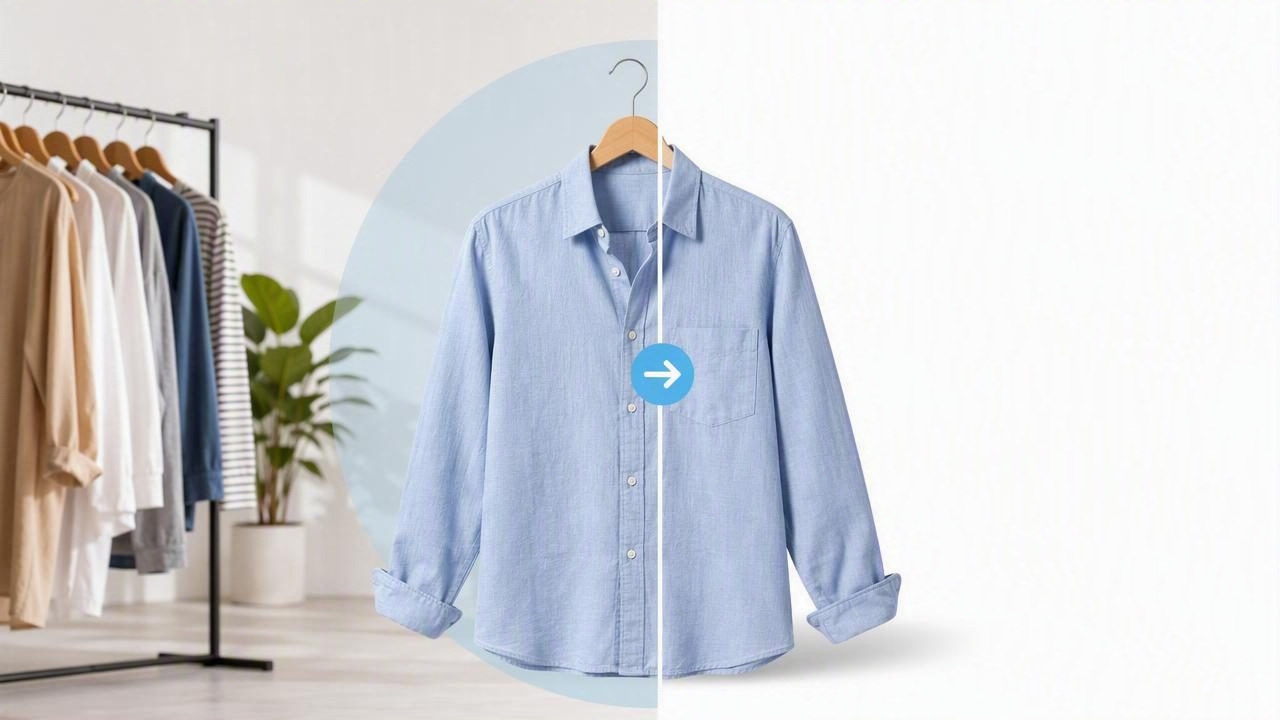
Learn how a clothing background remover helps fashion sellers create clean, consistent product photos that build buyer trust and improve listings.
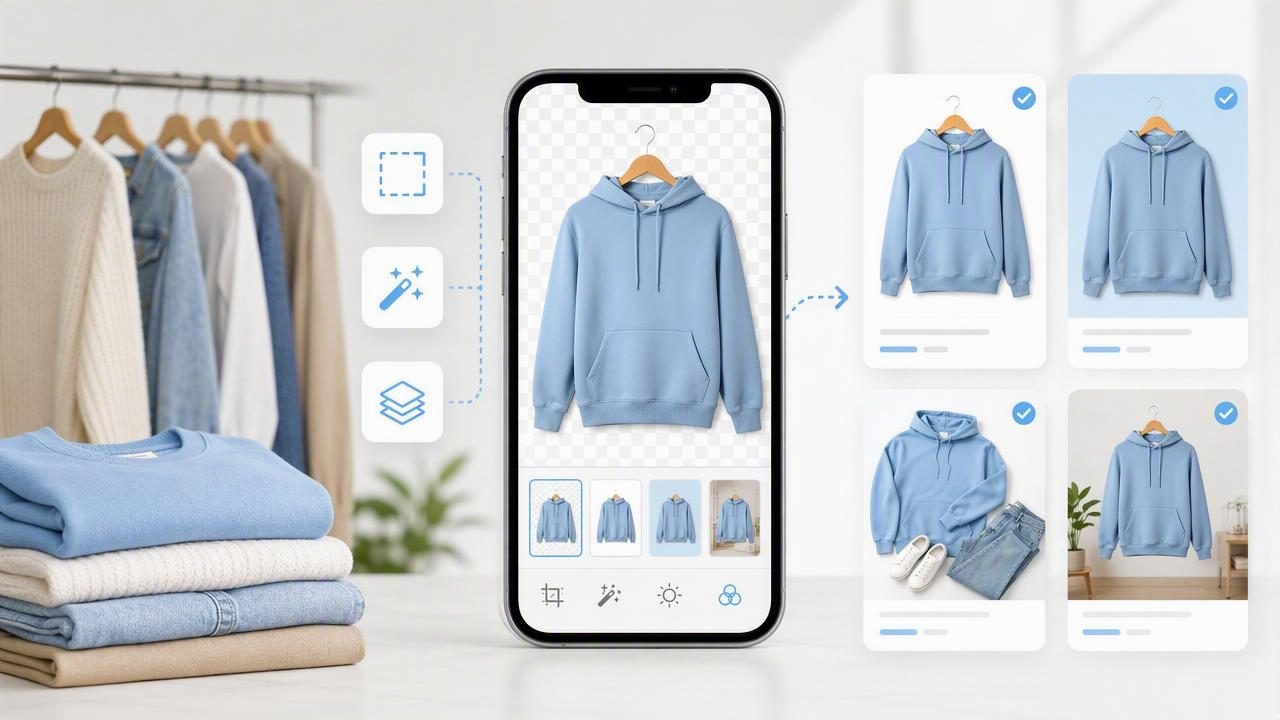
Learn how to choose a product photo app for clothing listings, from background removal and AI editing to consistent e-commerce photos.
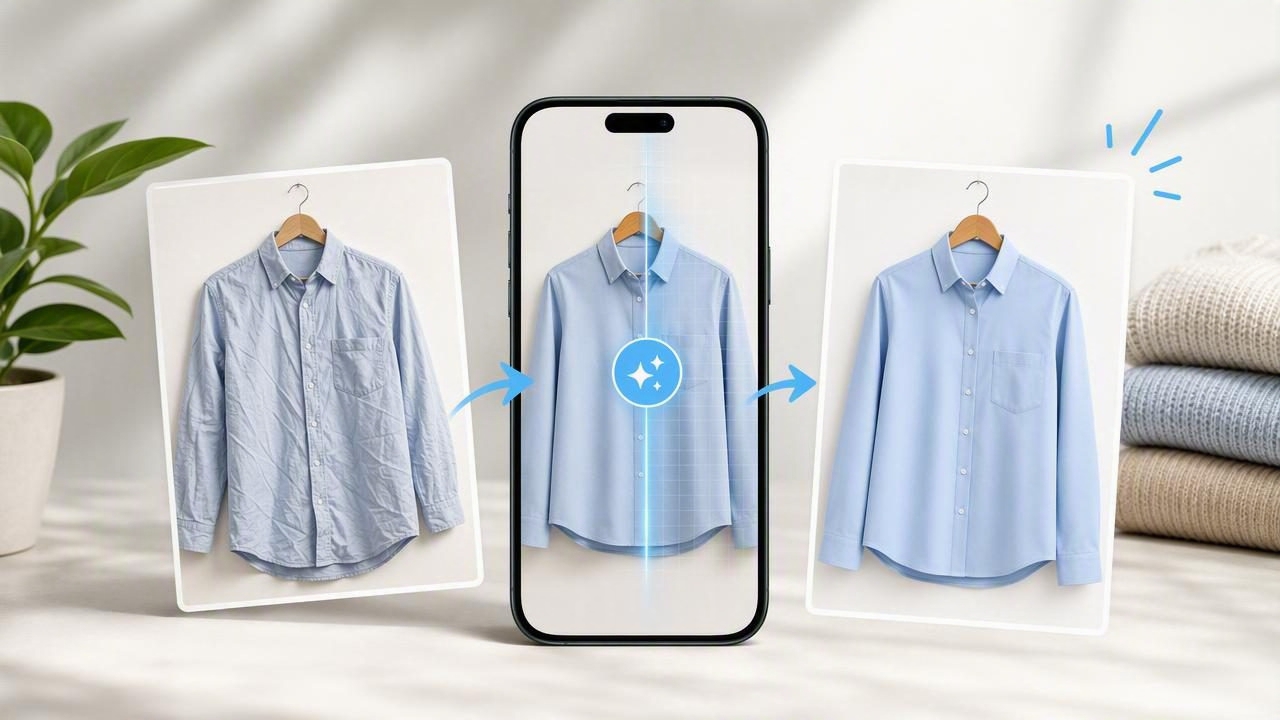
Learn how an unwrinkle clothes app helps resellers create cleaner, more consistent clothing photos for e-commerce listings.
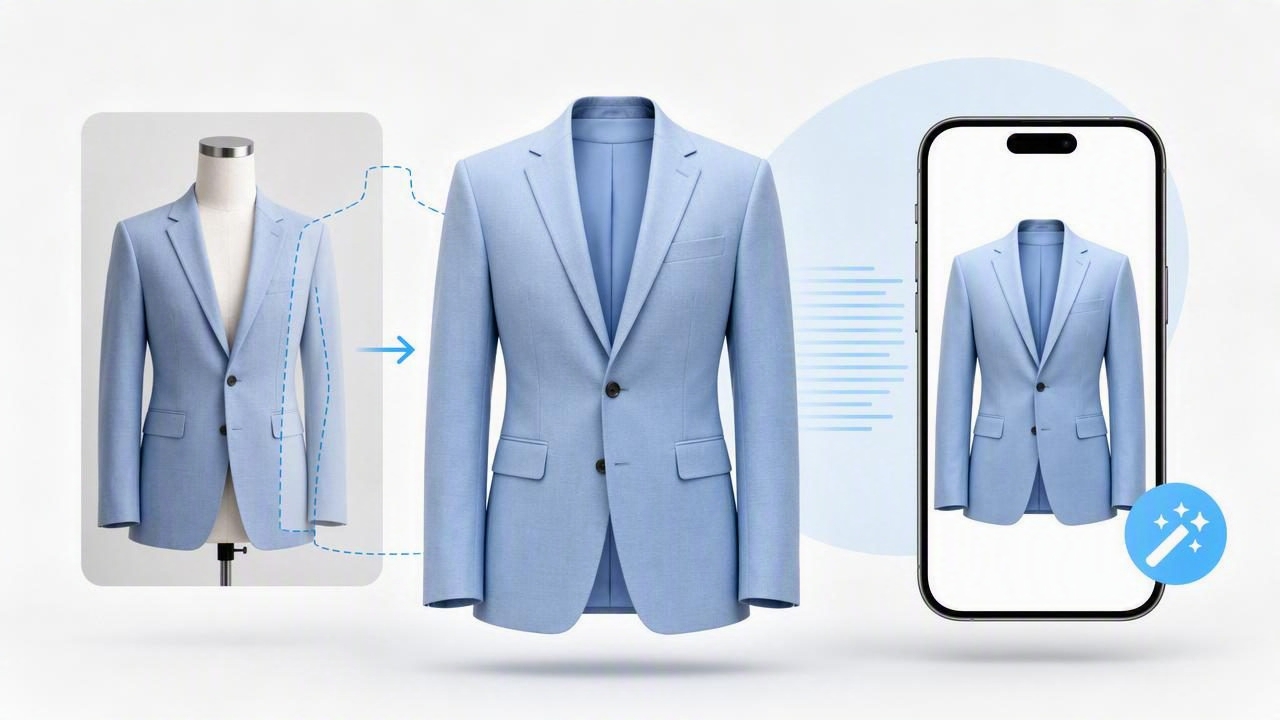
Learn how a ghost mannequin app creates polished clothing photos, improves listings, and streamlines e-commerce photography.
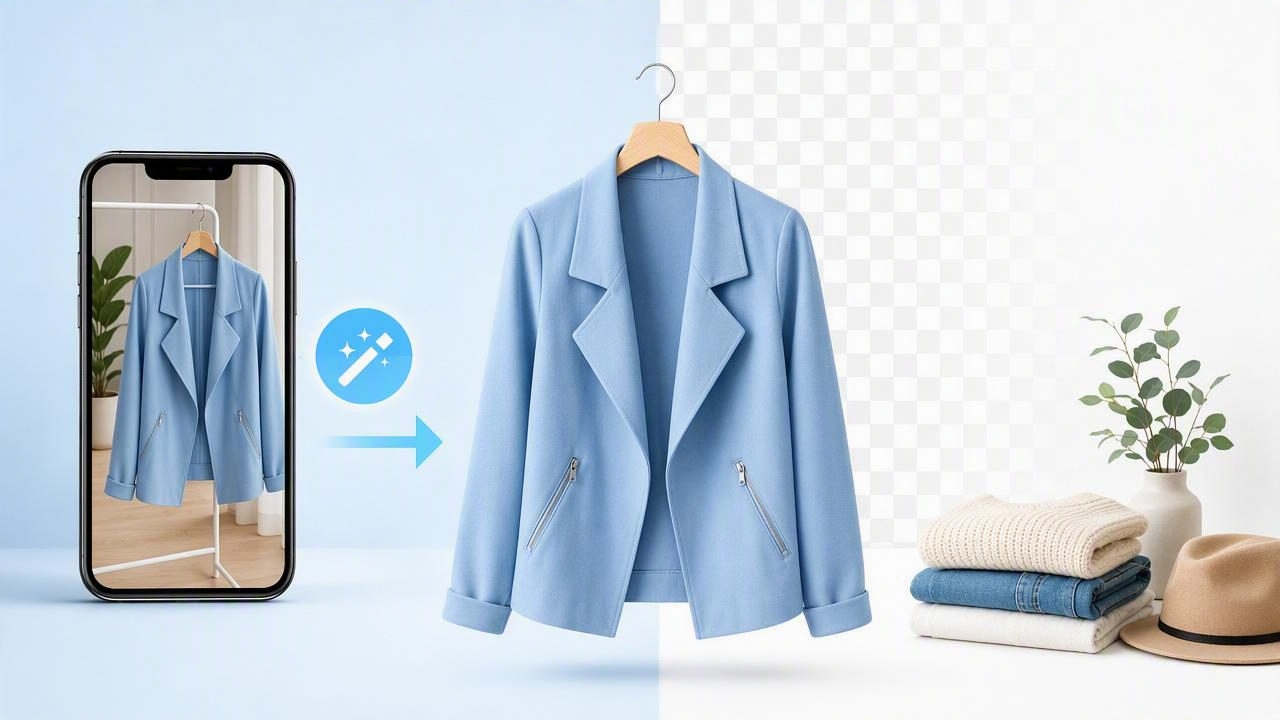
Learn how a remove background app improves clothing photos, creates cleaner listings, and helps fashion resellers save time.

Learn what to look for in a fashion reseller app, from photo editing and background removal to faster listing workflows.
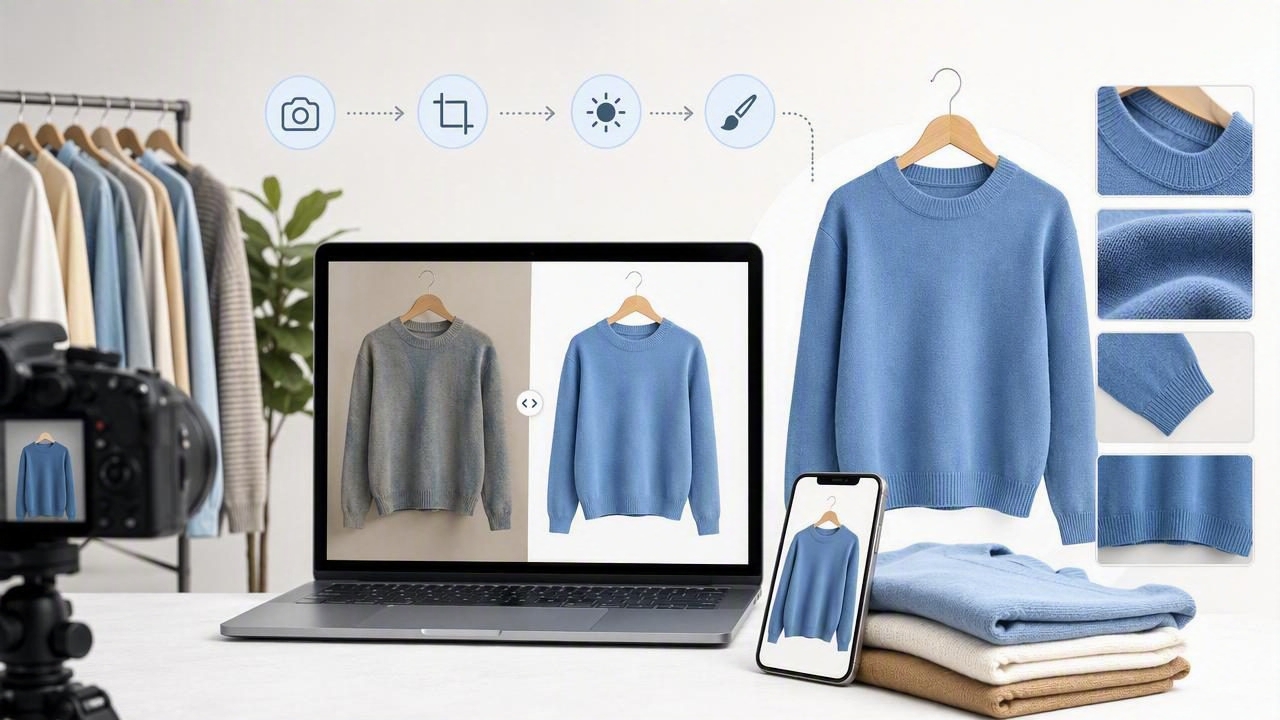
Learn how to use an eBay photo editor workflow to create clean, accurate clothing photos that build buyer trust and improve listings.

Learn how to use a Poshmark photo editor workflow to create clean, consistent clothing listings that earn more clicks and buyer trust.
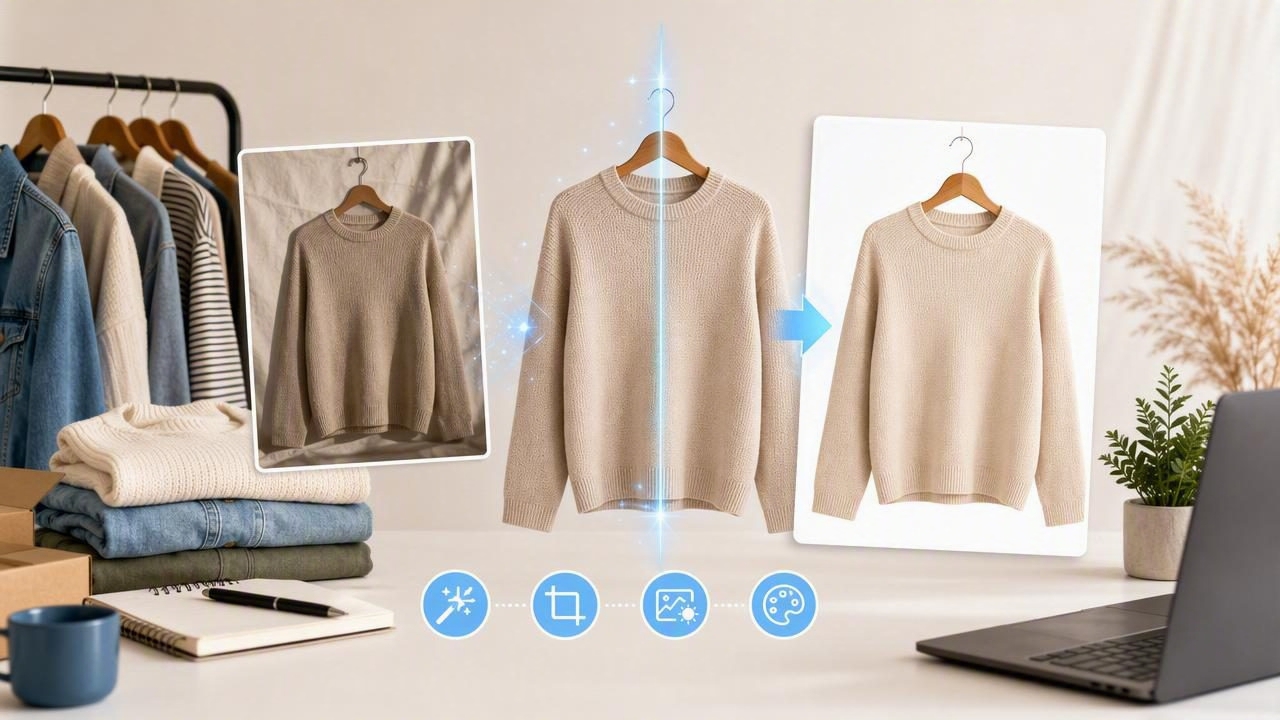
Learn how an AI photo editor helps fashion resellers create clean, consistent clothing listings that build buyer trust and save time.
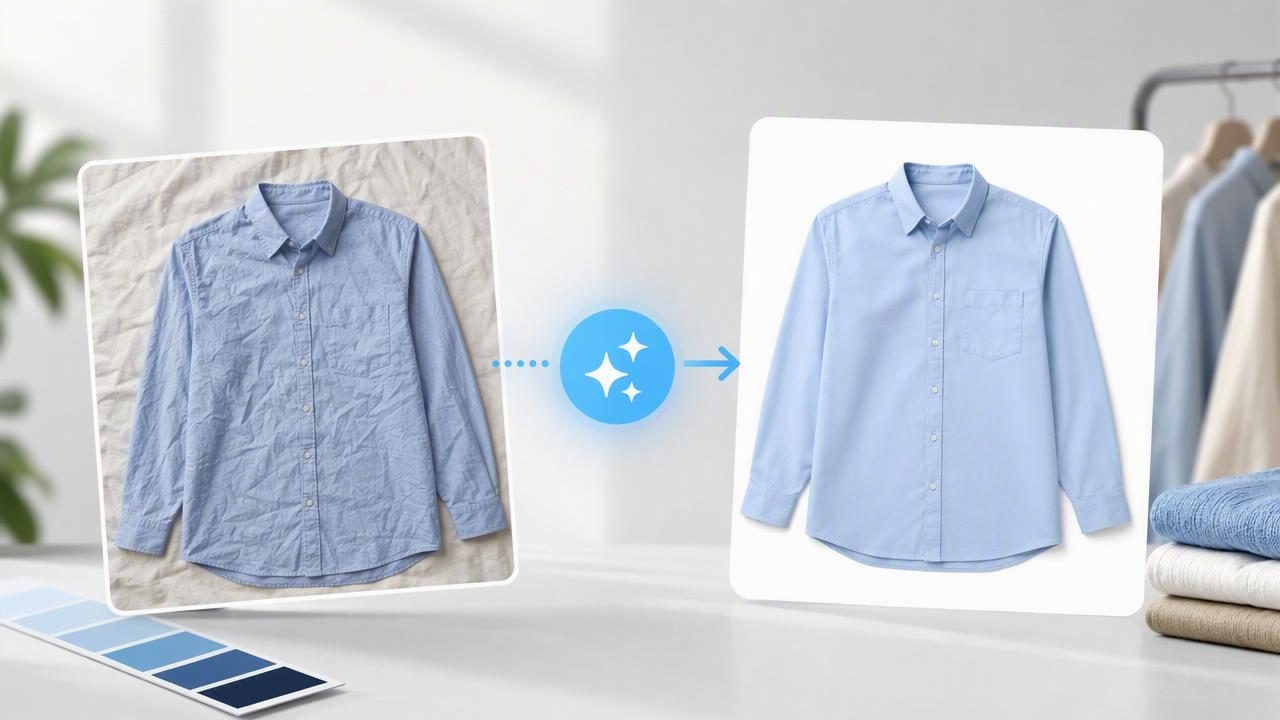
Learn how to use a clothing photo editor to create clean, consistent product images that build buyer trust and improve e-commerce listings.

Use this product photography checklist to create clear, consistent clothing listings that build trust and help shoppers buy with confidence.
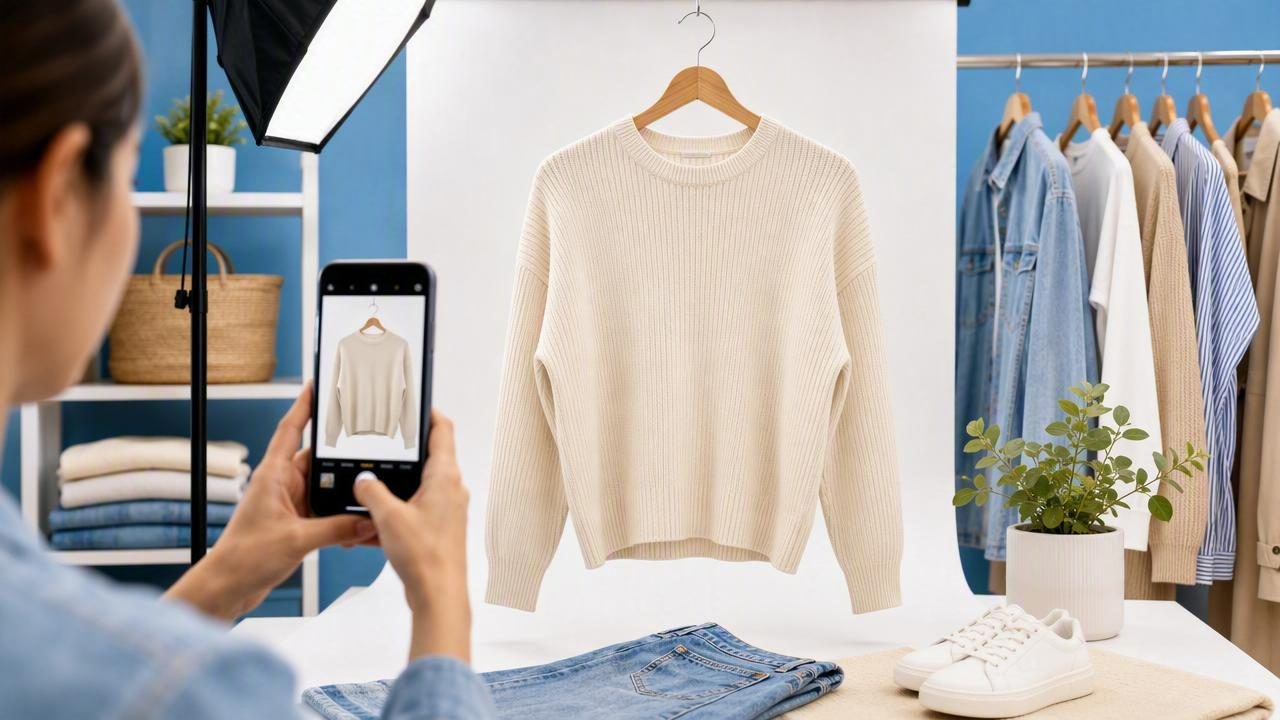
Learn how to create clear, consistent fashion photos that build buyer confidence and help clothing listings stand out online.
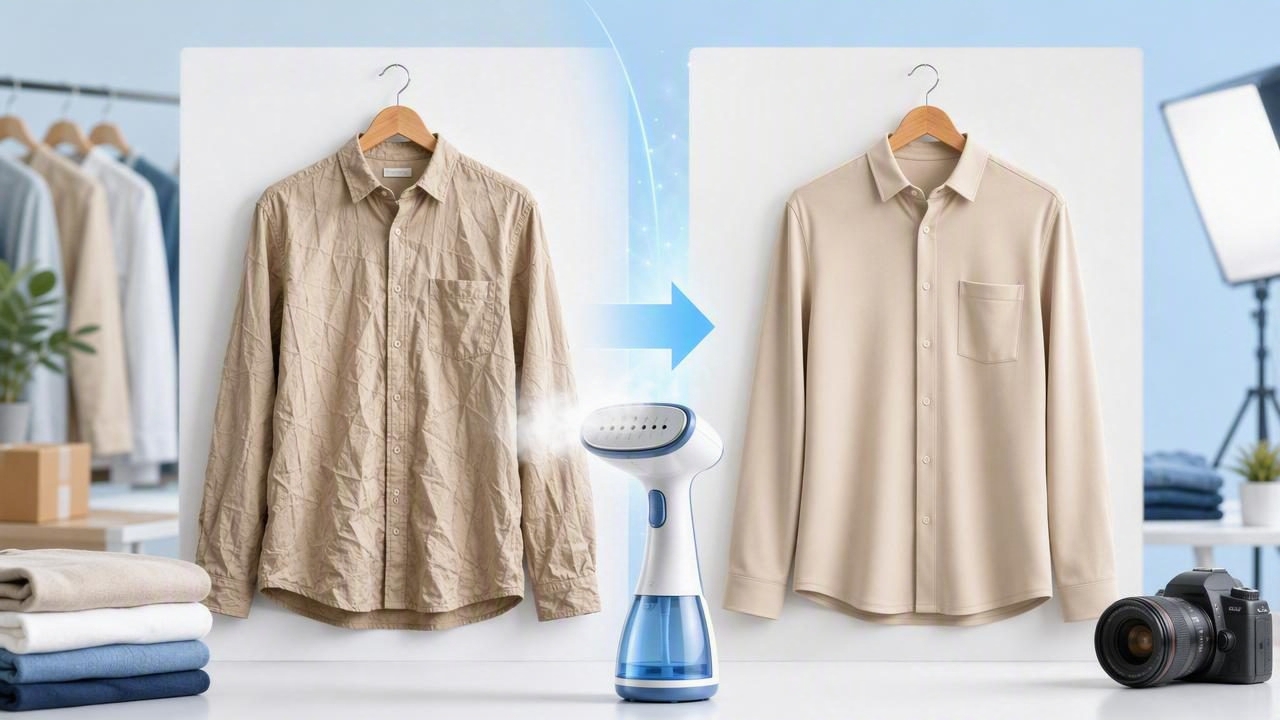
Learn how a wrinkle remover improves clothing photos, builds buyer trust, and creates polished e-commerce listings faster.
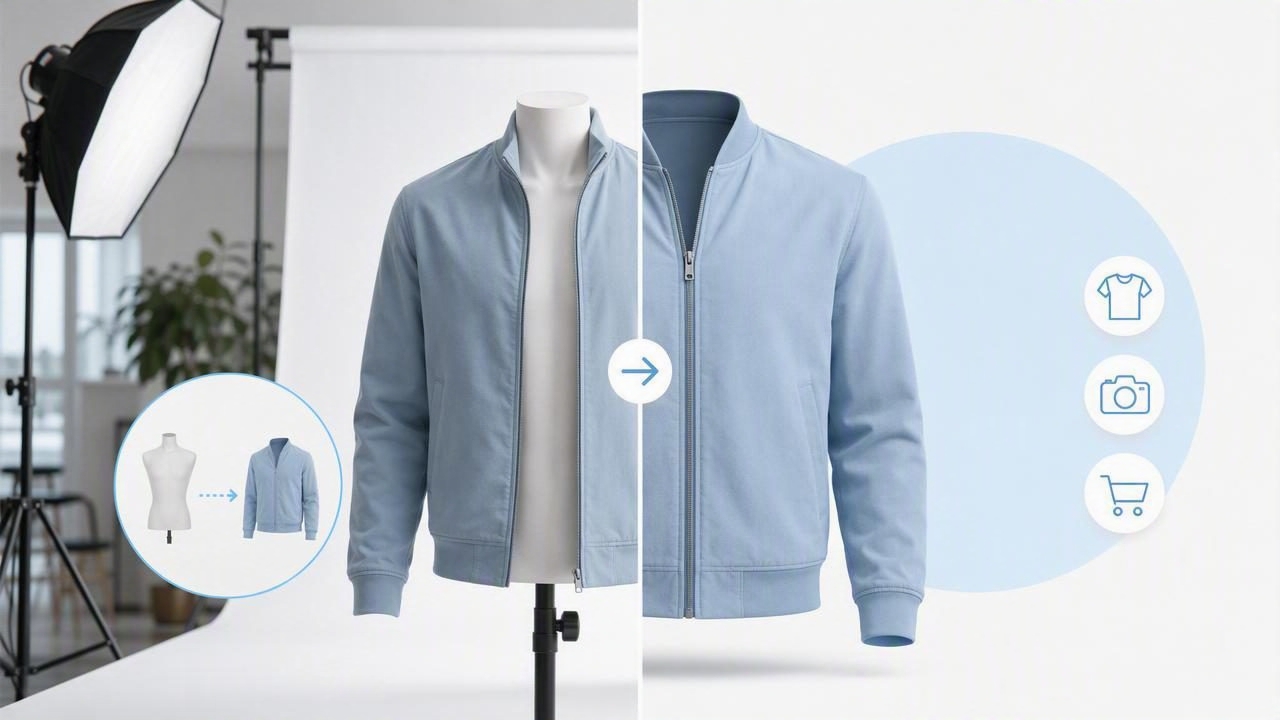
Learn when ghost mannequin photography is the best choice for clothing listings, plus practical tips for polished e-commerce images.
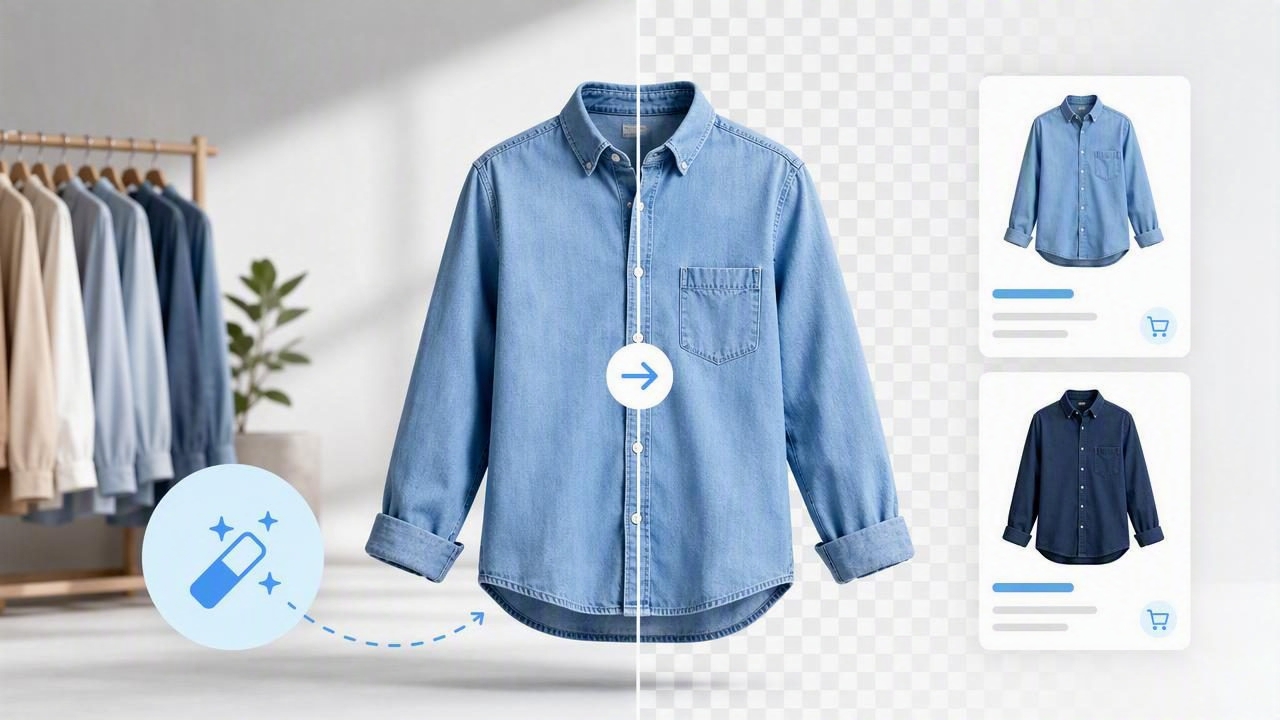
Learn how to use a background remover for cleaner clothing photos, consistent listings, and stronger e-commerce presentation.
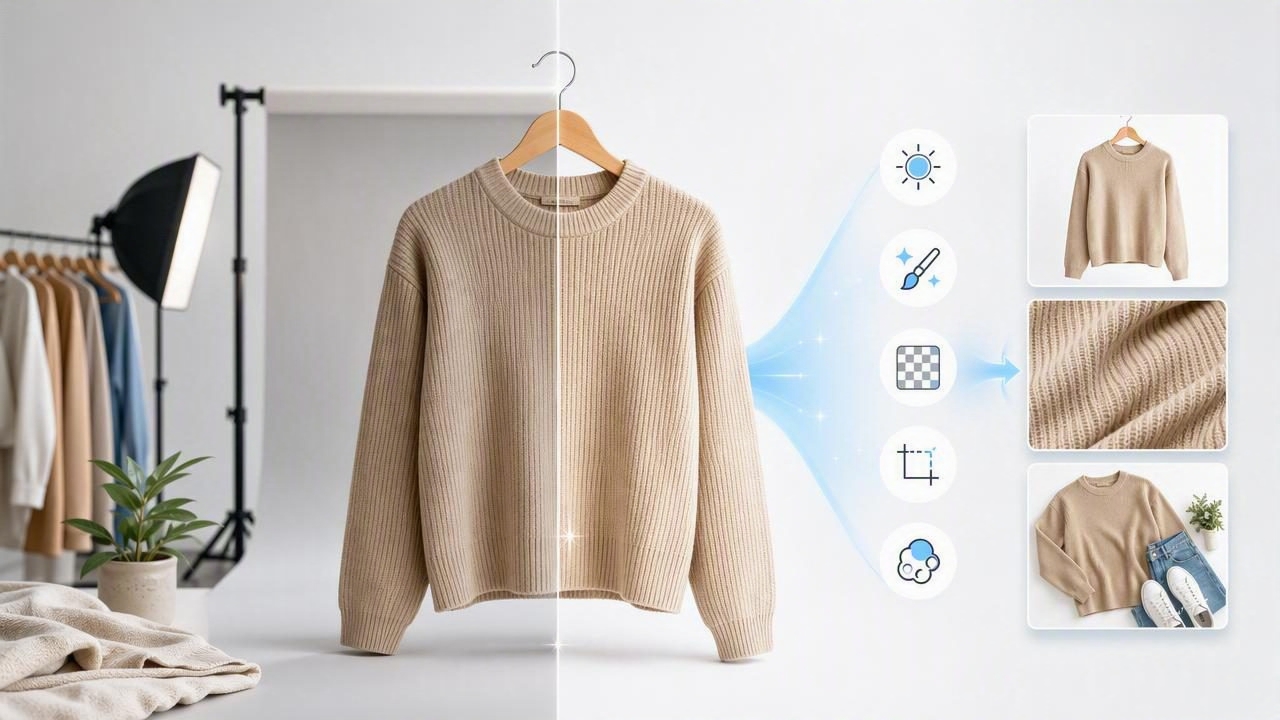
Discover the photo editor features that improve clothing listings, build buyer trust, and create polished e-commerce images faster.

Learn how to use an eBay product photo background remover to create clean, consistent clothing photos that look pro and help listings stand out.

Learn a simple poshmark listing photo background remover workflow: cleaner photos, consistent covers, and faster listings using your iPhone.

Learn a simple photo editing workflow for fashion resellers: consistent backgrounds, true color, wrinkle fixes, and pro-looking listings that sell.

Learn how to generate model shots for clothing that look natural, consistent, and e-commerce ready—without a studio or live models.

Use this simple shoot + edit workflow to create clean, consistent clothing photos for resale and e‑commerce—using your phone and AI tools.

Learn an easy iPhone workflow to create ghost mannequin clothing photos—shooting tips, editing steps, and consistency checks for resale listings.

Learn a simple workflow using an AI app to remove wrinkles, boost photo consistency, and create cleaner clothing listings for resale and e-commerce.

Learn how to shoot and edit Shopify product photos for clothing with consistent lighting, clean backgrounds, and SEO-friendly image details.

Learn a simple ecommerce photo editor workflow for clothing: lighting, background removal, ghost mannequin, color accuracy, and faster listing photos.

Learn how to shoot and edit folded clothing photos that look clean, consistent, and professional for resale and e-commerce listings.

Learn how to shoot and edit on hanger photos that look consistent, wrinkle-free, and ready for e-commerce in minutes.

Learn a simple fashion product photography workflow: lighting, styling, angles, editing, and consistency tips to create clean, high-converting listings.
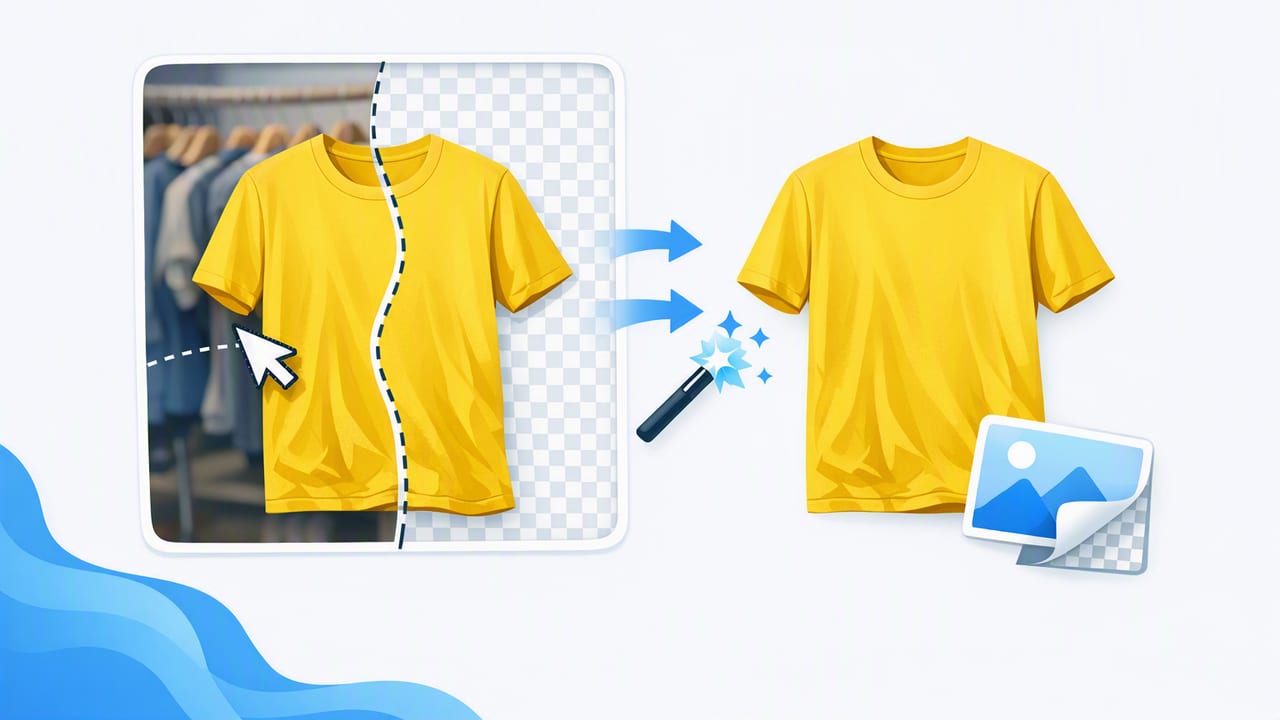
Learn a practical clothing background remover workflow: better shots, cleaner edges, consistent backgrounds, and faster e-commerce listings.

Learn how an unwrinkle clothes app improves clothing photos fast—plus shooting tips, editing steps, and a simple workflow for cleaner listings.

Learn a simple ghost mannequin app workflow to create polished clothing photos: shooting tips, editing steps, feature checklist, and export settings.

Learn a simple product photo app workflow for clean backgrounds, ghost mannequin looks, and consistent listings across eBay and Poshmark.

A practical reseller photo app workflow for cleaner clothing photos: lighting, angles, background removal, ghost mannequin, and faster edits.

A practical ebay photo editor workflow for clothing: lighting, backgrounds, ghost mannequin, AI fixes, and export settings for consistent listings.

Learn a simple Poshmark photo editor workflow: remove backgrounds, fix wrinkles, and create consistent images that help listings sell.

A practical AI photo editor workflow for resellers: background removal, wrinkle fixes, ghost mannequin looks, and consistent listing photos.

Learn what to look for in a clothing photo editor and follow a simple workflow for brighter, cleaner, more consistent e-commerce listings.

Learn how to take consistent clothing photos with simple lighting, angles, and AI editing steps that boost clicks on resale and e-commerce sites.

Learn a simple workflow for better product photos: lighting, styling, background removal, ghost mannequin, and AI edits for resale listings.

Learn fashion photography basics for resellers: lighting, styling, angles, and simple AI editing for clean, consistent clothing listings.
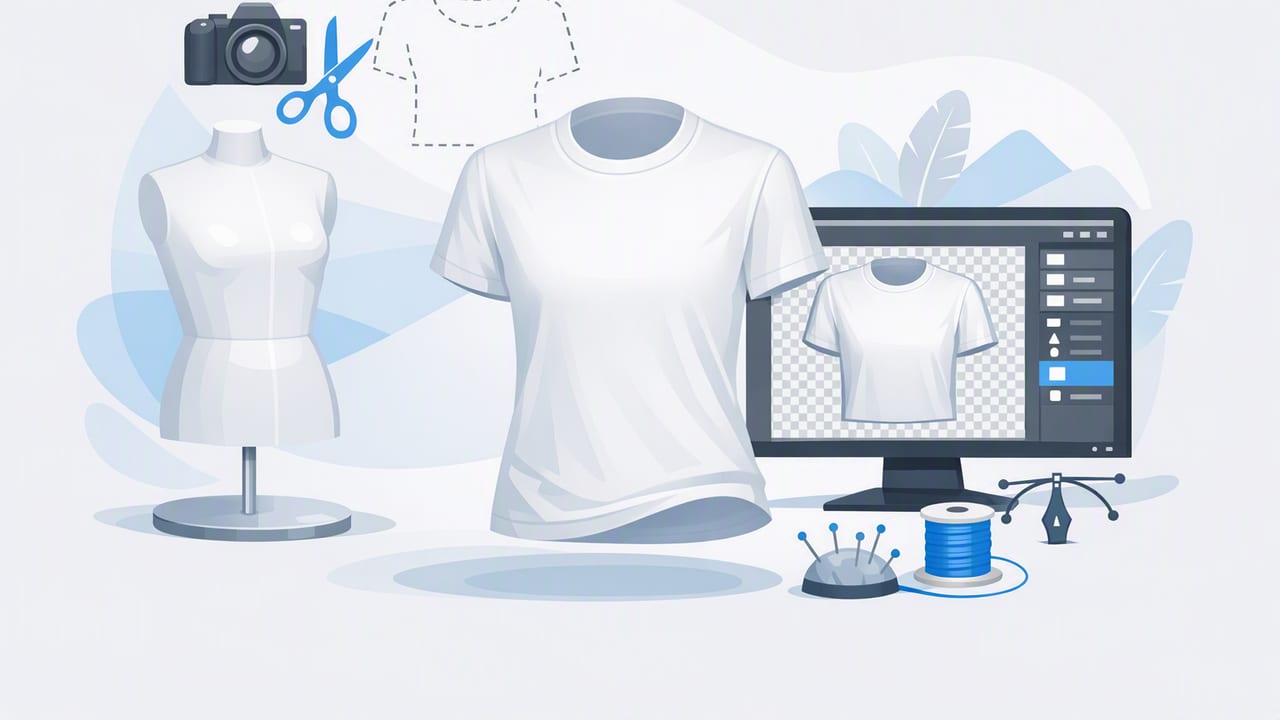
Learn what ghost mannequin images are, how to shoot and edit them, and why they help clothing listings look crisp and consistent.

Learn how to use a background remover for clean, consistent clothing photos, better listings, and faster editing—plus mistakes to avoid.

A practical photo editor workflow for clothing listings: lighting, background removal, ghost mannequin, color accuracy, and faster batch edits.

A simple workflow to edit clothing photos for eBay listings: clean backgrounds, true color, sharp details, and fewer returns.

Learn a simple setup + editing workflow and choose an app for on hanger product photos that makes listings look clean, consistent, and sell-ready.
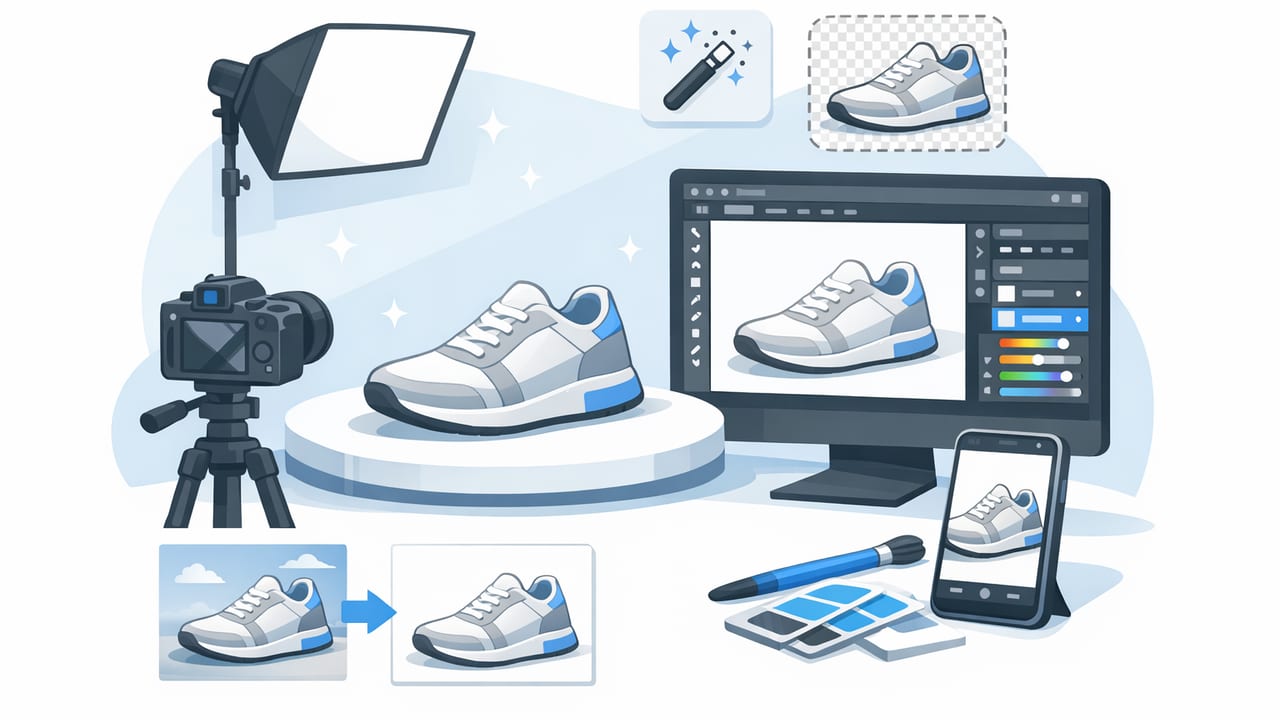
A practical clothing photo checklist: lighting, angles, background removal, and AI edits that help make product photos look professional.
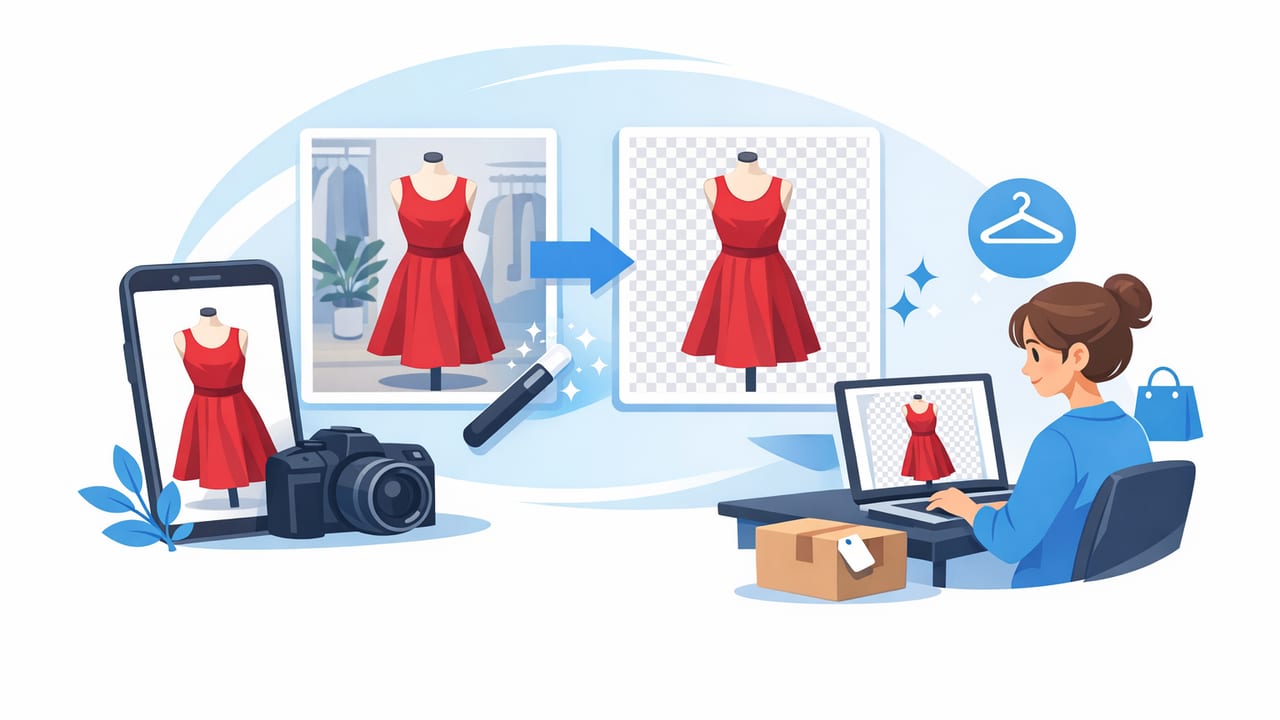
Learn how to use a Poshmark listing photo background remover for bright, consistent images that sell—plus lighting, styling, and workflow tips.
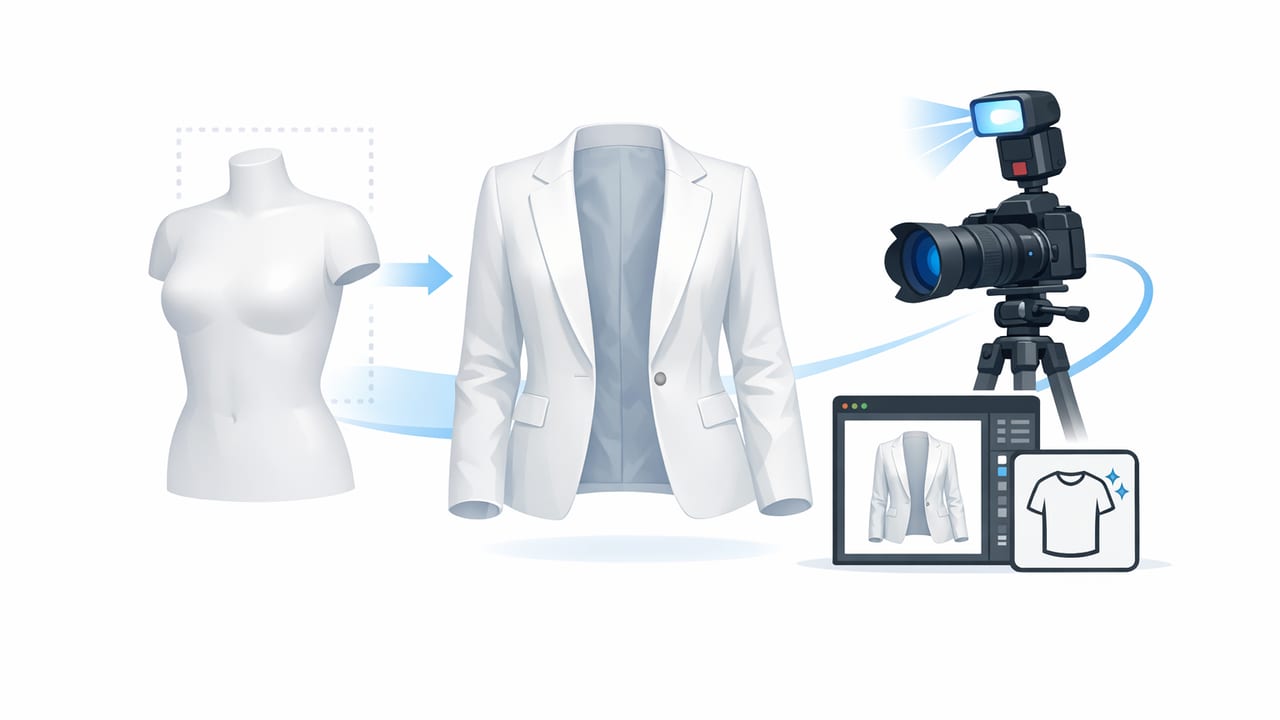
Learn how to create ghost mannequin images with simple shooting and AI editing steps for clean, consistent e-commerce clothing photos.

Learn how an AI tool to unwrinkle clothes improves listing photos, reduces retakes, and creates clean, consistent images for reselling.
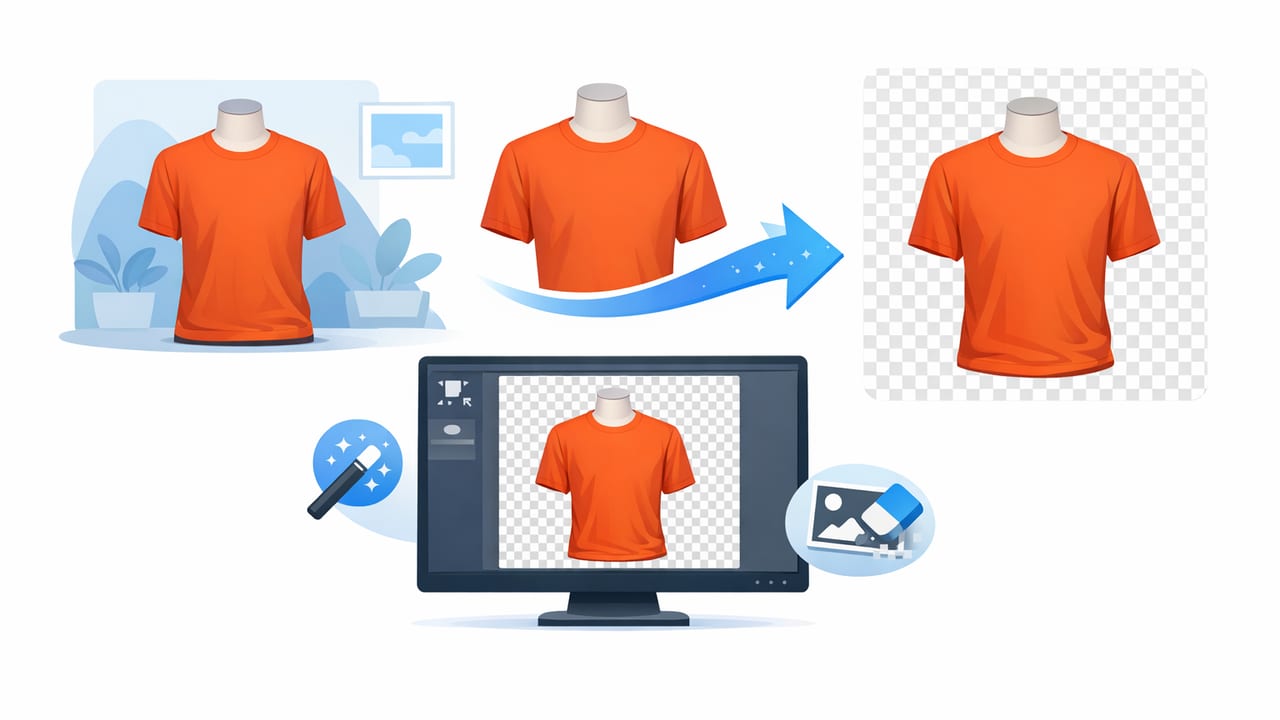
Learn a simple clothing background remover workflow for clean, consistent product photos—plus tips for hanger, flat lay, and ghost mannequin shots.

Learn what to look for in an ecommerce photo editor to unwrinkle, remove backgrounds, and create consistent clothing photos that sell.

Learn what to look for in an iPhone photo editor for clothing photos: background removal, ghost mannequin, AI fixes, and a fast listing workflow.
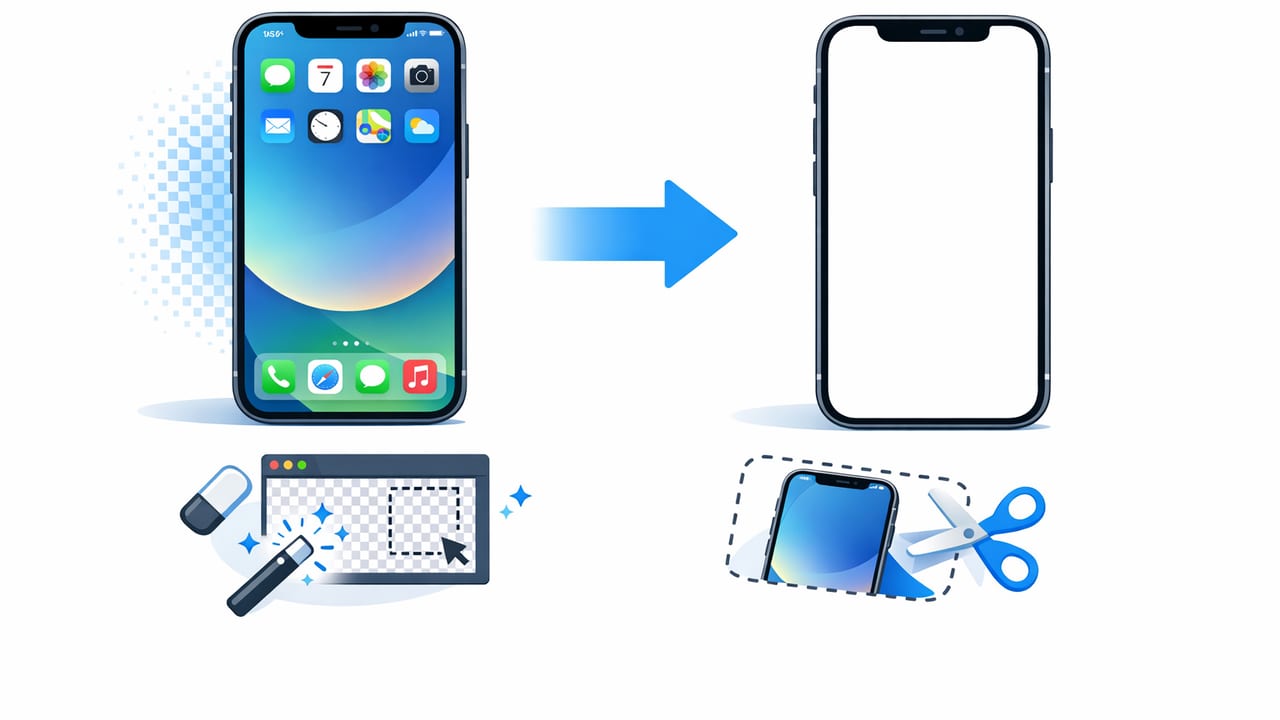
Learn how to remove background on iPhone for clothing photos—fast, clean edges, better listings, and a repeatable workflow for resellers.

Learn how to take on hanger photos that look polished and consistent—lighting, angles, setup, and quick edits for resale and e-commerce.

Learn a simple, repeatable photo workflow using AI editing to create clean clothing listings fast—ideal for any fashion reseller app setup.

Learn a simple unwrinkle clothes app workflow to smooth garments, fix folds, and create clean e-commerce photos that look consistent and sell better.
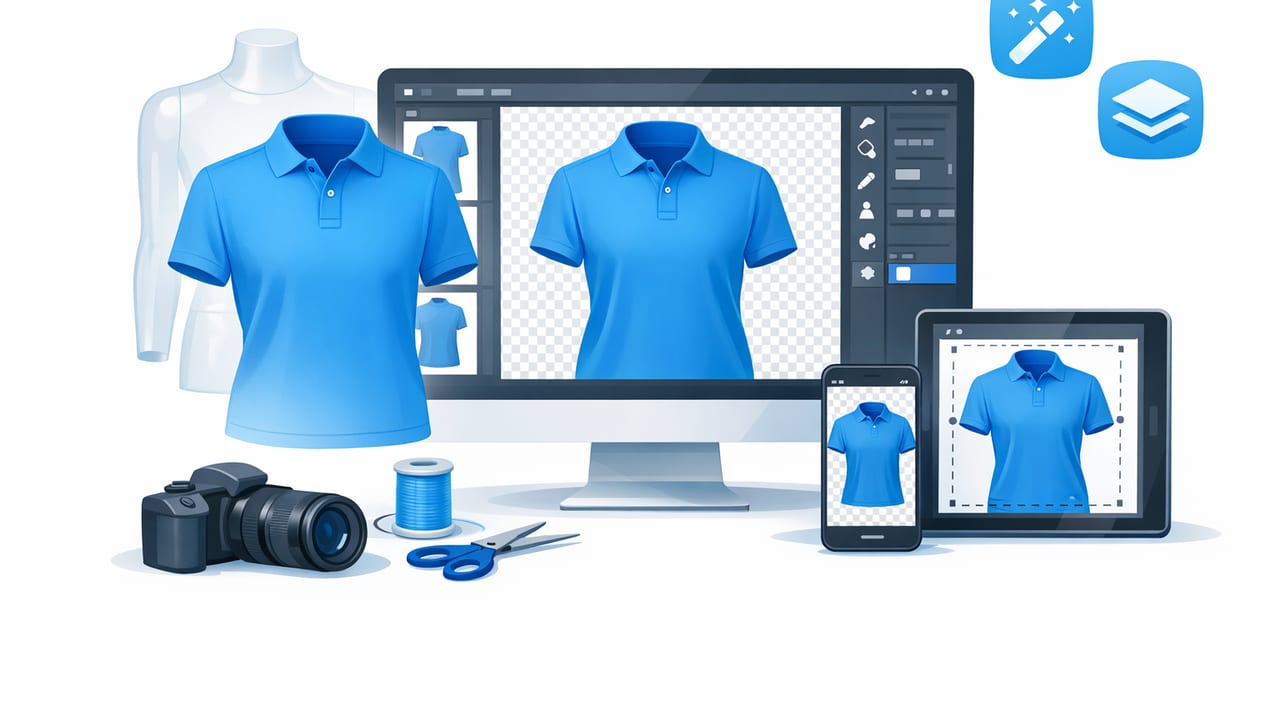
Learn a fast ghost mannequin app workflow: shooting tips, neckline inserts, editing steps, and listing-ready photo standards for resale and brands.
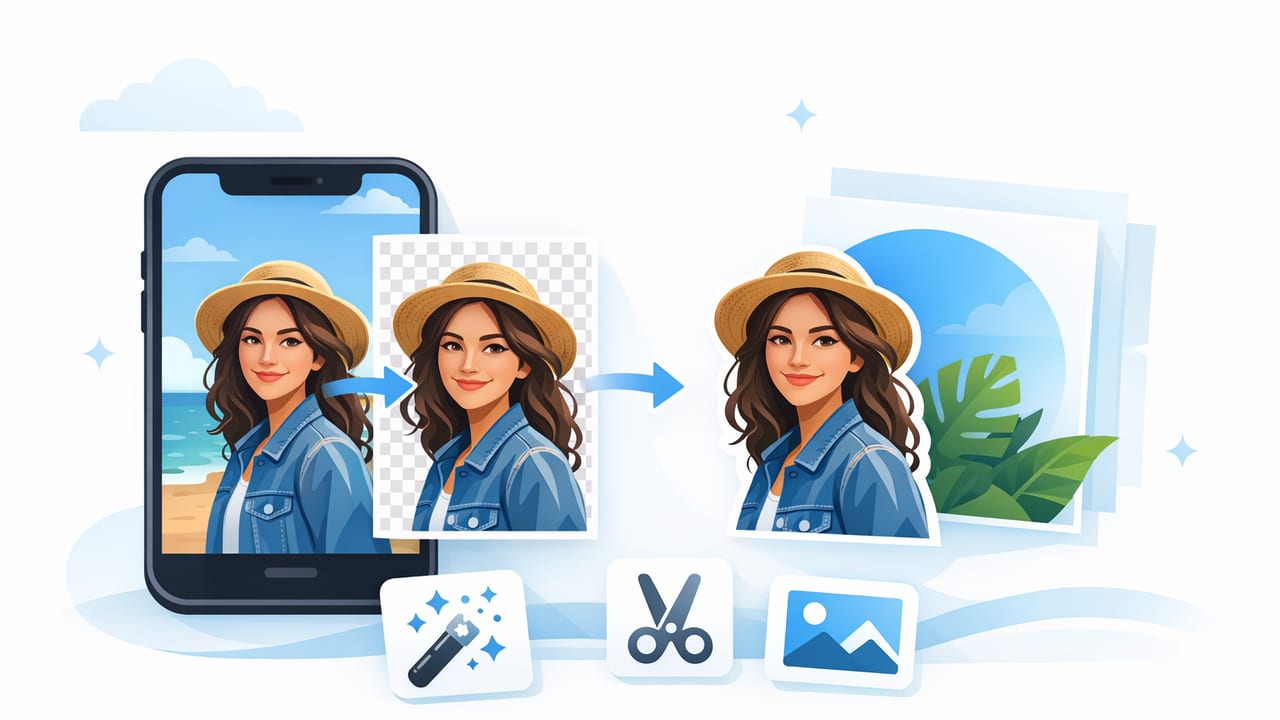
Learn how to use a background removal app for clean, consistent clothing photos—plus lighting tips, edge fixes, and a fast workflow for resale.

Learn a simple AI photo editor workflow for clothing listings: lighting, background removal, ghost mannequin, wrinkle fixes, and consistency tips.

Learn what a clothing photo editor should do—background removal, ghost mannequin, wrinkle fixes—and a simple workflow for resale-ready images.

Learn how to use an eBay photo editor for clothing: background removal, wrinkle fixes, ghost mannequin tips, and a fast workflow for consistent listings.

Learn a simple fashion photography workflow for clothing listings—lighting, angles, styling, and easy edits for clean, consistent e-commerce photos.

Learn a fast, consistent workflow for clothing product photos—lighting, angles, background removal, ghost mannequin, and AI edits for listings.
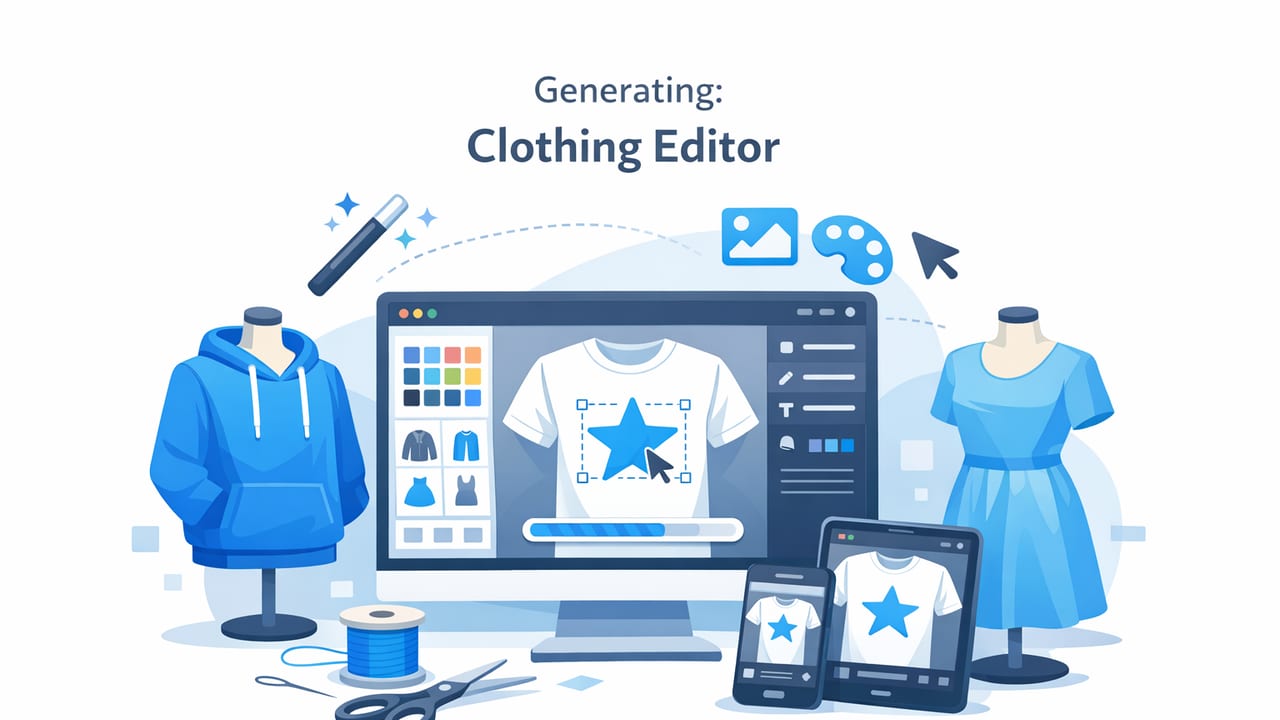
Learn a simple clothing editor workflow for wrinkle-free, consistent photos—background removal, ghost mannequin, cropping, and color tips.

Learn how to create the ghost mannequin effect for apparel listings—shooting, editing, and consistency tips for resale and e-commerce photos.

Learn how to use a background remover for crisp clothing photos, consistent branding, and faster listings on Poshmark and eBay.

Learn a simple photo editor workflow for clothing listings: cleaner backgrounds, better color, ghost mannequin tips, and faster edits that convert.

Learn a simple workflow for instant clothing photo edits for resale—clean backgrounds, smooth wrinkles, consistent color, and pro-ready listings.

Learn a simple iPhone setup, shooting checklist, and AI editing workflow for clean backgrounds, ghost mannequin, and wrinkle-free clothing photos.

Learn how an AI model generator for fashion brands boosts conversions, consistency, and speed—plus an easy workflow for e-commerce photos.
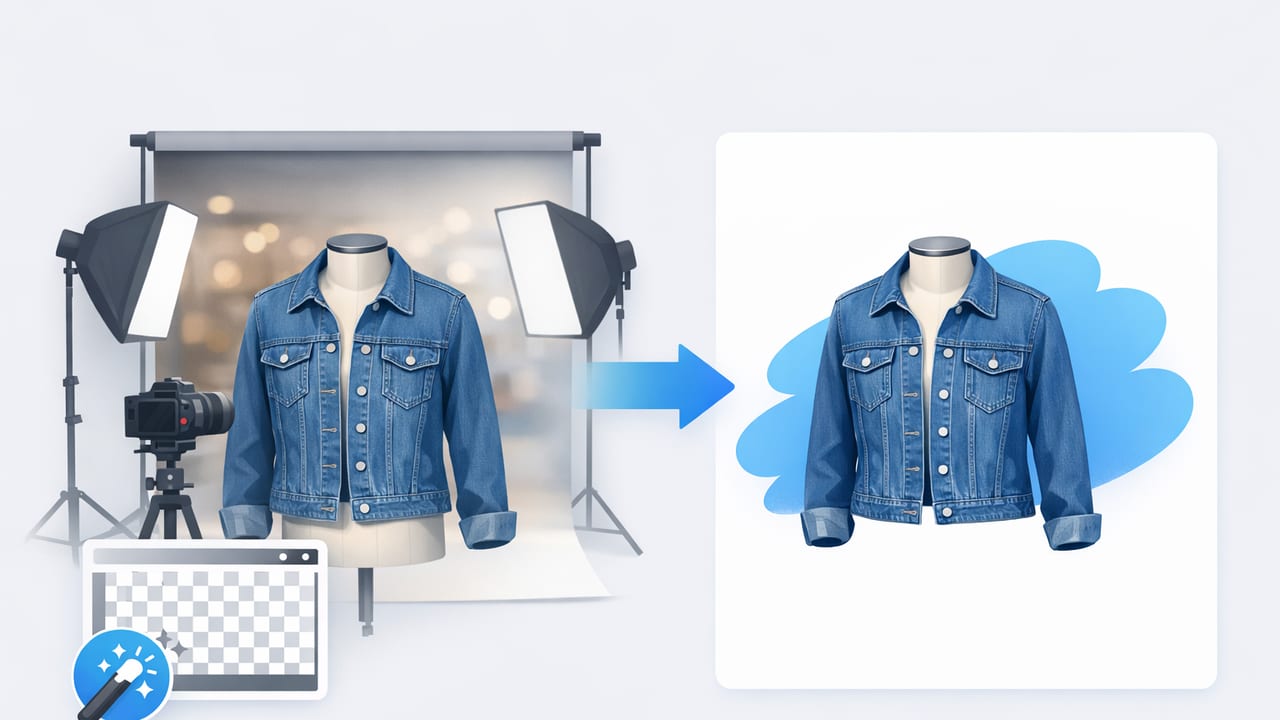
Learn how to use a background remover for clothing photos to create clean, consistent listing images that build trust and help items sell faster.

Learn how to make product photos for eBay listings: lighting, angles, editing, and a repeatable workflow for clean, consistent clothing images.

Learn how to make product photos for Poshmark listings: lighting, angles, backgrounds, and simple edits for clean, consistent, sell-ready images.
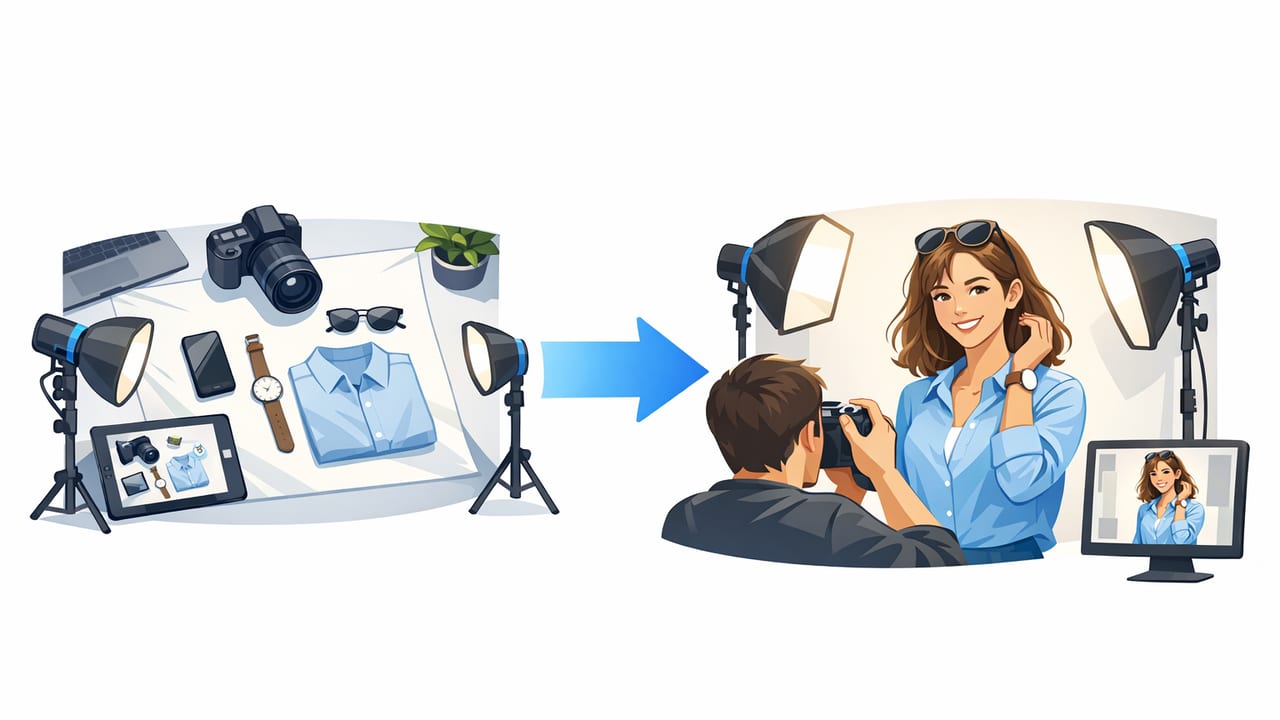
Learn how to turn flat lay clothing shots into realistic model photos with simple capture tips, editing steps, and consistency rules.
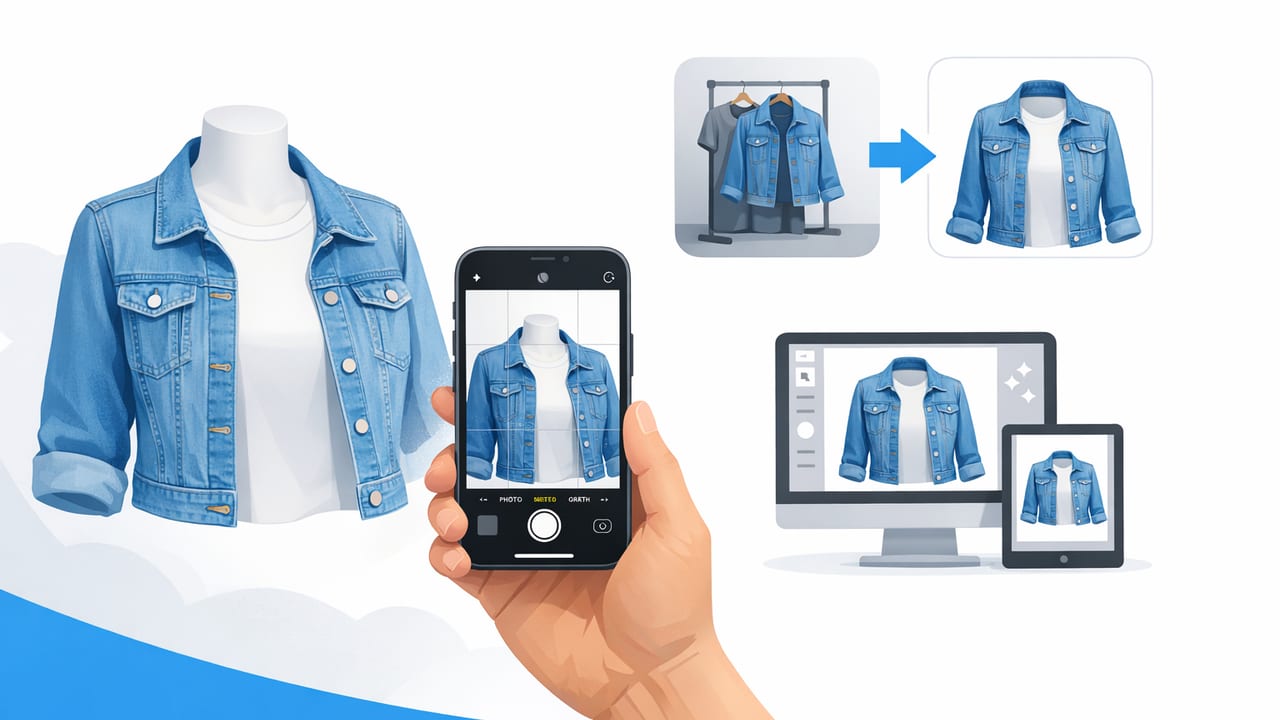
Learn how to create ghost mannequin images on iPhone with simple shooting and editing steps for crisp, consistent clothing photos that sell.

Learn a simple AI clothing photo editor workflow for resellers: unwrinkle, remove backgrounds, ghost mannequin, and stay consistent across listings.
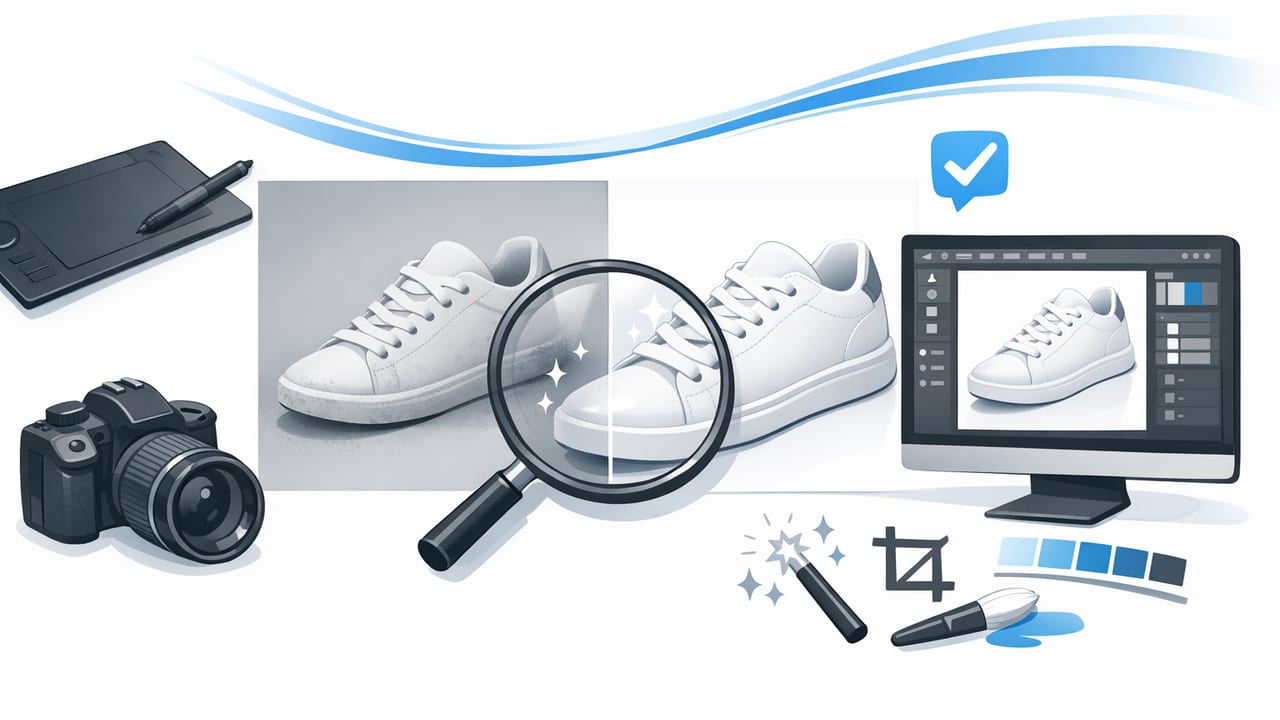
Learn product photo retouch steps for clothing: color, background removal, wrinkles, ghost mannequin, and consistent listings for resale and brands.

A practical reseller photo app workflow for clean, consistent clothing photos—lighting, background removal, ghost mannequin, and faster listing.

Learn how to shoot and edit folded clothing photos that look consistent, premium, and ready for Poshmark, eBay, and more.

Learn how to take consistent on-hanger photos for clothing listings—lighting, angles, styling, and quick edits for clean e-commerce images.

Learn a repeatable workflow for fashion listing photos: lighting, styling, angles, and easy edits that help listings look professional and sell faster.

Learn how to create AI model photos that look natural, match your brand, and improve clothing listings—without heavy editing or studio shoots.

Learn how a model photo generator improves clothing photos, boosts trust, and fits a fast workflow for resellers and small brands.

Learn how an unwrinkle clothes app improves listing photos fast—plus lighting, posing, and editing tips for smooth, natural-looking clothing images.
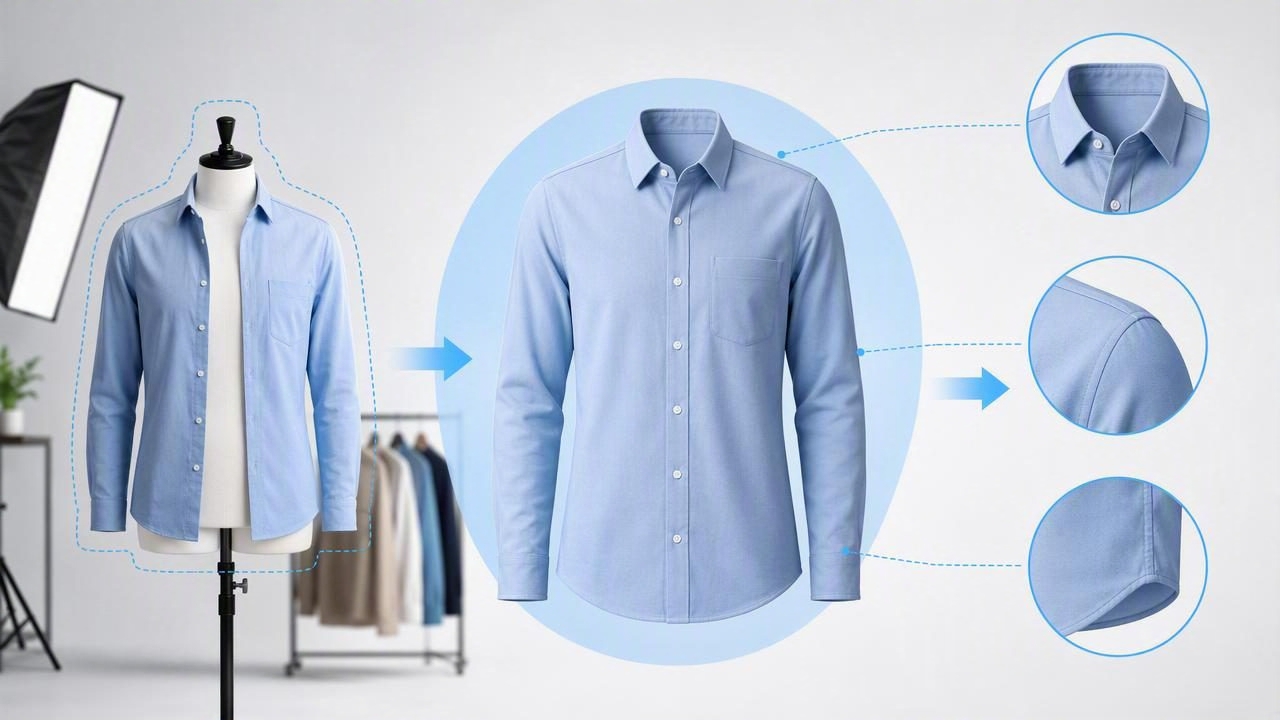
Learn how a ghost mannequin app creates premium apparel photos. Get a simple workflow, tips, and mistakes to avoid for resale listings.

Learn how to use a remove background app to create clean, consistent clothing photos for resale and e-commerce—fast, polished, and buyer-friendly.

A practical ebay photo editor workflow for clothing sellers: clean backgrounds, ghost mannequin looks, wrinkle fixes, and consistent photos fast.

A practical Poshmark photo editor workflow: cleaner backgrounds, true-to-life color, wrinkle fixes, ghost mannequin, and model-style images.

Learn a simple product photo editor workflow for clothing: clean backgrounds, true color, ghost mannequin, and consistent listing images that sell.

Learn a simple AI photo editor workflow for clean, consistent clothing listing photos—background removal, ghost mannequin, wrinkle fixes, and more.

Learn what to look for in a clothing photo editor: background removal, wrinkle cleanup, ghost mannequin, and consistent listing photos for faster sales.

Learn a simple fashion photo editor workflow to remove backgrounds, fix wrinkles, and create consistent product photos that sell on marketplaces.
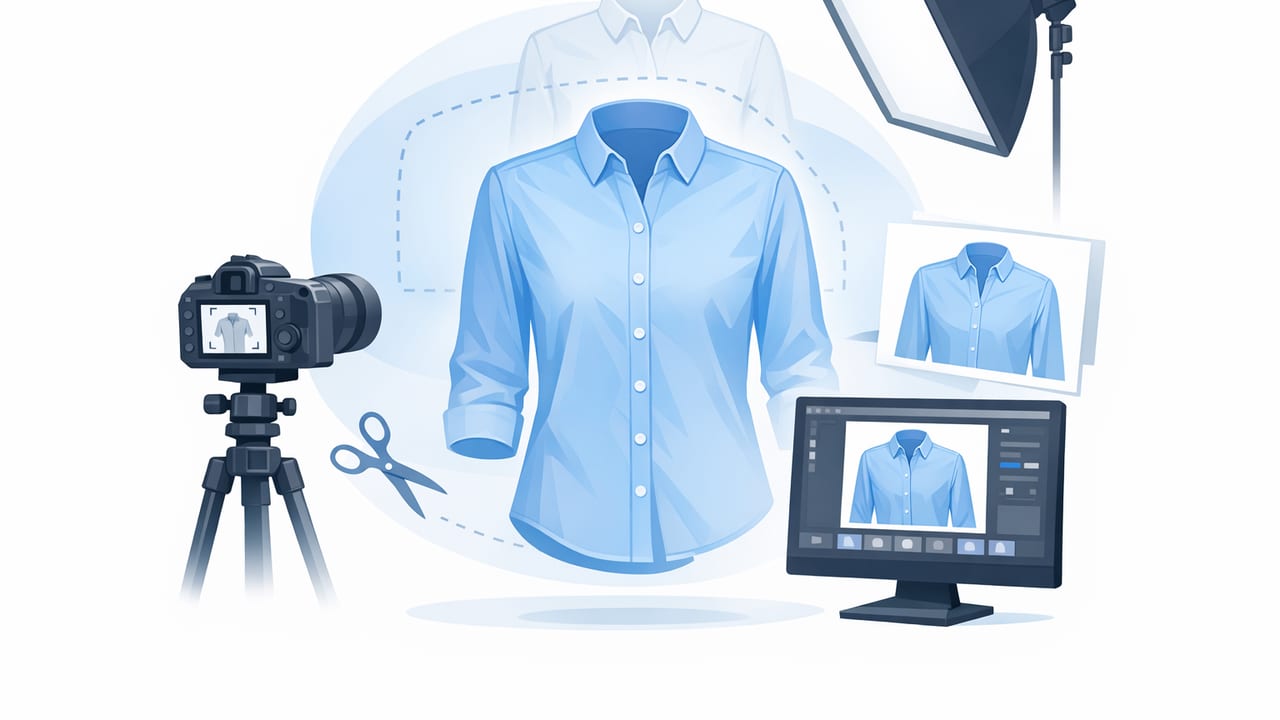
Learn a simple ghost mannequin workflow—shooting tips, edit steps, and a checklist for clean, premium clothing listings.

A practical photo editor checklist for clothing listings: fix wrinkles, remove backgrounds, create ghost mannequin shots, and keep color consistent.

Learn a simple workflow for professional product photos for ecommerce—lighting, styling, AI edits, consistency, and quality checks for clothing listings.
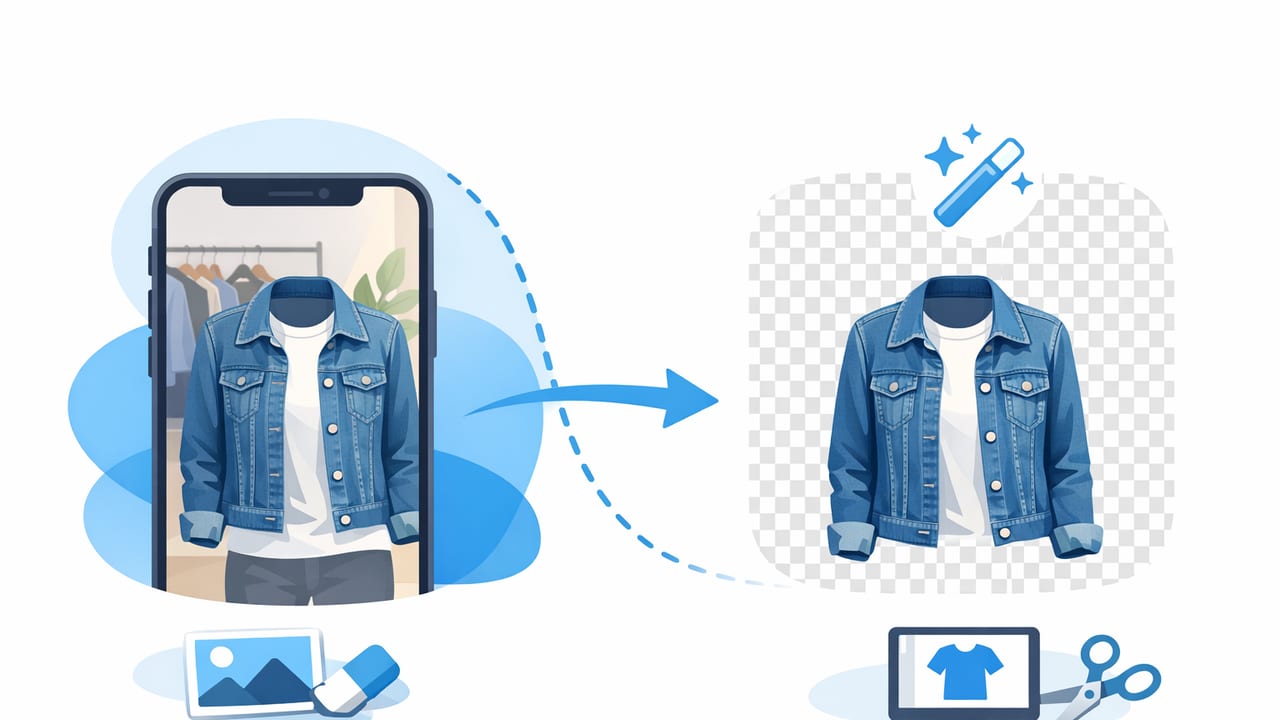
Learn background removal for clothing photos: clean cutouts, consistent listings, fewer returns, and a simple workflow for resellers and brands.

Learn a simple AI photo workflow for clothing resellers—clean backgrounds, fix wrinkles, create ghost mannequin and model shots, and list faster.

Learn how to edit eBay product photos on iPhone: lighting, crop, background removal, color, and fast workflows for clean clothing listings.

A fast workflow to edit Poshmark listing photos: clean backgrounds, smoother fabric, true color, and consistent cover shots—without over-editing.

Learn a simple workflow to create clean white background photos for clothing that look consistent, professional, and ready for e-commerce.
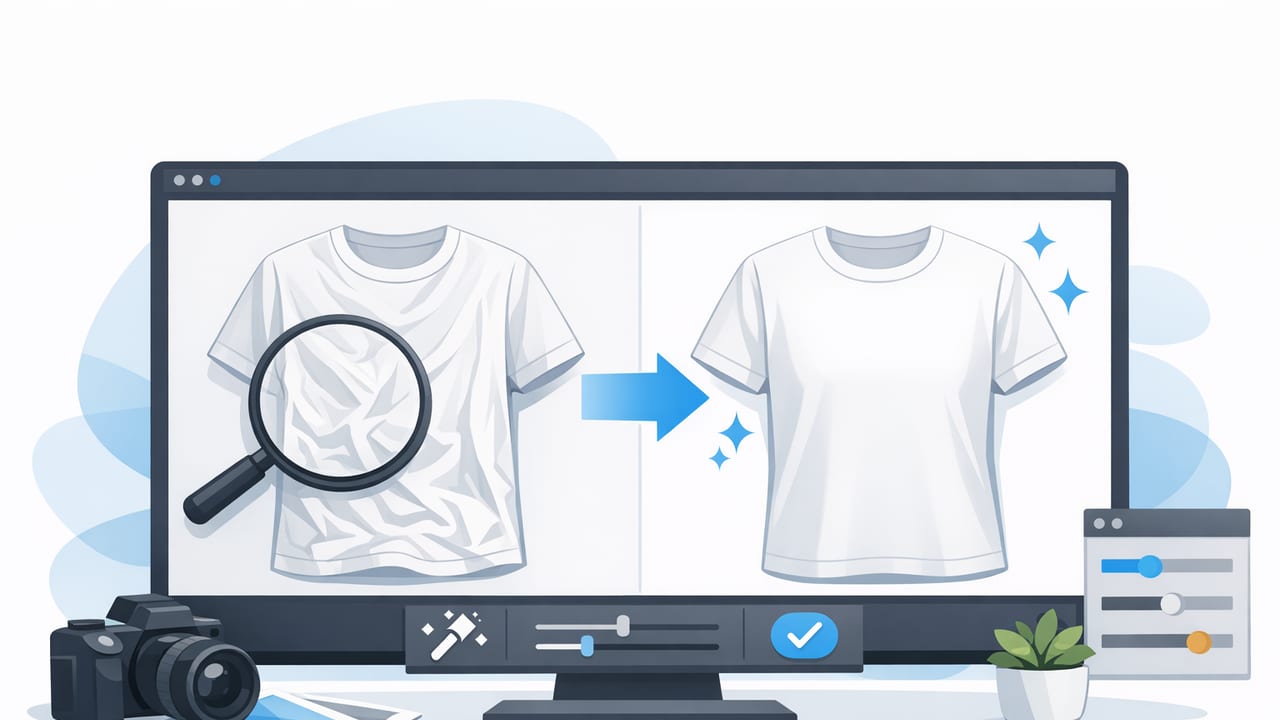
Learn how to remove wrinkles from clothing photos with simple prep + editing steps that keep fabric texture and make listings look polished.
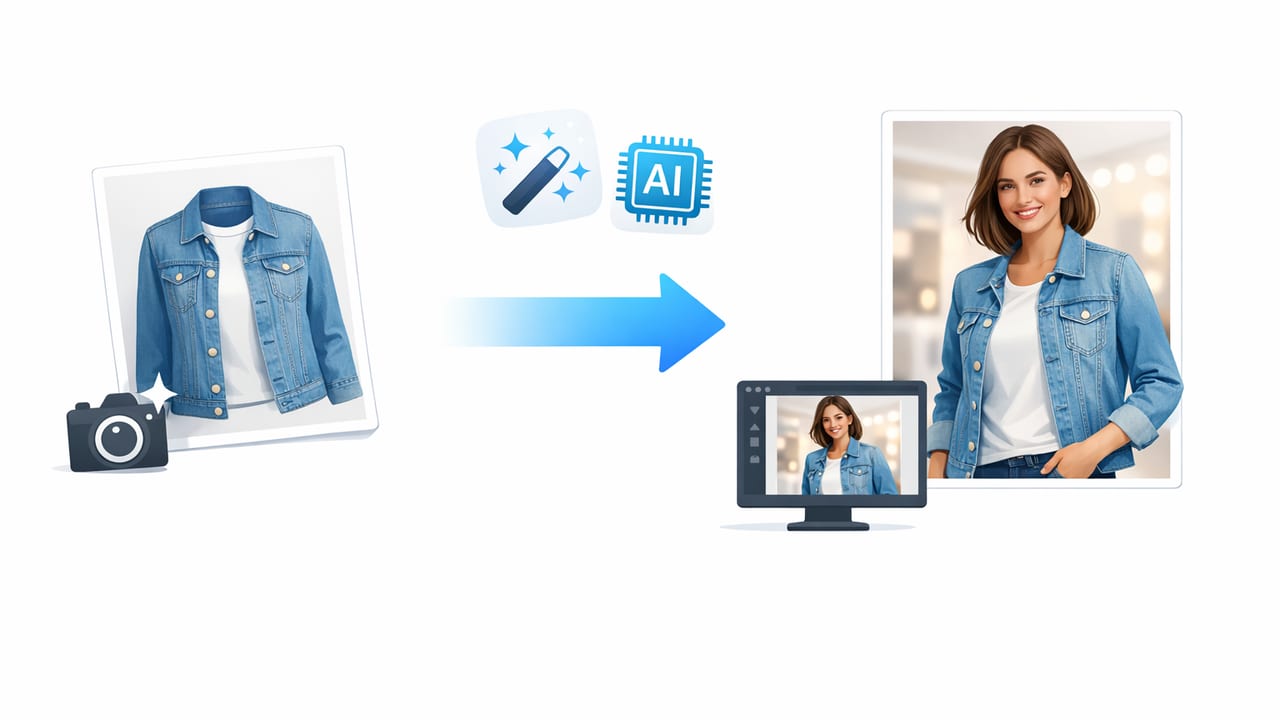
Learn how to turn clothing photos into model shots with a simple workflow: lighting, backgrounds, ghost mannequin prep, and AI editing for clean listings.

Learn how to make ghost mannequin images with a simple shoot + edit workflow that improves fit, shape, and buyer trust for clothing listings.

Learn a simple workflow for using a clothing background remover to create clean, consistent product photos that build buyer trust and sell faster.

Learn how to use a model photo generator for better clothing photos—prep, styling, consistency tips, and a simple workflow for resellers.

Learn a simple flat lay editor workflow for crisp clothing listings: lighting, setup, background removal, color, and consistency for resale and brands.
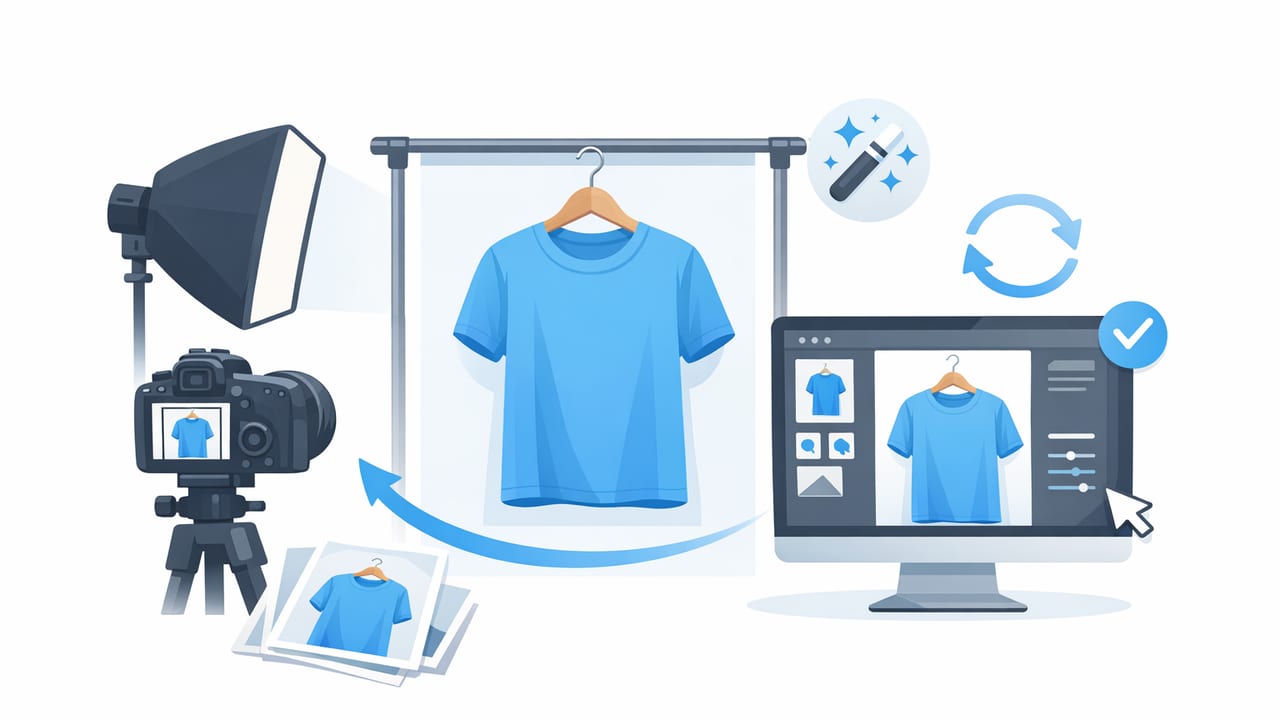
Learn lighting, setup, and AI editing steps for consistent on hanger photos that look professional on Poshmark, eBay, and more.

Learn a practical fashion product photography workflow: lighting, styling, angles, background removal, and editing tips for reseller-ready listings.

Learn a simple style guide for clothing photos: lighting, angles, background removal, ghost mannequin, and AI edits that boost buyer trust.

Learn how an unwrinkle clothes app improves listing photos, reduces distractions, and helps you create clean, buyer-ready images fast.

Learn how to use a ghost mannequin app to create clean 3D apparel photos, build buyer trust, and speed up your listing workflow.

Learn what to look for in a remove background app for clothing listings, plus a simple workflow for clean, consistent e-commerce photos.

Learn an easy eBay photo editor workflow for clothing: clean backgrounds, true color, ghost mannequin tips, and listing-ready images fast.

Learn a simple Poshmark photo editor workflow: lighting, background removal, ghost mannequin, and consistent edits that build buyer trust.

A practical photo workflow for fashion listings: lighting, angles, ghost mannequin, background removal, and AI edits using an app for resellers.

Learn a simple iOS photo editor workflow for clothing: lighting, background removal, ghost mannequin, and pro exports for resale listings.

Learn a simple AI photo editor workflow for cleaner clothing photos: background removal, unwrinkling, ghost mannequin, and consistent exports.

Learn a simple clothing photo editor workflow: consistent lighting, background removal, ghost mannequin, and AI fixes for resale-ready listings.

Learn a repeatable Poshmark photo workflow: lighting, angles, backgrounds, AI edits, and consistency tips to boost trust and sales.
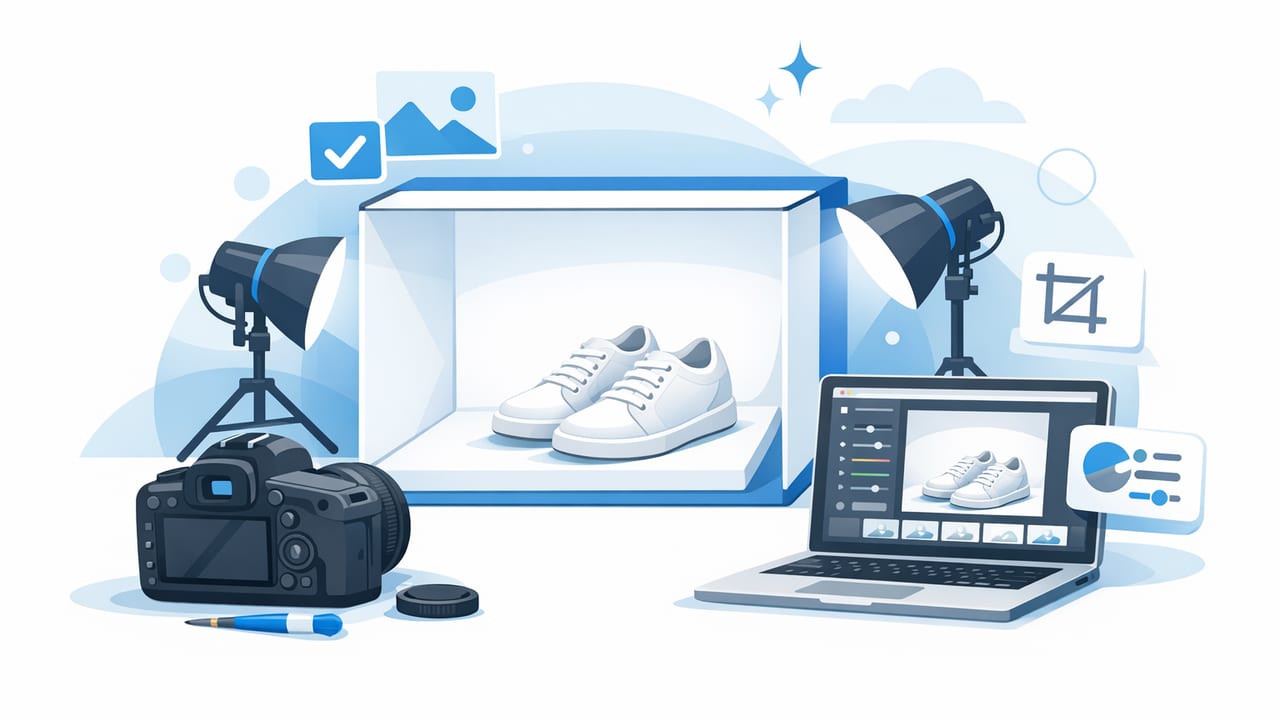
Learn a repeatable workflow for clothing product photos—lighting, styling, AI edits, and consistency to boost clicks and sales.

A practical photo + editing checklist for fashion resellers to create clean, consistent clothing listings that look professional and sell faster.

Learn how to create clean ghost mannequin clothing photos with simple shooting tips, consistent styling, and fast AI edits for ecommerce listings.
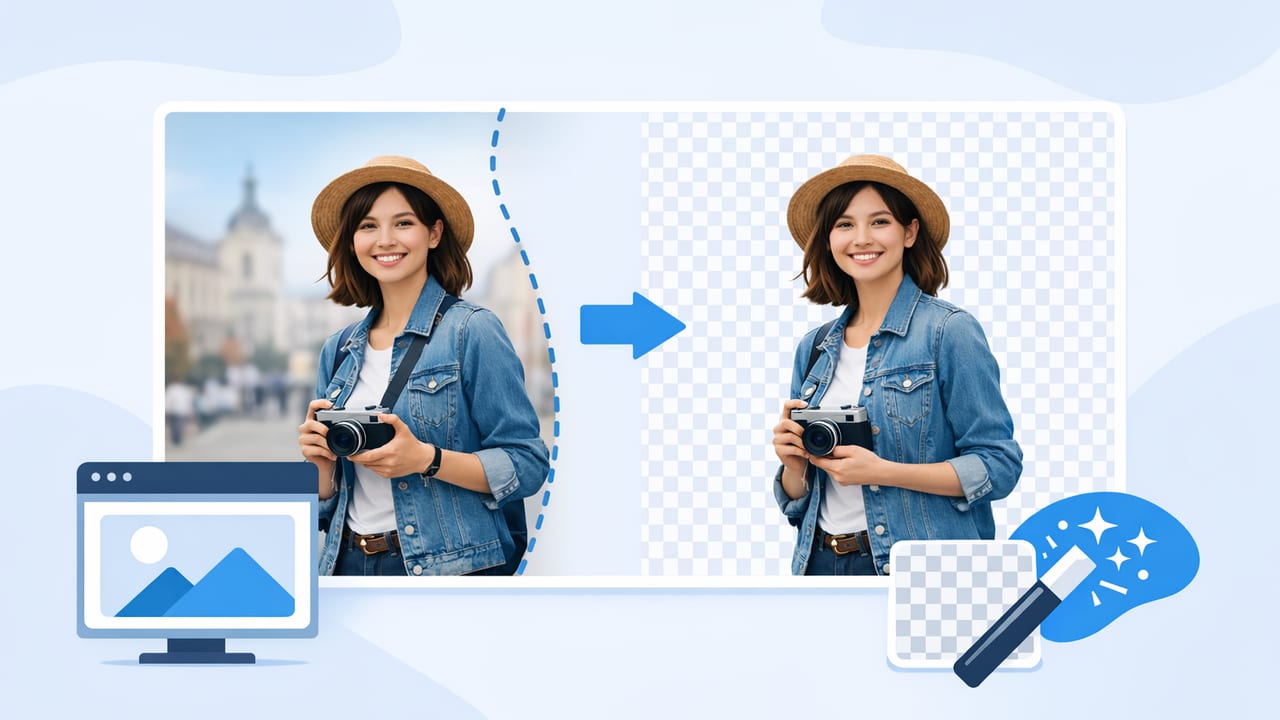
Learn how to use a background remover for clothing photos: prep, lighting, edges, and consistent outputs for Poshmark, eBay, and more.

A practical photo editor workflow for clothing photos: background removal, ghost mannequin, color accuracy, and consistent e-commerce-ready exports.

Learn a simple workflow to get professional product photos for clothing with an app—clean backgrounds, true color, ghost mannequin, and consistency.

Learn how to choose an eBay product photo background removal app and edit clothing photos faster with clean, consistent, buyer-ready images.
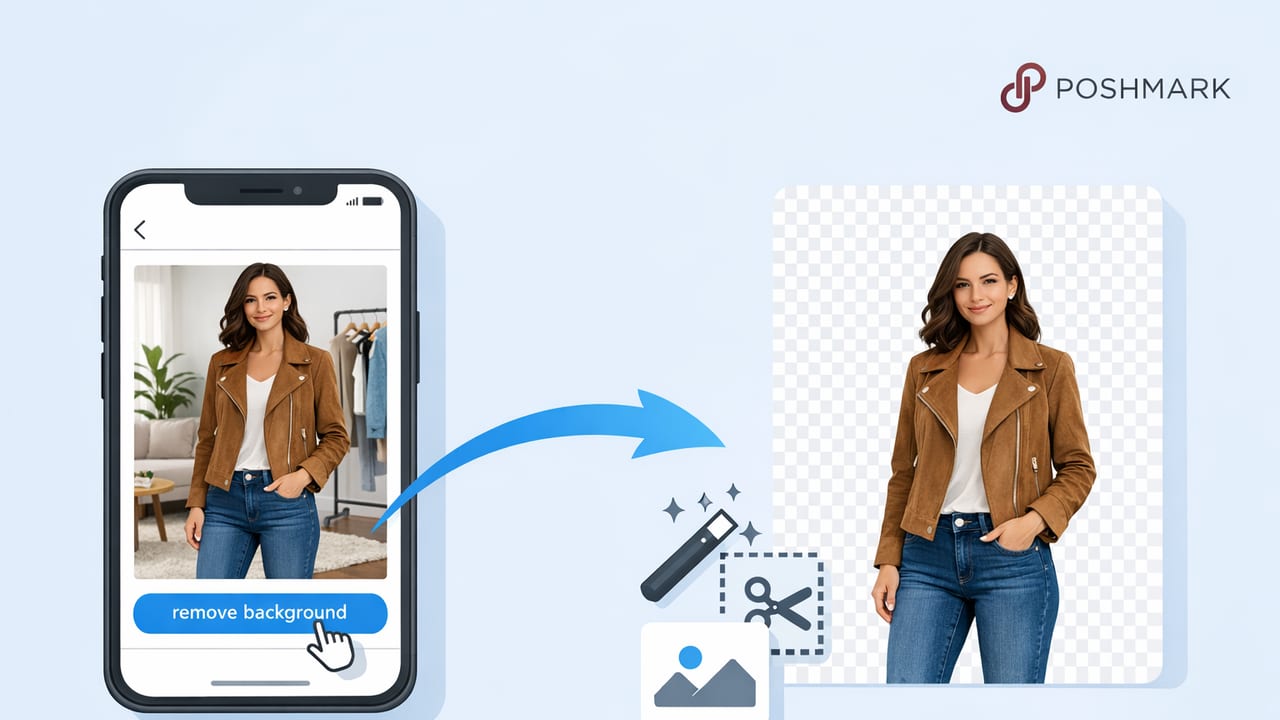
Use a Poshmark listing photo background remover workflow to create clean, consistent product photos that look natural and sell faster.
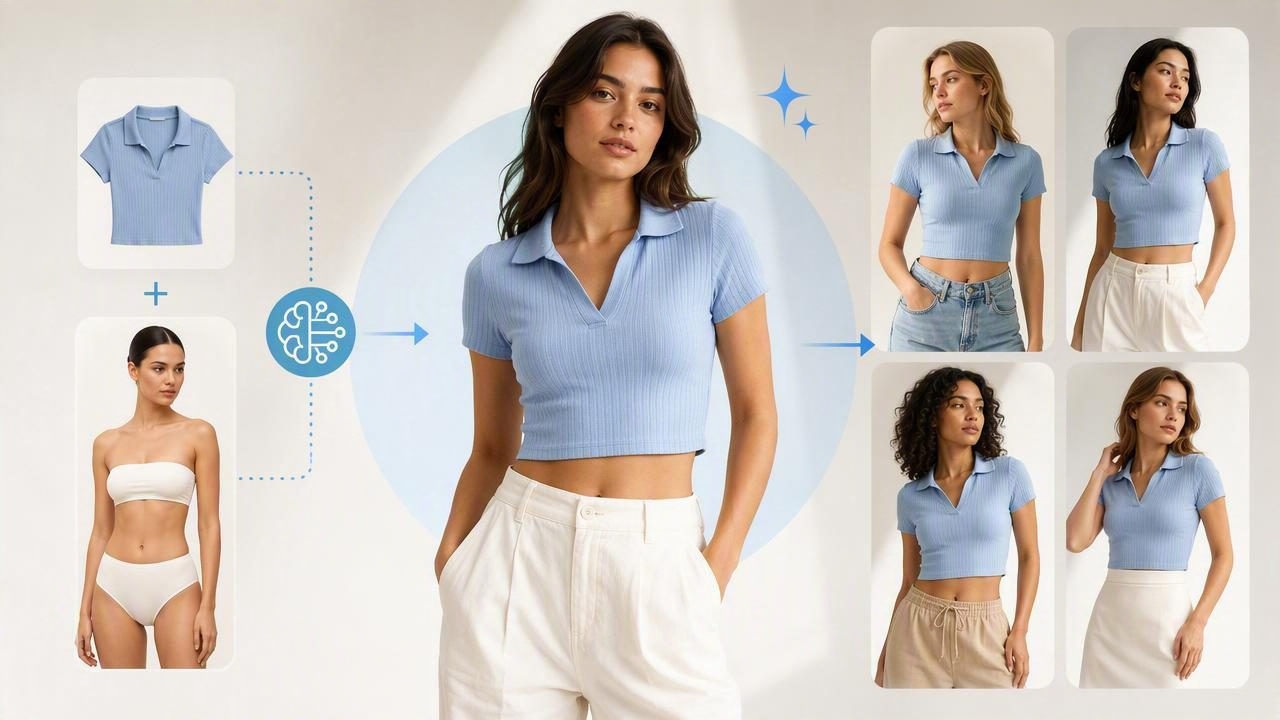
Learn how to generate model shots for clothing with AI, keep fit accurate, and create consistent e-commerce images that sell—fast and believable.
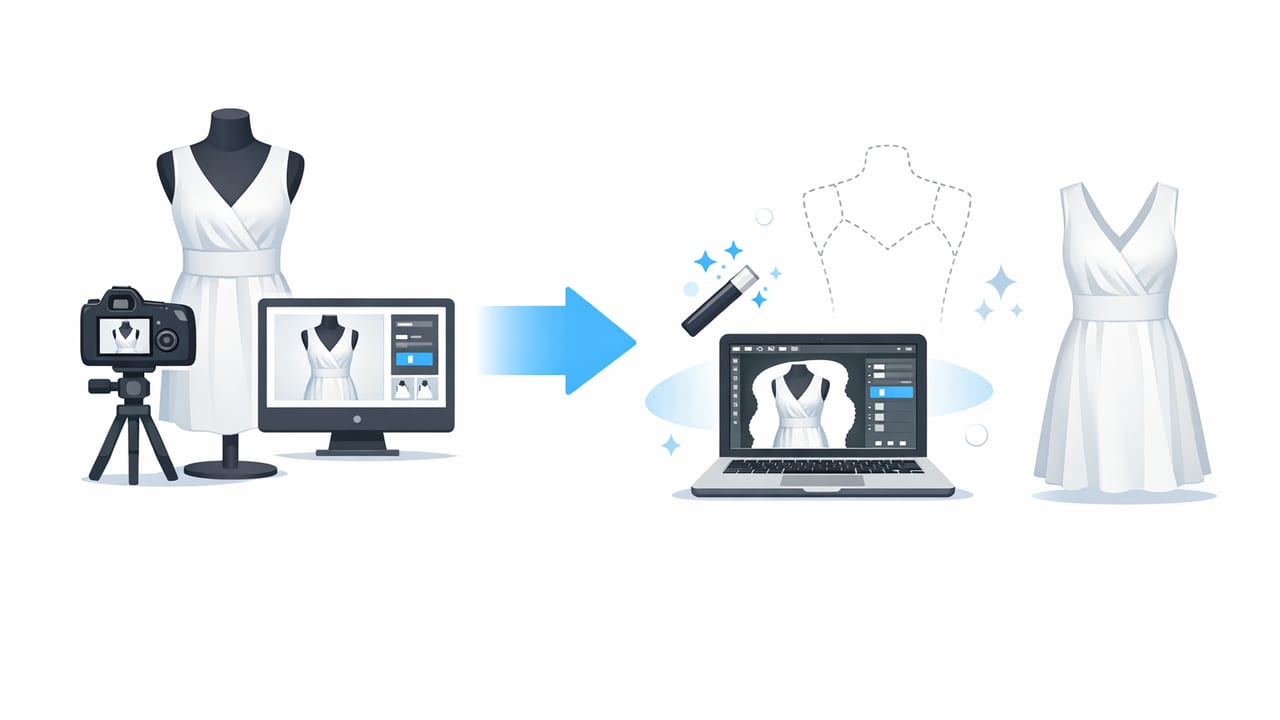
Learn how to create ghost mannequin images from photos with a simple shoot + edit workflow for clean, professional clothing listings.

Learn a simple app workflow to remove wrinkles in clothing photos, improve listings, and keep textures true-to-life.

Learn an easy ghost mannequin editing workflow, from shooting to background removal, to create clean apparel photos that convert.
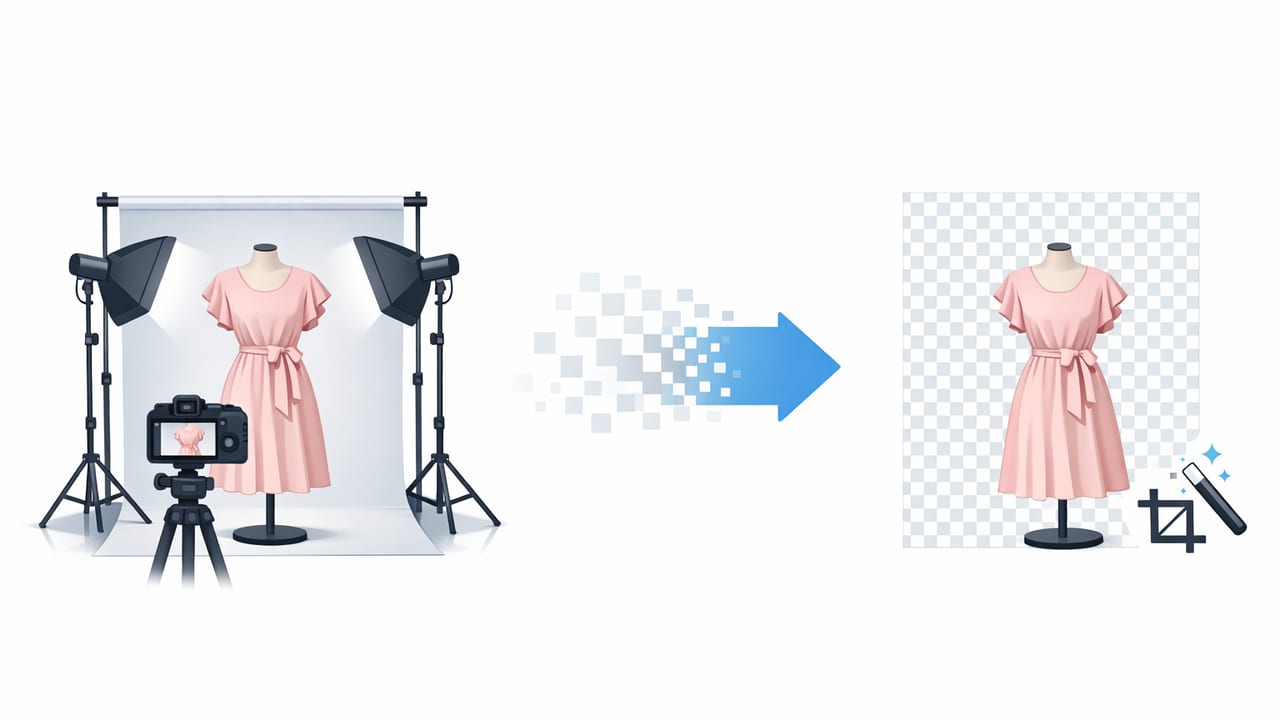
Learn how to remove background for clothing photos with a simple workflow, lighting tips, and AI editing steps for clean, consistent listings.

Learn a simple workflow for cleaner clothing photos: unwrinkle, remove backgrounds, use ghost mannequin, and keep listings consistent.

Learn a fast, repeatable workflow using an app for product photos to create clean, consistent clothing images for Poshmark, eBay, and more.

Build a fast iOS photo editor workflow for clothing: color-true edits, background removal, ghost mannequin looks, and listing-ready images.

Learn a simple ecommerce photo editor workflow for clothing: lighting, backgrounds, ghost mannequin, color accuracy, and faster listing photos.

Learn a simple fashion reseller app workflow for clean, consistent listing photos—background removal, ghost mannequin looks, and faster edits.

Learn how to shoot and edit folded clothing photos for resale: lighting, angles, background removal, and a fast workflow for consistent listings.

Learn how a model photo generator can improve clothing listings, boost trust, and keep images accurate with a simple, brand-safe workflow.
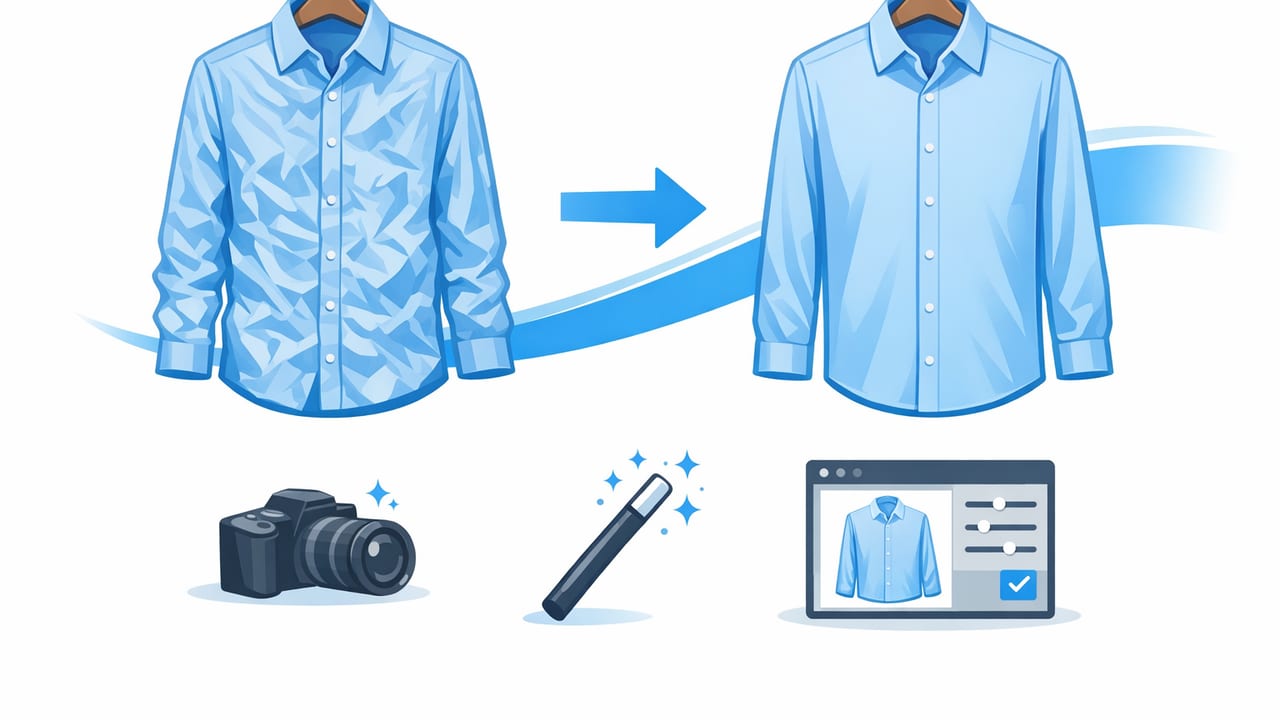
Learn how to unwrinkle clothes in a photo with simple shooting tips and quick edits for crisp, professional e-commerce listing images.
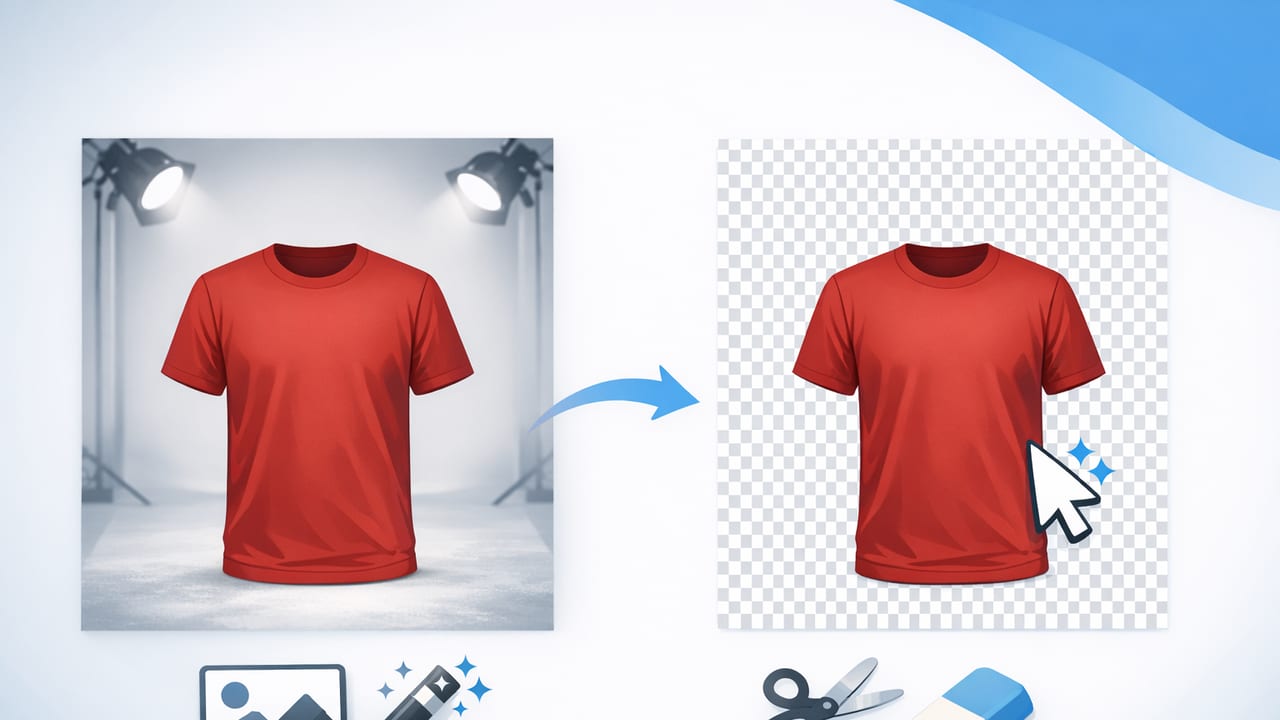
Learn how a clothing background remover creates clean, consistent listing photos—plus tips for flat lays, hangers, and ghost mannequin results.

Learn a simple product photo editor workflow for clothing listings: true color, clean backgrounds, ghost mannequin, and fast, consistent edits.

Learn what to edit (and what to avoid) in an eBay photo editor for clothing: background removal, color accuracy, ghost mannequin, and faster workflows.

Learn a simple AI photo editor workflow for clothing listings: fix wrinkles, remove backgrounds, improve consistency, and build buyer trust.

Learn when to use flat lay, on-hanger, or ghost mannequin—and how a clothing photo editor helps you create clean, consistent listings fast.

Learn a simple fashion photo workflow for resellers: lighting, angles, background removal, ghost mannequin edits, and consistency that sells.
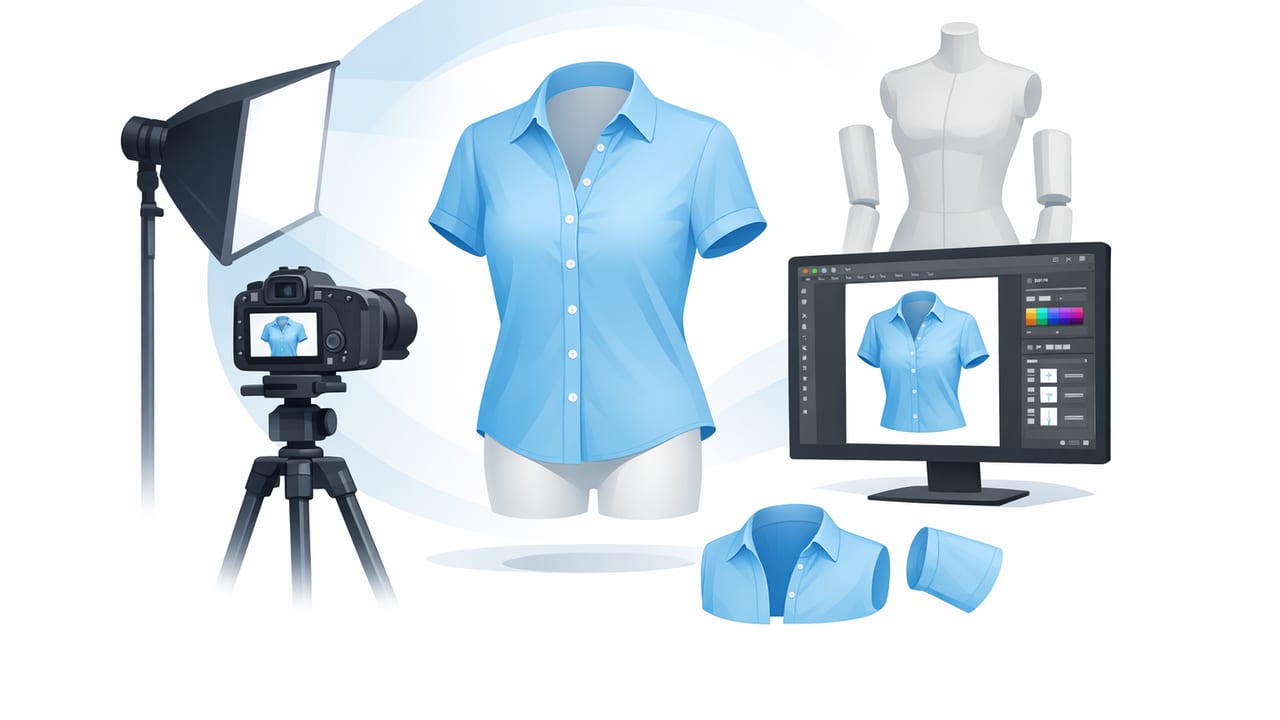
Learn a simple ghost mannequin workflow—shoot, edit, and style clothing photos for clean, consistent e-commerce listings that build trust.
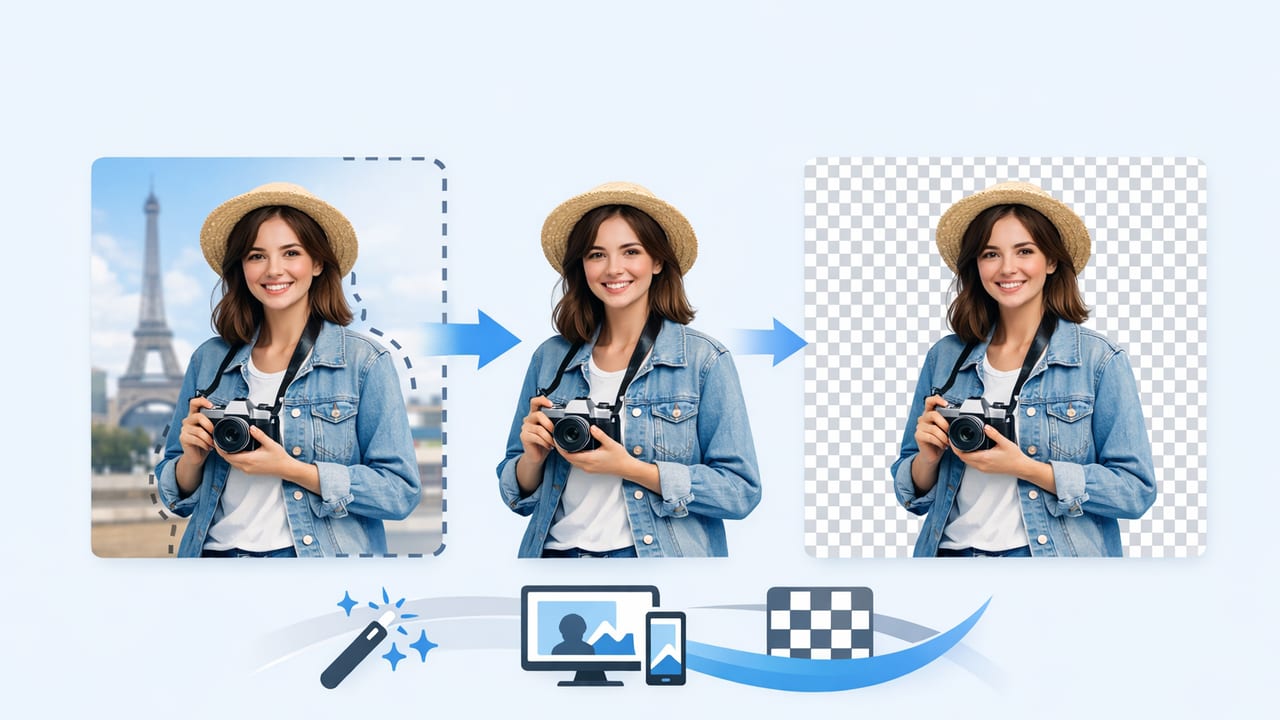
Learn a simple background remover workflow for clothing photos: cleaner edges, consistent listings, and faster edits for resale and e-commerce.

Use this clothing photo editor checklist for clean, consistent listing photos—background removal, ghost mannequin, and AI touch-ups made simple.

Learn how to make clothing photos look professional with simple lighting, styling, angles, and easy editing steps for clean, consistent listings.

Learn how to create AI fashion model photos for ecommerce that look consistent and on-brand—plus styling, background, and compliance tips.

Learn how to use a ghost mannequin app for clothing photos to create clean, consistent listings that build trust and help sell faster.

Learn how to remove backgrounds from clothing photos for clean, consistent listings—plus tips for edges, shadows, and marketplace-ready exports.
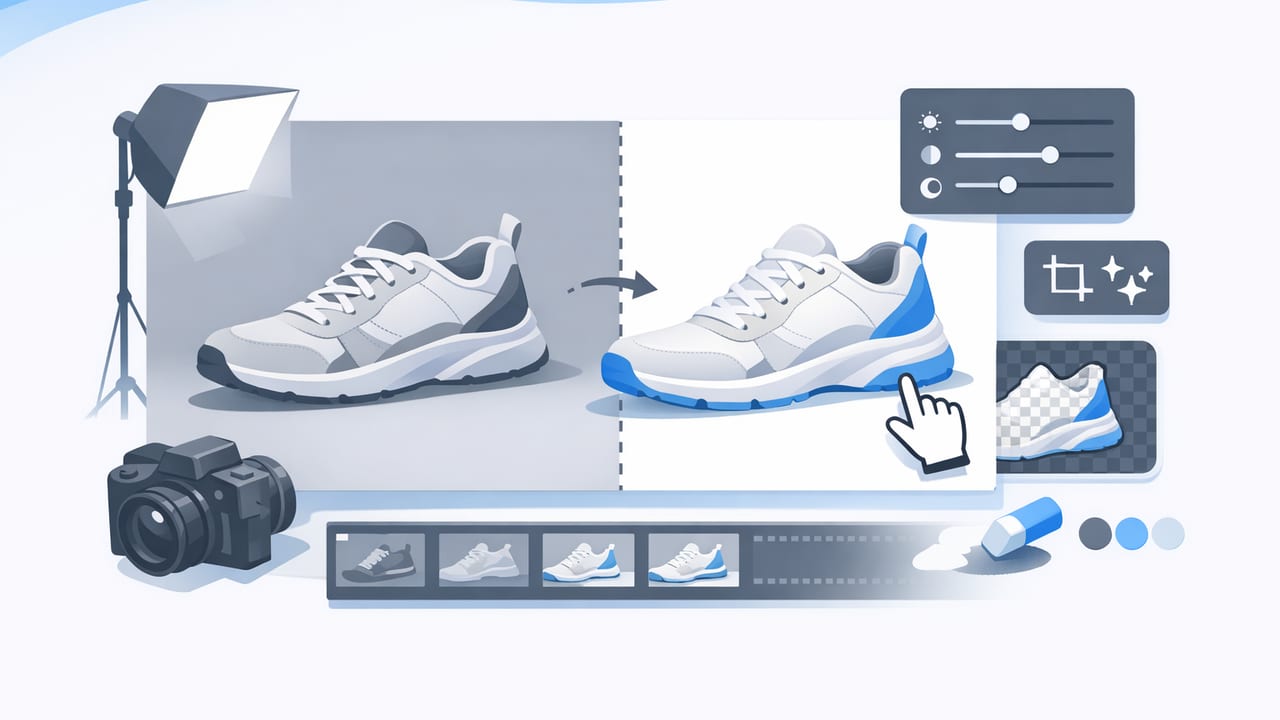
Learn a simple product photo editor workflow for clothing: lighting, background removal, ghost mannequin, and export settings for marketplace-ready listings.

Learn how to use an ai model generator for clean, consistent clothing photos—poses, lighting, and backgrounds that boost trust and clicks.

Learn how an unwrinkle clothes app improves resale photos, plus shooting tips, quick workflows, and best practices for wrinkle-free listings.

Learn an eBay photo editor workflow for clothing: clean backgrounds, true color, wrinkle fixes, and pro layouts that boost clicks and trust.

Learn a simple Poshmark photo editor workflow: lighting, backgrounds, ghost mannequin, and AI cleanup for crisp, consistent listings.

Learn a simple clothing photo editor workflow for clean, consistent e-commerce images—lighting, backgrounds, ghost mannequin style, and faster edits.

Learn how to create ghost mannequin product photos that look polished, consistent, and ready for e-commerce—plus common mistakes to avoid.
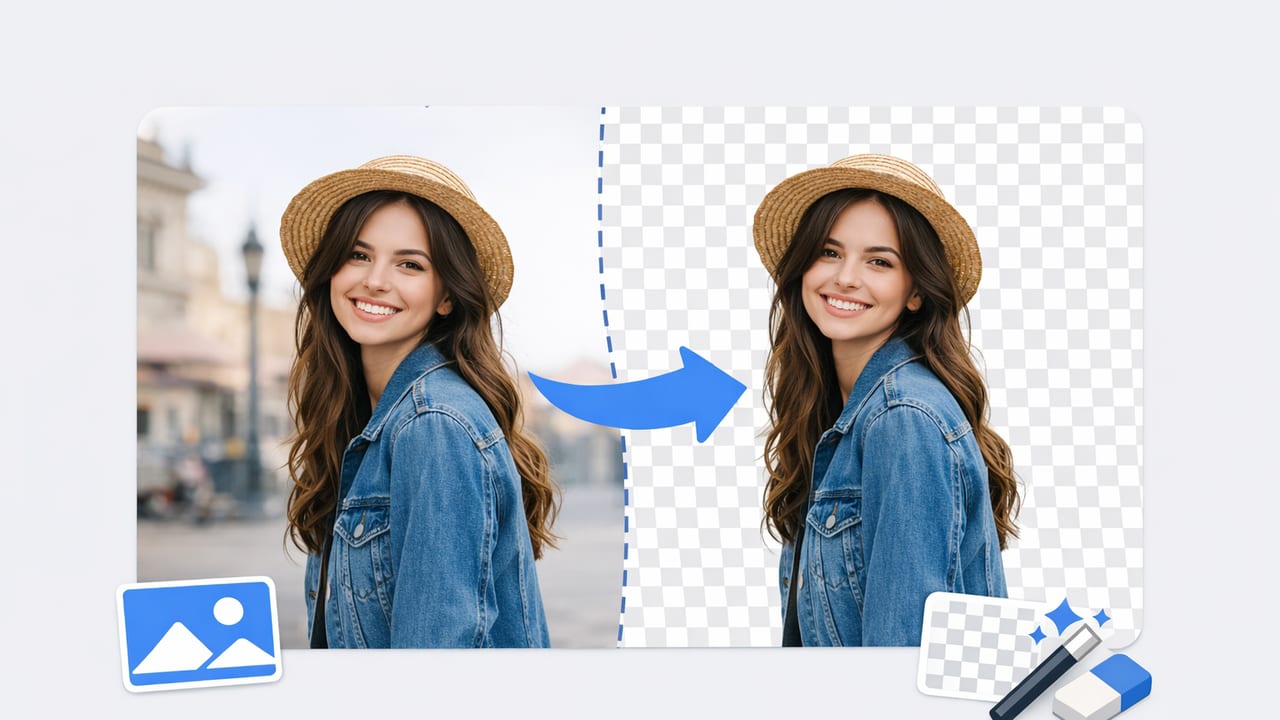
Learn how to use a background remover for clothing photos: cleaner cutouts, fewer returns, consistent listings, and faster resale workflows.

Learn a repeatable photo workflow for fashion resale: prep, lighting, backgrounds, ghost mannequin, and quick edits for cleaner listings.

Learn a simple photo editor workflow for clothing listings: consistent color, clean backgrounds, better crops, and pro-ready images for resale.
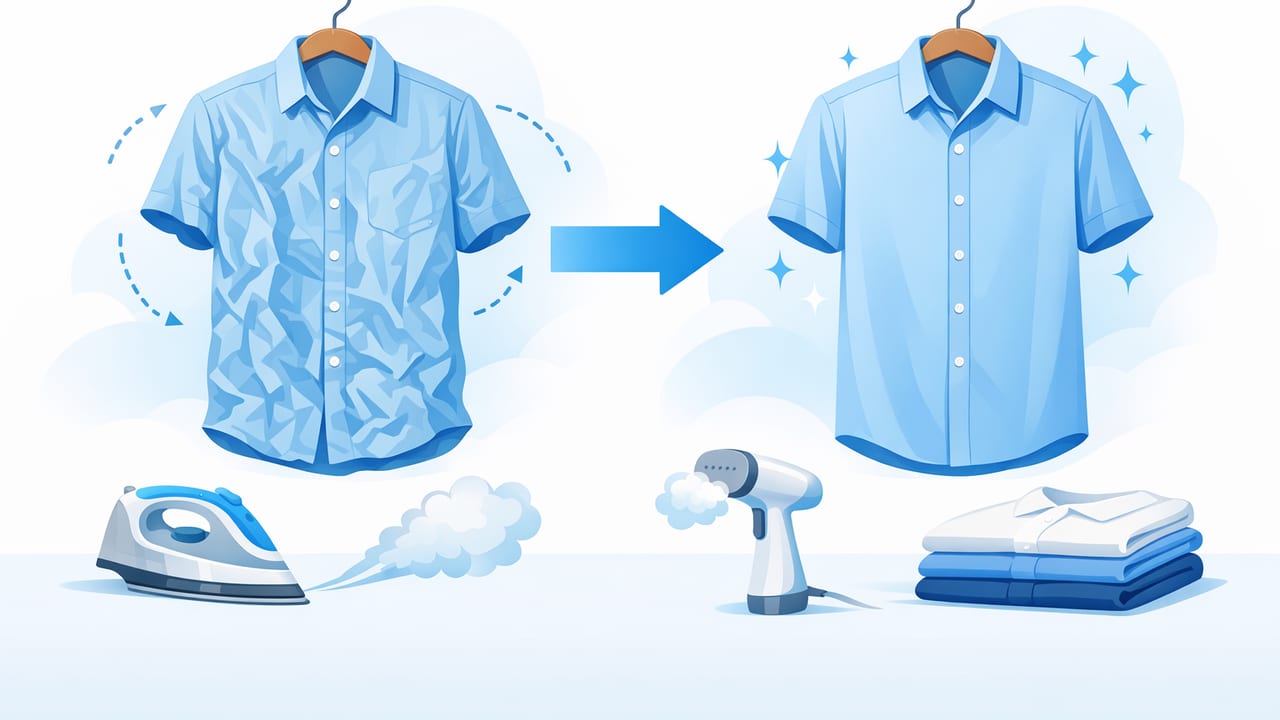
Learn how to unwrinkle clothes for listing photos with simple prep, lighting, and AI editing steps that make garments look clean and sell-ready.

Learn how to create ghost mannequin images that look premium—shooting tips, editing workflow, and common mistakes to avoid.
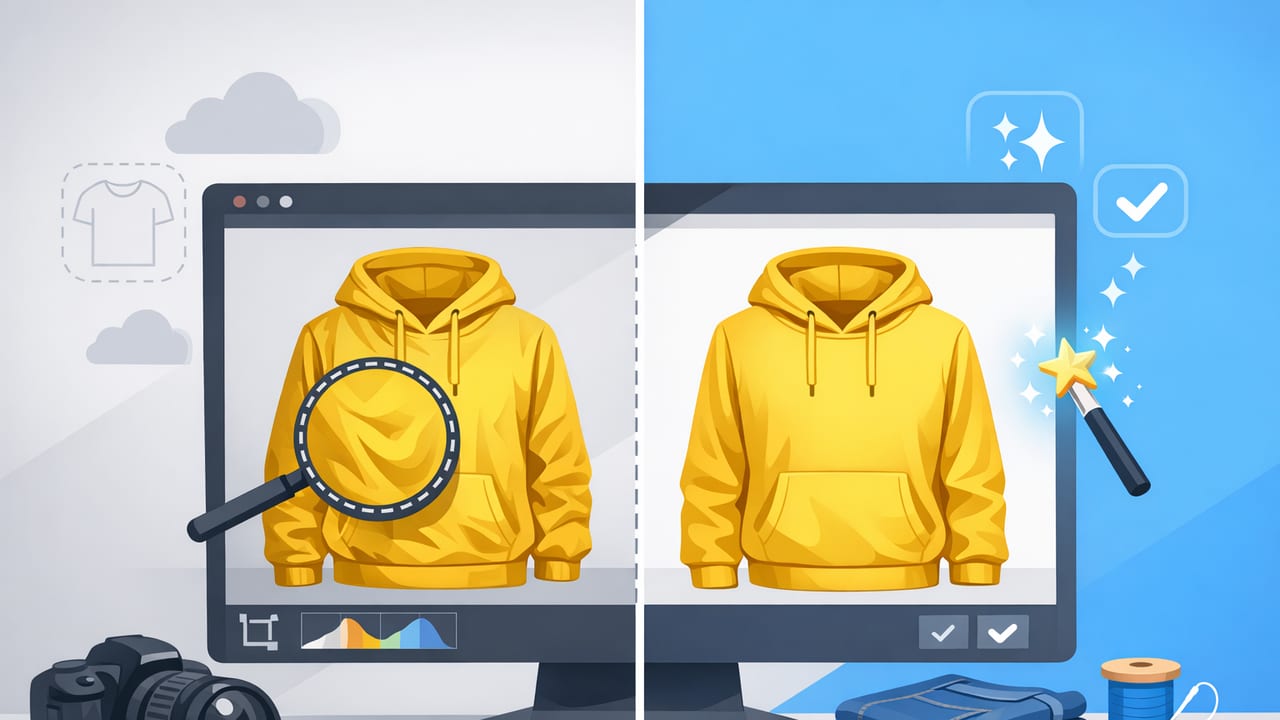
Learn garment photo retouching basics for e-commerce: wrinkles, color, backgrounds, ghost mannequin, and consistent images that help shoppers buy.

A practical ecommerce photo cleanup checklist for clothing listings: wrinkles, backgrounds, ghost mannequin, consistency, and fast editing workflows.

Learn how a model photo generator improves clothing listings, boosts trust, and saves time—plus a simple workflow for consistent, pro results.
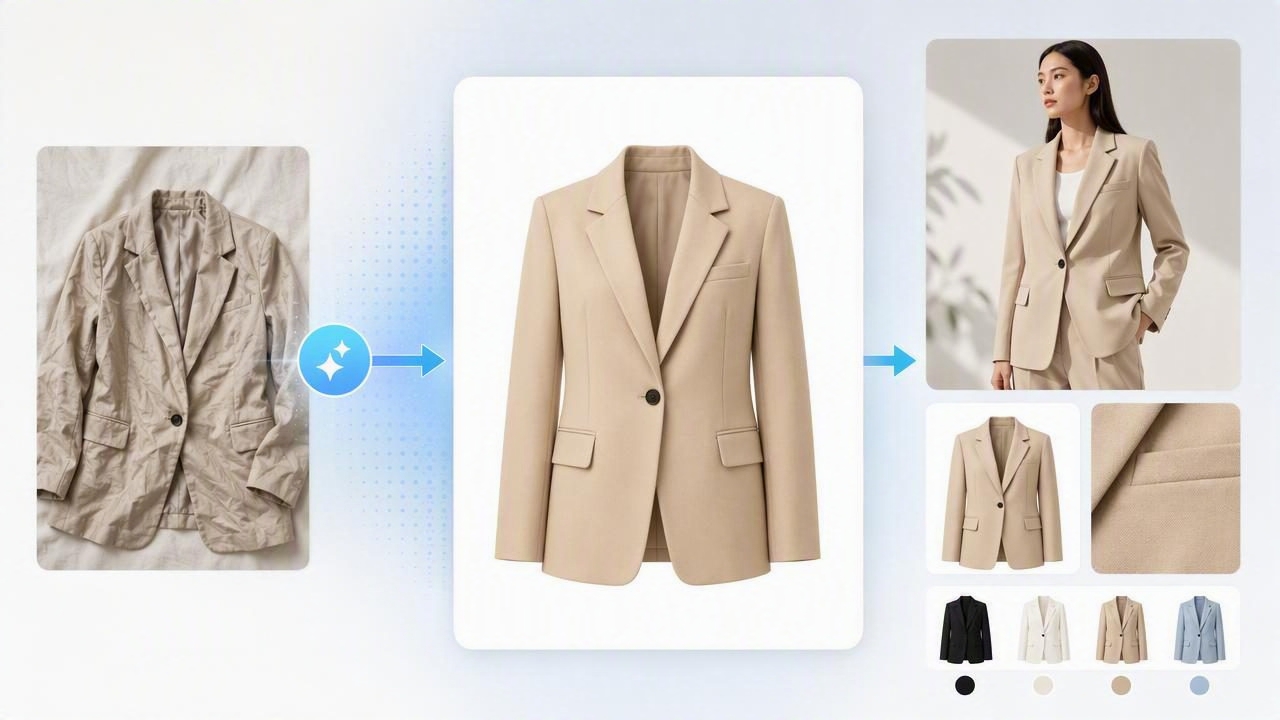
Learn a simple fashion image enhancer workflow to unwrinkle, remove backgrounds, and standardize listings for higher clicks and fewer returns.

Learn a fast reseller photo editor workflow for wrinkle-free, consistent clothing photos with background removal, ghost mannequin tips, and QA checks.

Learn the best clothing photo editing for UK sellers: background removal, wrinkle fixes, ghost mannequin, and a simple workflow for faster sales.

Create consistent model shots for catalog listings with a simple workflow: styling, lighting, framing, AI edits, and export settings for e-commerce.

Compare ghost mannequin vs flat lay photos for e-commerce. See pros, cons, best use cases, and tips to boost clicks and reduce returns.
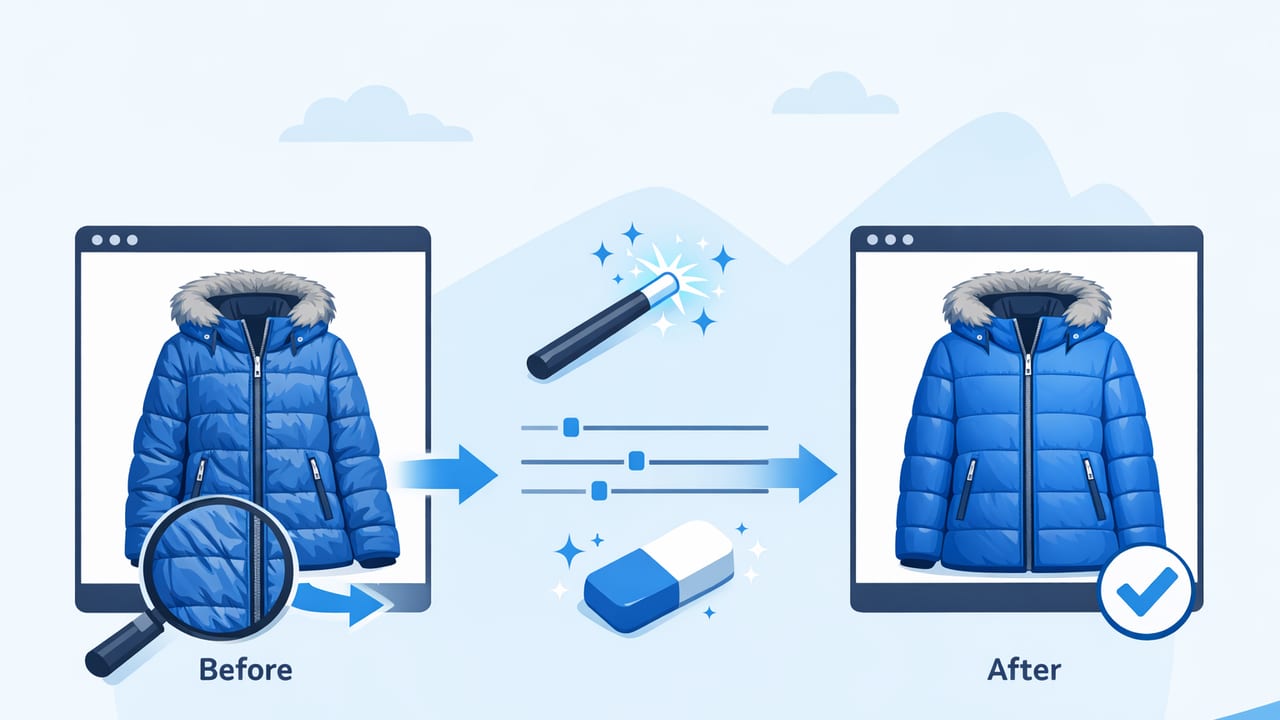
A practical workflow for winter coat photo editing to reduce creases, keep texture natural, and create clean, consistent e-commerce listings.

Use these holiday sale clothing photo improvement tips to create clean, consistent listings with better lighting, edits, and pro presentation fast.

Learn a fast workflow for last minute product images for dropshipping—shoot, edit, remove backgrounds, and publish shop-ready photos in under an hour.
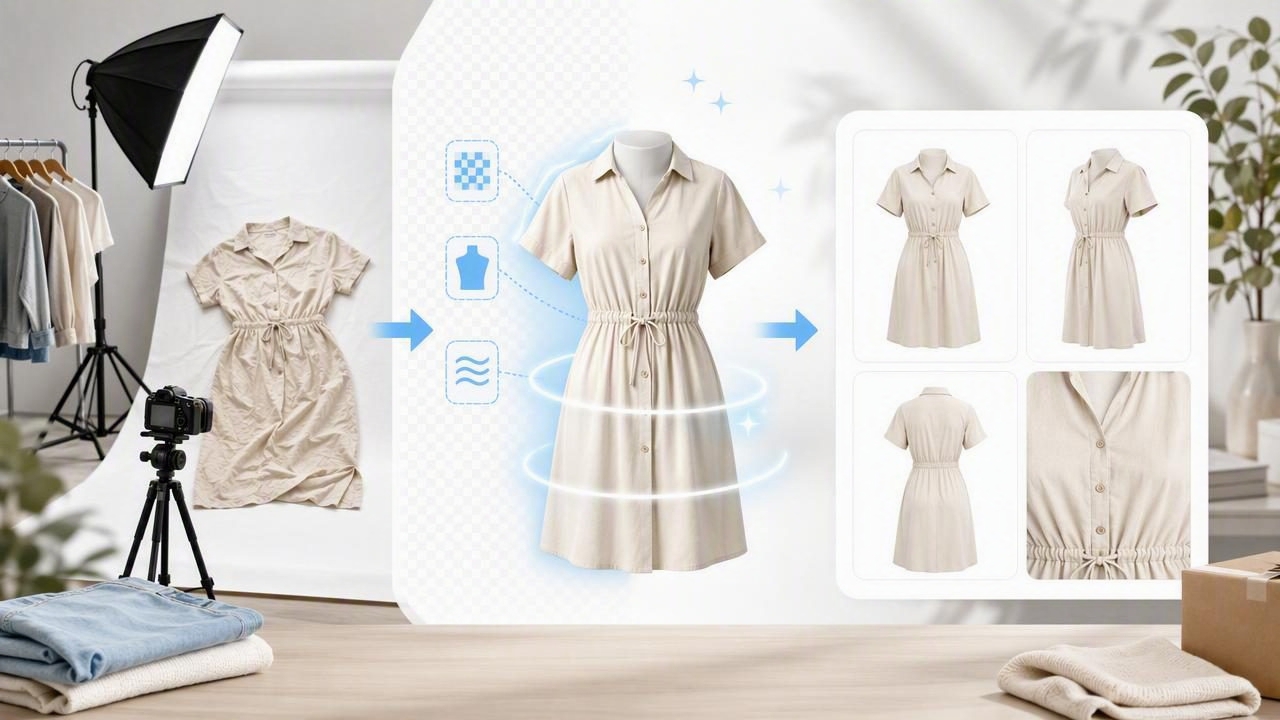
Skip pricey shoots. Learn a simple AI photo workflow for clean apparel listings: background removal, ghost mannequin, unwrinkling, and consistency.

Learn how to upscale clothing images for online stores while keeping texture, color, and edges clean for sharper, more professional listings.
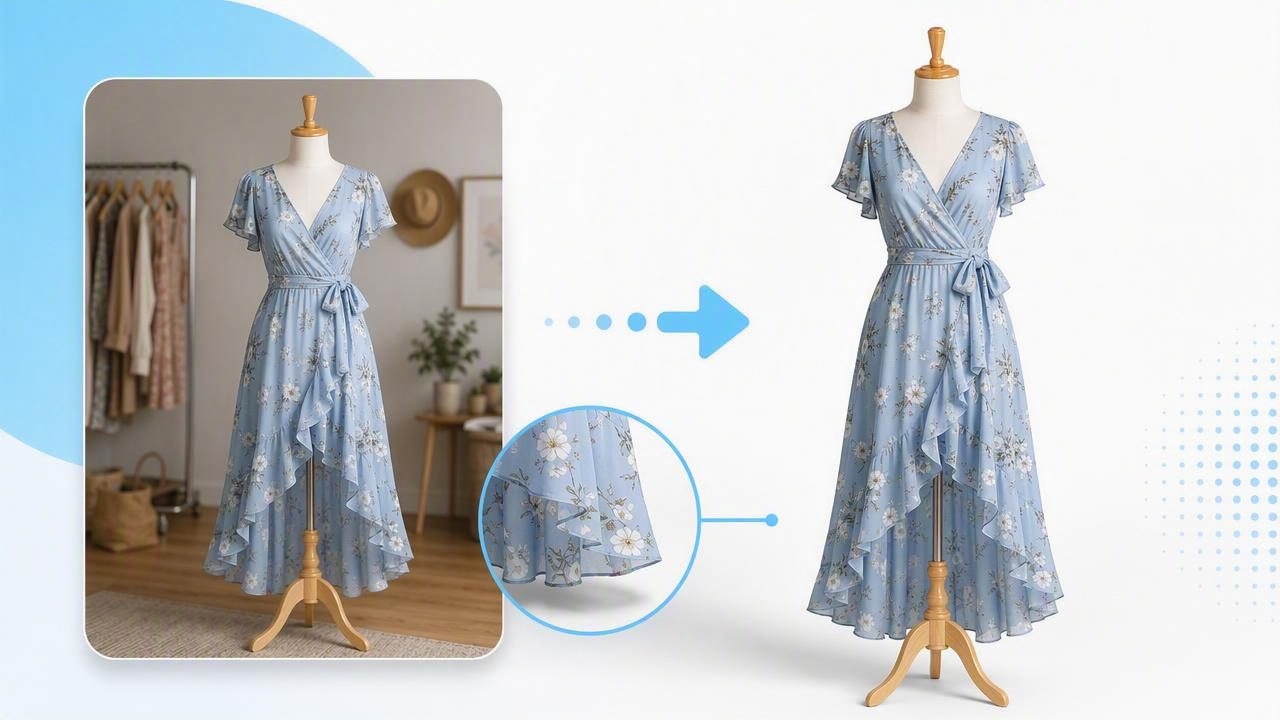
Learn how to remove distracting backgrounds from dress photos with a fast workflow, clean edges, natural shadows, and consistent listing-ready results.
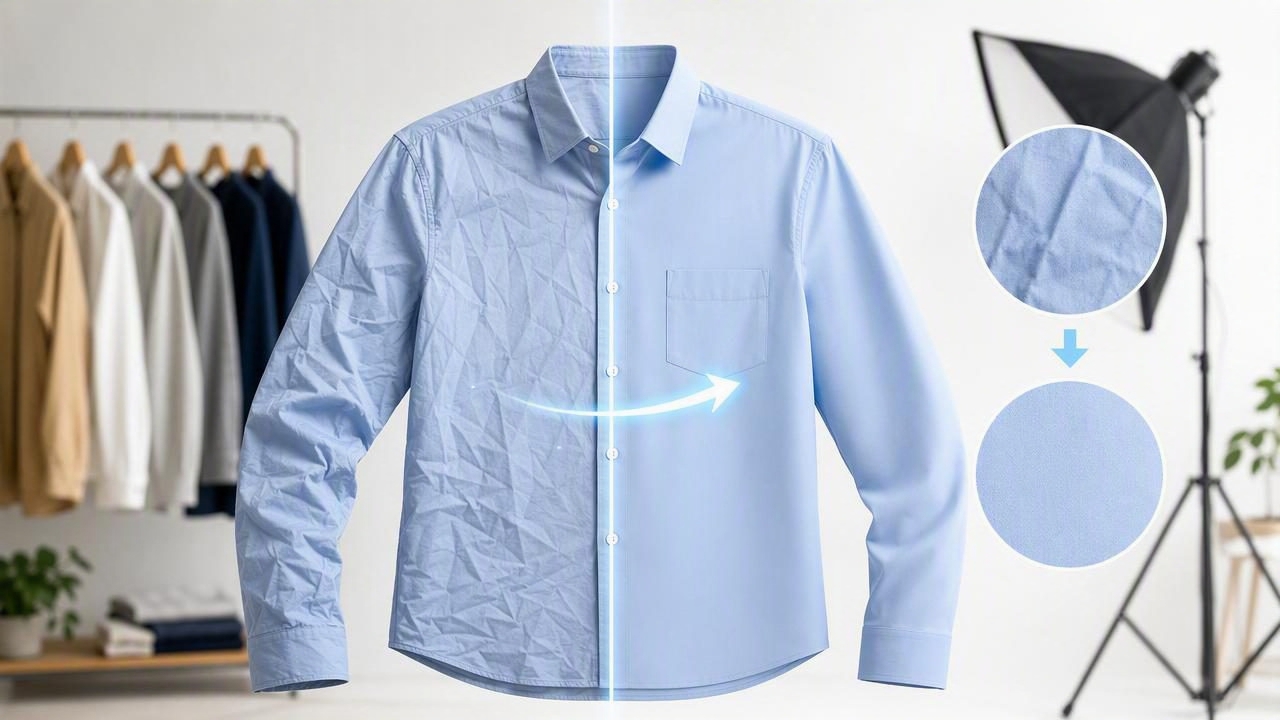
Learn a fast workflow to remove wrinkles in clothing photos, keep texture natural, and prep shop-ready images for e-commerce listings.
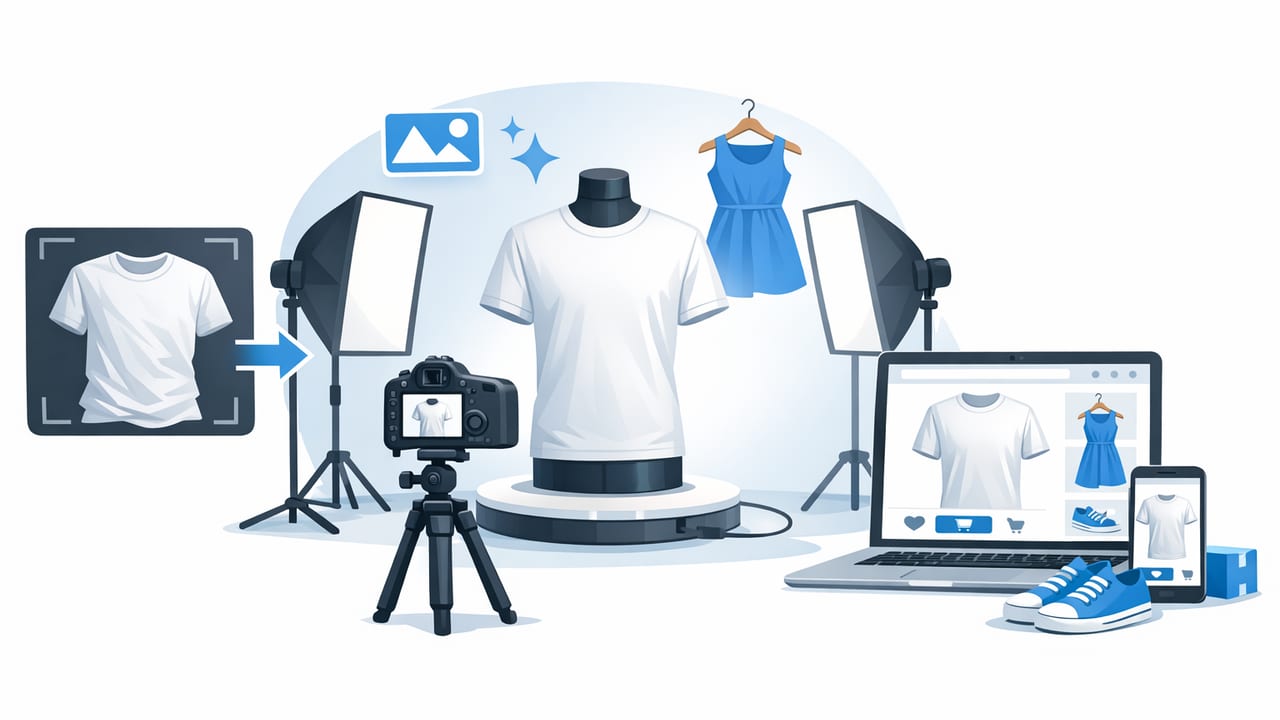
Learn a simple workflow to make e-commerce clothing photos look professional: lighting, styling, backgrounds, ghost mannequin, and consistent edits.

Learn folded clothing photo enhancements for listings: clean backgrounds, true color, crisp texture, and a fast editing workflow for resale platforms.

Learn automatic hanger shot editing for garments: faster cleanup, cleaner backgrounds, better consistency, and higher-quality clothing listings.

Boutique-ready product photos made simple: background removal, ghost mannequin, color accuracy, and a fast editing workflow that sells.

Learn a simple, repeatable workflow for fashion brand product photos on a budget—lighting, setup, angles, editing, and consistency tips.

A simple workflow for quick clothing photo cleanup for resellers—fix wrinkles, remove backgrounds, improve color, and publish listings faster.

Learn how to generate model photos without a model using AI—posing, fit, lighting, and compliance tips for resale and e‑commerce.
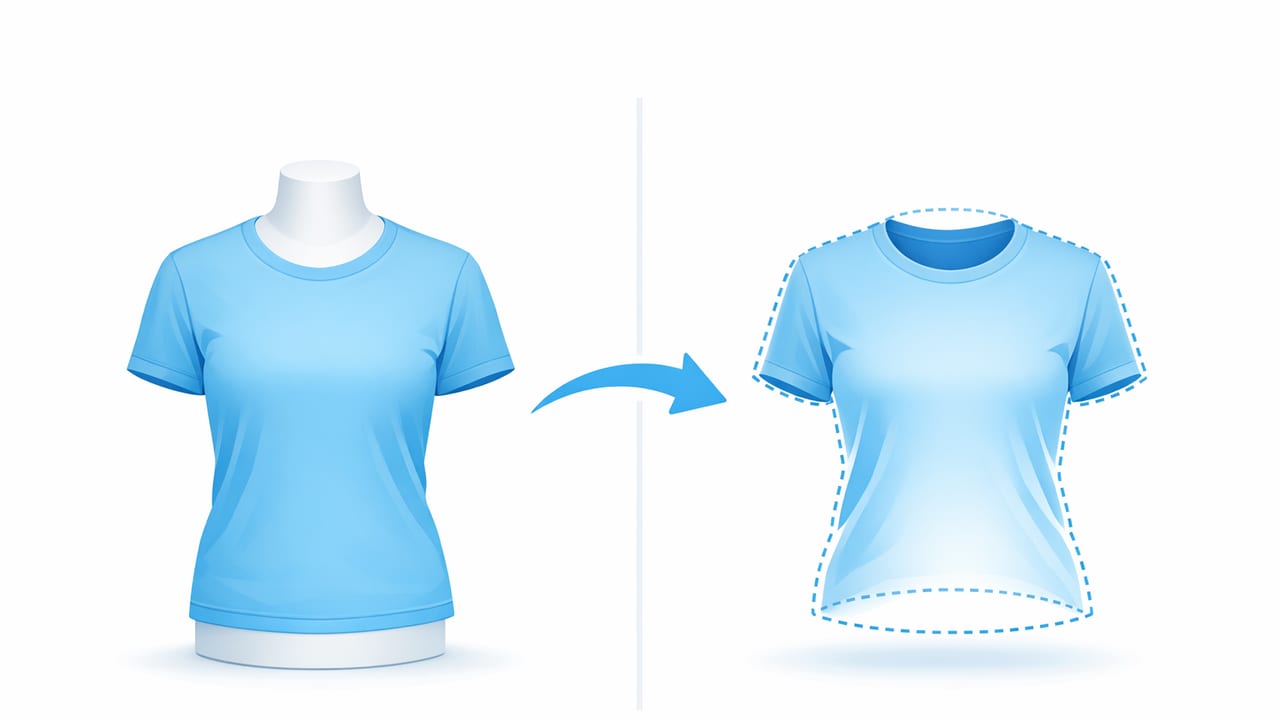
Learn how to create ghost mannequin effect for shirts with simple shooting and editing steps for clean, pro-looking e-commerce listings.
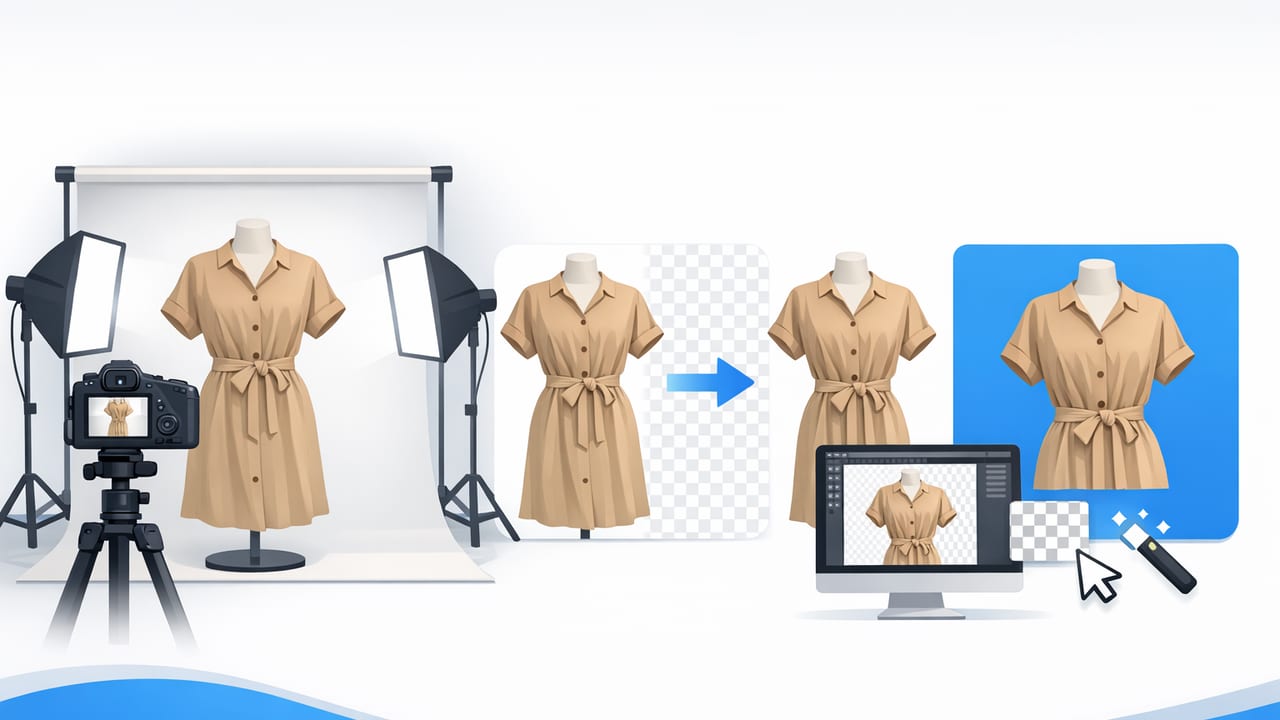
Learn a simple, repeatable workflow for background removal for clothing product images—clean edges, true color, and consistent listings that sell.
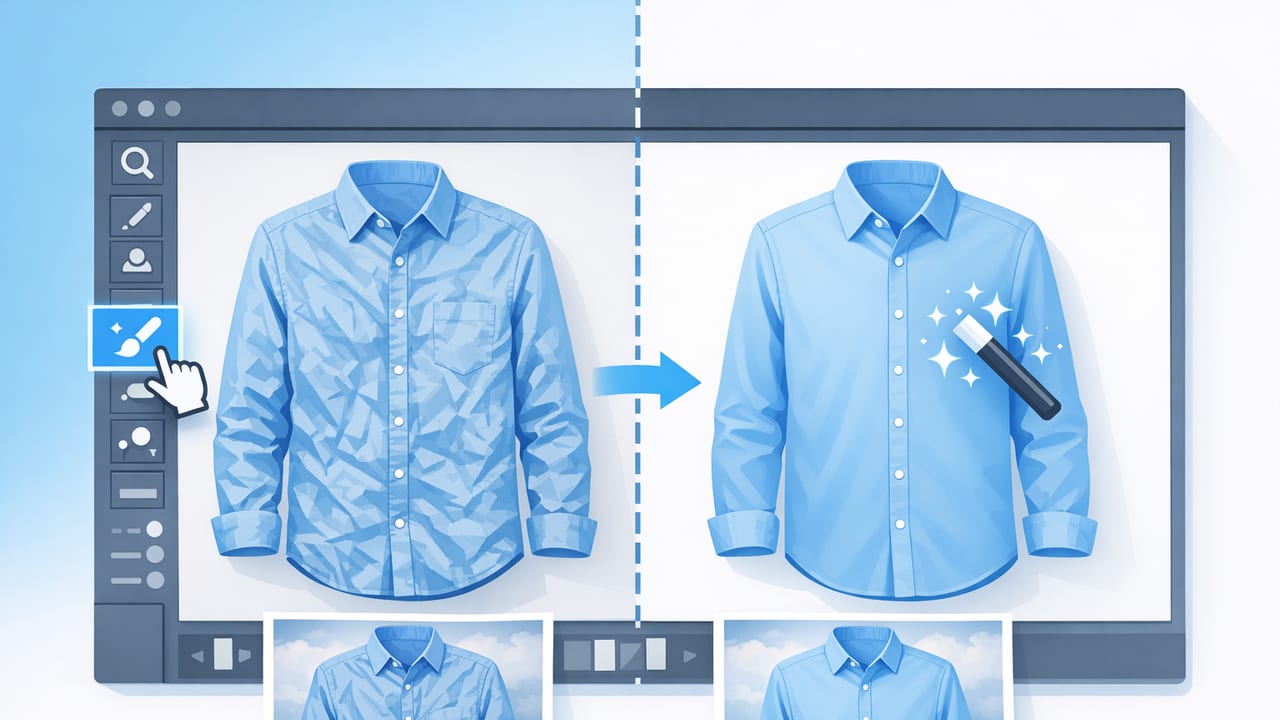
Learn how to unwrinkle clothes in photos with simple shooting tips and easy edits for natural, shop-ready product images.
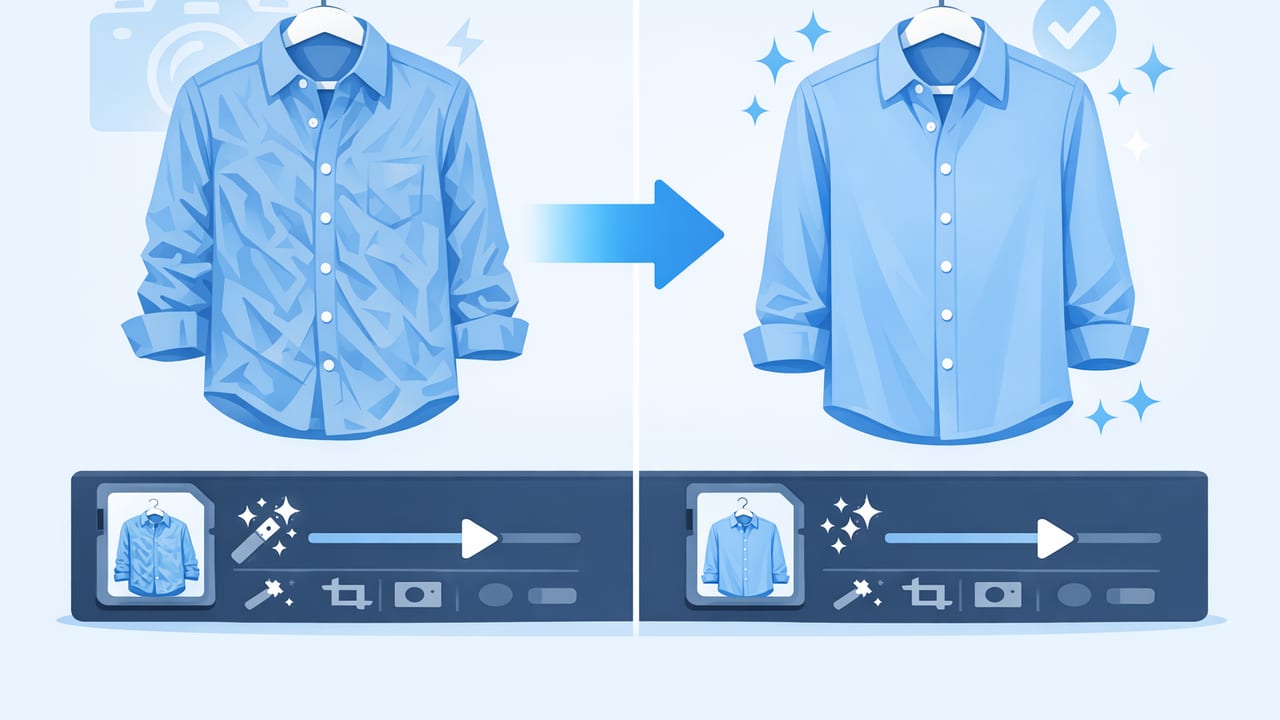
Learn how to unwrinkle clothes photos fast with simple shooting tips and AI editing steps that keep fabric texture natural for listings.
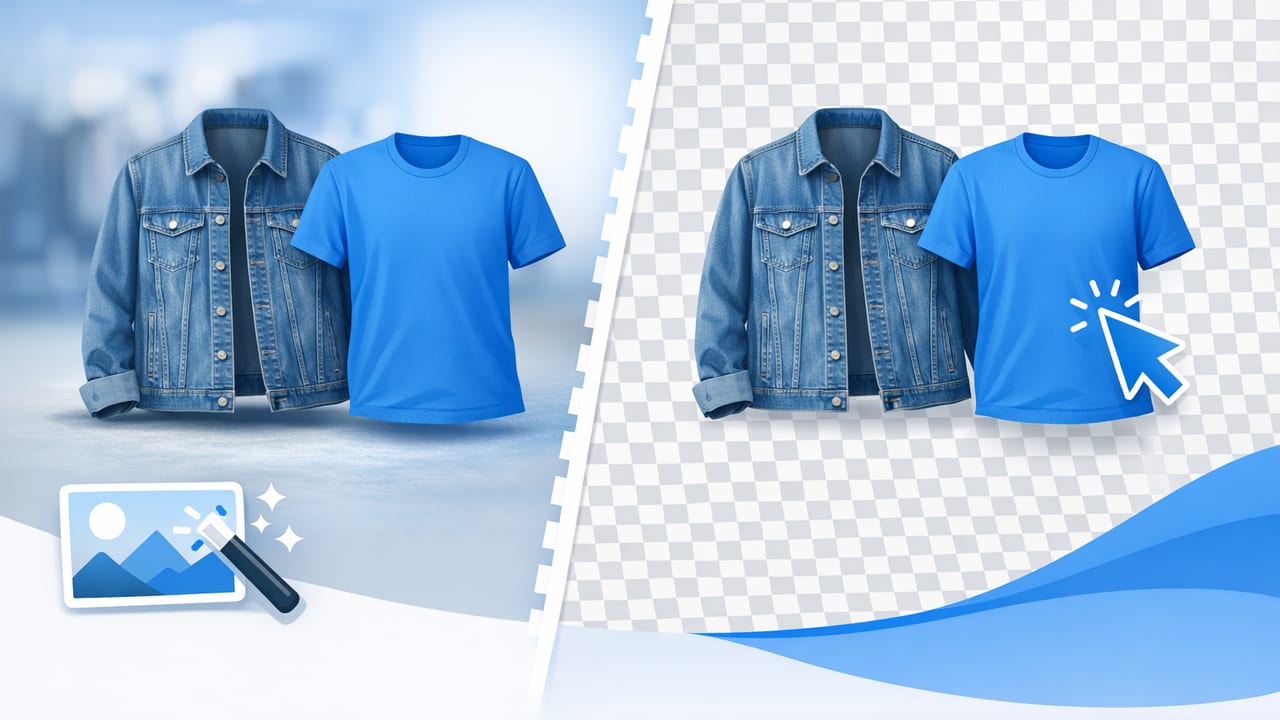
Learn clothing background removal best practices: cleaner edges, true color, consistent listings, and faster workflows for resale and e‑commerce.

Learn how to create the ghost mannequin effect on iPhone: shooting tips, clean necklines, easy editing steps, and export settings for marketplaces.

Learn a simple iOS fashion editor workflow for true-to-life color, clean backgrounds, and consistent listings—fast and shop-ready.

Step-by-step ghost mannequin workflow for kids apparel: prep, shoot, edit, and avoid common pitfalls for clean e-commerce images.
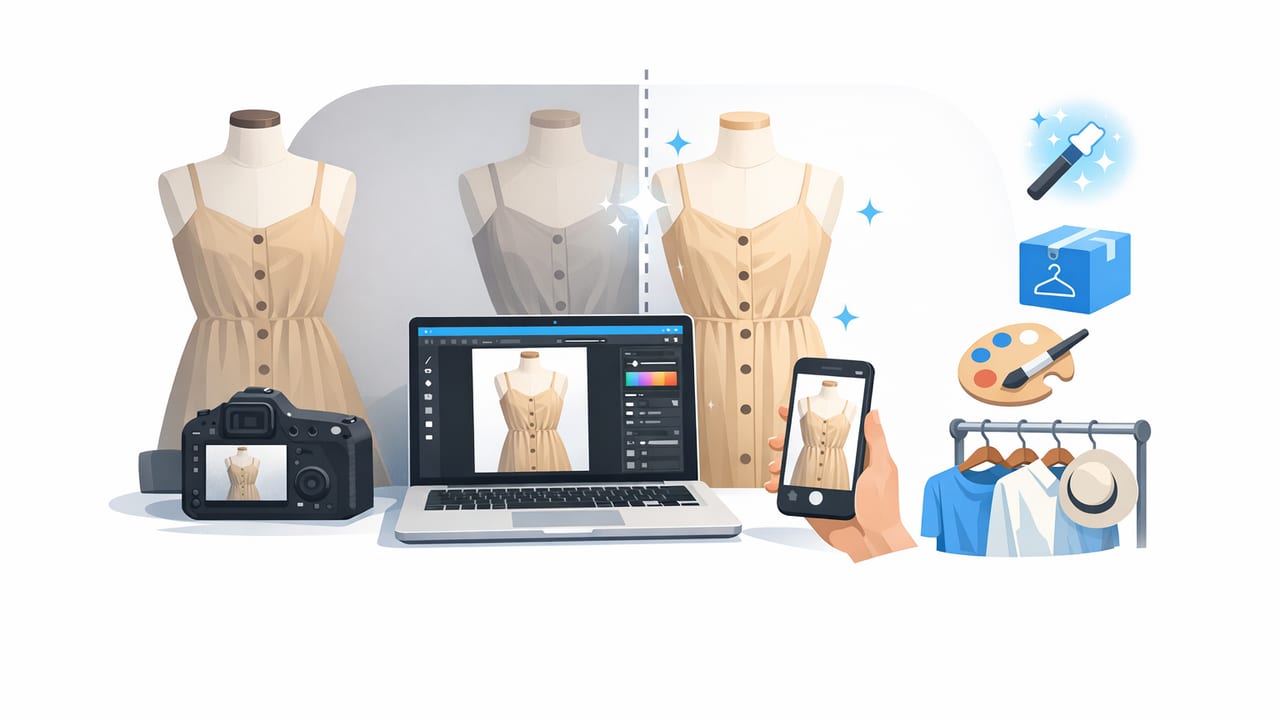
Learn a fast, repeatable clothing photo retouching workflow for small boutiques—clean backgrounds, true color, and consistent listings that sell.

Learn how to use an iPhone background eraser for clothing shots—better lighting, cleaner cutouts, and pro results for resale and e-commerce.
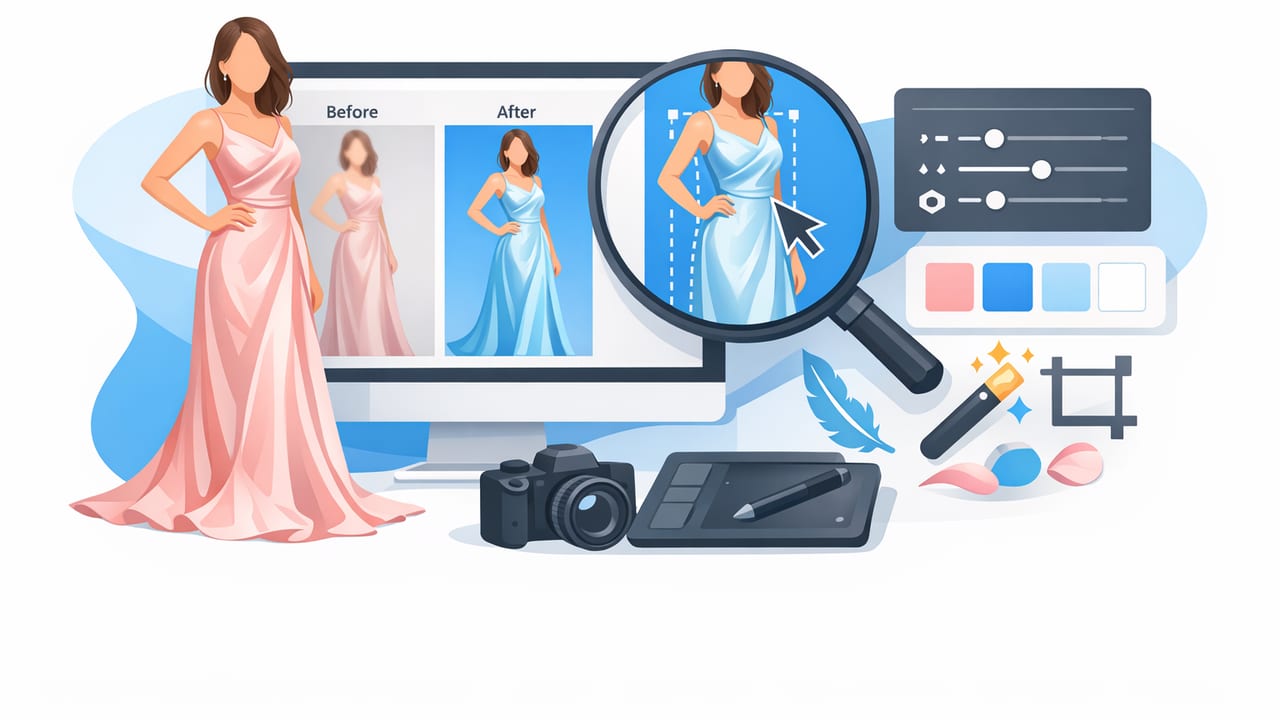
Learn how to edit silk dress images: fix shine, wrinkles, color cast, and backgrounds for clean, high-end listings that sell.
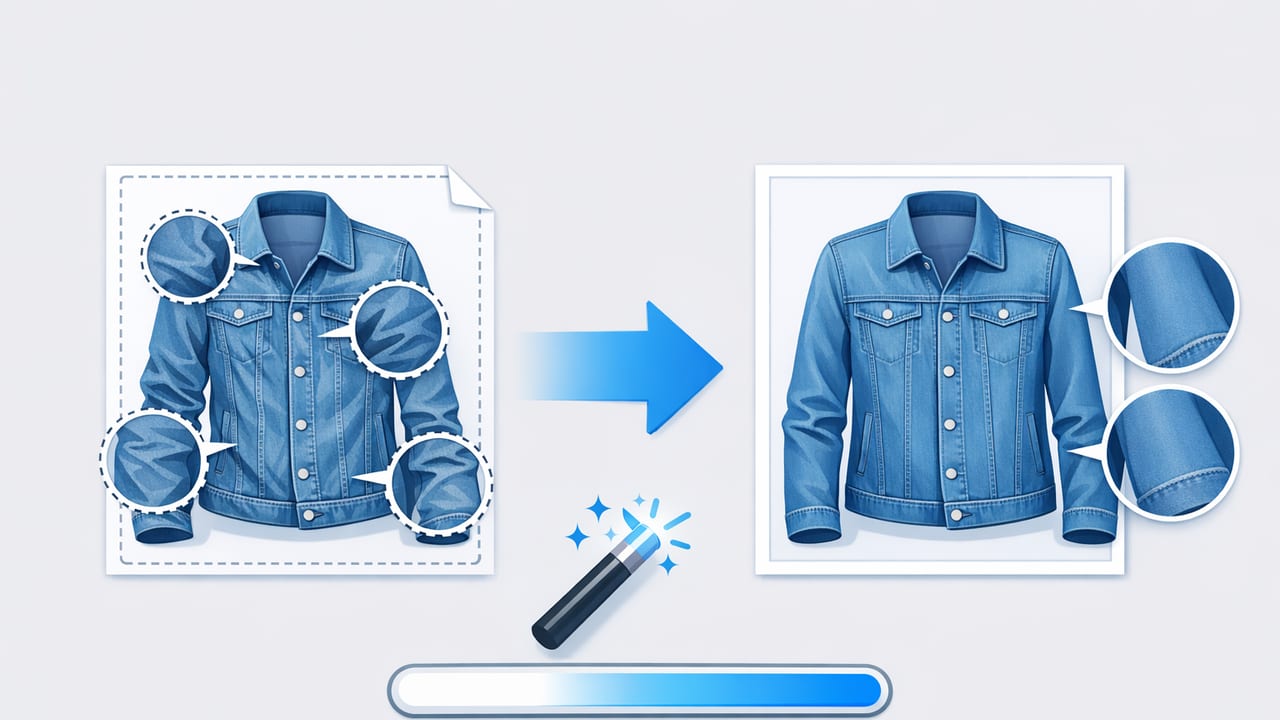
Learn how to remove creases from denim jacket photos while keeping texture. Simple shooting and editing steps for resale-ready images.
Learn a same-day photo cleanup workflow for sellers: shoot, edit, batch, and publish faster with consistent, marketplace-ready images.

Learn how to prepare product photos for holiday sale with a simple checklist, shot list, styling tips, and a fast editing workflow for apparel listings.

Learn a cheap alternative to hiring a photo studio: simple gear, lighting setup, and editing workflow for pro-looking clothing photos at home.

Learn a simple workflow for fashion catalog images with consistent lighting—setup, camera settings, editing tips, and a repeatable checklist.
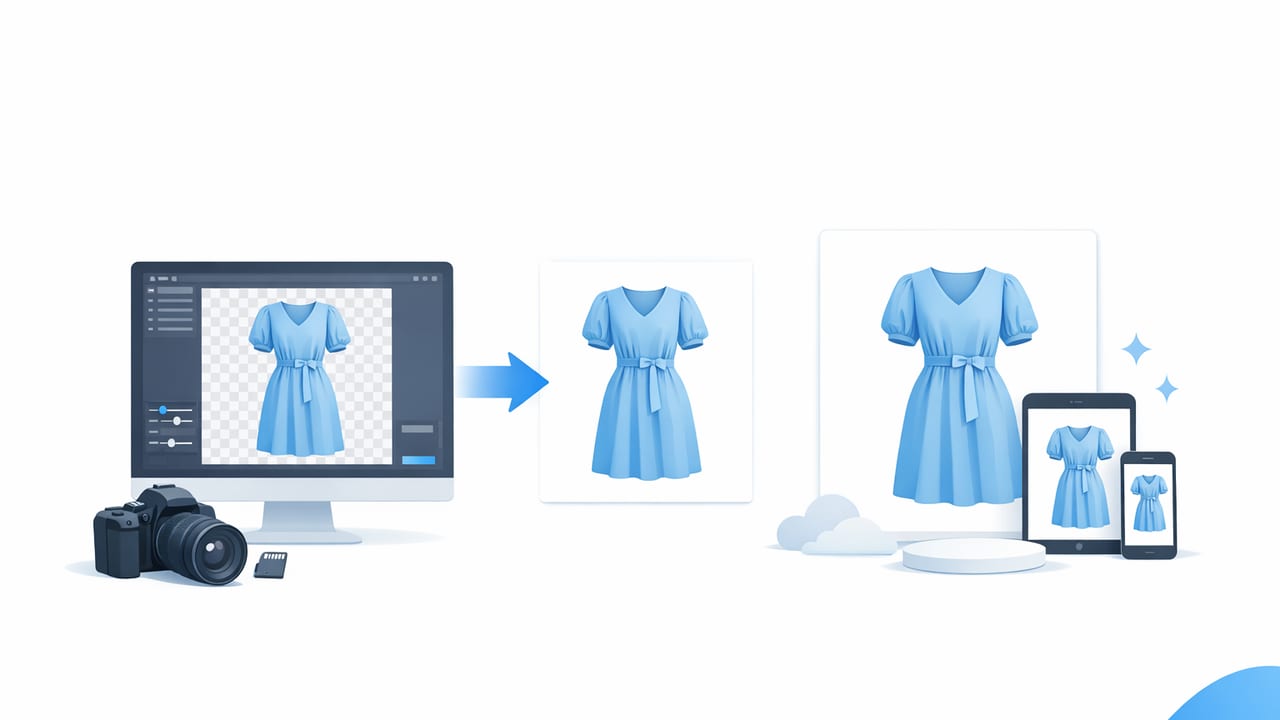
Learn how to create clean white backgrounds for clothing photos, with simple steps, specs, and tips that help listings look consistent and sell.

Shoot studio quality apparel photos at home with simple gear, lighting, styling, and editing tips. Ideal for resellers and boutique brands.
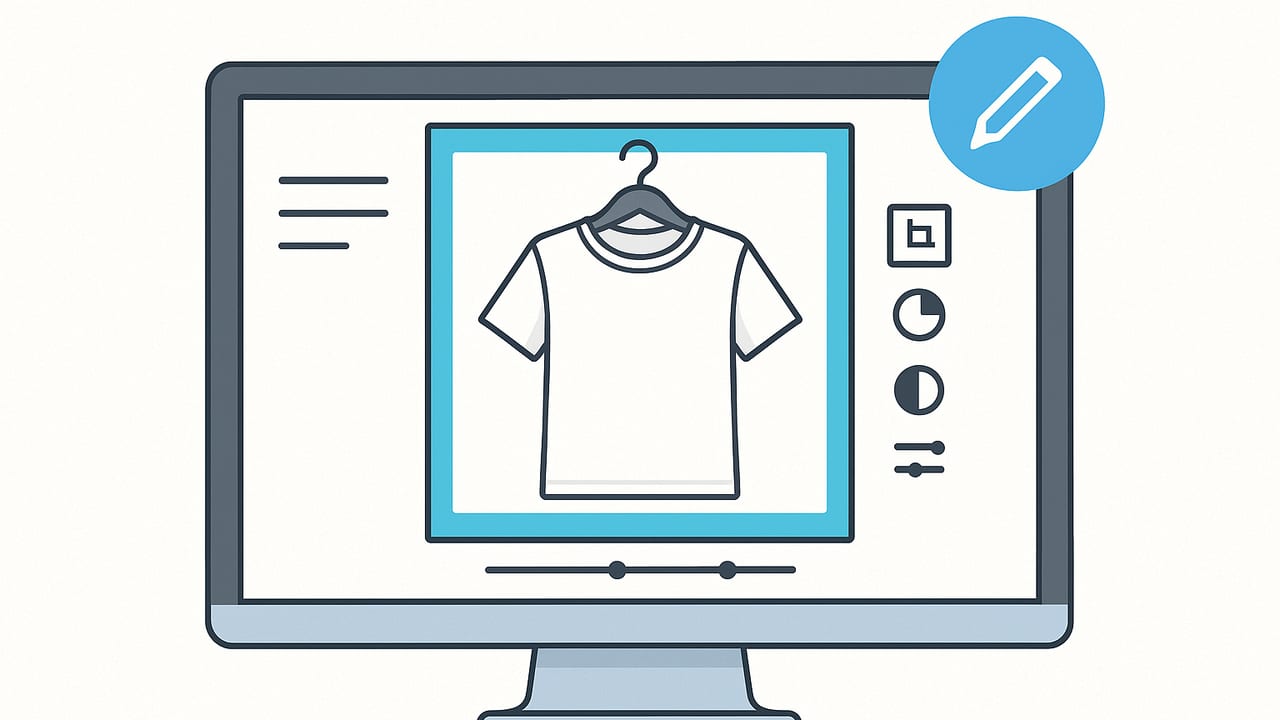
Learn on-hanger clothing photo editing tips to create clean, consistent listings that sell. Workflow and quick fixes for Poshmark, eBay, and more.
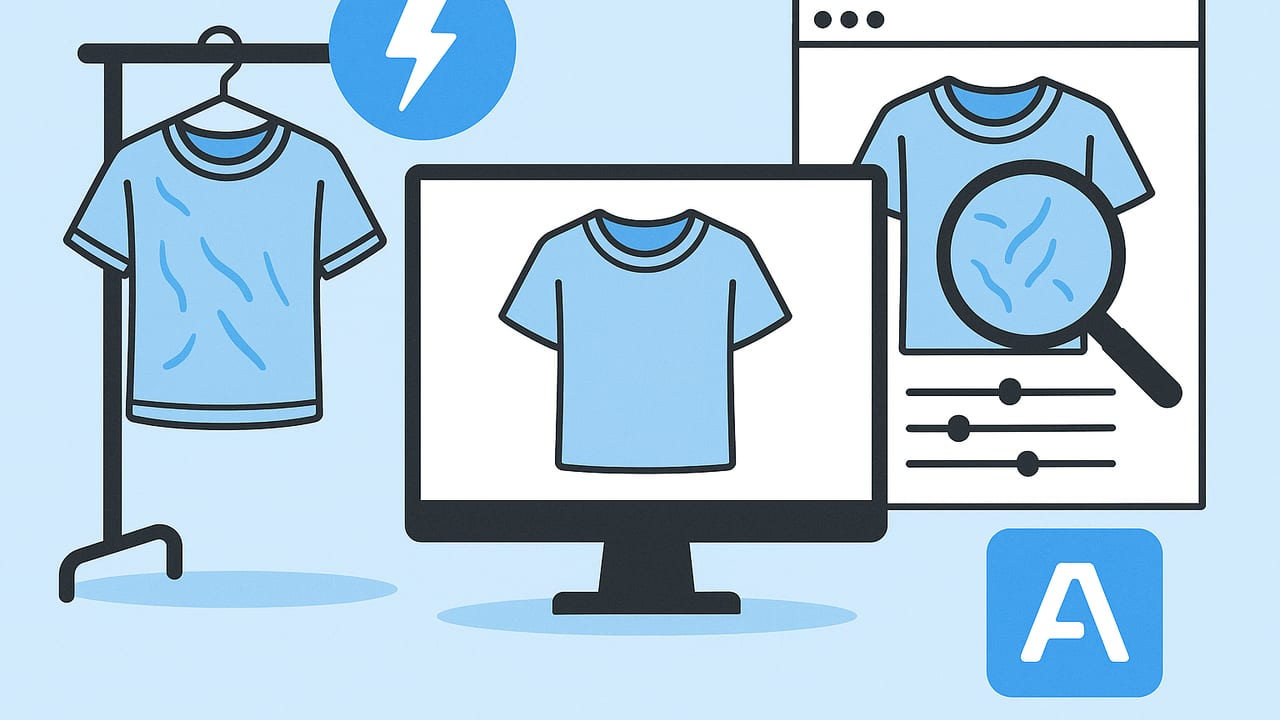
Discover the best way to unwrinkle garment photos fast—shooting fixes, quick edits, and AI tools for crisp, sell-ready images on any marketplace.

Learn lighting, folding, styling, and editing to make folded clothes look professional in photos using your phone, simple props, and smart workflow.
Find the best photo editor for fashion resellers on iOS. See key features, workflows, and tips to create clean apparel images that convert.
Learn how to generate model shots without hiring models. Step-by-step workflow, tools, and styling tips to create on‑model images that sell.

Learn automatic background removal for apparel images: tips, workflow, export settings, and tools to create clean, consistent product photos.

Learn how to create flat lay product photos on iPhone: setup, lighting, styling, and editing tips to get crisp, shop-ready images that sell.

Learn how to create the ghost mannequin effect for online clothing listings—gear, shooting steps, editing workflow, and SEO tips to boost conversions.

Learn how to remove clothing wrinkles from photos with simple shooting fixes and easy edits that keep fabric texture natural and shop-ready.

Learn how to shoot and edit fashion listing photos that convert. Lighting, styling, editing, and marketplace specs—plus a printable checklist.

Find the ideal reseller photo editor. Learn essential features, quick workflows, marketplace specs, and practical tips for clothing photos that convert.
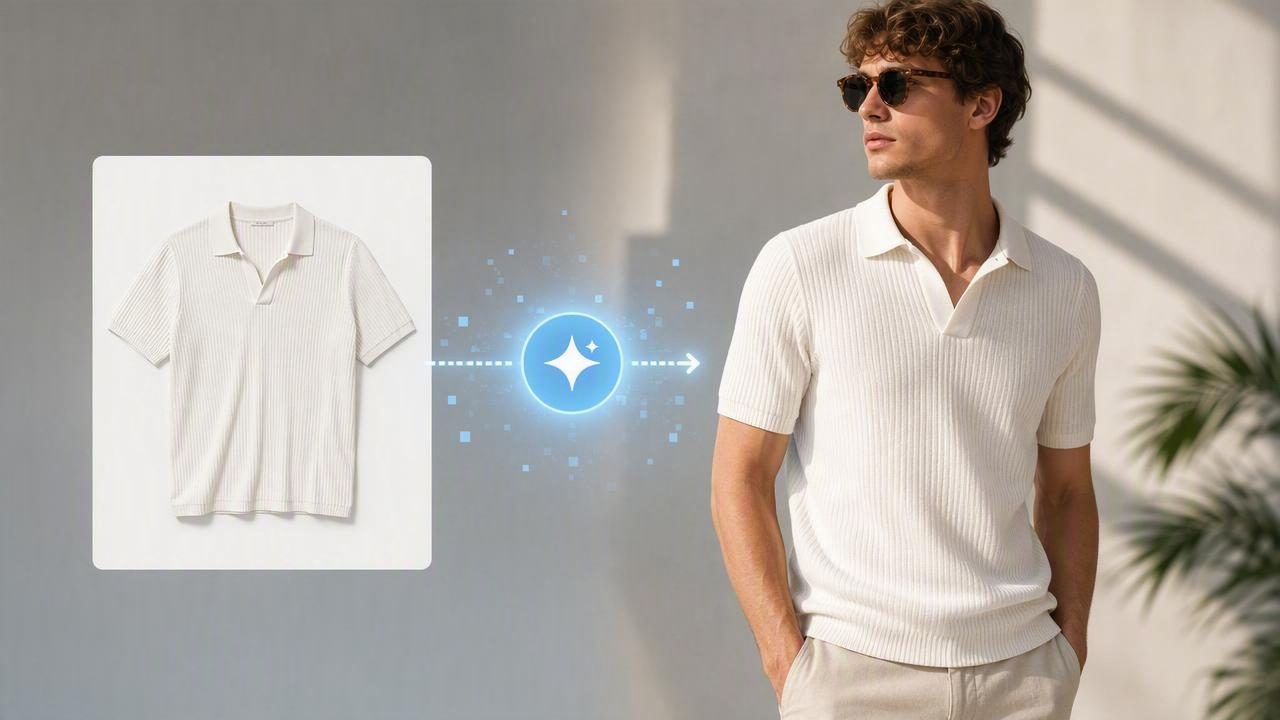
Learn how a model photo generator creates realistic on-model apparel shots, with workflow, prompts, ethics, and marketplace tips.
Use a clothing background remover to create crisp apparel photos. Learn workflows, specs, tips, and best practices for fashion sellers.

Discover budget friendly fashion photo editing options, workflows, and tools to elevate apparel listings on Poshmark, eBay, and Shopify—without overspending.
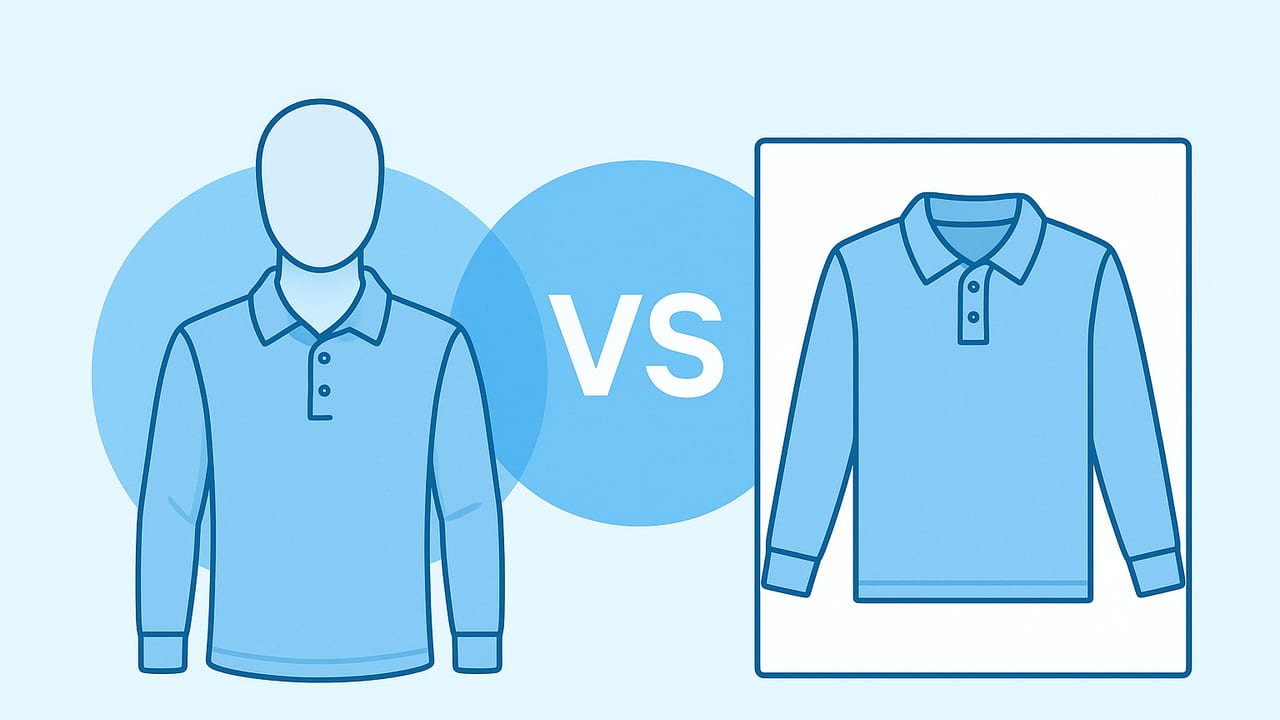
Compare ghost mannequin and flat lay clothing photos. Learn pros, cons, use cases, and workflow tips to boost conversions on marketplaces.

Shoot last-minute listing photos fast: a 30‑minute phone workflow with lighting, styling, batching, quick edits, and upload tips for sellers.

Step-by-step guide to generate white background images for garments: lighting, editing, and marketplace specs for clean, professional listings.
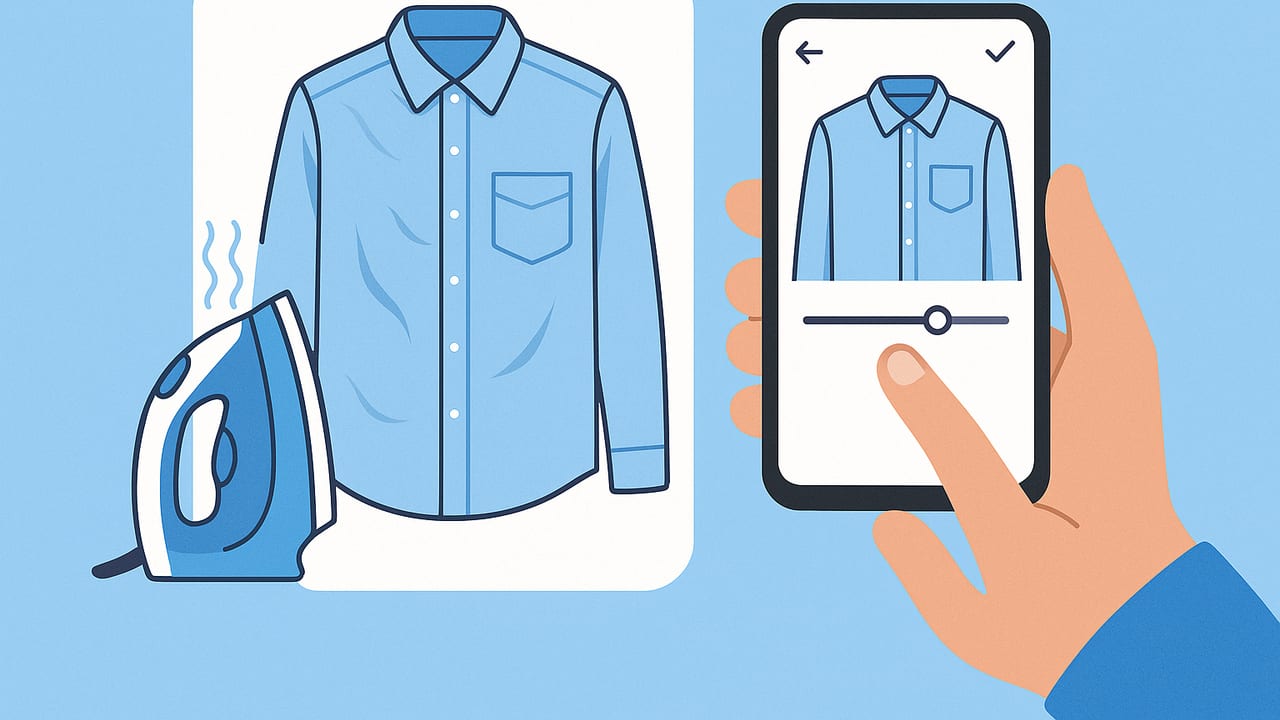
Need a quick fix for wrinkled shirt pictures? Learn fast prep, phone editing, and workflow tips to remove creases and boost sales on marketplaces.
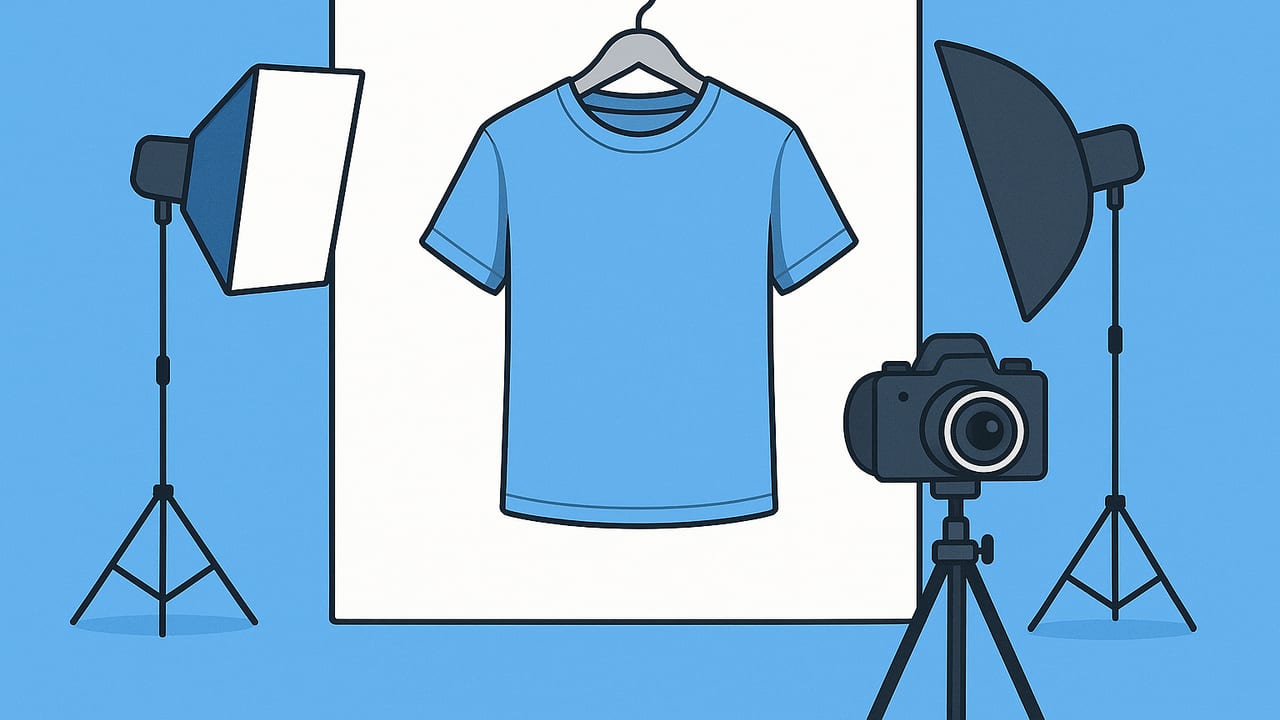
Step-by-step guide to perfect on-hanger product photos for marketplaces. Gear, lighting, styling, editing, and specs for Poshmark, eBay, and more.

Create folded clothing photos that look professional with easy lighting, folding, styling, and editing tips for consistent, clickable images.

Fast workflow, lighting, and editing tips to pick the best mobile photo editor for boutique owners and boost your fashion listings.

Learn how to create model shots without hiring models using AI, mannequins, and styling tricks. Save budget, speed up listings, and boost conversions.
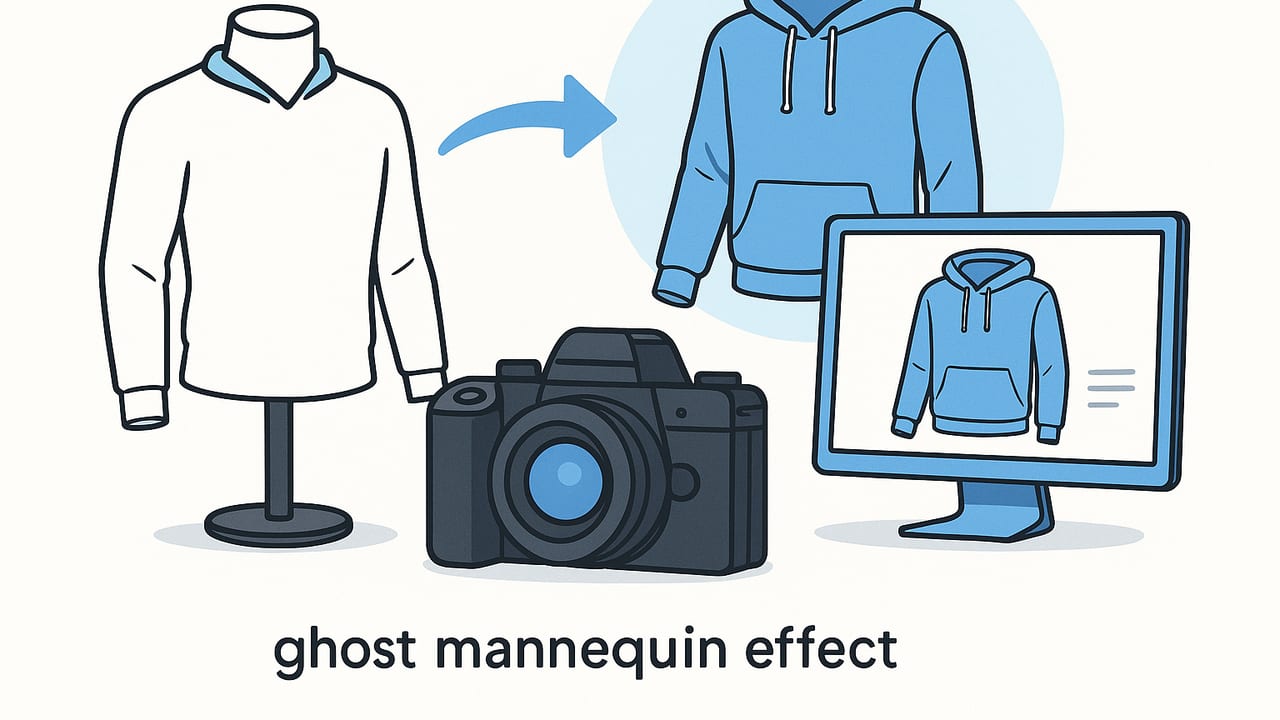
Learn the ghost mannequin effect for clothing resellers: steps, tools, and tips to create pro-ready apparel photos that sell.
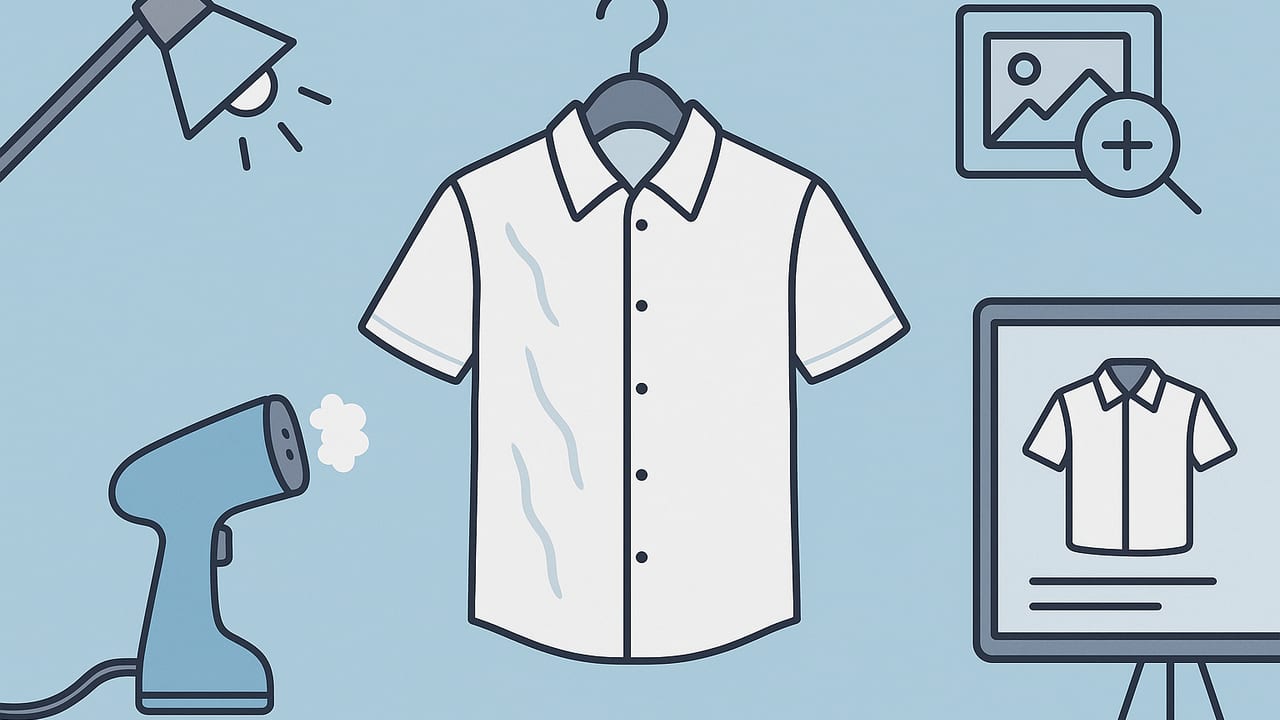
Learn how to unwrinkle clothes for online fashion listings. Fast prep, safe tools, lighting, and editing tricks that help your items sell.