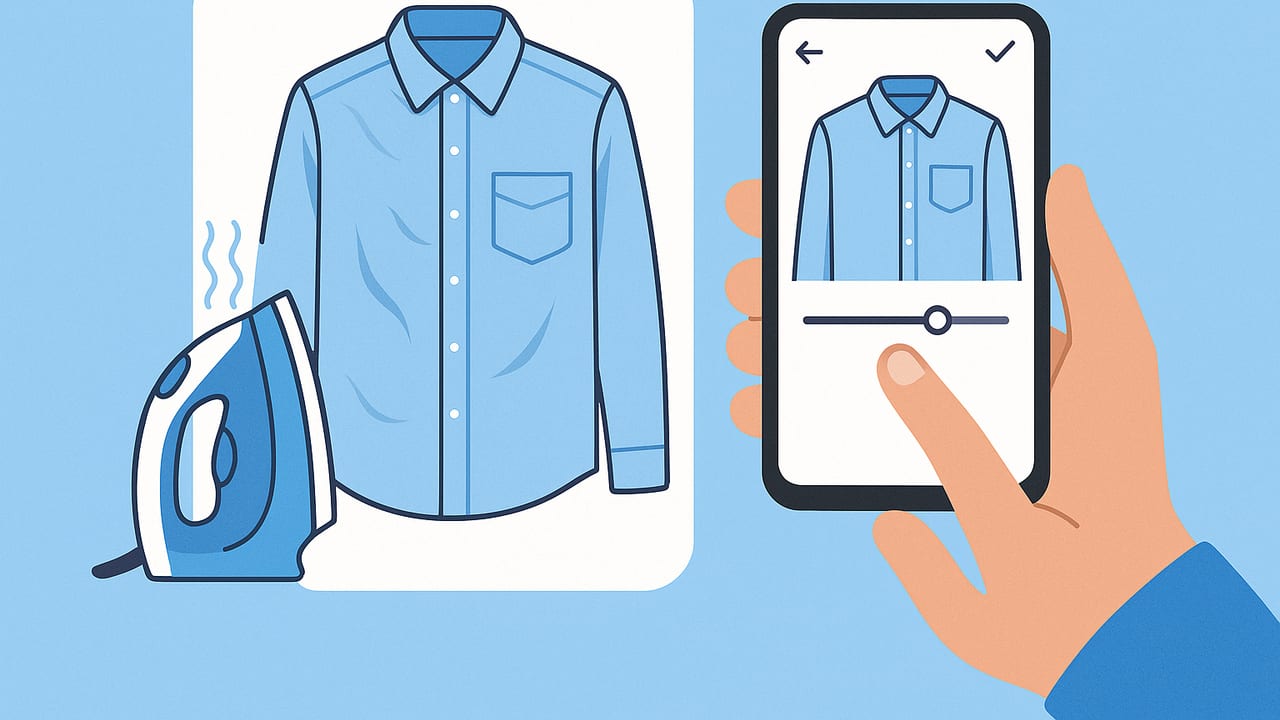
If you’re listing clothing online, a clean, smooth shirt photo can be the difference between a quick sale and a scroll-by. When time is tight, you need a quick fix for wrinkled shirt pictures that looks natural, keeps fabric details intact, and meets marketplace standards. This guide walks you through fast prep, easy styling, phone-friendly editing, and a repeatable workflow that turns creased tops into crisp, conversion-ready images.
Why Wrinkles Hurt Sales (and How Algorithms See Them)
Shoppers intuitively equate smooth fabric with “well-cared-for” and “high quality.” Creases create harsh micro-shadows that exaggerate texture, make colors look uneven, and distract from key details like buttons, plackets, and collars. On search pages where images appear small, those wrinkles compress into visual noise. Marketplaces favor clear, high-contrast subject edges and simple backgrounds—wrinkles do the opposite, lowering click-through and sometimes even ranking.
Rule of thumb: if a wrinkle is visible at thumbnail size, it’s stealing attention from the garment’s features.
Quick Fixes You Can Do in 5 Minutes
When you don’t have time for a full steam session, these low-effort methods can make a big improvement before you shoot.
Fast Prep Without an Iron
- Shower steam hack: Hang the shirt in the bathroom while you shower. Keep it away from direct spray and let steam relax light creases for 5–10 minutes. Pat dry if needed.
- Hairdryer + tension: Lightly mist water or wrinkle-release spray, pull the fabric taut, and sweep a warm (not hot) hairdryer across the area at a 6–8 inch distance.
- Flat press with a towel: Lay a clean towel on a table, place the shirt flat, smooth by hand, and press gently with your palms for 30–60 seconds, especially around collars and plackets.
Styling Tricks That Disguise Creases
- Strategic fold: Fold sleeves or hem once to hide forearm or lower-panel wrinkles. Keep symmetry so it looks deliberate.
- Pin and tuck: Use small clips/pins on the back of a mannequin or hanger to pull fabric tight along the torso and shoulders.
- Layering: Add a plain tee or tissue paper beneath thin fabrics to reduce see-through creases and improve drape.
Shooting Techniques That Minimize Wrinkles
- Soft, even light: Face a window or use a softbox to reduce harsh shadows that exaggerate creases. Avoid single-point overhead light.
- Slight angle: Shooting from a slight angle (5–10 degrees off center) can diminish the depth of small wrinkles without distorting the garment.
- Step back and zoom a little: Stand back and use slight zoom to compress perspective and flatten subtle texture.
- Neutral background: A plain white, light gray, or beige background helps the shirt pop and reduces perceived messiness.
Phone Editing: Remove Wrinkles Without Looking Fake
You don’t need pro software to lift creases and keep fabric realistic. Use this simple, phone-friendly edit flow to clean up wrinkles in minutes.
- Crop and straighten first: Align the collar, shoulders, and placket. A straight composition immediately looks more professional.
- Exposure and white balance: Brighten slightly; warm or cool to match true color. Correct color first so texture decisions are accurate.
- Reduce midtone contrast: Light creases live in the midtones. Lowering midtone contrast softens them without blurring edges.
- Texture vs. clarity: Lower clarity a touch to smooth micro-contrast; maintain some texture so fabric grain doesn’t look plastic.
- Targeted “healing” only on obvious lines: Tap-to-heal the longest, most distracting crease lines. Avoid overuse near seams and buttons.
- Dodge and burn lightly: Lighten the dark side of creases (dodge), and darken any unnaturally bright ridges (burn) at very low strength to even fabric.
- Edge sharpening: If you softened the shirt, add slight sharpening to edges (collar, cuff, button line) so it stays crisp where it matters.
Tip: Zoom to 100% for edits, but always judge the final look at the size shoppers will see on a phone screen. If it looks perfect zoomed in but odd at thumbnail size, back off.
Workflow by Fabric Type
Different shirts demand different treatment. Use this at-a-glance guide.
| Fabric | Prep | Shooting | Editing Focus | Pitfalls |
|---|---|---|---|---|
| Cotton Oxford | Steam collar/placket; hand-smooth torso | Soft window light; on-hanger or mannequin | Heal major lines; reduce clarity slightly; sharpen collar | Over-smoothing removes the weave texture |
| Silk/Satin | Minimal steam; avoid water spots | Diffuse light; avoid hot spots; flatlay works well | Lower highlights; gentle dodge/burn to even sheen | Healing can warp shine; be subtle |
| Knit Tee (Jersey) | Tension-stretch edges; quick hairdryer pass | Flatlay with light stretching; simple background | Lower midtone contrast; spot-heal sleeve creases | Excess texture reduction can look muddy |
| Linen | Accept light natural creasing; steam lightly | Soft light; embrace texture; on-hanger | Keep texture; fix only deep creases; warm WB | Over-editing erases linen’s character |
Marketplace-Ready Settings in One Pass
Consistency builds trust and speeds your workflow. Use these simple standards across platforms.
- Aspect ratio: Square (1:1) or 4:5 portrait for cover image; keep a consistent look across your shop.
- Resolution: Aim for 2000–3000 px on the long edge to preserve detail without oversized files.
- Background: Clean, light background. If you replace it, match white balance to the shirt.
- Framing: Leave a bit of space around the garment so marketplaces don’t crop edges.
- Alt text: Add descriptive alt text for accessibility and SEO, e.g., “Blue cotton oxford shirt, wrinkle-free, button-down collar.”
- File naming: Use clear names like brand_style_color_view.jpg for easy management.
When to Reshoot vs. Edit
Editing can do a lot, but it can’t reverse a truly crumpled shirt without risking a fake look. Reshoot if:
- Creases overlap seams and distort the garment’s shape.
- Shine or glare creates blown-out highlights on satin/silk.
- Texture looks patchy after minimal edits and you can’t fix it without over-smoothing.
- Shadow wrinkles remain obvious at thumbnail size.
Before a reshoot, do a quick 2-minute prep: steam collar and placket, hand-smooth torso, and clip the back for tension.
Common Mistakes to Avoid
- Over-smoothing: If the fabric looks like plastic, you’ve gone too far. Restore texture with a little sharpening or texture.
- Inconsistent light: Mixing daylight and warm bulbs creates color shifts that exaggerate wrinkles.
- Editing seams: Don’t blur or heal over natural seam lines; it can make the garment look defective.
- Ignoring collars and cuffs: Buyers notice collars first. Spend extra time there.
- Busy backgrounds: Patterns behind your shirt amplify perceived messiness.
On-Hanger, Flatlay, or Ghost Mannequin?
Each presentation changes how wrinkles show up:
- On-hanger: Natural drape; good for shirts with structure. Clip the back to remove torso folds.
- Flatlay: Easiest to smooth; arrange sleeves to hide creases. Works well for tees and knits.
- Ghost mannequin: Clean, editorial feel; shows fit while minimizing side wrinkles. Ideal for button-downs and blouses.
Choose based on garment type and the wrinkles you need to hide. If the shirt puckers at the sides, ghost mannequin or a clipped hanger shot will be most forgiving.
10-Minute Checklist: From Wrinkled to Ready
- Hang the shirt; lightly steam collar and placket or use the hairdryer trick.
- Smooth torso by hand on a flat surface; fold sleeves or hem if needed.
- Clip the back to add tension; straighten the hanger.
- Set up soft, even light near a window or a diffused lamp.
- Shoot square or 4:5; step back and zoom slightly to flatten texture.
- Take a detail shot of collar, buttons, and fabric texture.
- Crop and straighten; fix exposure and color.
- Reduce midtone contrast and clarity slightly; keep texture.
- Spot-heal the biggest creases; dodge/burn gently to even fabric.
- Sharpen edges lightly; export at 2000–3000 px long side on a clean background.
Mini Case Study: Button-Down Rescue
You have a navy cotton oxford with two diagonal chest creases and a rumpled collar. In five minutes:
- Prep: Hairdryer on warm, 8 inches away, while gently pulling the collar straight; quick hand press on the placket.
- Shoot: On-hanger, back clipped. Window light, camera angled slightly left to reduce crease depth.
- Edit: Lower clarity -15, reduce midtone contrast, heal the longest crease, dodge dark crease lines at 10% strength, sharpen collar edges +10.
Result: The shirt looks naturally smooth, collar crisp, fabric grain intact, and color true to life—ready for a top-of-feed thumbnail.
FAQ: Quick Fix for Wrinkled Shirt Pictures
What’s the fastest way to smooth a shirt before shooting?
Use a hairdryer and gentle tension on the fabric for 30–60 seconds. Follow with a hand-smooth on a flat surface.
How do I avoid the plastic look when removing wrinkles?
Reduce midtone contrast and clarity slightly, then restore edge sharpness around collars and cuffs. Heal only the most obvious lines.
Should I always remove every wrinkle?
No. Fabrics like linen and some knits look authentic with light creasing. Focus on deep or distracting lines and the collar/placket.
Is background removal necessary?
Not required, but a clean background improves focus and ranking. If you replace backgrounds, keep lighting direction and color consistent.
SEO and Listing Tips That Help Your Photos Work Harder
- Lead with clarity: First image should be the full, wrinkle-free front view, centered and well lit.
- Use descriptive titles: Include fabric, color, and fit (e.g., “Men’s Navy Cotton Oxford Shirt, Button-Down Collar”).
- Show texture in a detail shot: Buyers trust images that reveal fabric quality.
- Consistency wins: Use the same background and framing across all listings to build a recognizable brand presence.
Polished images don’t just convert—they reduce returns because buyers know what they’re getting. That’s why a reliable, repeatable process for fixing wrinkles pays for itself in time saved and sales gained.
Looking for a faster, automated option when time is tight? An iOS app like Clothing Studio can unwrinkle clothes, create ghost mannequin images, remove backgrounds, and generate professional model shots—handy when you need marketplace-ready results in minutes.
