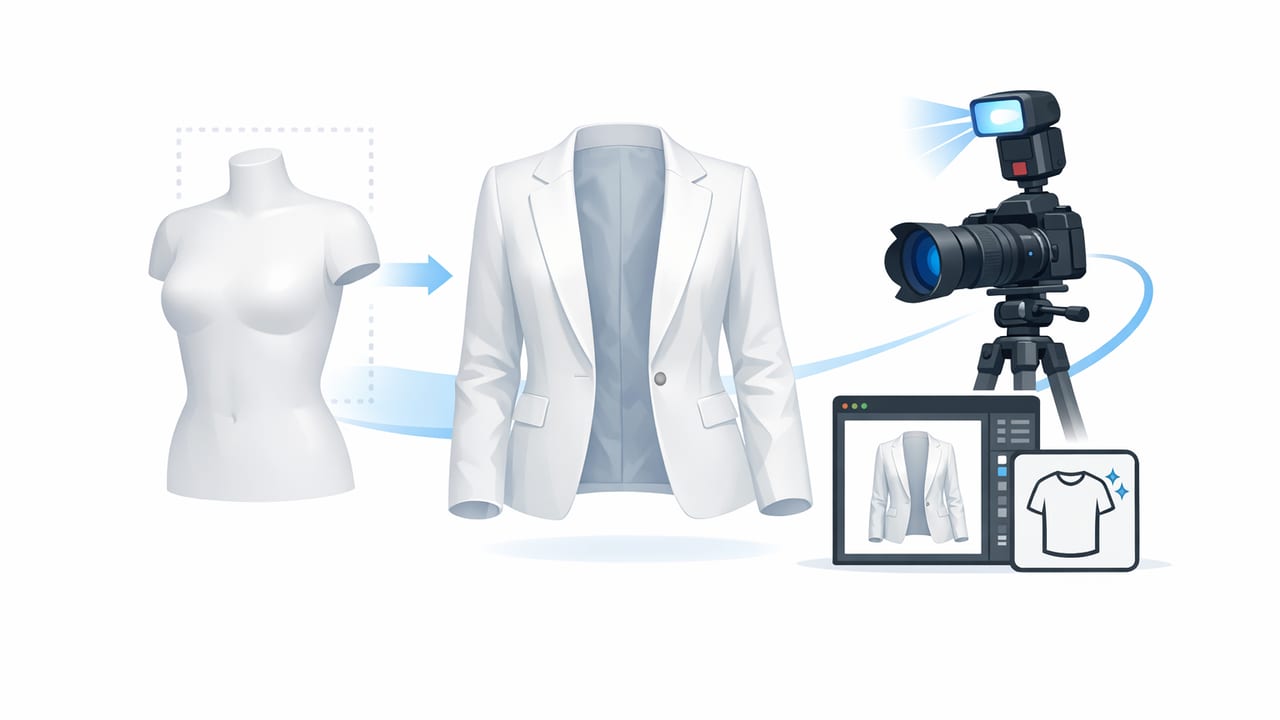
Ghost mannequin photography is one of the fastest ways to make clothing look high-end online—without hiring models or building a studio. The “ghost” effect shows the garment in a natural, 3D shape (like it’s being worn) while keeping the focus entirely on the product. For fashion resellers and small brands, it’s a practical middle ground between a flat lay and a full model shoot.
This guide breaks down how to create ghost mannequin images with a simple shoot-and-edit workflow, common pitfalls to avoid, and the quality checks that make the difference between “good enough” and “add to cart.”
Online buyers decide quickly. Clean presentation reduces hesitation and keeps attention on fit, details, and condition.
What is a ghost mannequin image (and why it works)?
A ghost mannequin image is a product photo where clothing appears worn on an invisible form. Most commonly, you’ll see this in tops, dresses, jackets, and athletic wear. The neckline, shoulders, sleeves, and torso look filled out—yet there’s no visible mannequin, model, or distracting background.
It works because it:
- Shows shape and drape better than flat lays.
- Looks consistent across a catalog or reseller closet.
- Builds trust by presenting the item clearly (especially for structured pieces).
- Saves time and cost compared with full model photography.
When ghost mannequin is the best choice (and when it isn’t)
Great for
- Blazers, coats, jackets, and structured tops
- Dresses and jumpsuits where silhouette matters
- Activewear and fitted items where shape sells
- Premium items where presentation impacts perceived value
Consider other formats for
- Very delicate fabrics (sheer, lace): ghost effects can look unnatural if edges get distorted.
- Items that need movement (flowy maxi skirts): model or lifestyle shots may outperform.
- Heavily embellished pieces: close-ups + flat lay can better highlight detail.
Before you edit: shoot for an easy ghost mannequin result
The cleaner your source photos, the easier it is to create a believable ghost mannequin image. You don’t need expensive gear, but you do need a repeatable setup.
1) Choose your “form” (mannequin, dress form, or hanger hack)
- Best: A torso mannequin or dress form with a narrow profile. It supports shoulders and chest without adding bulk.
- Good: A foam or inflatable mannequin for lightweight tops.
- Okay in a pinch: A sturdy hanger plus careful shaping (clips and tissue paper). This is harder to make look 3D, but still workable.
2) Lighting: soft and even beats “bright”
Uneven light creates shadows that complicate cutouts and makes the “ghost” effect look fake. Aim for soft, indirect light.
- Stand near a window with sheer curtains, or use two lamps with diffusers.
- Keep the light direction consistent across items.
- Avoid overhead-only lighting (it deepens shadows under collars and sleeves).
3) Background: simple is faster to clean
A plain wall or a neutral backdrop reduces editing time. If you can’t control your background, don’t worry—just keep contrast reasonable (e.g., don’t shoot a white shirt on a white wall).
4) Capture the two key shots
Classic ghost mannequin images often rely on two photos:
- Front shot (on mannequin/form): The main image showing overall shape.
- Inner label/neckline shot (backside or inside-out): This “insert” fills the neck opening so it looks like a real body is inside the garment.
Tips for these shots:
- Keep the camera at chest height and centered to avoid distortion.
- Use the same distance for consistency across listings.
- Smooth the garment (steam or tug gently) so wrinkles don’t become “texture.”
How to create ghost mannequin images: a simple editing workflow
Whether you use desktop software or an AI editor on your phone, the steps are similar. The goal is to remove the mannequin, keep clean edges, and add the inner “insert” so openings (neck, sleeves, waist) look natural.
Step 1: Pick your best front photo
Choose the image with the most accurate color, the straightest seams, and the fewest shadows. If needed, adjust:
- Exposure (avoid blowing out whites)
- White balance (keep blacks neutral, not blue or brown)
- Crop (center the garment and leave a little breathing room)
Step 2: Remove the background
Background removal helps you get a crisp outline and a clean catalog look. If you’re listing on marketplaces, a white or light neutral background is a safe default—just keep it consistent.
Step 3: Remove the mannequin (the “ghost” part)
This is where realism matters. Use careful cutouts around:
- Necklines and collars
- Armholes and sleeve openings
- Waistbands and cut-out details
If an AI tool removes too much (common around thin straps), undo or refine the edge rather than accepting a jagged outline.
Step 4: Add the inner insert (for the neckline and depth)
That second photo (inside neckline/label area) is what makes the image look truly “3D.” The simplest approach:
- Cut out the inner neckline area from your second photo.
- Place it behind the front photo so it appears inside the opening.
- Align seams and edges so the insert follows the garment’s shape.
For sleeveless items or deep V-necks, spend extra time aligning this insert—buyers notice when the inner shape looks off.
Step 5: Clean edges and keep fabric texture
A common mistake is over-smoothing. Clothing should still look like fabric. Aim for:
- Clean edges without halos
- Visible stitching and knit texture
- Natural shadows (light, not harsh) to keep depth
Step 6: Final consistency pass (your “catalog look”)
Before exporting, compare the image to your last 5 listings. Consistency sells. Check:
- Same background color
- Similar crop and scale
- Color accuracy across the set
- Centered alignment (avoid leaning garments)
Quick comparison: ghost mannequin vs other clothing photo styles
| Style | Best for | Pros | Cons |
|---|---|---|---|
| Flat lay | Tees, casual items, bundles | Fast, minimal equipment | Less shape; can look “smaller” or wrinkled |
| On-hanger | High volume resale, quick listings | Speed, easy storage workflow | Often lacks structure; shoulder bumps |
| Model | Fit-driven items, lifestyle branding | Shows movement and fit context | Cost, time, consistency challenges |
| Ghost mannequin | Structured pieces, premium presentation | 3D shape without a model; clean catalog feel | Requires a second shot + careful editing |
Common mistakes that make ghost mannequin images look “off”
- Wrong insert shape: The inner neckline doesn’t match the garment’s opening.
- Visible halos: A faint outline from background removal around dark fabrics.
- Over-warping: Forcing the garment into an unrealistic shape (especially shoulders).
- Inconsistent shadows: Insert lighting doesn’t match the front photo.
- Over-editing texture: Knitwear becomes plasticky; denim looks painted.
A repeatable checklist for faster listings
If you want speed without sacrificing quality, use this mini checklist each time you create ghost mannequin images:
- Steam or smooth the garment (30–60 seconds)
- Shoot front-on-form + inner neckline shot
- Pick the sharpest, most accurate color frame
- Background removal
- Remove form/mannequin
- Add and align insert
- Edge cleanup + texture check
- Export with consistent sizing
Optional: simple file naming to stay organized
Consistent filenames help when you cross-list to multiple platforms.
brand_itemtype_color_size_front.jpg
brand_itemtype_color_size_back.jpg
brand_itemtype_color_size_detail1.jpg
brand_itemtype_color_size_ghost.jpg
FAQ: creating ghost mannequin images for marketplaces
Do I need a real mannequin?
No. A dress form helps, but you can still get a convincing result with careful shaping and strong editing—especially for tops and lightweight dresses.
What background color is safest?
White or very light gray is generally the most flexible and reads cleanly on most e-commerce platforms. The key is consistency across your listings.
How many photos should my listing include?
Use the ghost mannequin image as your hero shot, then add back view, close-ups (tags, fabric, flaws), and any special details (buttons, pockets, hems). Buyers want clarity more than artistry.
Closing tip: aim for “believable,” not perfect
The best ghost mannequin images don’t draw attention to the edit—they simply make the garment look structured, clean, and easy to evaluate. If you’re consistent and you protect fabric texture, your photos will feel more professional even with a simple setup.
If you prefer editing on your phone, an AI clothing photo editor like Clothing Studio can streamline steps like background removal, unwrinkling, and ghost-style presentation in a faster workflow.
