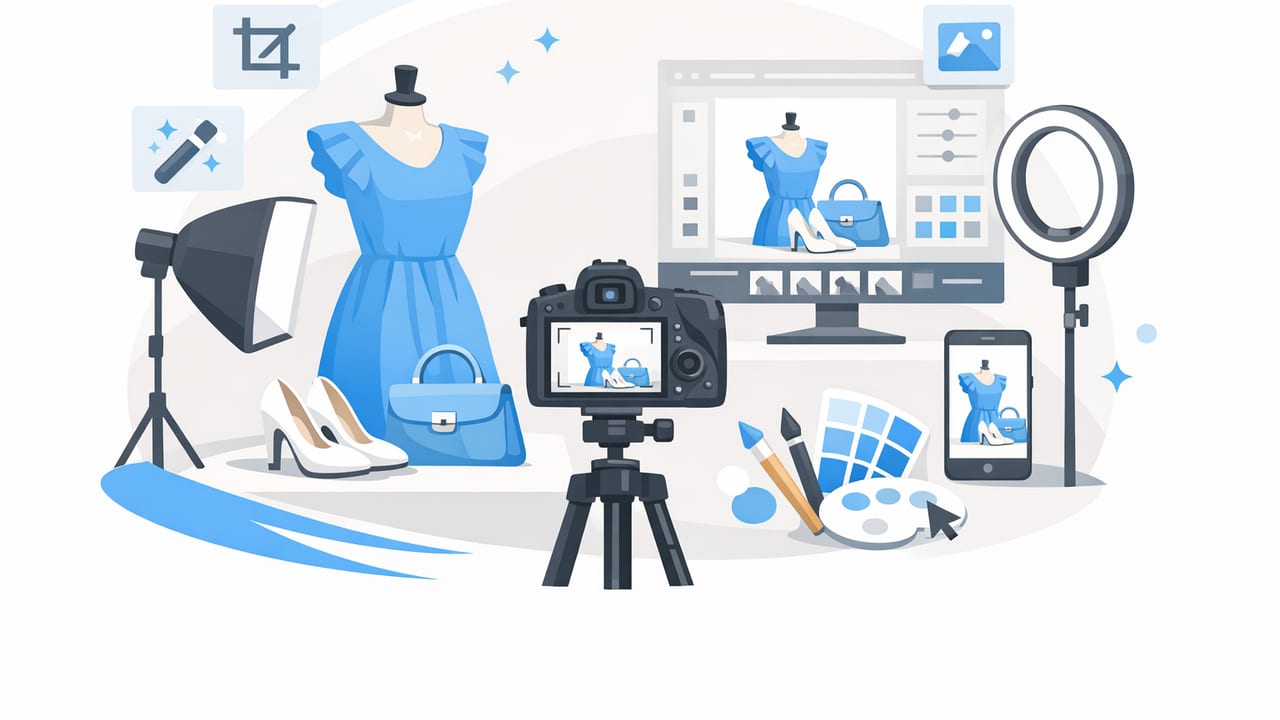
Strong fashion product photography does more than “look nice.” It reduces buyer hesitation, sets accurate expectations, and helps shoppers compare size, color, and condition quickly. Whether you’re a solo reseller shooting on your phone or a small brand building a catalog, you don’t need a studio full of gear—you need a repeatable workflow.
This guide breaks down a practical approach to fashion product photography that balances speed and quality: simple lighting, reliable angles, consistent styling, and light editing (like background cleanup and wrinkle reduction) that keeps your items looking true-to-life.
What “good” fashion product photography actually means
In ecommerce, “good” isn’t the most artistic photo—it’s the most useful. Aim for:
- Accuracy: color, fabric texture, and fit should match reality.
- Consistency: similar framing and lighting across listings builds trust.
- Clarity: the buyer can zoom and inspect details (tags, seams, flaws).
- Speed: a workflow you can repeat without burnout.
Buyers don’t just buy the item—they buy confidence that the item will match the photos.
Step 1: Choose the right presentation (flat lay, hanger, mannequin, model)
Your presentation style affects perceived value and the amount of work you’ll do per item. Pick one “default” and use the others only when they add clarity.
| Presentation | Best for | Pros | Watch-outs |
|---|---|---|---|
| Flat lay (folded or styled) | T-shirts, knits, casual pieces | Fast, consistent, minimal equipment | Fit is harder to imagine; watch shadows |
| On-hanger | Blouses, dresses, outerwear | Shows silhouette; efficient for resellers | Wrinkles show easily; hanger visibility |
| Mannequin / ghost mannequin | Structured garments, premium pieces | Professional look; shows shape and drape | Needs consistent setup; editing may help |
| On-model | Fit-driven items, styling-focused brands | Highest context; helps conversion | Time-intensive; sizing/fit variability |
If you’re building volume, a strong baseline is: one clean “main” image (front view) plus supporting angles and details.
Step 2: Build a simple, repeatable shooting setup
Background
A plain background keeps attention on the garment. A white wall, foam boards, or a seamless paper roll can work. If you can’t get perfectly clean whites in-camera, that’s okay—just keep the background consistent so it’s easy to tidy later.
Lighting (the biggest quality multiplier)
Good lighting prevents dull colors, harsh shadows, and “mystery fabric” texture. Use one of these:
- Window light: stand near a large window; shoot with the window at a 45° angle to the garment.
- Two soft lights: place one on each side to reduce shadows and keep color even.
Avoid: direct overhead bulbs, mixed lighting (window + warm lamp), and harsh sun patches.
Stabilize your phone
A basic tripod is helpful, but you can also stabilize with a stack of books. Stability improves sharpness and keeps your framing consistent—both are key for fashion product photography.
Step 3: Capture a “must-have” shot list (so you never miss key details)
Use a repeatable shot list to reduce reshoots and returns. Here’s a reliable baseline for most apparel:
- Main image: front view, centered, full garment in frame.
- Back view: same distance and framing as the front.
- Close-up fabric texture: show weave, knit, or sheen.
- Brand + size tag: readable, in focus.
- Condition proof: any flaws (snags, pilling, stains) clearly photographed.
- Special features: zipper, buttons, pockets, lining, embellishments.
Framing tip: keep your camera lens parallel to the garment to avoid distortion (especially with hems and shoulder lines).
Step 4: Style for shape and cleanliness (without over-styling)
Small adjustments can make inexpensive items look premium—without misleading buyers:
- Steam or smooth: remove major wrinkles; don’t “reshape” the garment.
- Fill and clip: use tissue paper inside sleeves or a gentle clip at the back for cleaner drape (avoid extreme cinching).
- Align seams: straighten side seams, collars, plackets, and hems.
- Lint roll: especially for dark fabrics and knits.
Step 5: A realistic editing workflow (fast, light, and consistent)
Editing should make your images clearer, not different. A simple, repeatable workflow works best:
1) Crop and straighten
Use the same crop ratio across your closet or catalog when possible. Center the garment and leave a small margin so it doesn’t feel cramped in grid views.
2) Correct brightness and white balance
Bring exposure up slightly so details read on mobile. Adjust white balance so whites look neutral—not blue or yellow. This is one of the quickest ways to improve fashion product photography credibility.
3) Background cleanup (when needed)
A clean background reduces distraction. If your backdrop isn’t perfect, background removal or background whitening can help you standardize listings—especially when shooting in mixed home environments.
4) Wrinkle reduction (keep it honest)
Minor smoothing can make photos look tidy, but avoid aggressive edits that change how the fabric naturally sits. Buyers appreciate clean presentation, but they also expect accuracy.
5) Optional: ghost mannequin look for structure
For jackets, dresses, and structured tops, a ghost mannequin style can highlight shape and interior details (like collars and necklines) in a polished, catalog-like way.
Step 6: Consistency rules that make your listings look “brand-level”
Consistency is often what separates casual listings from professional catalogs. Set a few rules and stick to them:
- Same main angle: always front-facing for the first image.
- Same scale: keep similar zoom so tops and dresses feel uniform in a grid.
- Same background tone: even if not pure white, keep it consistent.
- Same edit intensity: don’t heavily brighten one item and leave another dark.
Practical mini-check: if you scroll your shop page and the images “jump” in brightness or framing, tighten your workflow.
Step 7: File naming and organization (saves time later)
Good organization helps you list faster and avoid uploading the wrong angle. Here’s a simple naming pattern:
brand_itemtype_color_size_view.jpg

Example:
madewell_denimjacket_blue_M_front.jpg
madewell_denimjacket_blue_M_tag.jpg
madewell_denimjacket_blue_M_flaw1.jpg
This is especially useful if you cross-list across multiple platforms or batch-edit photos.
Common mistakes in fashion product photography (and quick fixes)
- Yellow indoor lighting: move closer to window light or correct white balance.
- Crooked hangers or tilted flat lays: use grid lines and straighten in edit.
- Too much contrast: fabric texture can look harsh; lower contrast slightly.
- Over-smoothing: keep texture; buyers want to see the real fabric.
- Missing tag photos: always capture brand and size—reduces questions.
A quick checklist you can save
- Neutral background, consistent spot
- Soft light (window or two lights), no mixed bulbs
- Front + back + texture + tags + condition + features
- Crop/straighten, correct exposure + white balance
- Clean background if needed; keep edits realistic
- Consistent framing and scale across listings
FAQ
How many photos should I include per listing?
For most items, 6–10 photos is a strong range: front, back, key details, tags, and any flaws. More is helpful when the item has special features or fit concerns.
Should I use pure white backgrounds?
Pure white can look clean and professional, but consistency matters more than perfection. If your platform prefers white, you can shoot on a light background and tidy it during editing.
Is on-model always better?
Not always. On-model adds context, but it’s slower and can introduce fit variability. Many successful resellers rely on clean hanger or mannequin shots plus accurate measurements.
Closing thought: make it repeatable
The best fashion product photography workflow is the one you can repeat every time you list—without needing perfect conditions. Start with consistent lighting and a shot list, then use light editing to standardize results. If you’re looking for a simple iOS tool that supports tasks like background removal, wrinkle cleanup, and ghost mannequin-style presentation, an app like Clothing Studio can fit neatly into that workflow.
