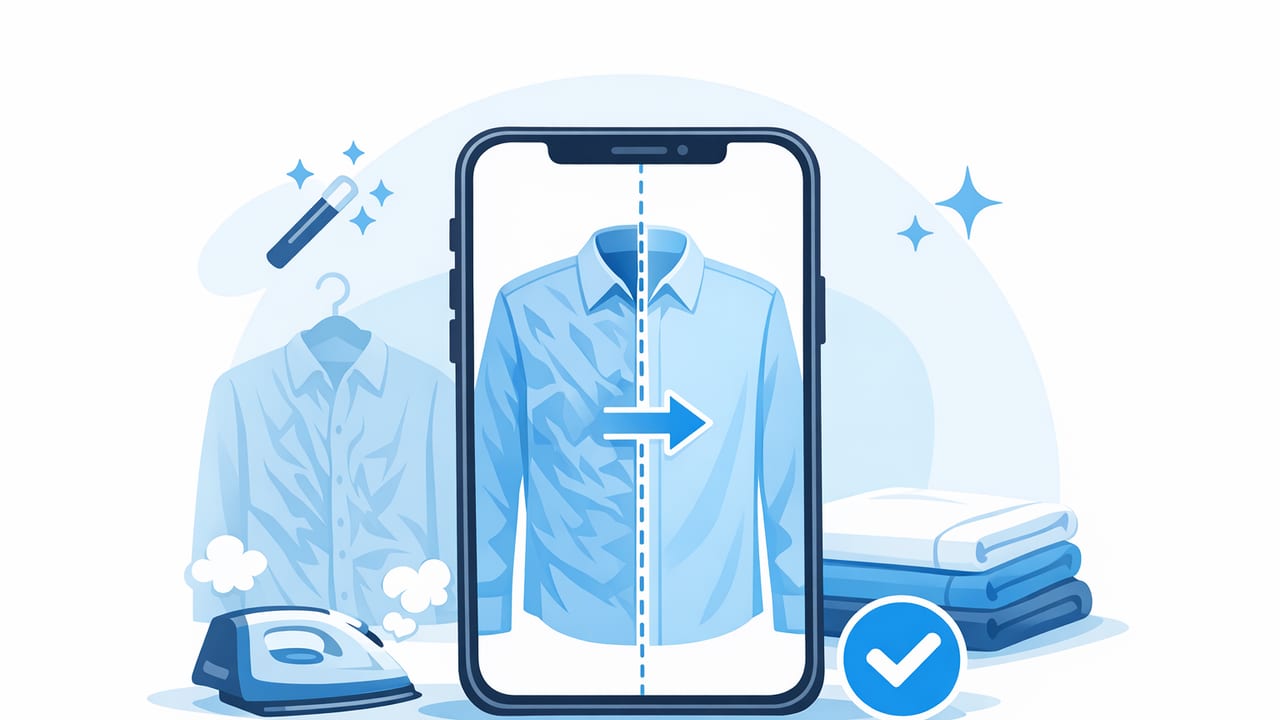
Wrinkles are normal in real life—but in online listings, they can read as “worn,” “poorly stored,” or simply “not cared for.” The problem is that even when an item is in great condition, creases from shipping, folding, or storage can steal attention from what buyers actually want to evaluate: fabric quality, fit, and details.
That’s where an unwrinkle clothes app can help. Instead of reshooting or spending a long time steaming every piece, you can smooth distracting creases in your photos and create more consistent, professional-looking images across your shop.
Good product photos don’t need to be perfect—they need to be clear, consistent, and trustworthy.
Why wrinkles matter more in e-commerce photos
In person, a shopper can touch fabric, lift a sleeve, and see how material falls. Online, the photo does all the talking. Wrinkles can create three common issues:
- They hide the silhouette: Creases can break up the outline of a dress, blazer, or trouser leg.
- They distort color and texture: Harsh folds create shadows that make fabric look faded or uneven.
- They raise condition questions: Buyers may wonder if wrinkles are actually stains, stretching, or wear.
For resellers, the goal is not to “fake” an item’s condition. It’s to remove visual noise so buyers can judge the garment accurately.
What an unwrinkle clothes app should (and shouldn’t) do
Not all “smoothing” tools are equal. Some simply blur the image, which can make fabric look plastic and reduce trust. A good unwrinkle tool aims to keep the fabric realistic while reducing distracting creases.
Look for these features
- Natural texture preservation: Knit, denim, linen, and wool should still look like themselves—no waxy blur.
- Selective smoothing: You should be able to smooth the garment without flattening logos, embroidery, seams, or pleats.
- Good edge handling: The hemline, collar, and sleeve edges should remain crisp and not “melt” into the background.
- Works with common listing styles: On-hanger, flat lay, folded, or mannequin/ghost mannequin images.
- Fast batch-friendly workflow: If you list often, speed matters as much as quality.
Be cautious of these red flags
- Over-smoothing: If the photo looks too perfect, buyers may feel it’s edited to hide flaws.
- Blur that removes weave: Texture is a key “quality cue” for shoppers.
- Warping around details: Buttons, zippers, collars, and waistbands should not bend unnaturally.
A simple workflow: from wrinkled photo to listing-ready
You’ll get the best results when editing supports a good capture process. Here’s a reseller-friendly workflow that stays quick without looking overdone.
1) Prep the item (60–90 seconds)
- Shake and hang: A quick shake + 5 minutes on a hanger can reduce harsh fold lines.
- Clip for shape: Use small clamps behind the garment to show a truer silhouette (avoid clipping the front).
- Lint roll: Stray lint can look like pilling or fuzz in photos.
2) Shoot to reduce deep creases
Editing works best on moderate wrinkles, not extreme bunching. To help your unwrinkle tool succeed:
- Use even light: Soft window light or a diffused lamp reduces harsh shadow lines.
- Keep the camera level: Tilt can exaggerate wrinkles and distort fit.
- Avoid strong side light: Side light makes every crease look deeper than it is.
3) Apply wrinkle reduction (lightly)
When using an unwrinkle clothes app, aim for “freshly steamed,” not “computer generated.” A practical approach:
- Start low: Apply the smallest amount that meaningfully reduces the biggest crease lines.
- Zoom in on key zones: Chest area, midsection, hips, and sleeves are where buyers read fit and drape.
- Preserve construction: Don’t smooth away darts, pleats, ribbing, or intentional gathers.
- Check edges: Collars and hems should stay crisp.
4) Clean the background (if needed)
Wrinkle reduction is more convincing when the rest of the photo looks clean too. If your background is distracting, use background removal or a simple neutral backdrop. Consistency helps your shop look more trustworthy and makes it easier for buyers to compare items.
5) Final touch: color and contrast
Wrinkles and lighting are connected. After smoothing, do a quick check:
- White balance: Make sure whites look white (not yellow or blue).
- Exposure: Avoid brightening so much that fabric texture disappears.
- Shadows: Lift shadows slightly if wrinkles created dark valleys.
Wrinkle types and how to handle them
Different wrinkles call for different fixes. Use this table as a quick reference.
| Wrinkle type | How it shows up in photos | Best approach |
|---|---|---|
| Fold lines (from storage/shipping) | Long, straight creases across torso or pant leg | Light unwrinkle + slight shadow lift; avoid blurring seams |
| Bunching (poor drape on hanger) | Random crumples, usually near armpits/waist | Reshoot with better clipping/hanging; then minimal smoothing |
| Fabric memory (linen, cotton) | Many small creases that look “crispy” | Keep some texture; smooth only the most distracting areas |
| Intentional texture (ribbed knits, ruching) | Looks like wrinkles but it’s part of design | Don’t unwrinkle; preserve detail and explain in description if needed |
Fabric-by-fabric tips (so photos stay believable)
Knitwear
Knit texture is a quality signal. Use gentle smoothing and avoid flattening ribbing. If the tool reduces texture, undo and apply only to the largest creases.
Silk, satin, and shiny fabrics
These show every highlight and shadow. Prioritize lighting first (diffuse light, avoid harsh side light), then apply minimal unwrinkling. Over-editing can create unnatural shine bands.
Denim
Denim should look structured. Remove only folding creases that distract from the cut. Keep natural whiskering and worn-in texture—those can be authentic details buyers want to see.
Linen
Linen wrinkles easily and buyers expect some texture. Instead of trying to erase every crease, aim for a tidy look: reduce the biggest fold lines and keep the “linen character.”
Common mistakes that make edited clothing look “off”
- Smoothing across logos or prints: This can make graphics look warped or faded.
- Removing all shadows: Clothes need some shadow to look three-dimensional.
- Editing one photo differently from the rest: Inconsistent smoothing across a listing can feel suspicious.
- Ignoring fit cues: If a garment is pinned or clipped, keep edits subtle and disclose shaping in your process if asked.
A quick “listing-ready” checklist
Before you upload, scan your main image and ask:
- Does the garment shape read clearly?
- Can I still see fabric texture?
- Do seams, hems, and edges look crisp?
- Is color accurate compared to real life?
- Are condition issues visible if they exist? (Editing should not hide flaws.)
Optional: a simple file-naming habit that speeds up listing
This isn’t required, but it helps you stay organized when you batch-edit. Here’s a simple naming pattern you can copy into Notes or a shortcut:
brand_itemtype_color_size_view.jpg
Example:
madewell_jeans_blue_27_front.jpg
Consistent names make it easier to find the right photo when you’re drafting listings, cross-posting, or responding to buyer questions.
FAQ: using an unwrinkle clothes app for reseller photos
Is it “okay” to unwrinkle clothing photos?
Yes—if you use it to reduce distractions, not to misrepresent condition. Don’t edit out stains, holes, pilling, or damage. Wrinkle reduction is most ethical when it simulates what the item looks like after basic care (like steaming).
Will it work on heavily wrinkled items?
Results vary. Apps tend to work best on moderate wrinkles. If the garment is deeply creased or bunched, a quick reshoot after rehanging (or light steaming) often gives a better, more natural result.
Should I unwrinkle every photo or just the cover shot?
Prioritize the cover photo and any image where wrinkles block important details (waistband, chest area, sleeves). Keep edits consistent across the set so the listing feels cohesive.
Where wrinkle reduction fits in a modern photo workflow
Wrinkle reduction is most powerful when it’s part of a simple, repeatable process: good light, clean background, consistent framing, and light touch-ups that keep fabric honest. Buyers don’t need perfection—they need clarity and confidence.
If you’re looking for an iOS editor that combines wrinkle reduction with tools like background cleanup and other apparel-friendly enhancements, you can explore an app such as Clothing Studio as one option.
