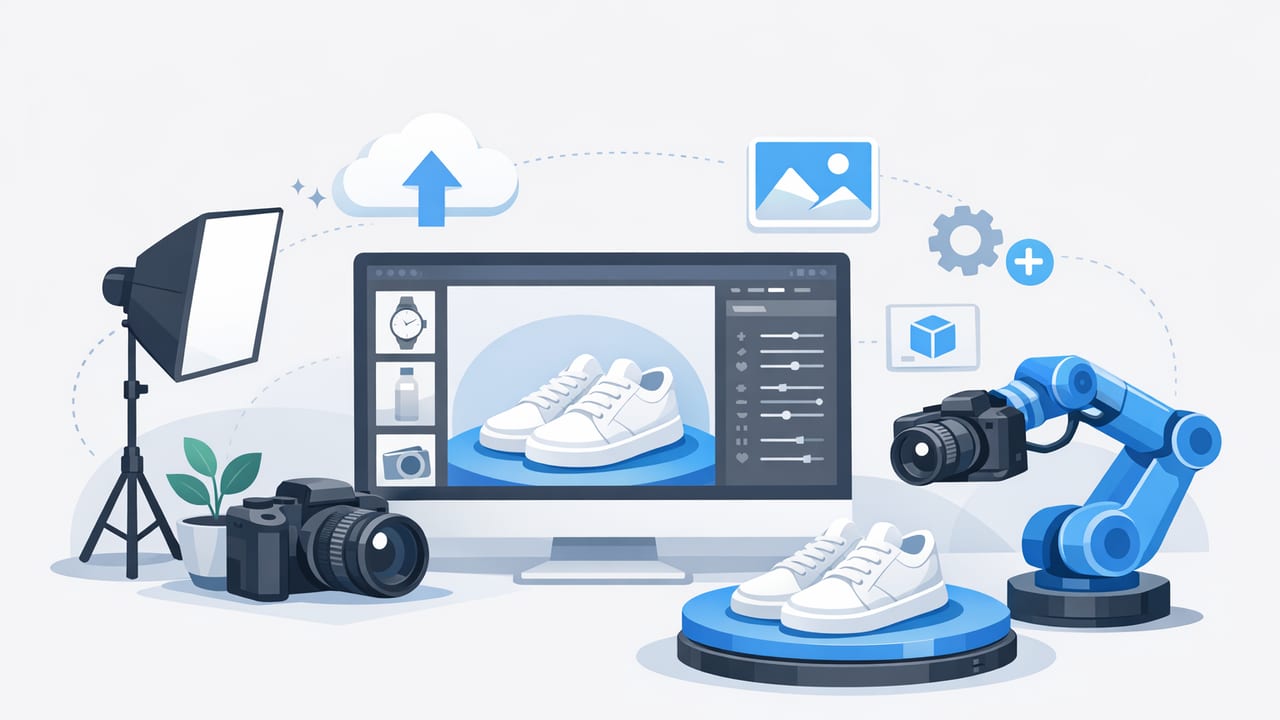
If you resell clothing or run a small fashion brand, your product photos are doing most of the selling before anyone reads your description. Clean images build trust, reduce questions, and help shoppers imagine fit, fabric, and quality. The good news: you don’t need a studio rental or pro camera to get professional-looking results. You need a repeatable system—one that keeps color consistent, removes distractions, and shows key details every time.
This guide walks you through a practical, non-technical workflow to create store-ready clothing product photos from start to finish: setup, styling, shooting, and editing (including helpful AI tools like background removal and the ghost mannequin look). Use it whether you photograph on-hanger, flat lay, folded items, or full outfits.
What “good” product photos do for clothing listings
High-performing clothing product photos tend to share the same traits:
- Clarity: The item is sharp, well-lit, and easy to see on small screens.
- Consistency: Your listings look cohesive, which signals reliability.
- Accuracy: Colors and fabric textures match reality (fewer returns).
- Context: Shoppers can judge shape, drape, and key details.
- Speed: You can repeat the process quickly without starting from scratch.
Shoppers don’t want “pretty.” They want “clear and confident.” The most useful product photos make it easy to say yes.
Step 1: Build a simple, repeatable photo setup
You can shoot strong product photos in a small corner of a room. The goal is controlled light and a clean background.
Choose your space
- Near a window with indirect light (avoid direct sun, which creates harsh shadows).
- One consistent wall or backdrop area you can reuse.
- Room to step back far enough to frame the whole garment without distortion.
Lighting basics (keep it simple)
Pick one approach and stick with it:
- Natural light: A bright window + sheer curtain to soften light.
- Artificial light: Two matching soft lights placed at 45° angles from the garment.
Avoid mixing light sources (like warm indoor lamps plus cool daylight). Mixed lighting is a top cause of “why does the color look different in photos?”
Phone camera settings that help
- Clean the lens (seriously—huge difference).
- Use the 1× lens for less distortion (avoid ultra-wide).
- Tap to focus on the garment, then lock exposure if your phone allows it.
- Keep the camera level to reduce leaning walls and warped hems.
Step 2: Prep the garment so your photos look premium
Editing can help, but the fastest route to great product photos is garment prep.
Quick prep checklist
- Remove lint/hair with a roller (especially on dark knits).
- Smooth wrinkles with a steamer or quick press. (If you’re in a rush, aim for the front panel and collar area.)
- Shape the item: Use clips on the back of a hanger shot or careful folding for flat lays.
- Check symmetry: Align shoulders, plackets, and hems before you shoot.
Step 3: Capture a consistent set of shots (the “must-have” list)
Shoppers expect a complete story. For most clothing categories, aim for 6–10 product photos per listing.
Core angles to capture
- Front full view (hero image)
- Back full view
- Close-up of fabric texture (especially knits, denim, linen)
- Brand/size tag
- Key details (buttons, zipper, pockets, embroidery, logo)
- Any flaws (photograph clearly; it builds trust)
Bonus shots that increase confidence
- Hem + sleeve close-ups (shows wear and finishing)
- Interior lining (coats, blazers, dresses)
- Stretch or drape (a gentle pinch of fabric to show weight)
Step 4: Pick the right presentation (and when to use each)
Different garments look best with different methods. Your goal is to show shape without distracting props.
On-hanger
Best for: most tops, jackets, dresses, and casual items.
- Use a consistent hanger style (same color and shape across listings).
- Hang against a plain background to simplify background removal later.
- Clip the back lightly to suggest shape (avoid over-clipping, which can mislead).
Flat lay (laid out on a surface)
Best for: tees, sweaters, kids’ clothing, accessories, and items that don’t hang well.
- Shoot from directly above to avoid skew.
- Smooth seams and align the neckline and shoulders.
- Keep styling minimal—let the garment be the star.
Folded presentation
Best for: bulk inventory, basic tees, denim stacks, items where speed matters.
- Use a folding board or repeatable fold width.
- Show one folded “cover” shot and add 1–2 unfolded detail shots.
Ghost mannequin (the “hollow inside” look)
Best for: structured garments like blazers, collared shirts, dresses—anything where shoppers need to see shape and neckline clearly.
Traditionally this required complex editing. Today, many editors (including AI-assisted tools) can help you create a clean, dimensional look faster—especially if you shoot the garment neatly and keep lighting consistent.
Step 5: Edit your product photos for a clean, store-ready finish
Editing isn’t about changing the item—it’s about removing distractions and making your images consistent. A simple editing order keeps you fast.
A fast editing sequence (easy to repeat)
- Crop + straighten: Keep the garment centered and aligned.
- Brightness/contrast: Match the real item; avoid over-bright “glow.”
- White balance: Fix warm/yellow or cool/blue casts so colors look true.
- Background cleanup: Remove clutter. For marketplaces, a clean background can improve scroll-stopping clarity.
- Wrinkle and lint cleanup: Light touch only—keep it realistic.
- Export consistently: Same size and file type each time.
Background removal: when it helps (and when it doesn’t)
Background removal can be great for consistency—especially if your shooting space changes. It’s also useful when you want your clothing product photos to match across multiple platforms.
- Use it when: your background is busy, colors shift, or you want a uniform shop look.
- Skip it when: your background is already clean and accurate color is your priority (some cutouts can slightly affect edges on fuzzy fabrics).
Color accuracy: the “trust factor”
Incorrect color is one of the biggest reasons for returns and unhappy buyers. To improve accuracy:
- Photograph one test item and compare it to real life before shooting a batch.
- Keep your lighting the same for all items in a session.
- Avoid heavy filters. They may look nice but can shift color.
Common problems in clothing product photos (and quick fixes)
| Problem | What it looks like | Quick fix |
|---|---|---|
| Harsh shadows | Dark edges, intense contrast | Move farther from direct sun; soften with a sheer curtain or diffused lights |
| Color looks “off” | Too yellow/blue; inconsistent across photos | Turn off mixed lighting; adjust white balance consistently |
| Wrinkles dominate the image | Item looks lower quality than it is | Steam quickly; then do light wrinkle reduction in editing |
| Edges look messy after cutout | Jagged seams or missing fuzz on knits | Shoot against higher contrast; refine edge selection; avoid backlighting |
| Garment shape looks flat | No structure; hard to imagine fit | Use gentle clipping, a mannequin/ghost mannequin effect, or include a detail shot showing drape |
Speed + consistency: a batch workflow that actually works
If you photograph 10, 20, or 100 items at a time, batch processing is how you stay sane. Try this rhythm:
- Prep batch: lint roll + steam 10 items
- Shoot batch: capture the same angle order for each item
- Edit batch: apply similar adjustments across the set
- Upload batch: keep naming and ordering consistent
Simple file naming to prevent listing mistakes
You don’t need anything fancy—just a system that prevents mixing items. Here’s an easy template you can copy:
brand_itemtype_color_size_view.jpg
Example:
levis_501_denimblue_32x32_front.jpg
levis_501_denimblue_32x32_tag.jpg
levis_501_denimblue_32x32_flaw1.jpg
A quick checklist before you publish
- Is the first image the clearest “hero” shot?
- Did you include front, back, and key details?
- Are colors consistent across the set?
- Did you show tags and any flaws clearly?
- Do your product photos look consistent with your other listings?
Final thoughts: make your system easy to repeat
The best clothing product photos come from a workflow you can repeat without thinking: consistent light, consistent angles, and light editing that cleans up distractions. Once your system is set, you’ll spend less time fixing photos and more time listing—and shoppers will feel more confident buying from you.
If you want to speed up the editing portion (like background removal, wrinkle cleanup, or a ghost mannequin look) on iPhone, apps such as Clothing Studio can help streamline those steps without turning your process into a full production.
