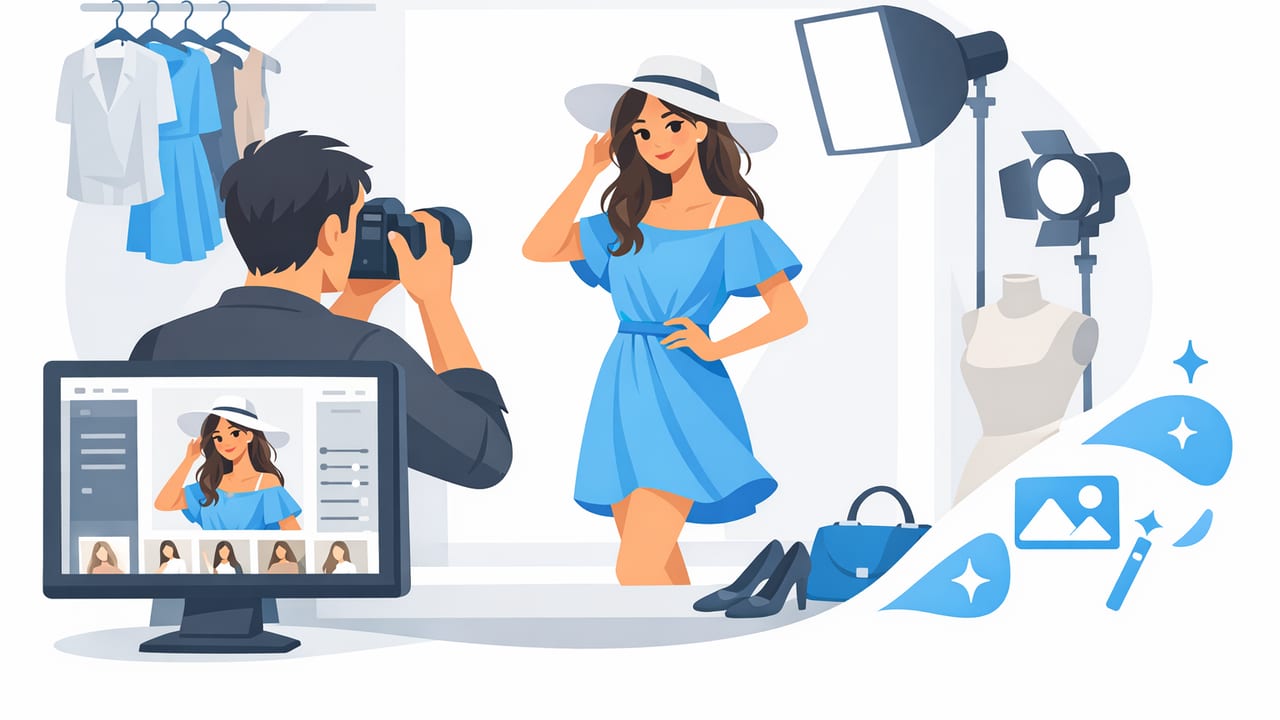
A great fashion photo does two jobs at once: it makes your item look appealing and it answers buyer questions before they ask. Whether you’re reselling from home or managing a small brand catalog, the goal isn’t “perfect photography”—it’s clean, consistent images that build trust and help shoppers decide fast.
This guide walks you through a practical end-to-end workflow: planning your shots, setting up a simple space, capturing flattering angles, and editing efficiently with modern tools like AI photo editing, background removal, unwrinkle effects, and ghost mannequin styles. You don’t need a studio—just a repeatable system.
Why a consistent fashion photo beats a “pretty” one
In e-commerce, buyers compare listings in seconds. A consistent fashion photo style signals professionalism and reduces friction. When your lighting, crop, and background stay the same across items, shoppers can focus on the product details instead of mentally adjusting to each new image.
- Trust: clean images read as accurate and honest.
- Speed: your workflow gets faster when every item follows the same steps.
- Fewer returns: accurate color and detail shots set expectations.
- Higher conversion: shoppers can quickly judge fit, condition, and style.
Choose your presentation style (and stick with it)
Your presentation method affects what shoppers learn from a fashion photo. The “best” option is the one you can repeat consistently.
| Style | Best for | Pros | Watch-outs |
|---|---|---|---|
| Flat lay | Tops, denim, knits, accessories | Fast, easy, consistent | Fit is less obvious; wrinkles show easily |
| On-hanger | Blouses, dresses, outerwear | Shows drape and length | Hanger peeking can look messy without cleanup |
| Ghost mannequin | Structured garments, jackets, dresses | “3D” look without a model | Neck/inside label area needs clean editing |
| Model / mannequin | Fit-sensitive items | Best fit context | Harder to standardize; time and styling effort |
A simple rule
If you’re building volume listings, choose one primary style (flat lay or on-hanger) and use ghost mannequin or model shots selectively for premium items. Consistency makes every fashion photo work harder.
Set up a small “repeatable” shooting area
You can produce professional-looking fashion photo results with a small corner of a room. The key is controlled light and a predictable background.
Gear checklist (minimal)
- Phone camera (recent iPhone is plenty)
- Tripod or stable stand (keeps framing consistent)
- One large light source: window light or a softbox
- Plain backdrop: white wall, foam boards, or a sweep
- Clips/pins for shaping garments (optional)
Lighting that flatters fabric
Soft, even lighting is what makes a fashion photo look “expensive.” Aim for bright but not harsh.
- Place the garment facing the light. Side lighting can add texture, but too much creates shadows that hide true color.
- Turn off mixed indoor lights if you’re using a window. Mixed lighting often causes odd color casts.
- Keep distance consistent. If you move closer for one item and farther for another, your series won’t match.
“Consistency beats complexity. A simple setup you repeat every time creates more trust than a fancy setup you can’t maintain.”
Capture a standard shot list (so you never miss a detail)
Think of your listing as a visual story. A buyer needs: silhouette, condition, material cues, and key measurements. Build a shot list and follow it for every fashion photo session.
| Photo # | Shot | Purpose |
|---|---|---|
| 1 | Front full | Main thumbnail; overall shape |
| 2 | Back full | Shows fit lines and coverage |
| 3 | Close-up fabric texture | Material quality, weave, knit, sheen |
| 4 | Tag/size/brand label | Confidence + accuracy |
| 5 | Flaws (if any) | Transparency; reduces returns |
| 6 | Key detail (zipper, buttons, hem) | Craftsmanship and condition proof |
Angles that sell without distortion
- Shoot straight-on (camera parallel to garment). This keeps proportions honest—critical for a trustworthy fashion photo.
- Keep the lens at mid-garment height for hanging shots to avoid “big shoulders, tiny hem.”
- Leave breathing room around the item so you can crop consistently later.
Prep the garment: the fastest “editing” is before you shoot
Wrinkles, lint, and crooked hangers add minutes to every edit and make even a well-lit fashion photo look casual.
- Steam or smooth key areas: collars, plackets, hems, sleeve seams.
- Lint-roll dark items and knits.
- Shape with clips from the back (especially on-hanger) to show silhouette without misleading fit.
- Align symmetry: straighten shoulder seams and center buttons/zippers.
Edit in a repeatable order (the “assembly line” method)
Editing should be boring—in a good way. A consistent process creates consistent fashion photo results.
Step 1: Select and crop
Pick the sharpest set, then apply a standard crop ratio (often 1:1 for marketplaces, 4:5 for some social platforms). Keep the item size consistent across listings so your shop grid looks cohesive.
Step 2: Fix exposure and white balance
Correct brightness first, then color. Your goal is accurate, not over-styled. If whites look yellow or blues look purple, buyers lose confidence.
- Exposure: bright enough to see texture, not so bright that highlights blow out.
- White balance: neutral background should look neutral.
- Contrast: small bumps help texture read in a fashion photo, but too much looks crunchy.
Step 3: Background removal (or cleanup)
A clean background reduces visual noise and helps the garment pop. If you can shoot on a plain wall, you may only need minor cleanup. Otherwise, background removal can turn a cluttered room into a catalog-ready image.
Tip: Watch edges around lace, fringe, and fuzzy knits. If the cutout looks jagged, it can make the item feel lower quality.
Step 4: Unwrinkle and shape (lightly)
Many sellers now use AI tools to reduce wrinkles and smooth uneven folds. The best approach is subtle: remove distractions, but keep the fabric honest. A natural-looking fashion photo still shows how the material behaves.
Step 5: Ghost mannequin (when it helps)
Ghost mannequin effects create the look of a worn garment without showing a model. This can be especially useful for jackets, dresses, and structured tops where buyers need to understand shape and interior construction.
- Use it when the neckline, shoulders, or torso structure matters.
- Keep the look consistent—don’t mix multiple “mannequin” styles across one shop if you can avoid it.
Step 6: Output and consistency checks
Before exporting, compare your newest images to your last 10 listings. If one looks warmer, darker, or zoomed in, adjust it now. Consistency is what turns single images into a brand-like fashion photo library.
A simple file naming + listing order system
Organization isn’t glamorous, but it saves time and prevents mix-ups—especially when you batch shoot. Here’s a simple template you can copy.
SKU-Brand-ItemType-Color-01.jpg  (front)
SKU-Brand-ItemType-Color-02.jpg  (back)
SKU-Brand-ItemType-Color-03.jpg  (detail)
SKU-Brand-ItemType-Color-04.jpg  (tag)
SKU-Brand-ItemType-Color-05.jpg  (flaw)
If you don’t use SKUs, use a date + short descriptor (for example, 0404-striped-midi-dress-01.jpg). This keeps your fashion photo sets together.
Common fashion photo mistakes (and quick fixes)
- Harsh overhead shadows: move closer to a window or diffuse your light with a sheer curtain.
- Inconsistent background color: commit to one background style and use background removal when needed.
- Over-editing: don’t push saturation so far that the color becomes “wishlist,” not reality.
- Wrinkles in key areas: smooth collars and plackets before shooting; it’s faster than fixing later.
- Missing size proof: include the tag and (when possible) a measurement photo or clearly state measurements in the description.
Batching: the fastest way to improve quality and speed
If you list regularly, batching is the hidden upgrade. Instead of completing one item at a time, move items through the same stage together:
- Prep batch: steam, lint-roll, and organize items by type.
- Shoot batch: keep tripod position fixed; run through the shot list.
- Edit batch: apply similar exposure/crop settings across the set.
- Publish batch: upload in the same order every time.
This approach keeps every fashion photo consistent and reduces decision fatigue.
Quick checklist before you hit “list”
- Main image is bright, centered, and distraction-free
- Color looks accurate compared to the real garment
- Edges look clean (especially after background removal)
- At least one texture/detail photo is included
- Tag/brand/size photo is included
- Flaws are shown clearly (if present)
- Crop and spacing match your recent listings
Where AI photo editing fits (without overcomplicating)
AI photo editing can be a practical assistant for the repetitive parts of a fashion photo workflow—like background cleanup, wrinkle reduction, and creating a cleaner presentation style (including ghost mannequin and model-style imagery when appropriate). The best results come from good inputs: even lighting, sharp focus, and a consistent shot list.
If you’re looking for an iOS app that combines tools like background removal, unwrinkle effects, and ghost mannequin options in one place, you can explore Clothing Studio as one workflow-friendly option—after you’ve nailed the shooting basics above.
