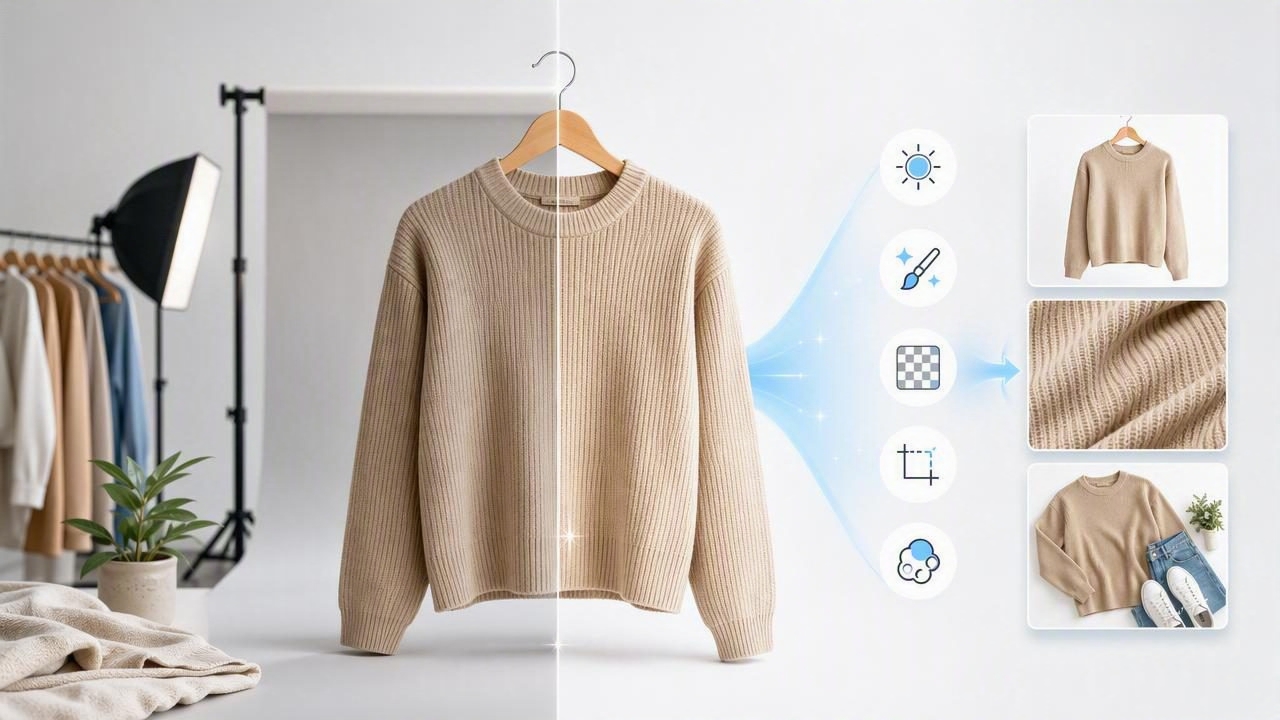
In fashion resale and e-commerce, product photos often determine whether a shopper clicks, saves, or scrolls past an item. Buyers cannot feel the fabric, inspect the fit in person, or see the garment from every angle. Your images need to do much of that work for them.
A reliable photo editor helps transform ordinary clothing photos into clear, consistent listings that feel trustworthy. It does not need to replace good lighting, accurate descriptions, or careful styling. Instead, it should make those fundamentals easier to present at a professional standard.
For resellers, boutiques, and growing apparel brands, the right editing workflow can save time while improving how products appear across Poshmark, eBay, Shopify, Depop, Etsy, and social marketplaces. This guide explains the most valuable photo editor features for clothing listings, how to use them effectively, and what to avoid.
Why Clothing Photo Editing Matters for Online Sales
Online shoppers make quick decisions. A cluttered room, uneven lighting, wrinkled fabric, or inconsistent background can distract from the actual item. Even when the garment is high quality, a weak image may make it seem less valuable.
Clean e-commerce photography supports several important goals:
- Improves first impressions: Clear images help listings stand out in crowded search results.
- Builds buyer confidence: Consistent, accurate photos make a seller or brand look organized and reliable.
- Shows details more clearly: Color, texture, sleeve shape, neckline, and condition are easier to evaluate.
- Creates a recognizable storefront: Similar backgrounds, crops, and presentation styles make a shop feel cohesive.
- Saves listing time: Fast editing reduces the effort required to prepare a large batch of inventory.
The goal is not to make clothing look misleadingly perfect. The goal is to present it cleanly and accurately so shoppers understand what they are buying.
The Most Useful Photo Editor Features for Clothing Sellers
Not every editing feature is equally valuable for apparel. A fashion-focused workflow should prioritize tools that improve presentation without altering important product details.
1. Automatic Background Removal
Background removal is one of the most useful features for clothing photography. It separates the garment from a busy or distracting setting, allowing you to place it on a simple white, light gray, or brand-colored background.
A clean background is especially helpful when you photograph inventory at home, in a stockroom, or near a clothing rack. Instead of rebuilding a studio every time, you can focus on capturing the item clearly and refine the background afterward.
When using background removal, check the edges carefully. Look around straps, lace, fringe, sleeves, collars, and hems. A good result should preserve the garment’s natural outline without cutting off fine details or leaving visible halos.
2. Wrinkle Reduction
Wrinkles are normal, particularly for secondhand inventory that has been folded, shipped, or stored. Still, heavy creasing can make a listing look less polished and can obscure the garment’s intended shape.
A photo editor with wrinkle-reduction tools can soften minor visual creases after you have steamed or smoothed the item as much as possible. Use this feature with restraint. Do not erase construction details, seams, intentional pleating, ribbed textures, or natural drape.
Best practice: Physically prepare the item first, then use editing to refine the image rather than to repair a poorly prepared photo.
3. Brightness, Exposure, and White Balance Controls
Lighting affects how shoppers perceive color and quality. If an image is too dark, details disappear. If it is too bright, white garments may lose texture and darker garments may look washed out.
Basic adjustments for exposure, brightness, contrast, and white balance can make a major difference. White balance is especially important for clothing because it helps prevent a white shirt from looking yellow, blue, or gray.
Make small changes and compare the edited image with the actual garment. The final photo should look cleaner, not artificially filtered.
4. Crop, Straighten, and Resize Tools
Consistent cropping makes a storefront look more professional. It also helps shoppers compare items quickly. A long dress should have enough space around it to show its length, while a close-up detail photo should focus tightly on the feature being highlighted.
Use crop and straighten tools to:
- Keep hangers, mannequin forms, and garment edges level.
- Center the product within the frame.
- Remove unnecessary empty space.
- Create similar proportions across your catalog.
- Prepare images for the preferred dimensions of each marketplace.
Avoid cropping so tightly that shoppers cannot understand the garment’s overall silhouette.
5. Ghost Mannequin Effects
Ghost mannequin images create the impression that a garment is being worn while keeping the focus entirely on the clothing. This format is popular in e-commerce because it presents shape, fit, and structure more clearly than a flat lay alone.
It works especially well for structured pieces such as blazers, dresses, shirts, jackets, and knitwear. A good ghost mannequin image can reveal the shoulder line, neckline, sleeves, and body shape without requiring a live model for every listing.
For the strongest results, photograph the garment evenly on a mannequin or form, ensure the item is properly aligned, and keep the fabric smooth. Editing can enhance the final presentation, but the original positioning still matters.
6. On-Model Image Generation
Model imagery helps buyers imagine how clothing may look when worn. It can be useful for showing scale, styling possibilities, and garment movement. For resellers with a large volume of inventory, arranging a traditional model shoot for every item may not be practical.
AI-assisted model image tools can offer an alternative when used responsibly. Always make sure the final output reflects the real product. The fabric color, garment length, neckline, fit, and distinctive details should remain accurate. If an image is illustrative rather than a literal photograph of the item on a person, use clear descriptions and include original product photos too.
Which Clothing Presentation Style Should You Use?
There is no single best format for every item. The right choice depends on garment type, marketplace expectations, available time, and your brand style.
| Presentation Style | Best For | Main Benefit | Watch Out For |
|---|---|---|---|
| Flat lay | Casualwear, kidswear, accessories | Fast and simple | May not show shape or fit well |
| On hanger | Shirts, jackets, dresses | Shows drape and length | Use a clean, consistent hanger |
| Ghost mannequin | Structured apparel and premium listings | Shows silhouette clearly | Requires careful initial positioning |
| On-model | Fashion-forward or fit-focused items | Adds scale and styling context | Must remain product-accurate |
| Folded presentation | Sweaters, denim, basics | Great for texture and bundles | Include a full-view image too |
A Simple Photo Editing Workflow for Apparel Listings
Consistency is easier when you follow the same sequence for every item. Build a repeatable process that keeps your images polished without turning each listing into a lengthy editing project.
- Inspect and prepare the garment. Lint-roll, steam, button, zip, and arrange it naturally.
- Photograph multiple views. Capture front, back, labels, fabric texture, measurements, and any flaws.
- Select the strongest primary image. Use the clearest full view as your cover photo.
- Remove or simplify the background. Choose a background that keeps attention on the item.
- Correct lighting and color. Adjust exposure and white balance subtly for accuracy.
- Refine the presentation. Straighten, crop, and reduce minor wrinkles when appropriate.
- Review at full size. Check edges, colors, text on labels, and visible condition details.
- Export consistently. Use high-resolution files suited to the selling platform.
For faster batch processing, edit one representative item first. Once you like the background, brightness level, and crop style, apply that visual approach to the remaining products in the batch.
Common Photo Editing Mistakes to Avoid
A photo editor can improve a listing, but over-editing can reduce trust. Buyers appreciate polished images, yet they also expect an honest representation of the product.
- Changing the garment color: Avoid strong filters that turn cream into bright white or navy into black.
- Removing flaws: Signs of wear, stains, pilling, holes, and alterations should be photographed and disclosed.
- Using inconsistent backgrounds: Random colors and settings can make a storefront feel disorganized.
- Leaving rough cutout edges: Poor background removal can look less professional than the original image.
- Using only one image: Buyers need multiple views to make confident decisions.
- Over-smoothing fabric: Preserve texture, seams, logos, and intentional design details.
How to Choose a Photo Editor for Fashion Reselling
The best photo editor is not necessarily the one with the longest feature list. Choose a tool that fits the way you list inventory and supports the clothing presentation styles you use most often.
Look for these practical qualities:
- Easy background removal for garments with detailed edges.
- Natural-looking wrinkle reduction and lighting adjustments.
- Options for hanger, folded, ghost mannequin, and model-style images.
- Quick exports suitable for mobile marketplace listings.
- A straightforward interface that does not slow down your workflow.
- Consistent results across a large number of product images.
Mobile-first tools can be especially useful if you photograph and list from your phone. For example, Clothing Studio is designed around common apparel editing tasks such as background cleanup, ghost mannequin presentation, wrinkle refinement, and model imagery.
Final Thoughts
Better clothing photos do not require an expensive camera, a permanent studio, or complicated editing skills. What matters most is a clear, repeatable workflow: prepare the garment, photograph it honestly, remove distractions, correct lighting, and present each item consistently.
A capable photo editor helps you spend less time fixing individual images and more time sourcing, listing, and serving customers. When your photos make clothing easy to understand, buyers can shop with more confidence—and your listings have a stronger chance of earning the click.
