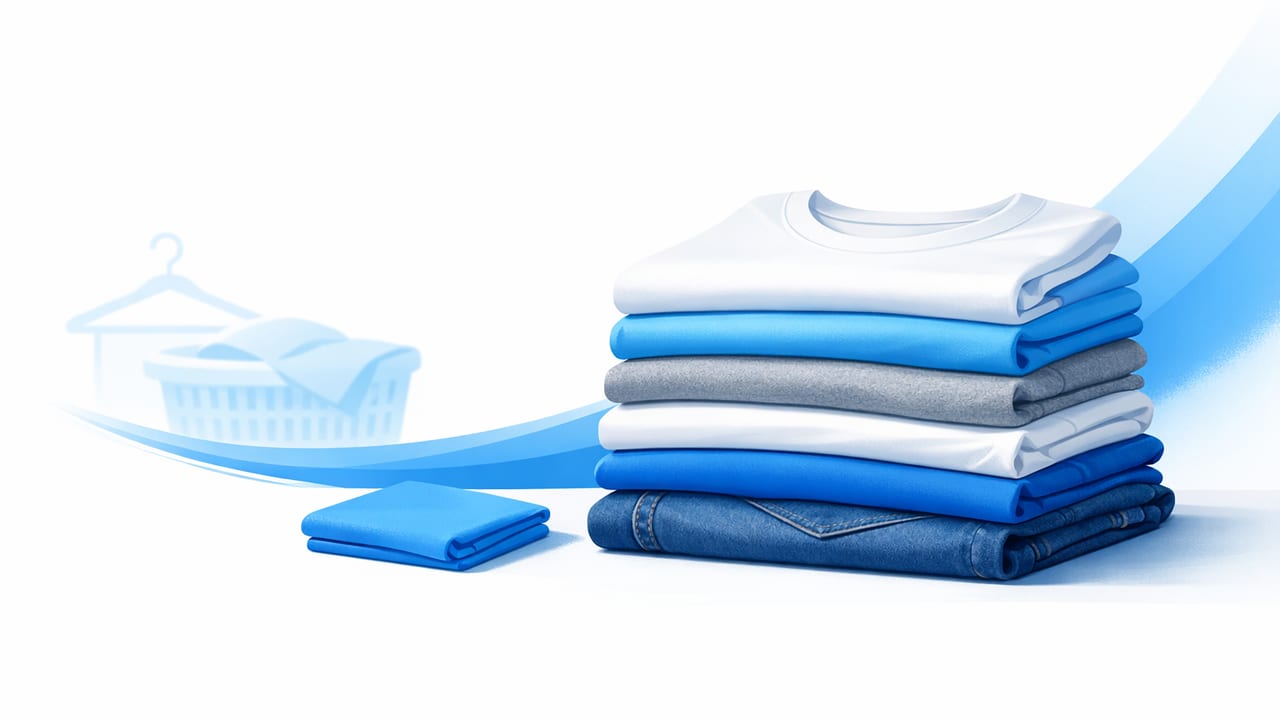
A great folded clothing photo can do something that messy, inconsistent listing images can’t: it builds trust fast. For fashion resellers and small brands, folded photos are a practical way to show condition, color, and fabric details without the complexity of models or mannequin setups. They’re also space-friendly—you can shoot on a table, a clean floor, or a small backdrop and still create professional-looking results.
This guide walks you through a repeatable folded-photo workflow: how to fold for the camera, how to light and frame your shots, what angles to capture, and how to edit for clean, e-commerce-ready images (including simple ways to handle wrinkles and background distractions).
Why a folded clothing photo works (and when it doesn’t)
Folded photos are ideal when you want speed, consistency, and a clear view of the garment’s material and details. They’re especially helpful for items that don’t hang well (heavy knits, delicate fabrics) or are difficult to style on-body (kidswear, accessories bundles, basics).
- Best for: sweaters, tees, jeans, shorts, scarves, baby/kids clothing, basics, bundles, and items where condition matters.
- Not always best for: structured jackets, dresses where silhouette is the main selling point, or items where drape needs to be seen (these often benefit from hanger, flat lay, or ghost mannequin).
“Folded photos helped me list faster without sacrificing trust—buyers could clearly see the fabric and condition, and I stopped getting ‘what color is this really?’ messages.”
Set up a simple, repeatable shooting station
You don’t need a studio. You need consistency. Build a small station you can recreate anytime so your photos look cohesive across listings.
1) Choose the right surface
Pick a surface that’s flat, matte, and neutral. A white foam board, a smooth table, or a clean fabric backdrop works well. Avoid shiny surfaces (they create glare) and busy textures (they compete with the garment).
2) Use soft, even lighting
Soft light shows texture without harsh shadows. Window light is great—place your setup near a bright window and diffuse it with a sheer curtain. If you use artificial light, aim for a soft source (like a ring light with diffusion or a softbox) positioned slightly above and to the side.
- Avoid: overhead ceiling lights (often yellow/green), strong direct sun, and mixed lighting (window + warm lamp).
- Goal: accurate color and minimal shadow under the fold edges.
3) Camera basics (phone-friendly)
Most modern phones are enough. The key is to shoot steady and consistent:
- Use the 1x lens (avoid ultra-wide distortion).
- Turn on the grid to keep edges straight.
- Hold the camera parallel to the surface for a clean, catalog-like look.
- If possible, use a small tripod or prop your phone to maintain the same height.
How to fold clothes so they photograph better
Folding for the camera is slightly different from folding for a drawer. Your goal is to show the most important selling cues: brand/label (when relevant), fabric texture, and the garment’s overall condition.
Use a “retail fold” approach
Start by smoothing the garment with your hands, then fold in a way that creates clean lines and a balanced rectangle. Keep edges aligned—crooked folds read as sloppy and can make the item look lower quality.
- Tops: fold sleeves behind so the front looks clean; consider showing the neckline and chest area.
- Denim/pants: fold lengthwise first, then fold into thirds so the waistband and pockets are visible.
- Knitwear: avoid over-compressing; let the knit look plush and natural.
Show one “hero detail” on top
Add one visible cue that helps buyers decide quickly:
- A visible logo or embroidered mark (if it’s a selling point).
- A clean view of buttons, pockets, or zipper.
- A peek at a pattern repeat (stripes, checks, florals).
Keep it honest about condition
Folding can hide flaws. Don’t rely on that. If there’s a stain, snag, or wear, capture a close-up. Transparent listings reduce returns and increase positive feedback.
Angles and shot list: what buyers actually need
A folded clothing photo should be part of a small set that tells the full story. For most platforms, 6–10 images is a sweet spot.
Recommended shot sequence
- Main folded shot (hero): clean, centered, consistent background.
- Alternate fold or partial unfold: reveals more of the front or pattern.
- Close-up texture: knit, denim grain, fabric weave, or material sheen.
- Tag/label shot: brand + size (and fabric/care tag if useful).
- Condition proof: any flaws, or a close-up showing ‘like new’ quality.
- Key features: pockets, hardware, embroidery, hem, or stretch.
Editing a folded clothing photo: clean, true-to-life, consistent
Shooting well reduces editing time, but editing is where your listings start to look cohesive. The goal isn’t to make the item look “perfect.” It’s to make it look accurate, clean, and easy to judge.
Step 1: Crop and straighten for a catalog look
Use the same aspect ratio across listings when possible. Straighten edges so the fold lines look crisp and your feed looks organized. A simple rule: keep similar margins around the garment in your main image.
Step 2: Correct exposure and white balance
Buyers care about color accuracy. If whites look yellow or blacks look washed out, adjust:
- Brightness/exposure: lift slightly to show details without blowing out highlights.
- White balance: neutralize unwanted warm/cool casts.
- Contrast: add a touch so folds and seams read clearly.
Step 3: Reduce distractions (lint, wrinkles, uneven background)
Folded garments still show wrinkles—especially cotton tees and linen blends. Also, lint and pet hair stand out in high-resolution photos. Clean up what distracts from the product:
- Spot cleanup: remove lint specks and small marks that are not part of the garment.
- Wrinkle reduction: gentle smoothing so fabric looks cared-for (without making it look fake).
- Background control: even out shadows or remove the background entirely for a clean cutout look.
This is where AI photo editing can save time—especially for background removal and fast, consistent cleanup across many items. If you’re listing frequently, a repeatable edit style matters as much as the individual photo quality.
Step 4: Keep colors honest (avoid over-editing)
It’s tempting to push saturation so items pop. The risk is buyer disappointment when the color arrives different. Instead:
- Increase vibrance slightly, not aggressively.
- Check one reference: does the edited photo match the item in normal indoor light?
- Don’t erase natural fabric texture—texture is a selling point.
Folded vs flat lay vs hanger: quick comparison
| Presentation style | Best for | Trade-offs |
|---|---|---|
| Folded clothing photo | Fast listing, bundles, basics, condition-focused resale | Less silhouette/drape; needs detail shots to compensate |
| Flat lay (fully laid out) | Patterns, full shape, styling with props (carefully) | Takes more space/time; wrinkles show more |
| On-hanger | Dresses, outerwear, items where drape matters | Can distort shoulders; background control is harder |
| Ghost mannequin / model-style | Brand-forward listings, premium look, fit emphasis | More setup/editing; must keep results realistic |
Common folded-photo mistakes (and simple fixes)
- Inconsistent scale: one item fills the frame, the next looks tiny. Fix: mark a spot for your camera and keep a consistent crop.
- Harsh shadow bands: strong overhead light creates dark lines along folds. Fix: soften light with diffusion and move the light source slightly forward.
- Color confusion: warm bulbs make whites look beige. Fix: turn off mixed lights and correct white balance during editing.
- “Over-smoothed” fabric: heavy retouching removes texture and looks suspicious. Fix: apply subtle adjustments and keep weave/knit visible.
- Missing proof shots: no tag, no close-ups, no flaw documentation. Fix: add 2–3 detail images per listing as a standard.
Workflow tips for faster listing across Poshmark, eBay, and more
If you’re listing at volume, speed comes from standardization. Create a small template you follow every time: same shoot spot, same shot order, same edit steps, same export sizes.
Simple file naming to stay organized
Even a basic naming pattern prevents mix-ups when you batch-edit or cross-list.
SKU-BRAND-ITEMTYPE-COLOR-SIZE_01.jpg
SKU-BRAND-ITEMTYPE-COLOR-SIZE_02.jpg
Example: 1042-Levis-Jeans-Blue-30x30_01.jpg. You’ll thank yourself later when a buyer asks for “the close-up of the tag” and you can find it instantly.
Export settings (keep it simple)
- Export in high quality (avoid heavy compression).
- Use a consistent crop/aspect ratio for your main image.
- Preview on your phone before posting to confirm brightness and color.
A quick folded clothing photo checklist
- Prep: lint roll, smooth fabric, choose a clean surface.
- Fold: crisp edges, balanced shape, hero detail visible.
- Light: soft and even, minimal harsh shadows.
- Shoot set: hero + alternate + texture + tag + features + condition.
- Edit: straighten, correct color, reduce distractions, keep it realistic.
- Consistency: repeat the same framing and style across listings.
Conclusion: make folded photos your “fast, trusted” listing style
A strong folded clothing photo is about clarity and consistency: clean folds, honest details, accurate color, and a distraction-free presentation. Once you standardize your shoot station and editing steps, you can list faster without your images looking rushed—exactly what buyers respond to when they’re comparing similar items.
If you prefer editing on your phone, an AI-assisted editor such as Clothing Studio can help streamline tasks like background cleanup and quick photo polish while keeping your workflow simple.
