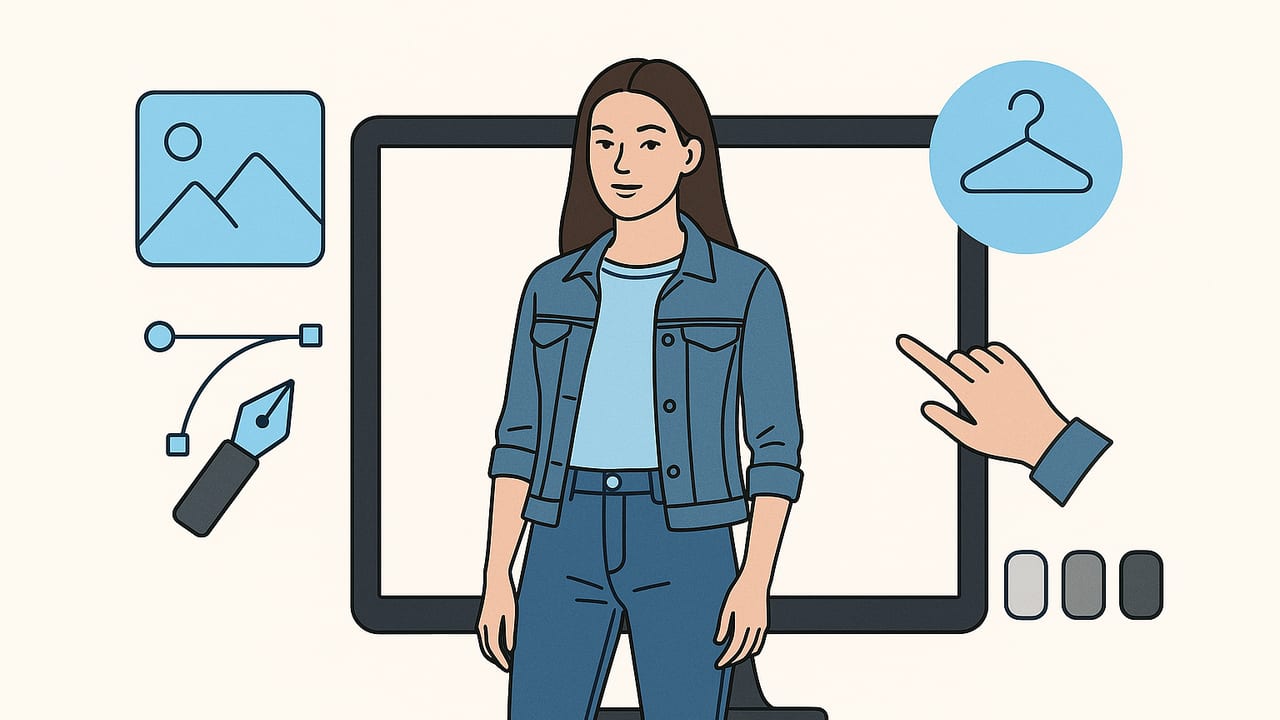
Need on‑model photos but don’t have the budget, time, or logistics for a full shoot? Good news: you can generate model shots without hiring models while still meeting marketplace standards and preserving brand style. This guide walks you through a practical, repeatable workflow—from capturing strong base photos to generating on‑model images, refining details, and exporting for platforms like Poshmark, eBay, and Shopify.
What “model shots” mean today
On‑model imagery has evolved. You now have three main pathways, each serving different goals:
- Traditional model + photographer: Highest control and authenticity; best for major campaigns, but time‑consuming and costly.
- Ghost mannequin effect: Great for a clean, professional look that shows structure without a visible model; ideal for catalogs.
- AI‑generated on‑model images: Fast, scalable way to visualize garments on virtual models while keeping brand consistency.
For many resellers, boutiques, and growing brands, AI‑generated on‑model images strike the best balance of speed, cost, and conversion lift—especially when your base garment photos are solid.
When to use AI‑generated model images
- Use them when you’re launching many SKUs quickly, testing new styles, or standardizing your look across sizes and colors.
- Be cautious when fabric physics are critical (e.g., sheer, glossy satin, complex drapes) or when marketplaces require explicit disclosure of AI imagery.
Tip: Pair AI on‑model images with at least one real‑photo angle (folded, flat lay, or detail close‑up) to reassure shoppers about texture and color.
A complete workflow to generate model shots without hiring models
1) Define your look
Create a mini style guide before you start.
- Model attributes: Height range, build, skin tone range, and age band that reflect your audience.
- Lighting: Soft daylight vs. studio strobe; consistent direction (e.g., light from front-left).
- Backgrounds: Pure white for marketplaces; subtle gradient or lifestyle for your site.
- Framing: 4:5 or square crops for marketplaces; add a hero 16:9 banner if used on your site.
2) Capture strong base garment photos
Even with AI generation, your inputs matter. Use a smartphone with good light or a simple softbox setup.
- Prep the garment: Steam, lint-roll, align seams and hems. Fasten buttons/zippers.
- Choose a format: Flat lay for tees/knits, on‑hanger for dresses/coats, folded for denim/knitwear.
- Shoot angles: Front, back, 45° angle, and one detail close‑up (fabric texture, buttons, print).
- Lighting: Diffuse light to avoid harsh shadows; keep white balance consistent.
Pro tip: Put a sheet of white foam board opposite your light source to bounce light and reduce shadows. Clean, even lighting boosts AI realism.
3) Clean and isolate
Before generating on‑model images:
- Remove wrinkles and stray fibers.
- Cut out the background or use automatic background removal.
- Correct color using a neutral reference if possible; ensure accurate white balance.
4) Choose your generation mode
- Overlay/try‑on: Places your garment onto a virtual model while preserving your fabric and print.
- Full synthesis: Generates a model and garment together based on your reference photo, with higher creative control.
If accurate texture and print fidelity are crucial, start with overlay/try‑on. If you need a specific pose or environment, full synthesis can help, but validate color and pattern fidelity.
5) Prompt recipe for consistent outputs
Use short, clear directions. Save templates for speed.
Subject: adult model, standing 3/4 view, relaxed posture
Garment: [describe item], fabric [weave/weight], fit [slim/regular/oversized]
Lighting: soft studio light, mild shadow under chin, even exposure
Background: seamless white (#FFFFFF) or light gray
Pose: hands at sides, slight hip shift, natural expression
Framing: crop mid‑thigh to head; leave headroom for marketplaces
Diversity plan: rotate skin tones and hair textures across listings
Example: “Adult model 3/4 view wearing a cropped denim jacket, medium-weight twill, relaxed fit; soft studio light; seamless white background; natural stance; mid‑thigh to head crop.”
6) Refine fit and realism
- Drape and tension: Ensure gravity looks natural at hemlines and shoulder seams.
- Compression areas: Knit cuffs, waistbands, and collars should hug realistically.
- Closure alignment: Buttons and zippers must remain straight; watch for “warped” plackets.
- Print continuity: Patterns should wrap around side seams without abrupt breaks.
7) Compose and light
Keep a consistent look across your catalog.
- Eye level: Don’t tilt—level horizons reduce visual fatigue.
- Shadow control: A soft floor shadow anchors the model; avoid floating subjects.
- Negative space: Leave breathing room for marketplace cropping.
8) Export for marketplaces
- Aspect ratios: Square or 4:5 for marketplaces; 3:4 often works well for apparel.
- File size: 1500–3000 px longest side for crisp zoom without heavy weight.
- Background: Use pure white if required; some platforms accept light gray.
- Sequence: Lead with on‑model, then back view, detail, and a flat/close‑up texture shot.
9) QA checklist before publishing
- Color matches the physical garment.
- Prints and logos are intact and legible.
- Seams, hems, and collars look plausible.
- Skin tones and body proportions look natural.
- No stray artifacts near edges or fingers.
Poses and styling ideas that convert
- 3/4 stance, hands relaxed: Balances visibility and shape.
- One foot forward: Adds dimension to dresses and pants.
- Subtle motion: Slight hem movement for skirts highlights drape.
- Seated pose (for trousers): Shows knee and hip comfort.
- Back view with turn: Great for jacket yokes or back prints.
Keep accessories neutral—simple sneakers or low‑profile heels—so the garment remains the hero.
Cost, control, and speed: a quick comparison
| Method | Estimated cost per 50 SKUs | Time per SKU | Image control | Perceived realism | Best for |
|---|---|---|---|---|---|
| Pro model + photographer | High | 30–90 minutes | Very high (on set) | Authentic | Campaigns, lookbooks |
| AI on‑model generation | Low–moderate | 3–10 minutes | High (style templates) | High if inputs are clean | Catalog scale, A/B tests |
| Ghost mannequin | Low | 5–15 minutes | High for garment shape | Very clean, no model | Marketplaces, basics |
Common pitfalls (and easy fixes)
- Color drift: If the generated image looks warmer/cooler than the real garment, correct white balance before generation and lock a neutral reference.
- Pattern warping: Use front‑on angles and include a detail crop as a reference; avoid extreme poses for patterned pieces.
- Unnatural joints/hands: Choose simpler poses; crop mid‑thigh to reduce complexity.
- Scale mismatch: Keep consistent focal length and distance when shooting base photos; avoid ultra‑wide camera lenses.
- Over‑retouching: Preserve realistic fabric texture; avoid plastic‑looking surfaces.
Boosting search visibility for your product photos
Don’t stop at visuals—optimize your listings so shoppers find them first.
- File names: Include brand, item, color, and fit (e.g., “brand‑women‑linen‑wrap‑dress‑navy‑regular.jpg”).
- Alt text: Describe the garment and view (e.g., “on‑model photo of navy linen wrap dress, front view”).
- Consistent titles: Size, color, and fit keywords help marketplaces match queries.
- Image order: Lead with your strongest on‑model shot; follow with back and detail views to reduce returns.
Compliance, ethics, and trust
- Marketplace rules: Check whether the platform allows AI‑generated on‑model images and if disclosures are required.
- Representation: Reflect your real customer base with diverse skin tones and body types.
- Accuracy: Avoid implying celebrity endorsements or using a real person’s likeness without permission.
- Transparency: Consider a small note like “visualized on virtual model” if your audience values disclosure.
A repeatable checklist for every SKU
- Steam, align, and lint‑roll the garment.
- Capture front, back, 45°, and one detail shot in consistent light.
- Remove background and fix color balance.
- Apply your on‑model prompt template; choose a neutral pose.
- Check drape, closures, and pattern alignment.
- Add a subtle floor shadow; ensure clean crop and headroom.
- Export marketplace‑ready sizes and formats.
- Write descriptive alt text and product title.
- Publish and A/B test lead image vs. alternative pose.
Faster iteration with templates
Save winning settings so your catalog scales gracefully:
- Light profile: Same direction and softness across all images.
- Backgrounds: White for marketplaces; optional lifestyle variant for your site.
- Pose presets: One standing, one slight motion, one seated for pants.
- Crop guides: Maintain consistent headroom and margins.
When you systematize these elements, generating on‑model photos becomes a repeatable, 5‑minute task that yields consistent, shop‑ready results.
Final thoughts
You can generate model shots without hiring models and still deliver images that convert. Start with disciplined base photos, use concise prompts, and build a small toolkit of templates for lighting, pose, and crops. Mix AI on‑model images with one or two real‑photo angles to reinforce trust, and keep an eye on color accuracy and fabric realism. Do that, and your catalog will look cohesive—and you’ll ship listings faster.
If you prefer to keep everything on your phone with minimal setup, Clothing Studio is an iOS app that streamlines garment cleanup, ghost mannequin effects, and on‑model generation, making it easy to produce consistent, marketplace‑ready images.
