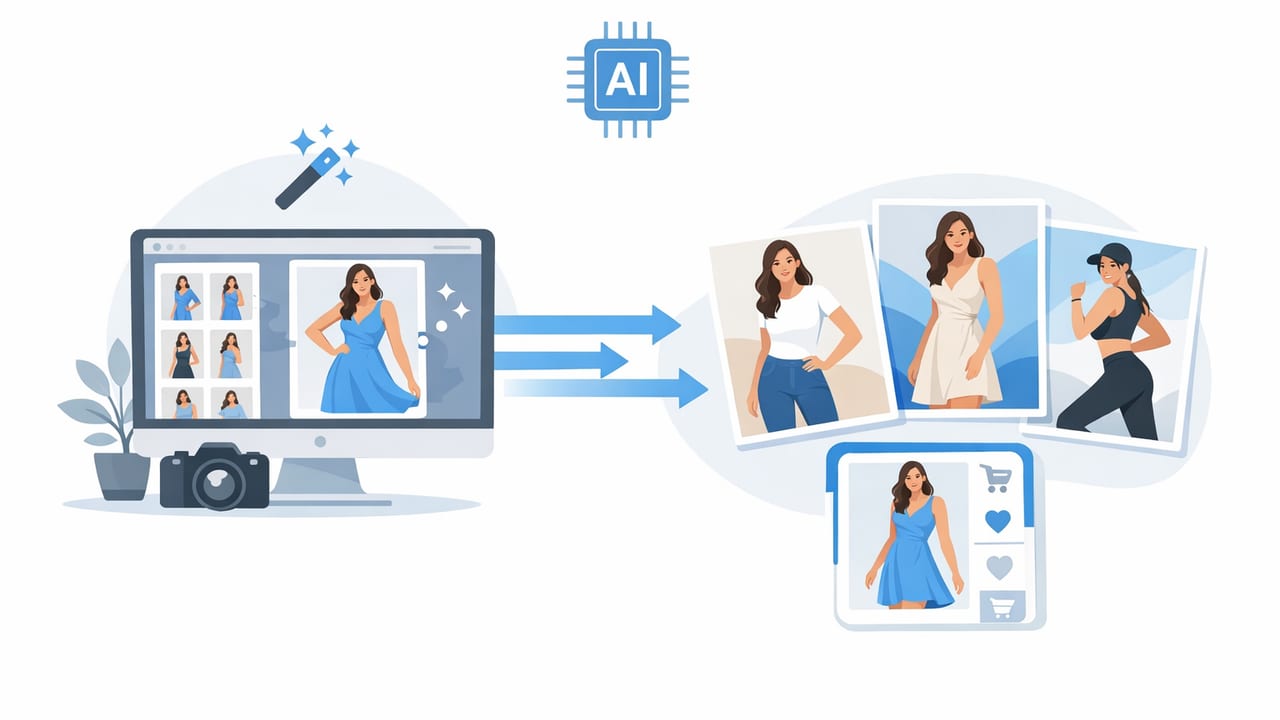
Clean, consistent images are one of the fastest ways to improve click-through, trust, and conversion on marketplaces and storefronts. The challenge is that traditional model photography can be expensive and time-consuming—especially for resellers with one-off items or small brands launching new drops.
That’s where ai fashion model photos for ecommerce can help. When used thoughtfully, AI can create polished “on-body” visuals that support your listing without requiring a full studio shoot. This guide breaks down what works, what to avoid, and how to build a repeatable workflow that stays true to the product (and to platform expectations).
What “AI fashion model photos” actually means
In ecommerce, the term often covers a few different approaches:
- AI-generated model images (a realistic model wearing a garment based on your product photo).
- AI-assisted editing (background removal, unwrinkling, color correction, and consistency upgrades).
- Ghost mannequin effects (a hollow, 3D-like look that shows structure without a visible body).
Each method has a place. The best choice depends on your inventory type (one-of-one vs. repeat styles), your platform rules, and how much control you need over fabric accuracy.
When AI model photos make sense (and when they don’t)
Great use cases
- Fast testing: Try multiple “hero image” styles to see what gets clicks.
- Catalog consistency: Standardize the look across many SKUs.
- Hard-to-shoot items: Drapey fabrics, dark colors, or garments that look flat on a hanger.
- Reselling: Add a clean on-body style image when you can’t model every item.
Times to avoid or limit AI model imagery
- High-risk fit categories: Swimwear, shapewear, and compression items where fit/coverage is critical.
- When fabric detail is the selling point: Intricate textures, embroidery, or subtle sheen can be misrepresented.
- Platform restrictions: Some marketplaces have rules about digitally altered images. Always check current policies.
The goal of AI in ecommerce should be clarity, consistency, and speed—not changing what the product is.
A quick comparison: flat lay vs. hanger vs. ghost mannequin vs. AI model
| Presentation style | Best for | Pros | Watch-outs |
|---|---|---|---|
| Flat lay | Tees, denim, knitwear, accessories | Fast, low-cost, consistent | Can look “flat” for dresses/coats |
| On-hanger | Outerwear, structured tops, simple listings | Easy to shoot, shows length | Wrinkles and shoulder bumps reduce perceived quality |
| Ghost mannequin | Collared shirts, jackets, dresses (structure matters) | Premium look, shows shape without a person | Needs clean cutouts and alignment to look real |
| AI fashion model photo | Hero images, brand aesthetic, quick catalog refresh | On-body context, consistent styling, scalable | Must avoid misleading fit/color; disclose where required |
The “truth-first” workflow: how to get great results
If you want AI model images that actually help sales, start with a product photo that’s honest and easy for editing tools to interpret. Use this workflow whether you’re a reseller or a brand.
Step 1: Capture a clean base image
- Lighting: Bright, soft light (near a window or with a softbox). Avoid harsh overhead shadows.
- Camera height: Keep the phone level to reduce distortion.
- Background: Plain wall or backdrop; don’t worry if it isn’t perfect—just keep it uncluttered.
- Stability: Use a tripod or prop your phone to keep framing consistent.
Step 2: Prep the garment (this matters more than most people think)
- Remove lint and pet hair (lint roller is your best friend).
- Smooth wrinkles with steam or a quick unwrinkle edit (wrinkles read as “worn out,” even when they aren’t).
- Shape the item (clip the back for a cleaner silhouette on hangers; stuff sleeves lightly for structure).
Step 3: Do “foundation edits” before generating or compositing
Foundation edits improve realism and prevent AI from guessing wrong.
- Background removal: Create a clean cutout so edges (especially lace, fringe, and straps) look intentional.
- Color correction: Match the item to real life. If possible, compare to a known reference (like a white card or neutral wall).
- Crop consistency: Keep a uniform framing for your grid (e.g., chest to mid-thigh for tops, shoulder to hem for dresses).
Step 4: Generate AI model variations (with guardrails)
Whether you use an AI generator, a model overlay, or a try-on style tool, use guardrails to keep the output credible:
- Lock key details: neckline shape, sleeve length, hemline, and closures should not change.
- Keep prints and logos faithful: If the tool warps patterns, don’t use that image as your main listing photo.
- Use neutral posing: Extreme poses can hide fit issues and trigger buyer distrust.
- Limit skin/face focus: Ecommerce buyers are there for the garment. Overly “editorial” images can feel less trustworthy.
Step 5: Export for marketplaces without losing quality
- Resolution: Export high enough to zoom without pixelation.
- File type: Use JPEG for photos; PNG if you need transparency.
- Compression: Avoid over-compressing; it creates halos around cutout edges.
How to keep AI images from looking “fake”
Most AI model images fail for predictable reasons. Fix these and your results look dramatically more natural.
1) Edge quality (the #1 giveaway)
Jagged edges around straps, collars, and hairlines kill realism. Zoom in before you publish. If the edges look crunchy, redo the cutout or choose a simpler background.
2) Shadow logic
If the garment has a shadow going left but the model lighting suggests the light is coming from the right, the brain flags it instantly. Aim for soft, centered lighting to make shadows less noticeable.
3) Texture and sheen
Satin, leather, sequins, and velvet can be misread by AI. In these cases, use AI model imagery as a secondary image and rely on real close-ups for the primary truth.
4) Over-smoothing
Too much “perfecting” removes fabric grain and makes items look plasticky. Keep enough real texture to signal authenticity.
Compliance and trust: simple rules to protect your account
AI can boost efficiency, but trust is what protects returns and negative feedback. Use these practices:
- Don’t misrepresent fit: Include measurements and show at least one real, unaltered product photo if possible.
- Be careful with logos and trademarks: Avoid AI outputs that warp branding.
- Follow platform guidance: Some channels require disclosure for digitally created imagery. If in doubt, add a short note.
- Use multiple image types: Pair AI model photos with flat lay/close-ups of tags, fabric, and any flaws.
A repeatable shot list for every listing
Consistency improves buyer confidence and makes your store feel “bigger” and more professional. Here’s a simple set that works for most apparel categories:
- Hero image: Clean main photo (AI model or ghost mannequin look).
- Back view: Real photo preferred.
- Detail close-up: Fabric texture, print, embroidery, or hardware.
- Label + size tag: Reduces basic questions and returns.
- Any flaws: Clear, well-lit photo (builds trust).
SEO bonus: file names and alt text that help shoppers find you
When you upload images to a shop platform or your own site, descriptive naming can help organization and (in some contexts) search visibility. Keep it human-readable and specific.
# Example file naming pattern
brand-itemtype-color-size-keyfeature-front.jpg

# Example
madewell-denim-jacket-blue-s-raw-hem-front.jpg
# Simple alt text template
"[Item type] in [color] showing [key feature], front view"
# Example
"Denim jacket in medium wash showing raw hem, front view"Common questions about ai fashion model photos for ecommerce
Should AI model images be my first photo?
It depends on your audience and platform norms. If the AI image is highly accurate and clean, it can work as a hero image. When accuracy is uncertain (texture-heavy fabrics, complex prints), use a real product photo first and place the AI model image second.
Is ghost mannequin still worth it?
Yes—especially for structured garments where shape sells (blazers, collared shirts, dresses). Ghost mannequin images often feel “premium” while staying product-forward.
How many AI images should I include?
One to two is usually enough. The rest of the gallery should focus on real details: measurements, fabric close-ups, and any imperfections.
Putting it all together: a simple weekly workflow
- Batch shoot 20–50 items in one lighting setup.
- Batch foundation edits (background removal, straighten, crop consistency).
- Create 1 AI model hero per item (or per top-performing category).
- Quality check edges, color accuracy, and pattern integrity before posting.
- Track performance (saves, clicks, sell-through) and adjust your hero style.
Conclusion
Used responsibly, ai fashion model photos for ecommerce can help you produce consistent, professional-looking listings without the cost of constant studio shoots. The winning formula is simple: start with a truthful base photo, apply clean foundation edits, generate model visuals with guardrails, and support everything with real detail shots.
If you’re looking for an easy way to handle essentials like background removal, unwrinkling, and ghost mannequin-style presentation from your phone, an app like Clothing Studio can fit into this workflow as a practical editing step.
