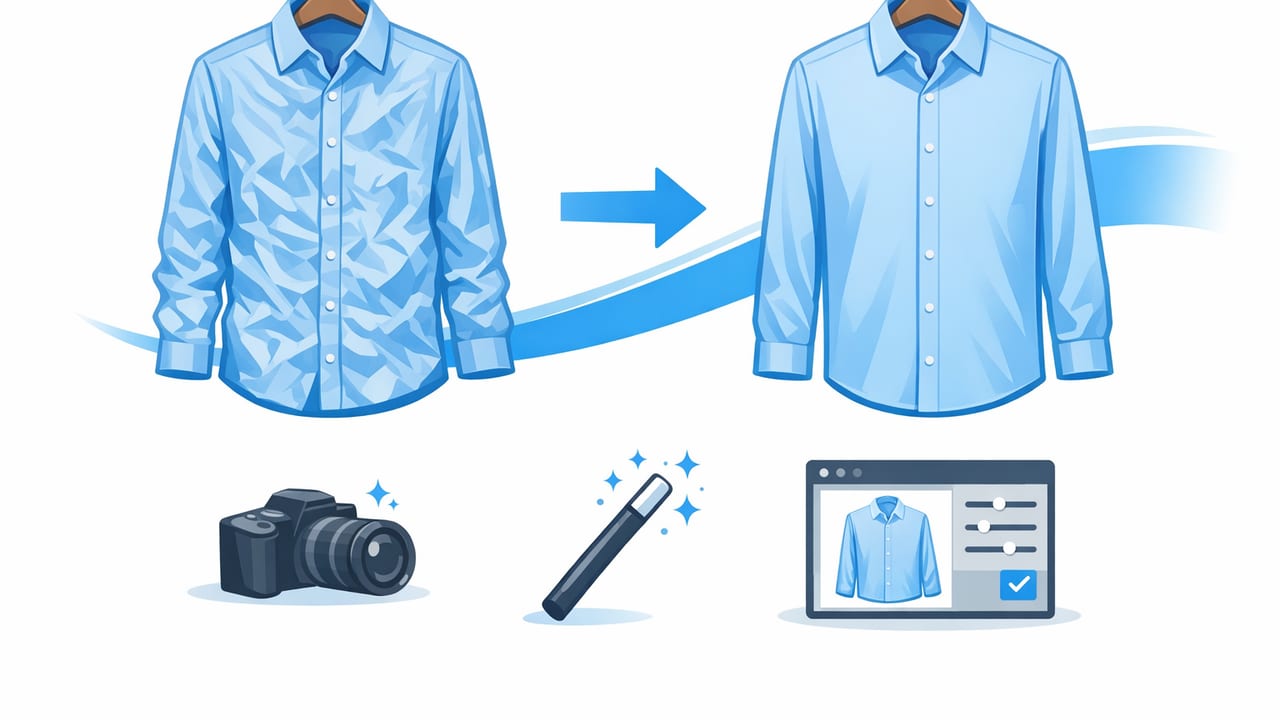
Wrinkles are one of the fastest ways to make a great item look “used,” even when it’s in excellent condition. The good news: you don’t always need a steamer session for every piece. With a smart workflow, you can unwrinkle clothes in a photo (and prevent wrinkles from showing up in the first place) so your listings look crisp, consistent, and trustworthy.
This guide walks you through practical, reseller-friendly steps: quick prep, better shooting habits, and simple editing tactics—including when AI tools make sense. Whether you shoot flat lays, on-hanger, or ghost mannequin style, you’ll leave with a repeatable process that saves time and improves results.
Why wrinkles matter in e-commerce photos
Wrinkles don’t just affect “looks”—they affect clarity. Creases can hide seam details, distort fit, and create shadows that make colors seem off. For buyers scrolling fast, wrinkled photos can signal low effort or uncertainty about the item’s condition.
- Perceived quality: Smooth garments look newer and more premium.
- Fit visibility: Fewer creases = clearer drape, waistline, and silhouette.
- Fewer questions: Cleaner photos reduce “is it stained?” messages caused by shadowy wrinkles.
Consistency sells. Buyers may not describe it this way, but they trust listings that look clean, bright, and repeatable from photo to photo.
Start with prevention: quick prep that makes editing easier
Editing can help, but it’s always faster when your starting photo is decent. These prep steps take minutes and dramatically reduce how much you need to “fix” later.
1) Use fast de-wrinkle tricks (even without a steamer)
- Hang it for 10–20 minutes: Let gravity relax light creasing.
- Bathroom steam hack: Hang the garment while a hot shower runs for a few minutes (avoid soaking it).
- Towel press for knits: Lay the item flat, place a towel on top, and press gently to smooth lines.
- Lint roll + tug: For tees, gently tug side seams and hems to straighten the fabric before shooting.
2) Choose a wrinkle-friendly presentation style
Some styles naturally show fewer wrinkles:
- On-hanger: Great for blouses and dresses; gravity reduces minor wrinkles.
- Flat lay: Great for tees, denim, and smaller items; requires careful smoothing.
- Ghost mannequin: Best for structured pieces (blazers, jackets) where shape matters; wrinkles become more obvious, so prep matters.
3) Use clips and tension (simple, not fussy)
Binder clips or small garment clamps can pull fabric taut on the back side of a hanger or mannequin. This reduces rippling and helps the front look cleaner—especially around waists and sleeves.
Shoot smarter: lighting and angles that hide wrinkles
Wrinkles become obvious when strong side light creates hard shadows. Your goal is even, soft light and a consistent angle.
1) Use soft, front-facing light
- Window light: Face the garment toward the window, and use a sheer curtain to soften highlights.
- Two-light setup (optional): Place lights at 45° angles to reduce deep shadows in folds.
- Avoid harsh overhead lighting: It exaggerates chest and shoulder creasing.
2) Control shadows with a simple reflector
A white foam board (or even a large sheet of white paper) opposite your main light bounces fill light into wrinkles. This lowers contrast so creases look less dramatic before you edit.
3) Keep the camera square to the garment
When you shoot from a steep angle, wrinkles look deeper because the shadows stretch. Try this:
- Center the garment in frame.
- Hold the phone level and parallel to the item.
- Step back slightly and zoom a bit (instead of shooting too close), which can reduce distortion.
How to unwrinkle clothes in a photo: editing options (from simplest to strongest)
If your photo still shows wrinkles—and it probably will on linen, cotton poplin, or lightweight knits—here are editing approaches you can use without making the fabric look fake.
Option A: Quick global edits (best for mild wrinkling)
These are the fastest edits and work well when the fabric is only lightly creased.
- Lower contrast slightly: Wrinkle shadows become less harsh.
- Lift shadows gently: Brightens creases without blowing out highlights.
- Reduce clarity/structure a touch: Softens micro-wrinkles (don’t overdo it).
Tip: Make sure logos, stitching, and fabric texture still look real. Over-softening can make clothing look blurry or “plastic.”
Option B: Targeted wrinkle softening (best for noticeable creases)
When wrinkles are concentrated in certain zones—like the waist, underarms, sleeves, or the bottom hem—targeted edits look more natural than one heavy global adjustment.
- Brush or selective tool: Apply a small decrease in contrast/clarity only on wrinkled areas.
- Heal/repair tool for pinch points: Fix sharp creases created by clips or hanger corners.
- Dodge (brighten) wrinkle valleys lightly: Reduces the “cracked” look without erasing texture.
Option C: AI unwrinkle tools (best for speed and consistency)
AI-based editors can identify clothing areas and smooth wrinkles while preserving seams and edges. They’re especially useful when you batch-edit lots of listings and want a consistent “clean” look across different fabrics.
For the most natural result when you unwrinkle clothes photo images with AI:
- Choose moderate strength: Keep fabric texture visible.
- Zoom in to check seams and hems: Ensure stitching stays crisp.
- Watch high-detail zones: Collars, pleats, pockets, and ribbing can look odd if over-smoothed.
What “good” looks like: a simple quality checklist
Use this quick checklist before you export images for your listing.
Listing Photo Smoothness Check
- Fabric texture still visible (not blurry)
- Seams and stitching sharp
- No smeared logos or patterns
- Wrinkles reduced, not erased into flat blobs
- Lighting even across chest/torso area
- Color looks consistent with real item
Common mistakes when removing wrinkles (and how to avoid them)
1) Over-smoothing and losing fabric realism
If a sweatshirt suddenly looks like silk, buyers notice. Keep some natural texture and gentle folds—especially on knits and heavier cotton.
2) Editing the background instead of the garment
When the background has shadows, it can make wrinkles look worse. Consider background removal or a clean, even backdrop so the garment is the focus.
3) Ignoring shape while fixing wrinkles
A wrinkle-free shirt can still look “off” if the shoulders sag or the torso twists. Straighten the garment first (tug hems, align side seams), then edit.
4) Making patterns look warped
Stripes, plaids, and repeated prints are the fastest way to spot unnatural edits. Use lighter smoothing on patterned areas and focus wrinkle reduction on solid panels.
Wrinkle strategy by garment type
Different fabrics and silhouettes need different expectations. Here’s a quick reference table.
| Garment type | Where wrinkles show most | Best approach |
|---|---|---|
| T-shirts & knits | Lower torso, underarms | Gentle smoothing + soft light; preserve texture |
| Button-downs | Placket, sleeves, collar | Targeted edits; avoid flattening collar structure |
| Dresses | Waist, skirt panels | Hang for gravity; selective smoothing on waist/skirt |
| Denim | Thighs, knees | Minimal smoothing; keep denim grain and whiskering |
| Blazers & jackets | Shoulders, lapels | Shape first (pads/form); light edits to maintain structure |
| Linen | Everywhere (naturally) | Reduce harsh shadows; don’t remove all wrinkles (keep natural look) |
Pair wrinkle reduction with clean cutouts for a “catalog” look
Wrinkle reduction works best when the rest of the image is equally polished. Two related edits can elevate results:
- Background removal: Removes distracting shadows and color casts that make wrinkles look deeper.
- Consistent cropping and alignment: Makes your shop grid look professional (and easier to browse).
If you’re using ghost mannequin style, be extra careful: clean edges, aligned symmetry, and controlled highlights make the garment look structured and premium—while messy edges can undo the benefit of smoothing.
A fast workflow for resellers (repeatable in under 10 minutes)
- Prep (2 minutes): Hang and tug fabric straight; clip back if needed.
- Light (1 minute): Face the garment toward soft window light; add a white reflector if shadows are strong.
- Shoot (2 minutes): Take 6–10 photos: front, back, close-ups (tag, fabric, flaws), detail shots.
- Edit (3–5 minutes): Remove background if needed, then apply light wrinkle reduction (targeted first, global second).
- Final check (30 seconds): Confirm texture and seams look real; export.
FAQ: unwrinkling clothes in photos
Should I remove wrinkles completely?
No. Aim for “clean and true,” not “perfectly flat.” Some fabrics (like linen) naturally wrinkle, and leaving a little texture can look more honest and realistic.
Will wrinkle removal misrepresent the item?
It can if you erase major creasing that is part of the garment’s condition (for example, permanent set-in wrinkles, heat damage, or storage creases that won’t release). Use editing to present the item clearly, not to hide condition issues.
What if the wrinkles are really bad?
For deep wrinkles, physical prep usually saves time overall. A quick steam (or even hanging in a steamy bathroom) can dramatically improve the base photo, then editing finishes the job.
Closing tip: prioritize believable smoothness
The best results happen when your photo looks like a well-presented garment in good light—not like an overly airbrushed image. Prevent harsh shadows, straighten the item, then use gentle edits to unwrinkle clothes in a photo while keeping fabric texture and stitching intact.
If you want an app-based workflow that combines wrinkle reduction with other listing essentials like background removal and clean presentation styles, tools like Clothing Studio can help streamline the process without turning it into a complicated editing project.
