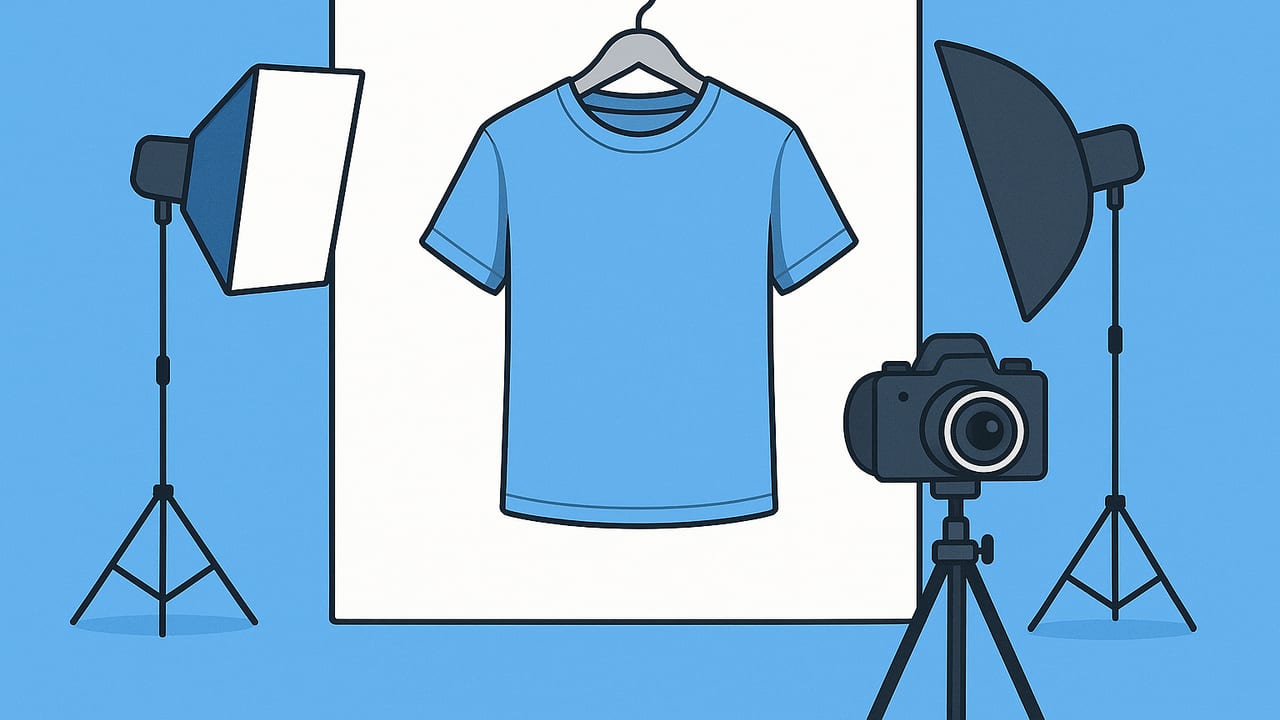
On-hanger product photos for marketplaces are one of the fastest ways to get clean, trustworthy listings without a model or mannequin. Done well, they highlight shape, color, and details clearly enough for buyers to make confident decisions—reducing questions and returns while boosting conversions. This guide walks you through gear, lighting, styling, editing, and marketplace specs so your hanger shots look pro, even with a phone.
Why On-Hanger Photos Work
- Speed and simplicity: Quick setup, minimal gear, easy to repeat.
- Clarity: Garments hang naturally, showing drape and length better than flat-lay in many cases.
- Space-saving: A small wall and a hook can replace a full studio.
- Buyer expectations: Marketplaces like Poshmark, eBay, Depop, Mercari, Etsy, and Vinted are full of on-hanger images. Clear, consistent versions stand out.
What Buyers Expect to See
- True color and texture (no heavy filters).
- Front, back, and detail shots (labels, fabric, closures).
- Honest presentation (fit clues, defects highlighted).
- Clean background with straight lines and even light.
Gear and Setup (Budget-Friendly)
Hangers and Helpers
- Hangers: Velvet non-slip for delicate/flowy tops; wood for structure (blazers, coats); clear clip hangers for skirts and pants.
- Shaping tools: Binder clips for back-cinching, double-sided tape for necklines, small foam or tissue at shoulders to prevent sagging.
- Wall hook: A removable adhesive hook set at eye to chest height, or a door-mounted hook.
- Lint roller + steamer: A 5–10 minute steam removes wrinkles and adds perceived quality instantly.
Backgrounds
- Plain wall: White or light neutral is best. Avoid textured or busy backgrounds.
- Paper roll or curtain: A white/stone-gray roll eliminates distractions and gives you consistent results.
Lighting (Phone-Friendly)
- Window light: Place the garment 3–5 feet from a bright window. Turn off overhead lights to avoid mixed color casts.
- Reflector: Prop a white foam board opposite the window to fill shadows.
- Time of day: Late morning or bright overcast yields soft, even light.
- Artificial lights (optional): Two softboxes at 45° angles from the garment can mimic daylight. Use the same color temperature on both.
Phone Setup Tips
- Use the 2x/3x lens (telephoto) to reduce distortion.
- Turn on grid lines. Keep vertical edges of walls/door frames straight.
- Tap to focus and hold to lock AE/AF; slide exposure slightly down to protect highlights on white garments.
- Keep the camera at chest level, centered on the garment.
Step-by-Step Workflow for On-Hanger Product Photos
- Prep the garment: Steam thoroughly, lint roll, and button/zip.
- Hanger and shape: Add shoulder padding if needed; clip excess fabric at the back to mimic body shape naturally.
- Mount at the right height: Aim for the center of the garment to sit near the middle of your frame.
- Set the background: Clear the wall; avoid wall art, outlets, or door frames in the main shot.
- Dial in light: Face the hanger toward the window; use a reflector to fill the shadow side.
- Level the camera: Keep it parallel to the wall to avoid keystoning (trapezoid shapes).
- Shoot the cover: A straight-on, centered, full-length shot. Leave a little space around the item for cropping.
- Shoot the back: Buyers need to see rear seams, pleats, and back length.
- Details: Fabric texture, closures, cuffs, neckline, labels, any unique features, and any flaws.
- Consistency: Keep distance, crop, and exposure consistent across items for a cohesive shop look.
Styling Tips by Garment Type
Tops and Dresses
- Symmetry first: Align shoulder seams horizontally. Ensure the hem is straight.
- Shape the waist: A gentle back clip gives form without misrepresenting size.
- Sleeves: Roll or fold sleeves neatly; avoid bunching at the armpits.
- Necklines: Use small tape tabs to keep wide necklines from slipping outward.
Skirts and Pants
- Clip evenly: Use clip hangers with felt or tissue to avoid marks.
- Keep vertical lines true: Side seams should hang straight to avoid the illusion of twisting.
- Show length: Step back to fit the full item in-frame; include a separate detail shot for fabric/print.
Dark, Textured, and Reflective Fabrics
- Boost fill: Bring the reflector closer for velvets and blacks to reveal texture.
- Avoid hotspots: For satins, angle lights to reduce glare; slightly underexpose if needed.
Marketplace Image Specs and Best Practices
Guidelines change, but these recommendations will keep your on-hanger product photos for marketplaces within common standards:
| Marketplace | Aspect Ratio | Min/Recommended Size | Max Photos | Background Tips | Notes |
|---|---|---|---|---|---|
| Poshmark | Square (1:1) cover | ≥ 1000 × 1000 px | Up to 16 | Neutral background preferred | Clean, bright cover image performs best |
| eBay | Square or 4:3 | Min 500 px; 1600 px+ recommended | Up to 24 | White or light background recommended | No borders, text, or watermarks |
| Etsy | 5:4 thumbnail-friendly | ≥ 2000 px width | Up to 10 | Neutral background aids cohesion | Consistent crop improves shop grid |
| Depop | Square (1:1) | ≥ 1080 × 1080 px | Up to 4 + video | Simple, stylish backdrops work | Creative vibe okay; keep garment clear |
| Mercari | Square recommended | ≥ 1000 px long side recommended | Up to 12 | White or neutral improves search | Avoid heavy filters |
| Vinted | Square or vertical | ≥ 1200 px recommended | Up to 20 | Neutral backgrounds favored | No logos/watermarks |
Note: Always check each marketplace’s latest image guidelines. Aim for high resolution, clean backgrounds, and consistent crops.
Editing: Clean, Accurate, Consistent
- Straighten and crop: Keep verticals vertical and center the garment. For square-first marketplaces, crop to 1:1.
- White balance: Correct color to match real-life garment. Avoid warm/yellow casts from mixed lighting.
- Exposure and contrast: Lift shadows slightly to reveal texture; avoid crushed blacks.
- Background cleanup: Remove distractions, dust, or marks on the wall.
- Wrinkle touch-ups: Minor digital de-wrinkling can help, but don’t alter the garment’s construction or fit.
- No over-filtering: Skip heavy filters that change color. Accuracy builds trust.
Essential Shot List per Listing
- Cover shot: Front, straight-on, full length.
- Back view: Full length, straight-on.
- Details: Neckline, cuffs, buttons, pockets, hemline.
- Fabric/texture close-up: Show weave/knit clearly.
- Label and size tag: Brand, size, care tag.
- Defects: Any pulls, stains, loose threads—clearly shown.
Optional but helpful: a quick measurement photo (e.g., pit-to-pit, length) with a tape measure visible in-frame.
Consistent File Names and Captions
While some marketplaces don’t expose file names or alt text, adopting a naming and captioning habit helps if you cross-post to your own site or social:
- File names: brand-item-color-size-on-hanger.jpg (e.g., madewell-wrap-dress-navy-small-on-hanger.jpg)
- Captions: Keep them factual: “Navy wrap dress, size S — true color in daylight.”
Scaling Your On-Hanger Workflow
- Batch tasks: Steam all items, then hang and shoot, then edit in one session.
- Distance marker: Tape a line on the floor so every cover shot is framed identically.
- Lighting marks: Mark where your reflector sits for repeatable shadows.
- Style guide: Create a one-page reference for anyone helping you.
Sample Style Guide Snippet
• Crop: Square, leave 5% margin around garment
• Exposure: Slightly under, lift shadows in edit
• Order: Front, Back, Details, Label, Flaws
• Background: White wall only, no props
• Sleeve styling: 2-fold cuff for long sleeves
Common Mistakes to Avoid
- Crooked lines: Tilting the camera makes hems look uneven.
- Busy background: Patterns, outlets, or door frames distract from the item.
- Mixed lighting: Window light plus warm ceiling lights causes color casts.
- Over-clipping: Aggressive back clips can misrepresent fit and lead to returns.
- Harsh filters: They skew color and reduce trust.
- Wrinkles and lint: Buyers equate wrinkle-free with “well cared for.”
Quick FAQs
Do I need a white background?
No, but a clean, light-neutral background consistently outperforms busy or dark settings for clarity and search visibility.
Are on-hanger photos enough?
Often yes, especially for tops, dresses, skirts, and jackets. Add detail shots and, when helpful, a quick fit note or measurement photo.
How do I shoot long dresses and coats?
Step back, raise the hook higher, and shoot straight-on. If space is tight, shoot top half straight-on and add a second frame for the lower section, plus a full-length at a slight distance.
What if the wall color tints my garment?
Use a white paper roll or large white foam board as a background, and correct white balance slightly cooler in edit.
Putting It All Together
On-hanger product photos for marketplaces are a lightweight, repeatable system: a tidy wall, one good hanger, soft window light, and a few styling tricks. With a simple checklist, you’ll produce consistent images that communicate fit, fabric, and condition—helping buyers purchase with confidence and reducing back-and-forth. If you want to speed up post-processing with background removal, gentle de-wrinkling, or even generate complementary ghost mannequin or model-style images for select pieces, tools like the Clothing Studio iOS app can streamline that part of the workflow while keeping results marketplace-ready.
