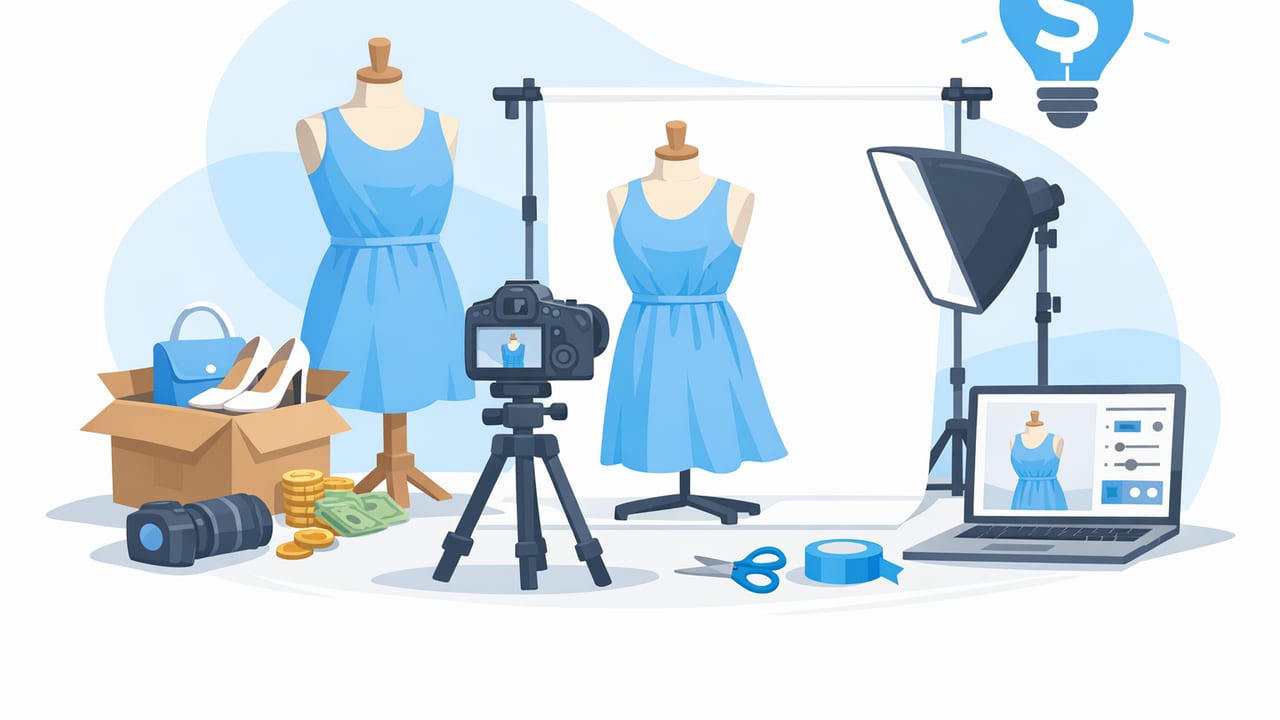
If you run a small fashion brand (or list apparel online), great product photos aren’t optional—but a big studio bill is. The good news: you can create clean, consistent images that look “catalog-ready” using a simple home setup, smart styling, and fast editing. This guide walks through a repeatable workflow for fashion brand product photos on a budget, including shooting tips, styling choices, and practical post-processing steps that keep your listings looking professional across marketplaces and your own site.
What “budget” product photos should still achieve
Even when you’re minimizing costs, your images need to do three jobs: show the item clearly, build trust, and reduce returns. Focus on these fundamentals before you spend on anything fancy:
- Accurate color (buyers hate surprises)
- Clear shape and fit cues (how it hangs, where it tapers, sleeve length)
- Texture visibility (knit vs. woven, denim grain, sheen)
- Consistency across products (same crop, background, and brightness)
- Fast production (you need a workflow, not a one-off hero shoot)
Professional-looking photos are rarely about expensive gear. They’re about consistent light, clean presentation, and disciplined editing.
Choose a presentation style you can repeat
Before you shoot, pick one “primary” look for your catalog so every product feels like part of the same brand. You can always add a few secondary images for detail and fit.
Common apparel presentation options
- Flat lay: Great for tees, sweaters, kidswear; easiest and cheapest to repeat.
- On-hanger: Fast for volume; good for tops, dresses, outerwear. Needs careful leveling and steaming.
- Ghost mannequin: Premium look without a visible mannequin; strongest for showing structure and interior details.
- Model shots: Highest conversion potential but hardest on budgets; can be limited to a few bestsellers or generated as needed.
A budget setup that looks surprisingly high-end
You don’t need a studio—just controlled light and a consistent background. Here are three setups ranked by cost and reliability.
| Setup | Best for | Approx. cost range | Pros | Watch-outs |
|---|---|---|---|---|
| Window light + foam boards | Flat lays, simple on-hanger | Low | Soft light, natural look | Changes with time/weather |
| Two continuous lights + backdrop | On-hanger, mannequins | Medium | More consistent day-to-day | Need space; avoid harsh shadows |
| Light tent (small items) | Accessories, shoes, folded items | Medium | Even lighting, quick setup | Can flatten texture if too diffused |
Essential “cheap but effective” tools
- Tripod: Prevents blur and keeps angles consistent (consistency sells).
- Foam boards: One white (fill light), one black (adds depth and shape).
- Clips/pins: Tighten fabric subtly for a cleaner silhouette (don’t misrepresent fit).
- Lint roller + steamer: The most underrated “editing tools.”
Lighting: the make-or-break ingredient
Lighting is where budget shoots win or lose. Your goal is soft, even light that shows true color and texture.
Simple lighting rules for apparel
- Pick one direction: Place your item so the main light comes from one side (window or key light).
- Soften shadows: Use a white foam board opposite the light to “bounce” brightness back into the garment.
- Avoid mixed lighting: Don’t combine window light with warm indoor bulbs—colors will drift.
- Lock your exposure: If using a phone, tap and hold to lock exposure/focus so brightness doesn’t jump between shots.
Color accuracy tip (fast and cheap)
Take one reference photo at the start of every session with something neutral in frame (a plain white card or gray card). Even if you don’t do advanced color correction, it helps you visually verify that whites look white and blacks look black—not tinted.
Prep: reduce editing time before you even shoot
The cheapest way to improve photo quality is to do small prep steps consistently. This also reduces how much retouching you’ll feel tempted to do later.
- Steam or press items, especially collars, plackets, and hems.
- Remove lint and pet hair (dark knits show everything).
- Shape the garment: Align seams, straighten straps, and smooth puckering.
- Use consistent hangers: Same color and style keeps your catalog cohesive.
Shooting checklist: a repeatable “minimum set” of images
For most listings, you can cover buyer needs with 6–9 images. More isn’t always better—clarity is better.
Suggested shot list (works for most tops and dresses)
- Front (straight-on, centered)
- Back
- Angle 45° (adds depth and shape)
- Fabric close-up (texture, weave, or print)
- Label/brand tag (builds trust)
- Detail(s) (zipper, buttons, pockets, embroidery)
- Any flaw disclosure (honesty reduces returns and disputes)
Framing rules that instantly look more “professional”
- Keep the horizon level (especially on-hanger shots).
- Use the same crop for every SKU in a category (e.g., all tees framed from collar to hem with similar margins).
- Leave a little breathing room around the garment so marketplaces don’t auto-crop awkwardly.
Editing workflow: clean, consistent, and fast
This is where many budget shoots go off track: over-editing, heavy filters, or inconsistent backgrounds. Instead, aim for a simple pipeline you can repeat every time.
Step 1: Select and batch your best frames
Pick images with consistent angle and sharpness. If one photo is brighter or warmer than the rest, it will make your listing look mismatched, even if each image is “good” on its own.
Step 2: Correct the basics (light, white balance, crop)
- Brightness: Lift shadows slightly, protect highlights (don’t blow out whites).
- White balance: Make sure neutrals look neutral; avoid overly warm “cozy” tones for product images.
- Crop and straighten: Consistency matters more than dramatic framing.
Step 3: Background cleanup and consistency
Clean backgrounds make budget photos look expensive. If you can’t shoot on perfect white every time, use background removal and place the item on a consistent neutral (white, light gray, or a soft brand tone). Keep shadows subtle—heavy drop shadows look fake.
Step 4: Wrinkle reduction (without making fabric look plastic)
Wrinkles are normal, but deep creases can signal “cheap” even when the item isn’t. If you use wrinkle reduction tools, keep texture intact—buyers want to see the fabric’s character. Always compare before/after and avoid smoothing that erases stitching, ribbing, or denim grain.
Step 5: Premium looks (optional): ghost mannequin and model alternatives
When you want a more “brand” presentation without the cost of live models, two options help:
- Ghost mannequin: Great for structured garments (jackets, shirts, dresses) because it shows shape and interior details cleanly.
- Model-style visuals: Useful for social proof and fit context. If you generate or composite these, keep them realistic and consistent with the garment’s true proportions and drape.
File naming and organization (small habit, big speed boost)
A tidy system prevents lost images, wrong uploads, and wasted time when you need to relist or run ads. Here’s a simple naming pattern you can adopt in any folder system:
brand_sku_color_view.jpg

Example:
linenlab_DR102_black_front.jpg
linenlab_DR102_black_back.jpg
linenlab_DR102_black_detail-zip.jpg
If you don’t use SKUs, substitute a short product slug (keep it consistent so you can search easily).
Quality control: a 60-second pre-publish checklist
Before you upload, run through this quick list to catch the issues buyers notice immediately:
- Color match: Does the item match reality under neutral light?
- Edges clean: No jagged cutouts around sleeves, straps, or lace.
- Texture preserved: Knit looks like knit; denim looks like denim.
- Consistent background: Same tone across the listing set.
- No misleading shaping: Pins/clips shouldn’t change the true fit impression.
- Flaws shown clearly: Better to disclose than refund.
Common budget-photo mistakes (and simple fixes)
Mistake: harsh overhead lighting
Fix: Move to side lighting (window or soft key light) and add a white board for fill.
Mistake: inconsistent angles across products
Fix: Mark the floor with tape for tripod placement and garment position.
Mistake: over-smoothing fabric
Fix: Reduce strength of wrinkle/smoothing tools and zoom in to confirm stitching stays crisp.
Mistake: “almost white” backgrounds that look gray or yellow
Fix: Standardize your background in editing and keep white balance consistent across sessions.
Putting it all together: a simple 30–45 minute mini-workflow
- Prep (10–15 min): steam, lint roll, shape the garment.
- Shoot (10–15 min): front/back/45°, details, label, flaws.
- Edit (10–15 min): crop + straighten, light/color, background cleanup, gentle wrinkle reduction.
- QC + export (2–5 min): check edges, color, consistency; export in marketplace-friendly size.
Final tip: consistency is your “secret budget multiplier”
If you do one thing from this guide, make it consistency. A consistent crop, background, and lighting style makes even phone-shot images feel like a cohesive brand catalog. Over time, this boosts trust, improves click-through, and makes your shop look bigger than it is—without increasing your costs.
If you want to speed up common steps like background removal, ghost mannequin styling, and quick clothing cleanup on iPhone, an app such as Clothing Studio can help streamline the workflow while keeping results shop-ready.
