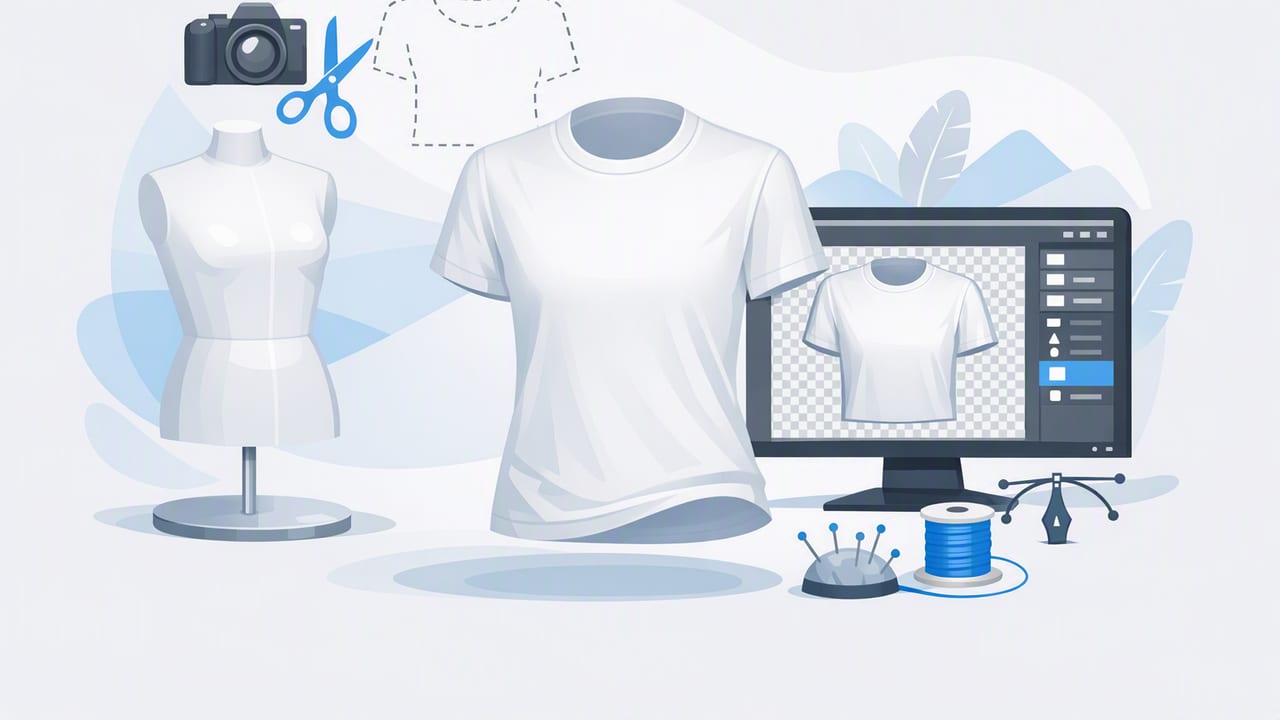
If you sell clothing online, you’ve probably noticed a pattern: listings that look clean, consistent, and “store-ready” tend to earn more clicks—and clicks are the first step toward sales. One of the most effective ways to get that polished look without hiring models for every item is the ghost mannequin style.
Ghost mannequin images make a garment look like it’s being worn (showing shape, drape, and fit) while the mannequin or person disappears. The result is a professional, branded presentation that feels more premium than a flat lay but is often faster and cheaper than full model photography.
What is a ghost mannequin image?
A ghost mannequin image is a clothing photo where the garment appears three-dimensional—as if worn—without showing a visible mannequin, hanger, or person. It’s especially common for tops, dresses, jackets, and activewear because it highlights structure (neckline, shoulders, sleeves, waist) in a way that flat lays can’t.
Typically, a ghost mannequin photo is created by combining two shots:
- Front shot on a mannequin (or form) to show shape.
- Inside/back-of-neck shot (or inner label area) to fill in the “hole” created when removing the mannequin.
Why ghost mannequin photos work for e-commerce
Shoppers can’t touch fabric or try items on, so your images do the explaining. Ghost mannequin presentation helps because it:
- Shows fit and structure (shoulders, collar, taper) better than folded or flat lay photos.
- Looks consistent across a store, which builds trust and brand identity.
- Reduces distractions (no hanger clutter, busy room backgrounds, or mannequin color cast).
- Can be repeatable at scale once you set a simple workflow.
Quick rule: If your category relies on silhouette (blazers, dresses, coats, fitted tops), ghost mannequin usually outperforms flat lay for perceived quality.
Ghost mannequin vs. other clothing photo styles
| Style | Best for | Pros | Watch-outs |
|---|---|---|---|
| Flat lay | Tees, denim, casual items | Fast, minimal equipment | Can look lifeless; fit is harder to judge |
| On-hanger | Quick listings, lightweight tops | Simple setup, shows full garment | Wrinkles and stretching; hanger distractions |
| Ghost mannequin | Structured pieces, dresses, outerwear | 3D look without a model; professional feel | Needs consistent shooting + basic compositing |
| Live model | High-brand storytelling, premium drops | Shows fit naturally; lifestyle vibe | Time/cost; size variation; lighting consistency |
What you need (keep it simple)
Gear and setup
- A mannequin or dress form (ideally matte and neutral).
- Even lighting: bright window light or two soft lights. Avoid harsh overhead shadows.
- A clean background: white wall, seamless paper, or a tidy backdrop.
- A phone tripod (recommended) so your framing stays consistent.
Garment prep
- Steam or smooth wrinkles before shooting. Editing can help, but fewer wrinkles = better realism.
- Lint roll dark fabrics.
- Pin or clamp excess fabric behind the mannequin if needed (but don’t distort seams).
How to shoot for ghost mannequin (so editing is easy)
The biggest secret to fast ghost mannequin editing is consistent shooting. When your angles and lighting match, your edits look natural and take less time.
- Front shot: Put the garment on the mannequin and align it straight (center placket, symmetrical shoulders). Shoot straight-on at chest height.
- Neck/inside shot: Carefully remove the garment and flip it inside-out just enough to capture the inner neck/collar/label area. Try to match the angle and distance of the front shot.
- Optional detail shots: Fabric texture, tag/size, any flaws, and unique features (embroidery, hardware, hemline).
Tip: Lock your camera exposure and white balance if your phone allows it. This prevents the “front shot is warm, inner neck shot is cool” problem.
The ghost mannequin editing workflow (step-by-step)
You can do this in many editors, but the steps are generally the same. The goal is to create a realistic, clean garment shape with a natural inner neckline.
1) Choose the best base image
Pick the front shot with the cleanest alignment, best lighting, and least wrinkles. Minor issues are fixable, but a crooked base will slow everything down.
2) Clean the background
Use background removal so the garment sits on a pure white (or consistent) background. This helps marketplaces and makes your shop grid look cohesive.
- Check the edges around sleeves, lace, and frayed denim.
- Zoom in and fix jagged cutouts.
- Keep negative space consistent so items don’t look cramped.
3) Remove the mannequin while keeping shape
This is where ghost mannequin images differ from standard cutouts. You’re not just isolating the garment—you’re also preserving realistic structure:
- Neckline should look natural (not like a flat hole).
- Shoulders should keep their slope.
- Inner collar area should feel continuous with the outer fabric.
4) Add the “inner neck” piece (the ghost effect)
Insert the inside-neck shot behind the front image so it fills the empty neckline area. Align seams and collar edges carefully.
Practical alignment checks:
- Match curvature: The inner collar should follow the outer neckline curve.
- Match scale: If the inside shot looks too large, it will look fake.
- Feather edges lightly: A harsh cut line is a giveaway.
5) Correct wrinkles and shape (lightly)
Wrinkle reduction and gentle reshaping can make a listing look higher-end, but avoid over-smoothing. Fabric should still look like fabric.
- Remove the most distracting creases (especially across the chest and sleeves).
- Keep natural folds that indicate drape.
- Don’t “warp” logos, buttons, zippers, or seams.
6) Color and brightness: aim for true-to-life
Consistency matters, but accuracy matters more. If the item arrives looking different from your photos, you’ll risk returns.
- Adjust exposure so whites aren’t blown out and blacks retain texture.
- Correct color cast (common culprits: warm indoor bulbs, green walls).
- Compare to a reference: look at the garment in neutral daylight.
7) Add subtle shadow (optional but helpful)
A faint shadow under the garment can prevent the “floating cutout” look. Keep it soft and minimal—marketplaces generally prefer clean, not dramatic.
8) Crop and export for your platform
Use a consistent aspect ratio and framing so your storefront looks organized. Many sellers prefer a square crop for cover images, with additional angles in the gallery.
Simple naming keeps you sane when batching:
brand_style_color_size_front.jpg
brand_style_color_size_ghost.jpg
brand_style_color_size_detail1.jpg
Common ghost mannequin mistakes (and how to fix them)
Hard, obvious cut lines at the neckline
Fix: Slightly feather the edge and ensure the inner neck piece matches the outer collar’s curve and brightness.
Inner neck looks like a different garment
Fix: Match white balance and exposure between the two shots. If one image is brighter, the composite will look “pasted on.”
Asymmetrical shoulders or twisted torso
Fix: Re-shoot if needed. Editing can’t fully correct a garment hung off-center without introducing distortion.
Over-smoothing fabric
Fix: Reduce the strength of wrinkle removal and keep texture. Buyers trust texture because it signals authenticity.
A repeatable checklist for faster listings
- Prep: steam, lint roll, check buttons/zippers
- Shoot: front on mannequin, inside neck, 2–4 details
- Edit: background removal, ghost neckline composite, light wrinkle cleanup
- Polish: color correction, consistent crop, subtle shadow
- Export: high resolution, clean filename, consistent cover image
When ghost mannequin is (and isn’t) worth it
Worth it for
- Blazers, coats, structured jackets
- Dresses and tops where neckline/shoulder fit matters
- Brand-focused closets that need consistent presentation
Maybe skip it for
- Low-cost basics where speed matters more than polish
- Items that sell primarily on print/graphic (a flat lay can be enough)
- Highly reflective pieces (sequins, glossy satin) unless your lighting is controlled
FAQ: ghost mannequin for resellers
Do I need an expensive mannequin?
No. A simple dress form works for many categories. What matters most is a stable setup, straight alignment, and consistent lighting.
Can I do ghost mannequin with just one photo?
You can remove the mannequin from a single image, but the neckline often looks hollow. The classic ghost mannequin look usually needs an inner-neck shot (or a believable fill).
What background should I use?
White is popular because it looks clean and consistent across marketplaces. If you use off-white or light gray, keep it consistent across your entire store.
Final thoughts
Done well, ghost mannequin photos give you the best of both worlds: the structure of a worn garment without the cost and complexity of full model shoots. With a consistent shoot setup and a repeatable edit workflow (background removal, inner-neck composite, light wrinkle cleanup, and true-to-life color), you can create listings that look polished, trustworthy, and ready to buy.
If you’re looking for a streamlined mobile workflow, some sellers use AI photo editors such as Clothing Studio to speed up tasks like background removal, unwrinkling, and generating ghost mannequin-style outputs while keeping results consistent across platforms.
