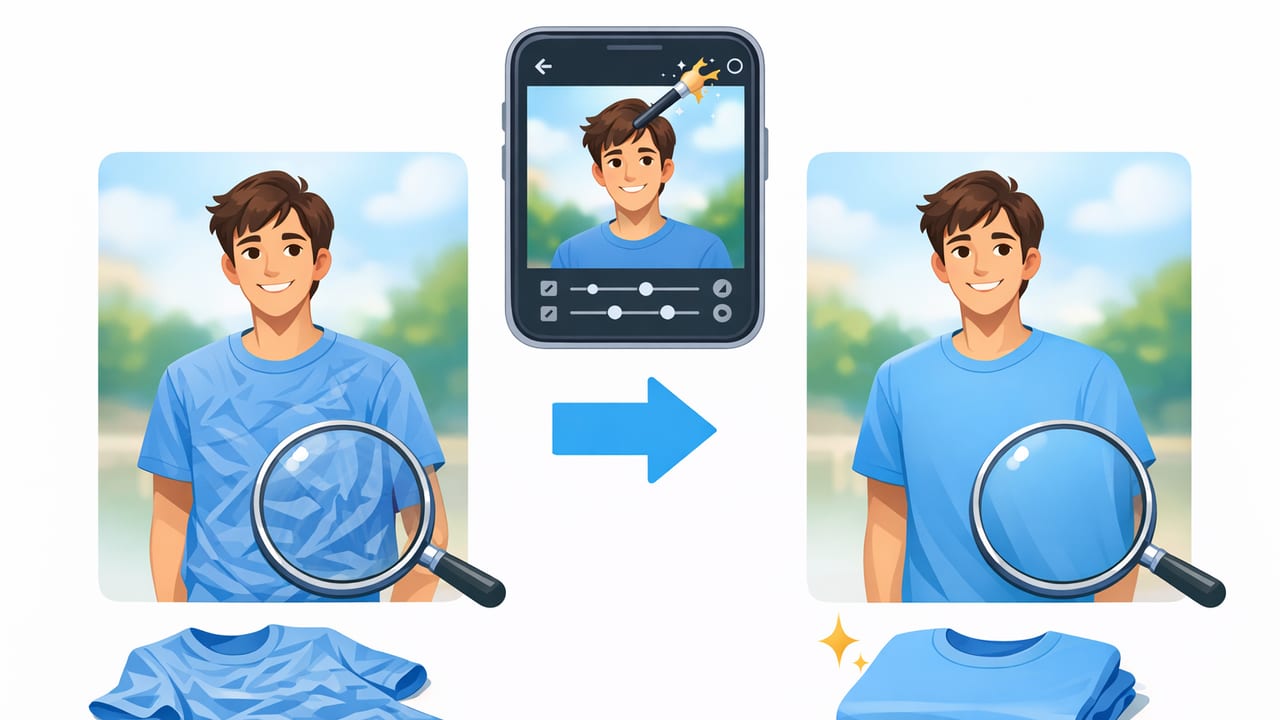
Wrinkles are one of the fastest ways to make a great garment look “tired” online—even when it’s clean, authentic, and in excellent condition. The good news: you don’t always need a steamer marathon to fix it. With the right shooting habits and an unwrinkle clothing in photos app workflow, you can create crisp, professional-looking listings that feel consistent across your shop.
This guide is designed for fashion resellers and small brands who want cleaner product images without getting overly technical. You’ll learn what causes wrinkles to show up so strongly on camera, how to reduce them before you shoot, and how to edit naturally so fabrics still look real.
Why wrinkles matter more in photos than in real life
In-person, shoppers move around, touch fabric, and mentally “smooth out” minor creases. In photos, wrinkles become high-contrast lines—especially under harsh light—so they read as:
- Poor condition (even when it’s just storage creasing)
- Bad fit (wrinkles near seams can look like pulling)
- Low-effort listing (which can reduce trust)
Clean, smoothed images help shoppers focus on what you want them to notice: the silhouette, fabric quality, and details like buttons, pleats, and structure.
Start with “wrinkle prevention” (it saves editing time)
An app can help a lot, but the best results come from reducing deep wrinkles before you shoot. You don’t need a studio setup—just repeatable habits.
Quick prep that makes a big difference
- Hang items for 20–60 minutes after they come out of a bin or mailer.
- Use a handheld steamer for 1–3 minutes on problem areas (collars, button plackets, hems).
- Clip and smooth on a hanger: tug lightly at side seams to relax “fold lines.”
- Lint roll before shooting—lint can look like texture noise after edits.
Tip: If you can only steam one spot, choose the area closest to the camera: chest/torso for tops, hip/thigh area for pants, and the skirt front for dresses.
Lighting that doesn’t “over-dramatize” wrinkles
Wrinkles look worst under directional light (a bright lamp from one side) because shadows carve every crease. Aim for soft, even light:
- Shoot near a window with indirect light (not direct sun).
- Face the garment toward the light source for flatter shadows.
- If using a lamp, bounce it off a white wall or use a diffuser.
Which wrinkles can be fixed in photos (and which can’t)
Not all wrinkles are equal. Some are simple surface creases; others are structural issues from fabric tension or poor styling. Use this table to decide whether to re-shoot or edit.
| Wrinkle type | How it looks in photos | Best fix |
|---|---|---|
| Storage creases | Long fold lines, mostly flat fabric | Great candidate for an app unwrinkle tool + gentle contrast control |
| Hanger dents | Sharp bumps at shoulders | Re-hang with a wider hanger or add tissue/foam; minor dents can be edited |
| Fabric bunching | Wrinkles radiating from seams/waistband | Restyle (clip/pin, straighten) before editing; heavy bunching is hard to “fix” naturally |
| Compression wrinkles | Dense, crinkled texture (linen/viscose) | Steam first; app tools can reduce but should not erase natural texture |
| Shine creases (satin/silk) | Bright highlight streaks | Change angle/light first; editing can help but avoid making it look airbrushed |
A practical “unwrinkle clothing in photos app” workflow (7 steps)
This workflow keeps results consistent and realistic—ideal for marketplaces where shoppers zoom in.
- Pick the best base photo: choose the image with the cleanest shape (even if it’s slightly wrinkled). Good styling beats heavy editing.
- Crop and straighten: align hems and shoulder lines so the garment looks intentional and balanced.
- Remove or simplify the background (optional but recommended): a clean backdrop reduces visual noise and makes wrinkles less prominent.
- Apply an unwrinkle/smooth tool lightly: focus on broad fabric areas (front panels, skirt front, pant legs), not edges like seams and cuffs.
- Protect key details: keep stitching, pleats, embroidery, lace, and ribbing crisp. If your app has a brush/erase option, back off those areas.
- Correct exposure and color: brighten slightly if needed, but avoid blowing out highlights—over-brightening can create a “plastic” look.
- Export consistently: use the same aspect ratio and similar brightness across your shop for a cohesive storefront.
Where to apply smoothing (and where to avoid it)
- Good places: large flat panels, mid-torso, front of skirts, outer pant legs.
- Avoid: seam lines, edges, collars, buttonholes, pockets, logos, lace, knit texture, denim whiskering.
Think of unwrinkling like makeup: the goal is to reduce distractions, not to erase the garment’s natural fabric behavior.
How to keep fabric texture looking true-to-life
One common mistake with wrinkle removal is over-smoothing. Shoppers want to see the material—especially for knitwear, linen, denim, and anything textured.
Simple realism checks
- Zoom to 100% before exporting. If the fabric looks like a painted blur, reduce smoothing.
- Compare to a detail photo (close-up of fabric or tag). Your main image should match the texture level.
- Watch the edges: if hems look “melted” or wavy, the effect is too strong.
Balance wrinkle reduction with honest condition
If an item has genuine wear (pilling, permanent creasing, stretched seams), don’t edit those away. It can create returns and unhappy buyers. Instead, reduce only the presentation wrinkles that come from storage or shipping, and disclose anything structural in the description.
When a different presentation reduces wrinkles automatically
If you’re constantly battling wrinkles, it may be your presentation method, not your editing.
Flat lay
Best for: tees, knits, denim, casual items. Flat lays let you smooth fabric physically with your hands, reducing the need for digital unwrinkling.
On-hanger
Best for: blouses, dresses, lightweight pieces. Use a structured hanger and make sure shoulders sit correctly to avoid “hanger dents.”
Ghost mannequin / invisible mannequin
Best for: structured garments (jackets, collared shirts) where shape matters. This look also minimizes random wrinkles by emphasizing form and clean edges—especially when paired with a tidy background.
A consistency system for resellers (so every listing matches)
Wrinkle removal looks most professional when it’s consistent. Create a simple standard so you’re not reinventing your process each time.
Suggested photo set per item
- Front (main image, unwrinkled + clean background)
- Back
- Close-up of fabric texture
- Tag/size/brand
- Any flaws (honest, well-lit)
File naming that keeps you organized
If you list across platforms, a consistent filename helps you find and re-use images quickly.
SKU_brand_item_color_size_view.jpg
# Example:
1042_Madewell_Shirt_White_M_Front.jpg
Troubleshooting: common issues when unwrinkling in an app
“It looks too blurry”
- Reduce smoothing strength.
- Apply only to mid-panel areas (avoid edges and seams).
- Export at a higher quality setting if available.
“Wrinkles are gone, but the garment looks flat”
- Add back a little contrast or clarity (lightly) so the shape reads.
- Use better base lighting next time—flat light plus heavy smoothing can remove dimension.
“I’m seeing weird warping near buttons or zippers”
- Avoid brushing over hardware and high-detail areas.
- Work in smaller sections instead of one large swipe.
“The fabric looks a different color after editing”
- Correct exposure first, then unwrinkle.
- Keep white balance consistent (shoot in the same spot at the same time of day).
Quick checklist: your best-looking wrinkle-free listings
- Before shooting: hang it, steam key areas, lint roll
- During shooting: soft light, clean styling, straight alignment
- Editing: background cleanup (optional), light unwrinkle, protect details, realistic texture
- Quality control: zoom check, consistent brightness, honest condition photos
Final thoughts
You don’t need perfection—you need clarity. A reliable unwrinkle clothing in photos app workflow helps your items look cared for, makes your shop feel cohesive, and keeps buyers focused on fit and features instead of distracting creases.
If you’re looking for a simple iOS workflow that combines wrinkle reduction with other listing-friendly edits (like background cleanup and presentation options), an app like Clothing Studio can be a convenient all-in-one tool to try at the end of your process.
