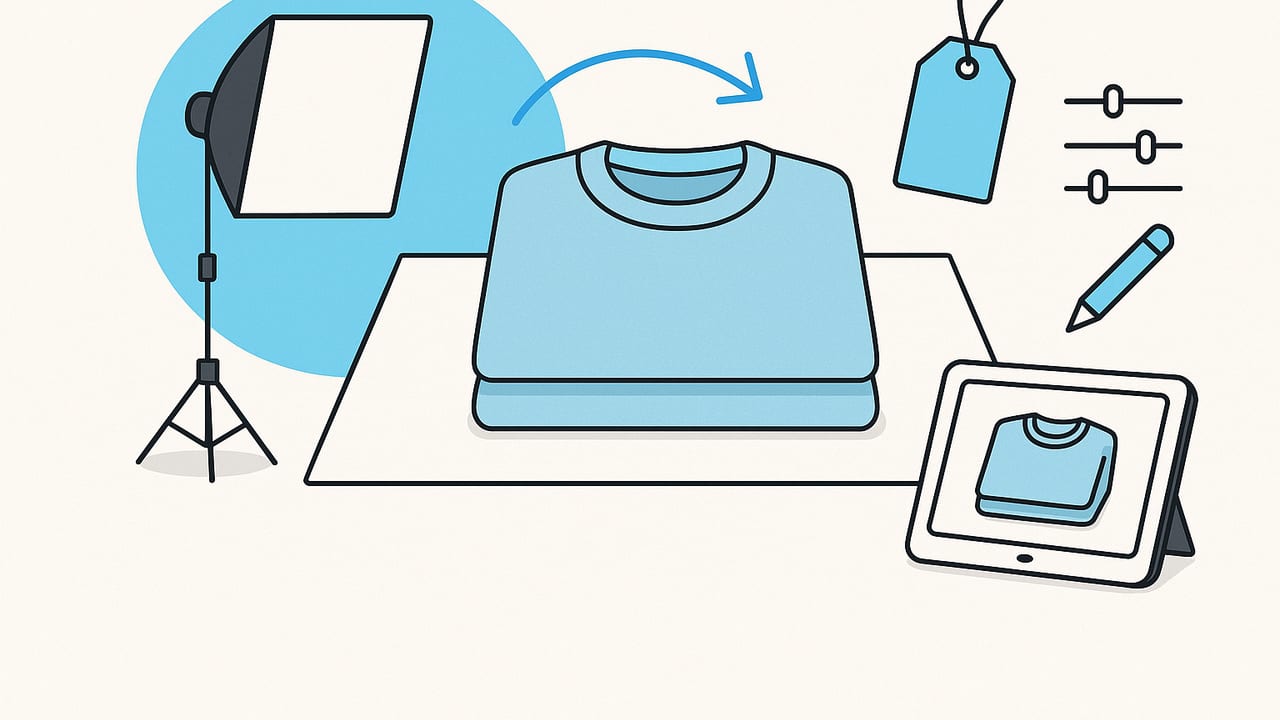
Folded garment images are a quiet conversion powerhouse. They signal neatness, care, and reliability while showcasing fabric, texture, and construction up close. Whether you sell on Poshmark, eBay, Depop, or your own storefront, nailing folded clothing photos that look professional can lift click-through rate, reduce returns, and help buyers judge quality at a glance.
This guide walks you through proven folding, lighting, composition, and editing techniques that keep your workflow simple and your images scroll-stopping.
What makes a folded clothing photo look professional?
Professional results are less about fancy gear and more about consistency and intention. Aim for:
- Clean lines and crisp folds without visible wrinkles
- Consistent, soft lighting and natural shadows
- True-to-life color and an even background
- Balanced composition and straight horizons
- Subtle styling that highlights details without clutter
| Element | Why it matters | Quick fix |
|---|---|---|
| Straight edges | Signals quality and helps garments look tailored | Use a ruler edge or a folded card to sharpen hems |
| Natural shadow | Adds depth, avoids a cut-out look | Place garment at 45° to a window, add a white bounce |
| Color accuracy | Prevents returns and builds trust | Avoid mixed lighting; set white balance from a gray card |
| Texture clarity | Lets buyers judge fabric, knit, and quality | Use side light, zoom to 2x to reduce distortion |
| Clean background | Makes browsing effortless and brand-consistent | Use paper sweep; keep to white, light gray, or pastel |
Gear you already have (plus a couple of add-ons)
- Phone camera: Modern phones capture excellent detail. Lock focus and exposure for consistency.
- Tripod and phone mount: Stabilizes shots and enables consistent framing.
- Large white foam board: Acts as a reflector to soften shadows.
- Paper sweep or poster board: Creates a seamless background.
- Garment steamer and lint roller: The fastest path to clean texture.
- Clips or light clamps: Hold the sweep or arrange folds.
Optional but helpful: a softbox LED panel, a collapsible diffuser for bright sun, and a neutral gray card for easy color correction.
Step-by-step setup for consistent results
1) Prep the garment
- Steam thoroughly, especially hems, collars, and cuffs. Let garments fully dry to avoid damp marks.
- Roll away lint and pet hair. Check seams for threads and snip carefully.
- Close zippers and button the first and last buttons for a tidy line.
2) Build a simple flat-lay set
- Place a paper sweep on a table or clean floor near a bright window.
- Angle the setup about 45 degrees to the window so the light falls across the garment.
- Prop a foam board opposite the window to bounce light and soften shadows.
3) Compose with intention
- Use your phone’s grid to align edges parallel to the frame.
- Leave breathing room around the garment for easy cropping.
- Keep labels, textures, and unique features visible without clutter.
4) Dial in lighting
- Shoot with window light on overcast days or diffuse direct sun with a sheer curtain.
- Turn off overheads to avoid mixed color casts.
- If using LEDs, set all lights to the same temperature (e.g., 5000K) and keep them diffuse.
5) Add depth with gentle shadows
- Lift a hem slightly by placing a folded tissue underneath to create a soft falloff.
- Rotate the garment until the shadow looks natural and flattering, not harsh.
6) Capture settings that flatter fabric
- On a phone, tap to focus, then slide exposure slightly down to preserve texture.
- Zoom to 2x to reduce wide-angle distortion and keep edges straight.
- Shoot slightly wider than you think you need; you can crop for perfect symmetry later.
Folding techniques for different garments
T-shirts
- Lay face up, smooth the fabric, align the shoulders.
- Fold sleeves inward along a straight line from shoulder seam to hem.
- Fold sides inward about one-third from each side to make a neat rectangle.
- Fold bottom up once or twice depending on length, keeping the logo or graphic centered.
Jeans and trousers
- Button and zip. Lay flat with back pockets face up for classic styling.
- Fold one leg over the other, aligning the seams.
- Fold at the knee to create a compact rectangle, showing either the back pocket or front fly.
- Optional: cuff the hem slightly to hint at selvedge or lining.
Sweaters and knits
- Steam lightly and let cool to avoid stretching.
- Fold sleeves inward with a gentle bend to suggest volume but keep edges clean.
- Fold bottom up once. Avoid tight folds that crease chunky yarn.
- Support the neckline with tissue underneath to prevent collapse.
Button-down shirts
- Button first, middle, and last buttons for structure.
- Fold sleeves behind with a single neat bend, or keep a tidy front sleeve fold for symmetry.
- Fold sides inward to the placket line, then fold the bottom up.
- Keep the collar centered and crisp; use a small card under the collar if needed.
Skirts and dresses (folded views)
- For skirts, align the waistband, fold lengthwise to show pleats or silhouette.
- For soft dresses, fold sleeves inward and skirt hem up to create a compact shape that still hints at drape.
- Highlight special details: waist ties, buttons, or lace.
Styling cues that signal quality
- Keep accessories minimal: a small brand card, a fabric swatch, or a size tag near the corner can add context without distraction.
- Use tissue to create gentle volume under heavy knits so they look plush, not flat.
- For sets, consider knolling: lay pieces parallel and evenly spaced for a tidy, editorial feel.
Backgrounds and color consistency
Background choice affects how buyers perceive color and texture:
- White: Clean, high-contrast, and marketplace-friendly. Be careful not to blow out highlights.
- Light gray: More forgiving; maintains detail in bright fabrics.
- Soft neutrals: Beige or pastel can make darker items feel premium without heavy edits.
For consistent color across shoots:
- Keep the same background and lighting setup for collections.
- Include a gray card in one frame per session; use it to set white balance during editing.
- Avoid shooting at different times of day unless you control light with LEDs.
Editing workflow that looks natural
The goal of editing is simple: maintain accurate color, clean edges, and preserve realistic texture. Over-processing can flatten fabric or create halos. Try this sequence:
- Cull duplicates, then batch straighten and crop to your platform’s preferred ratio.
- Set white balance from your gray reference or from a neutral area of the background.
- Adjust exposure and contrast subtly; protect highlights to keep knit texture.
- Remove distractions: lint specs, stray threads, dust on the background.
- Even the background with gentle highlights or a low-opacity brush; keep real shadow edges intact.
- Export at a resolution your platform recommends; avoid heavy compression.
SEO and metadata touches for your store
Consistent file names and alt text help search engines and assistive technologies understand your images. Use descriptive, human-friendly language:
Filename: brand-style-color-size-front-folded.jpg
Alt text: Folded navy cotton crewneck T-shirt on light gray background, front view, true-to-color.
Include material, color, fit, and any unique detail (e.g., selvedge, cable knit) where relevant.
Common mistakes to avoid
- Mixed lighting: Daylight plus warm ceiling bulbs = muddy color casts.
- Wrinkled hems: They draw the eye and make garments look worn.
- Over-whitened backgrounds: Clipped whites remove natural shadow and depth.
- Wide-angle distortion: Shooting too close with a wide lens bends lines; step back and zoom slightly.
- Busy props: Keep focus on the garment; remove anything that competes with texture and color.
- Inconsistent orientation: Rotate all images the same way to reduce cognitive load for shoppers.
A quick pre-publish checklist
- Folds are neat and symmetrical; labels face up if relevant.
- Fabric looks smooth, with natural, soft shadow falloff.
- Edges are parallel to the frame; horizon is straight.
- Colors match real life under neutral light.
- Background is clean and even with no dust or banding.
- Filename and alt text are descriptive and consistent.
Lighting setups that work in small spaces
| Setup | Best for | How to |
|---|---|---|
| Window + bounce | Most garments, natural texture | Place sweep near a window, foam board opposite; shoot 45° to the light |
| LED softbox | Night shoots, repeatability | One softbox angled down at 30–45°, reflector on the other side |
| Light tent | Shiny fabrics, accessories | Place LEDs outside the tent; avoid flat, shadowless looks by lowering exposure |
How many angles should you include?
- Main folded hero: The clean, centered image your shopper sees first.
- Detail crops: Texture, knit, stitching, buttons, logo.
- Label and care tag: Material and size reduce pre-sale questions.
- Alternate fold or back view: Especially for jeans, knits, or graphic tees.
Four to six total images per item is a solid baseline for discoverability and conversion.
Frequently asked questions
Can I shoot professional folded clothing photos at night?
Yes, with continuous LED lights and diffusion. Keep all lights at the same color temperature and turn off ambient bulbs to avoid mixed casts.
Do I need a light tent?
Not necessarily. Light tents can reduce reflections and simplify shadows, but they may also flatten texture. A window-and-bounce setup often looks more natural on fabric.
Is steaming always required?
Steaming or pressing is ideal. If you cannot steam, smooth the garment by hand and use subtle editing to relax minor wrinkles while preserving texture.
Should I use pure white backgrounds?
White is marketplace-friendly, but light gray can protect texture and color in bright garments. Choose one look and stick with it for brand consistency.
Putting it all together
Creating folded clothing photos that look professional is about process, not perfection. A consistent setup, thoughtful folding, controlled light, and clean edits will elevate even basic wardrobe pieces. Build habits you can repeat every shoot: prep, align, soften shadows, preserve color, and export with care. Over time, your collection page will look cohesive, trustworthy, and unmistakably yours.
Note: If you want to streamline background cleanup, wrinkle reduction, and model or ghost-mannequin variations without hiring a studio, the iOS app Clothing Studio offers AI-powered tools designed for fashion resellers and brands.
