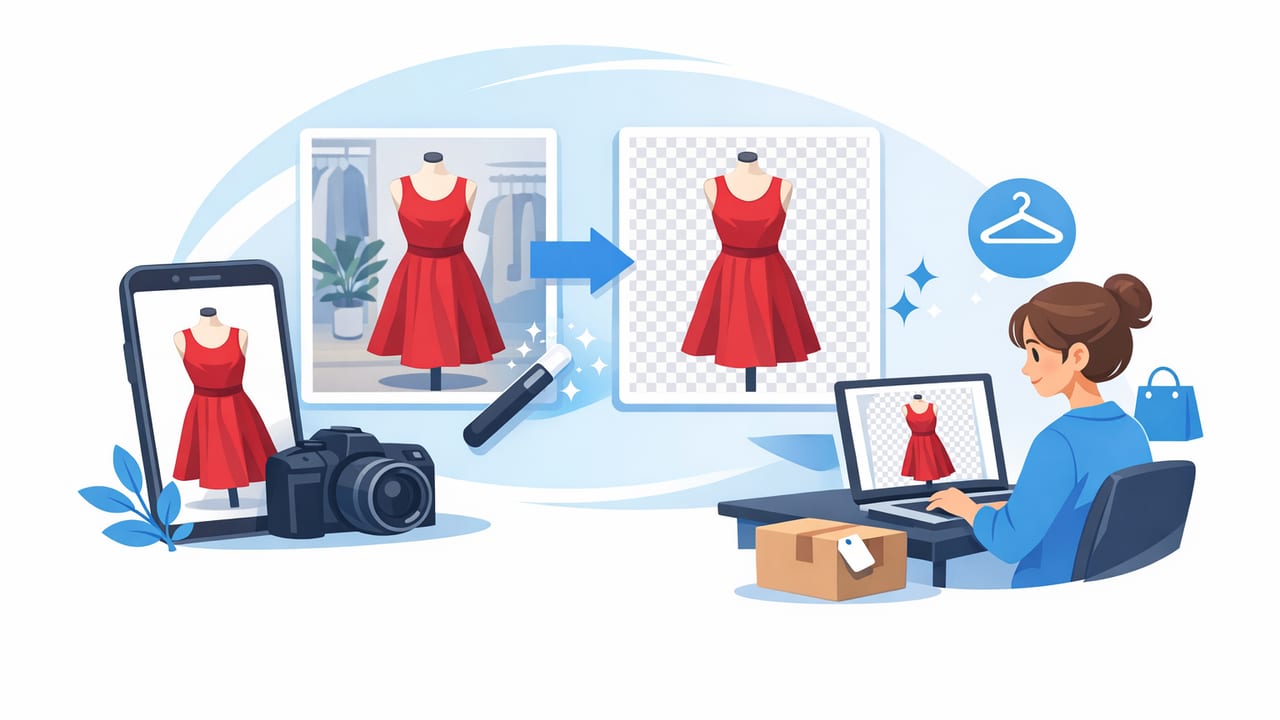
If you sell clothing online, your photos do a lot of the “talking.” A poshmark listing photo background remover can instantly make your items look cleaner, brighter, and more consistent—without a full studio setup. But the best results come from pairing background removal with a simple, repeatable photo routine: good lighting, solid framing, and a consistent presentation style.
This guide walks you through a practical workflow for Poshmark-friendly product photos, including how to prep garments, choose a presentation style (flat lay, on-hanger, folded, or ghost mannequin), and avoid common “cutout” mistakes that make listings look less trustworthy.
Why background matters on Poshmark (even if your item is great)
Buyers scroll fast. A busy room, patterned bedsheet, or cluttered rack pulls attention away from the item. A clean background helps shoppers focus on what they’re actually buying: shape, color, condition, and brand details.
- Consistency: A uniform look across your closet builds trust and can make your page feel more “boutique.”
- Clarity: Edges, hems, and sleeve shapes are easier to read against a plain background.
- Perceived value: Crisp product presentation often makes items look more premium, even at the same price.
Photo rule of thumb: If a buyer can understand the fit and condition in 2–3 seconds, you’re doing it right.
Choosing the right poshmark listing photo background remover workflow
Background removal is easiest when you treat it as a step in your routine—not a rescue mission after you’ve shot in bad light. Here are three practical workflows, from fastest to most polished:
- Quick clean: Shoot on a simple wall → remove background → export.
- Consistency kit: Shoot in the same spot daily (same time/light) → remove background → reuse the same white/off-white background.
- Detail-forward: Shoot a “hero” image (front view) for background removal + add close-ups (tags, fabric, flaws) without removing backgrounds.
The third option often converts well because it looks polished while still feeling honest. Buyers want clean main images and real close-ups.
Before you remove the background: set yourself up for clean edges
Most background remover issues (jagged hems, missing straps, fuzzy edges) start with the original photo. Use this pre-shot checklist to make edits faster and more accurate:
Lighting: aim for bright and even
- Stand near a window for soft, indirect light.
- Avoid harsh overhead bulbs that create yellow casts and strong shadows.
- If possible, shoot at the same time of day for consistent color.
Framing: give the item breathing room
- Leave a small border around the garment so the tool can “see” the outline.
- Keep the camera level to reduce distortion (especially for pants and dresses).
Prep: small fixes make a big difference
- Lint roll dark fabrics and knits.
- Smooth wrinkles with a steamer or quick press when possible.
- Use clips (hidden behind) to show shape on oversized pieces.
Best presentation styles for Poshmark (and when to use each)
Background removal works with most presentation styles, but some styles benefit more than others. Choose based on what you sell and what your buyer needs to understand quickly.
1) On-hanger photos: fastest for daily listing
Great for tops, dresses, and lightweight outerwear. Keep the hanger centered, shoulders level, and sleeves laid naturally. Background removal helps eliminate the closet/doorway look and makes your closet feel more consistent.
2) Flat lay: best for showing details and fabric
Flat lays excel for jeans, sweaters, and items where texture matters. Watch for sleeve angles and wrinkles at the waistline. A clean cutout can make flat lays look like a catalog image, but only if the garment is neatly arranged.
3) Folded presentation: clean and brand-forward
Folded shots can work well for NWT items, tees, and knitwear. Background removal makes folded stacks look tidy, but include at least one unfolded image so buyers can see full length and fit.
4) Ghost mannequin: most “retail” look for structured pieces
Ghost mannequin style (an “invisible body” look) is especially helpful for blazers, dresses, and jackets where the interior shape matters. It’s more work than a simple cutout, but it can communicate structure and fit more clearly.
Step-by-step: a simple Poshmark photo process that stays consistent
Here’s a repeatable workflow you can use for every item, whether you’re listing occasionally or scaling up.
- Shoot the hero image first: front view, centered, even lighting.
- Shoot support images: back view, close-ups of fabric, size tag, brand tag, care label, and any flaws.
- Pick the cleanest hero shot: choose the one with the best edges (straps and hems visible).
- Remove the background: keep the result natural—avoid overly harsh contrast.
- Check edges at 100% zoom: look at straps, lace, fuzzy knits, fringes, and sheer sections.
- Export consistently: keep the same crop style and brightness across listings.
Common background removal mistakes (and how to fix them)
Background removal should make photos look simpler, not artificial. These are the most common issues that hurt trust:
- “Floating item” effect: If the garment looks like it’s hovering, add a subtle shadow or keep a soft, off-white background instead of pure white.
- Missing thin details: Spaghetti straps, ties, and lace edges can get clipped. Use a photo where those details contrast clearly against the original background.
- Jagged hems on knits: Fuzzy materials (mohair, шерпа, cable knits) can look choppy. Shoot with brighter light and avoid busy textures behind the item.
- Color shifts: Some edits make whites look gray or colors look neon. Adjust brightness gently and compare to the real item in daylight.
Quality checklist: what “good” looks like (with a quick table)
| Photo Element | Goal | Quick Test |
|---|---|---|
| Lighting | Even, true-to-life color | Whites look white, blacks keep detail |
| Background | Clean and consistent | No distractions near edges |
| Framing | Centered and readable | Item fills most of the frame without cropping |
| Edges | Smooth, natural outline | Zoom in on straps/hem—no “chunks” missing |
| Detail shots | Trust-building proof | Tags, fabric texture, flaws clearly visible |
How to keep your closet looking cohesive (without over-editing)
Consistency is a competitive advantage on Poshmark. You don’t need perfect photos—just a recognizable “house style.” Try these simple rules:
- Pick one background: white, light gray, or a soft neutral. Stick with it.
- Choose one crop: for example, 4:5 vertical with similar headroom.
- Use the same cover photo style: all on-hanger, or all flat lay, etc.
- Don’t erase reality: keep color accurate and include flaw photos. Clean doesn’t mean misleading.
Practical naming + alt-text system (optional, but helpful)
If you share your listings elsewhere or keep records, a simple naming pattern saves time. Here’s a lightweight template you can copy (no technical setup required):
brand_category_color_size_condition_1.jpg
example: madewell_jeans_blue_28_gentlyused_1.jpg
example: zara_blazer_black_m_nwt_1.jpg
And if you ever reuse photos on a blog or storefront, a clear alt-text pattern helps accessibility and SEO:
Alt text template:
"[Brand] [item type] in [color], front view, clean background"
FAQs: background removal for clothing listings
Should my Poshmark cover photo always have the background removed?
Often, yes—especially if your original background is inconsistent. A clean cover image can improve scroll-stopping power. Keep close-ups and proof photos natural to maintain trust.
Is pure white always best?
Not necessarily. Pure white can look harsh and may make light garments blend in. A soft off-white or very light gray can look more natural while still feeling clean.
What items are hardest for background removers?
Sheer fabrics, fringe, lace edges, fuzzy knits, and thin straps. For these, prioritize brighter lighting and a contrasting original background so edges are easier to detect.
Closing thought: clean photos speed up sales and save you time
A reliable poshmark listing photo background remover is most powerful when you combine it with a simple, repeatable photo routine: consistent lighting, thoughtful styling, and a quick edge check before posting. The goal isn’t to make every listing look like a luxury campaign—it’s to make every item easy to understand at a glance.
If you prefer editing on iPhone, there are AI-powered tools designed specifically for clothing workflows (including background removal, unwrinkling, and ghost mannequin-style results). One option is Clothing Studio, which is built around fast apparel listing edits rather than general photo filters.
