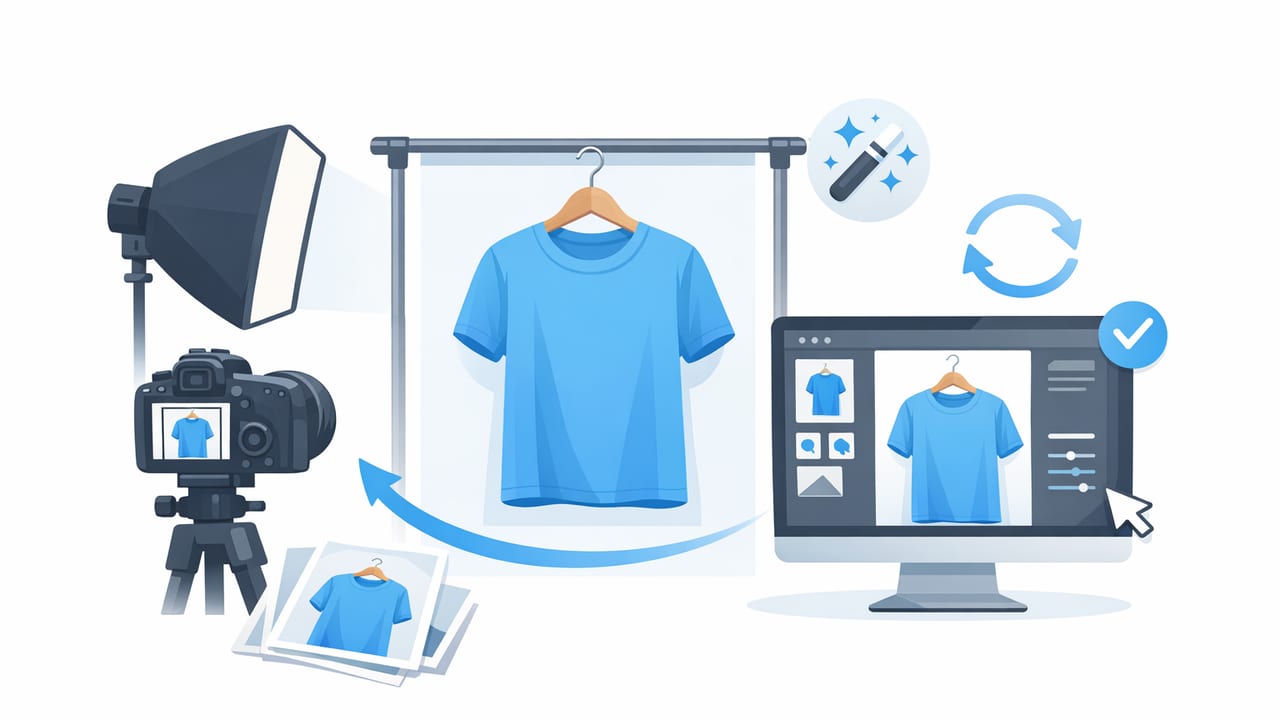
On hanger photos are one of the fastest ways to create consistent clothing listings—especially for resellers who shoot dozens (or hundreds) of items per week. They’re simple, scalable, and buyer-friendly when done well. But when done poorly, on-hanger images can look wrinkled, warped, shadowy, or “closet-like,” which can reduce trust and clicks.
This guide walks you through a repeatable, low-stress workflow: how to set up your space, choose the right hanger, light your garment, and finish with clean editing (including background removal and optional ghost mannequin effects). The goal isn’t “perfect studio photography.” It’s consistent, clear, and accurate photos that help buyers say yes faster.
Why on hanger photos work (and when they don’t)
On hanger photos shine when you need speed, consistency, and an easy way to show shape for tops, jackets, dresses, and outerwear. They’re also ideal for brands building uniform product grids across multiple SKUs.
Buyers don’t need a runway. They need a clear view of what they’re buying—shape, condition, and color—with minimal distractions.
Best for
- Tops, blouses, sweaters, jackets, coats
- Dresses and jumpsuits (especially structured pieces)
- Items where drape is visible on a hanger
Not ideal for
- Heavy distortion-prone knits (may stretch on hangers)
- Pants/jeans (flat lay often shows rise/inseam more clearly)
- Very delicate items where hanger clips snag fabric
On hanger vs other photo styles (quick comparison)
| Style | Pros | Cons | Best use |
|---|---|---|---|
| On hanger photos | Fast, consistent, easy to batch | Wrinkles and shadows show easily | Reselling volume, tops, dresses, outerwear |
| Flat lay | Great for detail + measurements | Needs space; can look “busy” | Pants, denim, tees, accessories |
| Model photos | Shows fit and styling | Time-consuming; consistency is harder | Brands, premium listings, styling-focused items |
| Ghost mannequin | Clean 3D look without a model | May require editing; not needed for every item | Brands, structured garments, “inside view” necklines |
Step 1: Choose the right hanger (it matters more than you think)
Your hanger sets the garment’s shoulder line and overall silhouette. A mismatched hanger can make an item look stretched, sloped, or cheaper than it is.
Hanger tips for better shape
- Use uniform hangers for a consistent shop look (same color and style).
- Match shoulder width to the garment. Too wide creates bumps; too narrow collapses the shoulders.
- Velvet hangers reduce slipping and keep straps in place.
- Padded hangers can help delicate pieces drape softly (but keep them consistent across listings).
Quick hack for small items
For kids’ clothing or narrow-shoulder pieces, a standard adult hanger often ruins the shape. Keep a small set of child-size hangers so your on hanger photos look intentional.
Step 2: Set up a simple shooting space (no studio required)
Great on hanger photos come from a repeatable setup. You don’t need expensive gear—you need consistent light and a clean background.
Best background options
- Plain wall (white, light gray, or beige)
- Seamless paper roll for a true “product photo” look
- Backdrop stand + fabric if your wall is textured or crowded
Hanging method
- Use a wall hook, garment rack, or removable adhesive hook rated for weight.
- Position the hanger so the garment sits flat against the background (avoid leaning forward).
- Leave space above and around the item so you can crop consistently later.
Step 3: Lighting that flatters fabric (and reduces editing time)
Lighting is the difference between “closet snapshot” and “clean listing.” Your goal is bright, even light that reveals texture without harsh shadows.
Natural light setup
- Shoot near a window with indirect light (avoid direct sun hitting the garment).
- Turn off mixed indoor lights to prevent odd color casts.
- Use a white foam board opposite the window to bounce light back and soften shadows.
Artificial light setup (simple and consistent)
- Use two soft lights angled 45° toward the garment from left and right.
- Keep brightness matched on both sides to avoid one-sided shadows.
- Try to keep the same distance each time so your exposure stays consistent.
Step 4: Style and prep the garment (the “hidden” conversion booster)
Before you shoot, take 30–60 seconds to make the item look like something a buyer wants to wear today.
- Lint roll (especially black items).
- Button or zip appropriately so the shape reads correctly.
- Align the shoulders and seams on the hanger.
- Steam or smooth obvious creases (or plan to unwrinkle in editing).
- Tuck tags and hanger loops so they don’t distract.
Use clips (sparingly) for cleaner shape
Small binder clips or garment clips behind the item can define the waist or reduce “boxy” drape. Keep clipping minimal and hidden so the garment still looks accurate.
Step 5: Capture a consistent set of angles for every listing
Consistency is buyer trust. When shoppers swipe through photos, they should see the same structure every time.
Recommended on-hanger photo set
- Front full (centered, straight-on)
- Back full
- Close-up of fabric/texture (especially knits, denim, silk)
- Close-up of brand + size tag
- Close-up of any flaws (honesty prevents returns)
Camera positioning tips
- Keep the camera lens level with the garment’s midsection to avoid distortion.
- Step back slightly and zoom in a bit (instead of shooting too close).
- Use the same spot on the floor each time (tape markers help).
Step 6: Editing on hanger photos for a clean, consistent look
Editing doesn’t need to be complicated. The goal is to match what the buyer will receive while making the image easy to scan on small screens.
Core edits (in order)
- Crop and straighten to keep the hanger and garment level.
- Fix exposure so whites look white and darks keep detail.
- Correct color (warm indoor light can turn whites yellow).
- Background removal or cleanup for a distraction-free listing photo.
- Unwrinkle/smooth if the fabric looks crushed from storage or shipping.
Background removal: when to use it
Background removal is especially helpful if you shoot in a small space, your wall has texture, or your lighting changes throughout the day. A clean background can make your grid look more professional and can help shoppers focus on shape and details.
Ghost mannequin: an optional upgrade
For certain garments (structured tops, blazers, dresses with interesting necklines), a ghost mannequin look can add a “filled-out” 3D feel without needing a model. If you already shoot on hanger, you can decide item-by-item whether this style is worth it.
Common mistakes that make on hanger photos look unprofessional
- Harsh overhead lighting creating deep shadows under sleeves and hems
- Busy backgrounds (doors, laundry piles, patterns) competing with the product
- Inconsistent crops across listings (some too tight, some too far)
- Over-editing that changes the true color or fabric texture
- Warped shapes from wide-angle camera distortion too close to the item
A simple repeatable workflow (the “batch day” method)
If you resell regularly, the biggest win is batching: prep items in one block, shoot in one block, then edit in one block.
- Prep 10–30 items: lint roll, button, align on hanger.
- Shoot all fronts first, then all backs.
- Shoot detail shots last (tags, fabric, flaws).
- Edit in the same order for every item so your style stays consistent.
Optional: a simple file naming system
This helps you stay organized when listing across platforms.
brand_itemtype_color_size_view.jpg
example:
madewell_blouse_blue_m_front.jpg
madewell_blouse_blue_m_back.jpg
madewell_blouse_blue_m_tag.jpg
Quick checklist: your on hanger photos before you post
- Garment centered, hanger straight, shoulders aligned
- Color looks accurate (compare to item in hand)
- Background is clean or removed
- At least one close-up shows fabric texture
- Tag photo included (brand + size)
- Flaws photographed clearly (if any)
Putting it all together
The best on hanger photos aren’t complicated—they’re consistent. A good hanger, even lighting, quick garment prep, and a light editing pass (crop, color, background cleanup, and smoothing) will make your listings look more trustworthy and easier to shop. Once your workflow is dialed in, you can scale your inventory without your photo quality falling apart.
Gentle note: if you prefer editing on iPhone, an AI-focused clothing photo editor like Clothing Studio can help speed up steps like background removal, unwrinkling, and polished presentation while keeping your style consistent.
