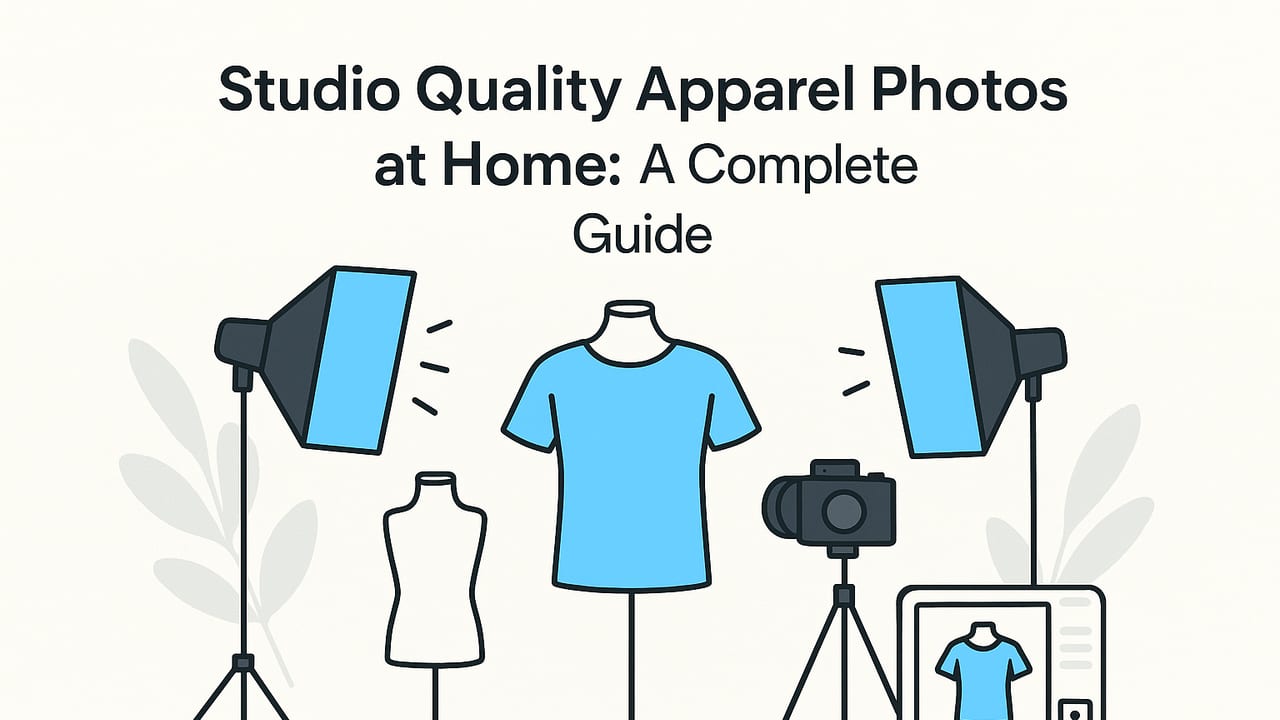
With a little planning and the right workflow, you can create studio quality apparel photos at home—no expensive gear or rented space required. Whether you sell on Poshmark, eBay, Depop, or your own site, clean, consistent clothing images build trust and help items sell faster. This guide breaks down lighting, setup, styling, shooting, and editing so you can produce crisp, professional results in any small space.
What “Studio Quality” Really Means
Before we set up your space, let’s define the outcomes we’re aiming for. Studio-quality apparel photos are:
- Evenly lit: No harsh shadows or blown-out highlights.
- Color accurate: Whites look white, blacks look rich, and fabric tones look true.
- Clean and distraction-free: Simple backgrounds that emphasize the garment.
- Consistent: A matching look across multiple items to strengthen your brand.
- Well presented: Wrinkle-free, lint-free, styled to show fit and details.
Keep those goals in mind as you pick your setup and workflow—they’re your north star for studio quality apparel photos at home.
Minimal Gear, Maximum Quality
You can achieve professional results with gear you may already own. Here’s a compact checklist:
- Camera/Phone: A recent smartphone is enough. Use the 2x/telephoto camera for less distortion on tops and dresses.
- Tripod: Stabilizes your shots and keeps framing consistent.
- Lights: Either daylight from a large window or two LED softboxes.
- Backdrop: White seamless paper, a neutral wall, or a wrinkle-free sheet.
- Reflector: A foldable reflector or foam board to fill shadows.
- Styling tools: Steamer, lint roller, pins, clips, double-sided tape.
- Surface boards: Foam boards or MDF for flat lays.
Lighting Options Compared
| Setup | Cost | Difficulty | Look | Best For |
|---|---|---|---|---|
| North-facing window + reflector | Low | Easy | Soft, natural | Daytime shoots, starter setup |
| Two LED softboxes | Medium | Moderate | Clean, controlled | Evening shoots, consistency |
| One LED + reflector | Medium | Easy | Soft with gentle shadow | Small spaces, quick setup |
Two Foolproof Home Setups
1) Window-Light Setup (Fast and Free)
- Choose a large window with indirect light. A north-facing window works well.
- Hang your backdrop (seamless paper or a smooth wall) 3–4 feet from the window to limit harsh contrast.
- Place the garment on a hanger, mannequin, or flat lay surface. Position it parallel to the window.
- Add a reflector opposite the window to reduce shadows. Foam board works great.
- Turn off overhead lights that don’t match the window light color to avoid color casts.
2) Two-Light LED Setup (Consistent, Any Time of Day)
- Key light: Place a softbox at 45° to the garment, slightly higher than the item, angled down.
- Fill light: Place a second softbox on the opposite side at lower power (about half the key).
- Distance: Keep both lights 3–5 feet from the garment for soft, even light.
- Backdrop: Use white paper or a clean wall. Leave a little space between garment and background to minimize shadows.
- Match color temperature: Set both lights to the same Kelvin (e.g., 5000–5600K) for consistent color.
Pro tip: Soft light equals quality. The closer and larger your light source is relative to the garment, the smoother the shadows and the more professional the result.
Styling Makes the Shot
Preparation often matters more than the camera. Small tweaks turn good photos into great ones:
- De-wrinkle: Steam thoroughly. Let items cool and dry before shooting to avoid new creases.
- De-lint: Use a lint roller and tweezers for stubborn fuzz.
- Shape the garment: Pin the back to suggest fit, add tissue in sleeves, and use tape to control collars or hems.
- Choose the right hanger: Slim wooden or velvet hangers photograph best and keep shape.
- Flat lays: Smooth fabric with your hands, tuck edges, and keep vertical lines actually vertical.
Ghost Mannequin Basics at Home
- Shoot the garment on a mannequin from your standard angle.
- Turn the piece inside out and photograph the inner neck/label area separately.
- Merge the two shots in editing to remove the mannequin and show a hollow interior.
Even a simple version of this technique elevates your product images and maintains that studio look.
Simple Camera and Phone Settings
The best settings are the ones you can repeat quickly. Here’s a reliable baseline for studio quality apparel photos at home using a phone:
- Lens: Use the 2x/tele lens to avoid distortion on tops and dresses.
- Focus/Exposure lock: Long-press to lock, then slide to adjust exposure until whites aren’t blown out.
- White balance: If available, set to match your lights (e.g., 5000–5600K). Otherwise, include a white or gray card in one test shot for color correction later.
- Stability: Use a tripod and a timer or remote shutter to avoid blur.
- Framing: Turn on grid lines; center the garment and keep edges parallel to the frame for less cropping later.
Quick Settings (Phone)
- Lens: 2x tele (if available)
- Format: JPEG or HEIF (high efficiency)
- Exposure: Lock, then adjust until highlights are safe
- White Balance: 5000–5600K (LED) or Auto (window)
- Timer: 3s
- Grid: On
Repeatable Shooting Workflow
A consistent flow speeds you up and improves quality.
- Prepare the set: Lights on and matched, backdrop clean, reflector placed.
- Style the garment: Steam, de-lint, shape, and pin as needed.
- Test shot: Include a white card for later color correction.
- Main shots: Front, back, side, details (fabric texture, tags, closures).
- Check and adjust: Zoom into details for sharpness and stray lint before moving on.
Shot List
1. Front (full length)
2. Back (full length)
3. Side (shoulders, drape)
4. Close-ups: fabric, stitching, labels, closures
5. Styling/fit detail (collar, cuff, waist)
Backgrounds and Surfaces That Look Pro
- White seamless paper: Classic e-commerce look; curves down to create a “sweep” with no horizon line.
- Neutral wall: Matte white or light gray. Avoid textured walls that create shadows.
- Flat lay boards: Use large foam boards for a clean surface. Tape fabric edges below the frame to keep lines crisp.
- Color accents: Pastels can add brand personality. Keep it subtle and consistent across listings.
Editing: Fast Steps for a Polished Finish
Post-production is where images go from good to storefront-ready. Keep your workflow simple and consistent.
- Straighten and crop: Use the same aspect ratio for your store or marketplace (often square or 4:5 portrait).
- Exposure and contrast: Lift shadows gently for fabric detail; keep highlights controlled.
- White balance: Use the white card or a neutral area to correct color casts.
- Background clean-up: Remove distractions, dust, and scuffs. A subtle vignette (very light) can help isolate the garment.
- Wrinkle retouch: Smooth small creases while preserving natural fabric texture.
- Consistency check: Compare shots side by side—similar brightness and crop means a professional gallery.
Batching for Speed
- Shoot in sets: Complete all fronts, then backs, then details to minimize repositioning.
- Edit in sets: Apply one preset for exposure/white balance to similar items, then tweak individually.
- File naming: Use a scheme like Brand_Item_Color_View (e.g., “ACME_LinenShirt_Blue_Front”).
Common Mistakes and Easy Fixes
- Harsh shadows: Move the garment farther from the background, bring your light closer, and add a reflector.
- Color looks wrong: Turn off mixed lighting, set your LEDs to the same Kelvin, and correct with a white card reference.
- Wrinkled fabric: Steam longer, let garments cool, and use tape or pins to hold hems and collars flat.
- Distorted proportions: Step back and use a tele lens (2x), or raise the camera to chest height for tops and mid-calf for dresses.
- Busy background: Use seamless paper, crop tighter, or shoot at a wider aperture if your camera allows.
Advanced Tips That Pay Off
- Distance control: Keep a consistent camera-to-garment distance (mark the floor with tape) for uniform scaling.
- Height marks: Mark tripod height for tops, pants, and dresses so framing is identical day to day.
- Detail lighting: For textures like knits or corduroy, skim light from the side to reveal depth.
- Edge separation: Place a subtle backlight or bounce card behind darker items to define edges against a white background.
Quality Control Checklist
- Is the garment lint-free and wrinkle-free?
- Are verticals and horizontals straight?
- Do colors match the real item?
- Are front, back, side, and detail shots included?
- Is the background clean and consistent across images?
Putting It All Together
To reliably produce studio quality apparel photos at home, work from a repeatable system: simple soft light, a clean backdrop, careful styling, stable framing, and a short, consistent edit. The difference between amateur and pro isn’t the camera—it’s the process.
If you want to simplify the finishing touches—like unwrinkling, background cleanup, ghost mannequin compositing, or generating clean model shots—consider a lightweight mobile workflow. Subtle, guided tools such as the iOS app from Clothing Studio can help standardize your look without a steep learning curve.
