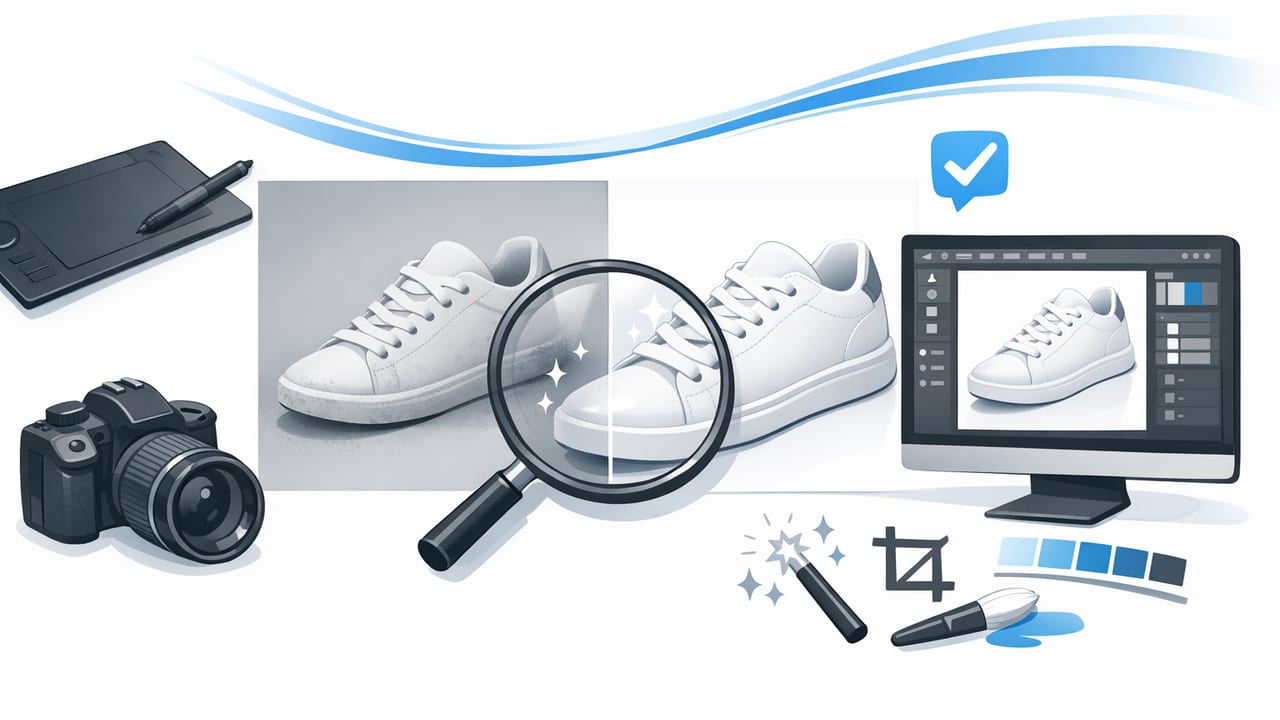
In clothing e-commerce, shoppers can’t touch fabric, check stitching, or try on fit—so your photos do the selling. The goal of product photo retouch isn’t to “beautify” items into something they’re not; it’s to present the garment clearly, consistently, and professionally so buyers feel confident. For fashion resellers, strong images reduce questions, cut returns, and help listings stand out in crowded search results.
This guide walks through a practical, repeatable product photo retouch workflow for clothing—covering capture tips, editing steps, and quality checks. It’s designed for on-hanger, folded/flat-lay, ghost mannequin, and model-style images without getting overly technical.
What “product photo retouch” means (for clothing)
Product photo retouch is the process of refining photos after you shoot them so the garment looks accurate, clean, and consistent across your shop. For apparel, retouching usually includes:
- Cleaning up distractions (lint, dust, stray threads, background clutter)
- Color and exposure correction to match the real item
- Straightening and cropping for a consistent frame
- Background removal or background smoothing
- Wrinkle reduction (so fabric looks presentable, not artificially “plastic”)
- Optional presentation effects like ghost mannequin for a premium, dimensional look
Good retouching doesn’t change the product—it removes friction between the buyer and the truth of the item.
Before you edit: get the photo “edit-ready”
Your editing time drops dramatically when you shoot with consistency. Here’s a quick capture checklist that makes product photo retouch faster and more accurate:
- Use even light: face a window or use a soft light source from the front. Avoid harsh overhead lighting that creates deep shadows under sleeves and hems.
- Lock your setup: keep the same distance and angle for similar items (tops, jeans, dresses). Consistency makes your storefront look more trustworthy.
- Prep the garment: remove hang tags (unless required), smooth major wrinkles by hand, and lint-roll dark fabrics.
- Keep the background simple: plain wall, clean backdrop, or a consistent surface for flat lays.
- Shoot multiples: front, back, label, close-ups of flaws, and one “detail hero” shot (texture, embroidery, hardware).
A quick note on honesty
Retouching should never hide damage. If there’s pilling, a small stain, or a missing button, keep it visible in close-ups and disclose it in the description. Buyers reward transparency with better feedback and fewer returns.
The core product photo retouch workflow (step-by-step)
Use this sequence as your standard operating procedure. The order matters—each step supports the next.
1) Choose your “hero” frame and crop consistently
Start by picking the sharpest image with the best shape. Then:
- Straighten the garment so shoulders, waistlines, or hems aren’t tilted.
- Crop to a consistent ratio (square is common for resale platforms; some stores prefer 4:5).
- Leave breathing room around edges so the item doesn’t feel cramped.
Consistency here is a big part of what people perceive as “professional,” even before color correction.
2) Correct exposure and white balance (true-to-life color)
Color accuracy is one of the most important outcomes of product photo retouch. If your whites look yellow or your blacks look washed out, buyers hesitate. Aim for:
- Balanced whites: whites should look neutral, not blue or warm.
- Preserved texture: avoid cranking contrast so high that knits and denim lose detail.
- Natural shadows: a little shadow helps fabric look real and dimensional.
3) Clean small distractions (lint, specks, background marks)
Zoom in and remove the tiny things that distract from the garment: lint on sweaters, dust on shoes, specks on a backdrop, or small hanger marks. This is where you earn the “premium” feel without altering the item itself.
4) Background removal or background smoothing
For e-commerce photography, a clean background improves readability and makes thumbnails pop. You generally have two options:
- Remove the background for a crisp cutout (popular on marketplaces and for catalog-like grids).
- Smooth the existing background if you want a slightly more natural look but still clean and consistent.
When doing background removal, watch edges: fuzzy knits, fringes, and sheer fabrics need extra care to avoid jagged cutouts.
5) Wrinkle reduction (without “plastic fabric”)
Wrinkles can make an item look neglected even if it’s in great condition. The key is moderation. Reduce the most distracting creases—especially across the torso, near collars, and at hems—while keeping enough texture to look real.
A good rule: if the fabric starts to look overly smooth or the weave disappears, you’ve gone too far.
6) Optional: ghost mannequin for structure
Ghost mannequin images (also called “invisible mannequin”) can make tops, dresses, and jackets look more dimensional than flat lays or hangers. It’s especially effective for:
- Collared shirts (clean neckline presentation)
- Jackets and coats (shape and structure)
- Dresses (waist and drape)
If you use ghost mannequin, stay consistent across a category (e.g., all dresses use the same style). Mixed presentation styles can make your storefront feel scattered.
7) Final consistency pass (your “storefront look”)
Before exporting, compare the edited photo to your last 5–10 listings. Ask:
- Is the background the same tone/brightness?
- Are crops aligned similarly?
- Do colors look believable next to other items?
- Is the garment centered and easy to read in thumbnail size?
Retouching priorities by clothing presentation style
Different presentation styles have different pain points. Use this table to decide what to focus on first.
| Presentation style | What buyers notice most | Top retouch priorities |
|---|---|---|
| Flat-lay / folded | Neatness, symmetry, fabric texture | Straighten + crop, lint cleanup, wrinkle reduction, accurate color |
| On-hanger | Shape, shoulder line, background cleanliness | Background removal/smoothing, edge cleanup, shadow control, center alignment |
| Ghost mannequin | Neckline/inside label area, realism of structure | Seam/edge blending, consistent shadows, wrinkle moderation, clean interior cutout |
| Model-style | Fit and drape, realism | Color accuracy, background cleanup, avoid over-smoothing fabric, keep details crisp |
A simple batching system to save time
If you list regularly, batching is the fastest way to scale product photo retouch without burning out.
Batch in this order
- Shoot batch: photograph 10–30 items in one session with the same setup.
- Select batch: pick hero images and delete obvious misses.
- Edit batch: apply the same crop/brightness approach across similar items.
- Detail batch: do close-ups and flaw photos last so you don’t rush them.
Naming and folders (tiny habit, big payoff)
Even a basic naming convention prevents mix-ups and speeds up listing.
Listings/
  Tops/
    BRAND_style_color_size_front.jpg
    BRAND_style_color_size_back.jpg
    BRAND_style_color_size_tag.jpg
    BRAND_style_color_size_flaw1.jpg
Common product photo retouch mistakes (and how to avoid them)
- Over-editing color: If the item arrives “not as described,” returns increase. Compare edits to the garment in neutral light.
- Blurry sharpening: Too much sharpening creates crunchy edges and makes fabric look unnatural.
- Cutout halos: After background removal, check edges on white and dark backgrounds to catch glowing outlines.
- Inconsistent crops: A grid of mismatched zoom levels looks messy. Standardize your framing.
- Erasing texture: Wrinkle reduction should keep knit patterns, denim grain, and natural folds.
A quick quality checklist before you post
Run this checklist on your hero image (and spot-check the rest):
- Accuracy: Does the color match the real item?
- Cleanliness: No lint, specks, or distracting marks?
- Edges: Clean cutout edges (if background removed), no missing corners of sleeves?
- Texture: Fabric still looks real (not overly smoothed)?
- Consistency: Similar items in your shop look like they belong together?
FAQs
How much retouching is “too much” for clothing listings?
If the edit changes the perceived condition, color, or material, it’s too much. Keep retouching focused on clarity: lighting balance, background cleanup, and distraction removal.
Should I always use a pure white background?
Not always. White can look clean and catalog-like, but light gray or a consistent neutral backdrop can also work well—especially if it keeps edges more natural on white garments. The key is consistency.
Is AI photo editing acceptable for product photo retouch?
Yes—when it supports truthful presentation. AI can speed up background removal, wrinkle reduction, and consistent lighting. Always review results to ensure the garment still looks like the real item.
Bringing it all together
Strong product photo retouch for clothing is a repeatable system: shoot consistently, correct color and exposure, remove distractions, clean the background, and keep fabric texture realistic. Once you standardize your workflow, your listings look more cohesive, your editing time drops, and buyers trust what they see.
If you prefer editing on iPhone, an app like Clothing Studio can help streamline common steps such as background removal, wrinkle reduction, and ghost mannequin-style presentation—just remember to keep results accurate and consistent.
