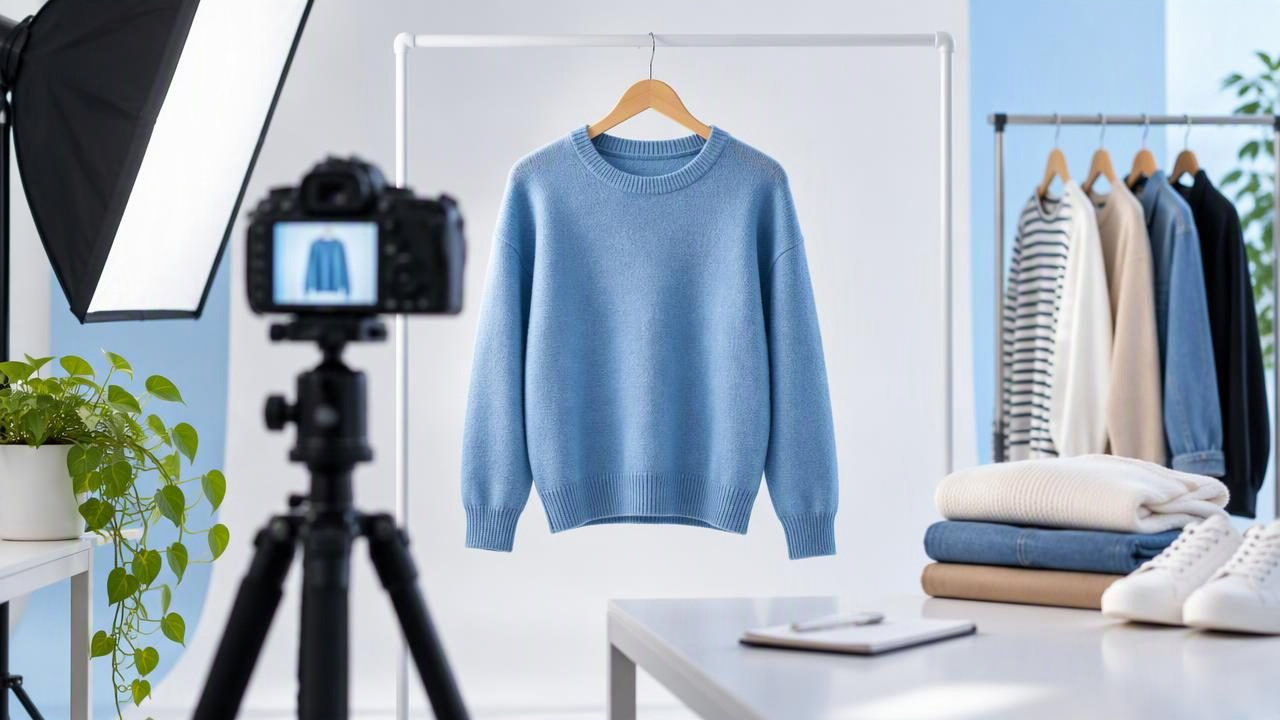
Good eBay product photos help shoppers understand what they are considering before they buy. For clothing, that means showing the garment’s shape, color, details, and condition—not just making it look polished. Clear, consistent images can make a listing easier to assess and help set realistic expectations.
You do not need a professional studio to photograph clothes effectively. A phone, soft light, a simple background, and a repeatable shot list are enough to create useful images. The key is to make edits and presentation choices that clarify the item without disguising wear or changing how it looks.
What clothing photos need to show
Think of each image as answering a buyer’s question. The first photo should identify the item quickly. Other photos can show its construction, fit or silhouette, and any condition details that matter. A listing for a plain T-shirt needs fewer detail shots than one for a jacket with several pockets, a patterned lining, or visible signs of wear.
- Identity: Show the complete garment from the front so its style and color are easy to recognize.
- Construction: Include the back, closures, seams, pockets, cuffs, and other features buyers may want to inspect.
- Condition: Photograph stains, snags, fading, pilling, repairs, and other notable wear clearly.
- Details: Add close-ups of labels, fabric texture, prints, and distinctive embellishments when they help describe the item.
Before taking photos, check the listing category and current eBay guidance for image requirements. Keep the item itself prominent, and avoid adding decorative text or graphics that compete with the garment.
Choose a presentation that suits the garment
There is no single best layout for every item. Choose the one that makes the garment’s proportions and features easiest to understand, then use additional views to fill in what that presentation cannot show.
| Presentation | Works well for | Keep in mind |
|---|---|---|
| On a hanger | Shirts, dresses, jackets, and lightweight layers | Use a plain hanger and show the whole shape without stretching the shoulders. |
| Flat lay | Tops, trousers, scarves, and items with clear outlines | Smooth the garment gently and arrange sleeves or legs naturally. |
| Folded | Knits, casual basics, or bundles | Include another image that shows the full shape and important details. |
| Ghost mannequin | Structured garments where a worn-looking silhouette helps explain the shape | Check the neckline, inner edges, and sleeves against the original item. |
A folded sweater can look neat, but folding alone may hide its length, sleeves, and fit. Pair it with an unfolded view. A hanger photo can show a blouse’s overall shape, while a close-up reveals buttons or fabric texture. Use the presentation as one part of the listing rather than expecting a single image to answer every question.
Set up a simple, repeatable photo area
Consistency makes a group of listings easier to browse and helps buyers focus on differences between items. Choose a clean, uncluttered background that contrasts with the clothing. A pale garment may need a mid-tone background to keep its edges visible; a dark garment may show up more clearly against a light, neutral surface.
Use soft, even light if possible. Window light can work well when it is indirect. Avoid placing the item in a sharp beam of sunlight, which can create bright patches and deep shadows. If you use indoor lights, check that they do not add a strong yellow or blue cast. Keep the camera level and leave enough space around the item to show its outline without making it look tiny in the frame.
Take a test image and look for distractions: a crooked hanger, visible clutter, a shadow across the front, or a sleeve hidden behind the body. Correcting the setup before photographing the rest of a batch is usually quicker than trying to fix every image later.
Build a useful shot list for each listing
A deliberate set of views is more valuable than many near-duplicates. Start with a full front view, then add images that show information the first image cannot. For example, jeans may need front and back views, a waistband and closure close-up, and a clear image of any hem wear. A patterned dress may benefit from a detail image that shows the print at normal scale.
- Front: Show the complete item in its chosen presentation.
- Back: Include the full rear view, especially when pockets, seams, or a design are visible there.
- Side or shape view: Use this for structured coats, dresses, or other garments whose profile matters.
- Feature close-ups: Photograph labels, closures, embellishments, and distinctive construction.
- Condition close-ups: Show flaws clearly and describe them in the listing.
Keep close-ups close enough to reveal detail but not so tight that shoppers cannot tell where on the garment they are looking. A wider view followed by a close-up can provide helpful context.
Edit for clarity, not reinvention
Basic editing can make eBay product photos easier to read. Crop away unnecessary space, straighten a tilted frame, and adjust brightness or white balance modestly so the image resembles the item in ordinary light. Remove a distracting background only if the result keeps the garment’s outline believable and does not erase fine edges such as lace, fringe, or loose fibers.
Wrinkle retouching calls for restraint. Minor creases caused by storage may distract from the garment, but aggressive smoothing can make fabric appear unlike the real item. Do not edit away pilling, stains, holes, fading, or other condition details. If you are unsure whether a mark is a temporary fold or a permanent flaw, inspect the item and photograph it honestly rather than relying on retouching to decide.
Compare the edited image with the original before using it. Check color, texture, seams, buttons, hems, and the garment’s outline. Automated edits can misread edges or alter small details, especially around dark fabric, patterned material, and overlapping sleeves. Editing may improve presentation, but it cannot restore a damaged area or confirm the item’s fit.
Example: photographing a blue button-up shirt
Imagine listing a blue cotton button-up with a small loose thread near one cuff. Hang it against a neutral background in soft light. Take a full front photo with the collar and hem visible, followed by a full back view. Add close-ups of the buttons, label, and cuff. Photograph the loose thread clearly, then mention it in the condition description.
If the shirt has storage creases, arrange it neatly and retake the photograph after gently smoothing it. You may also make a modest brightness or crop adjustment. But compare the edited image with the original: the blue should still look like the shirt in person, the fabric should retain a plausible texture, and the loose thread should remain visible in at least one image. A clean main view and an honest detail shot serve different purposes; both matter.
Common photo problems to avoid
- Unclear color: Strong lighting or heavy color correction can make a garment appear a different shade. Use a neutral setup and check the result against the item.
- Hidden flaws: Do not crop out or retouch away wear that affects condition. Show it and describe it.
- Inconsistent scale: Avoid making one garment fill the frame while another appears distant without a reason. Keep framing reasonably consistent across similar listings.
- Overly tight cropping: A missing hem or sleeve can leave buyers unsure whether the item is complete.
- Unhelpful repetition: Several almost-identical front views add less value than a back view or useful detail shot.
Also check that the first image represents the actual item being sold. A styled presentation can help show shape, but it should not imply an exact fit or appearance that the photograph cannot verify.
A final check before adding photos
Review the image set as if you were deciding whether to buy the garment. Can you identify the item from the first photo? Can you see its front, back, important features, and relevant wear? Does the color look plausible, and do the images agree with the written condition description? If an edit has changed the silhouette or softened texture too much, return to the original or use a less aggressive adjustment.
For sellers who want to explore alternate clothing presentations or wrinkle cleanup, Clothing Studio offers photo-editing tools; its guide to removing clothing wrinkles in photos is a useful reference for keeping retouching measured. Full features require a subscription. Whatever method you use, keep the original image for comparison and let the final photos represent the garment—not an idealized version of it.
