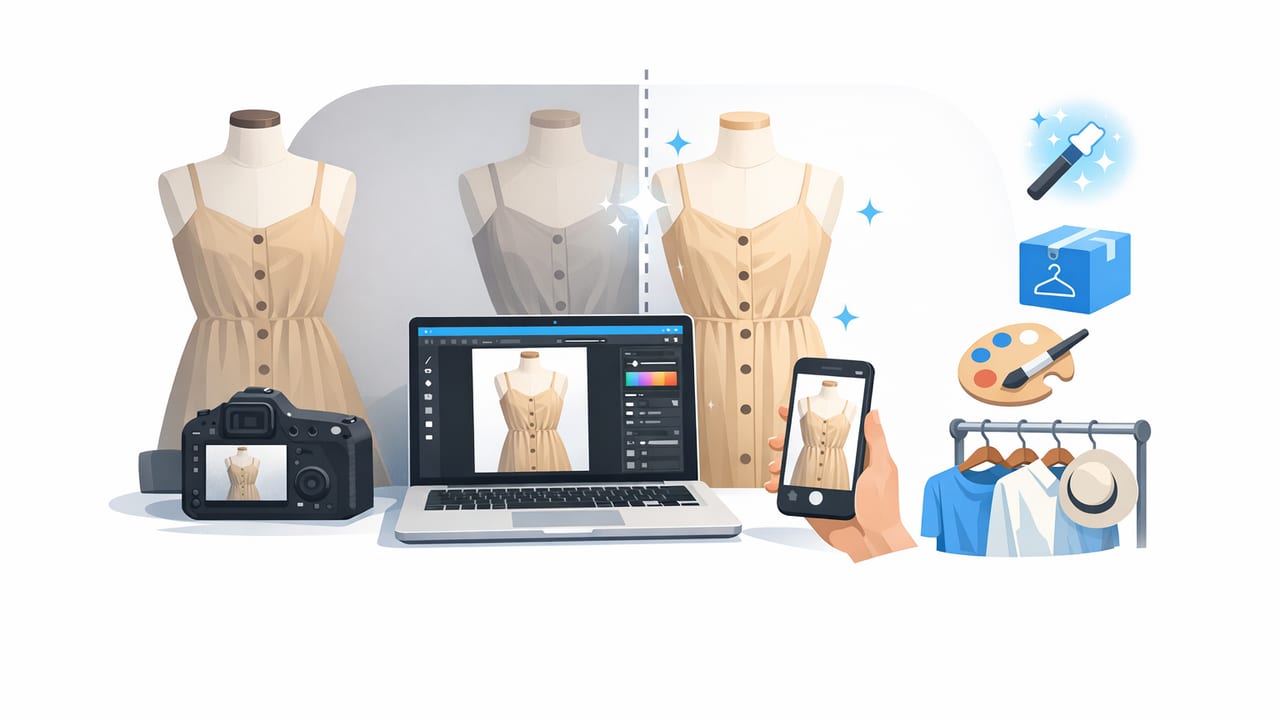
If you run a small boutique (online, in-store, or both), your product photos are doing a lot of work: they set expectations, reduce returns, and help shoppers trust your brand. The good news is you don’t need a full studio team to get clean, consistent images. With a simple, repeatable routine, clothing photo retouching for small boutiques can become a fast part of your weekly workflow—without sacrificing quality.
This guide focuses on practical edits that matter most for apparel: consistent backgrounds, accurate color, reduced wrinkles, better shape, and a polished “catalog” feel. Use it as a step-by-step checklist you can hand to a team member or follow yourself.
What “retouching” means for boutique clothing photos (and what it doesn’t)
In apparel, retouching isn’t about changing the garment—it’s about showing it clearly. The goal is to help customers understand fit, fabric, color, and condition.
- Do: remove distracting backgrounds, correct exposure, match white balance, reduce visible wrinkles created by storage, and clean dust/lint.
- Don’t: alter the garment’s true color, hide damage, or reshape fit in a misleading way.
Rule of thumb: Retouch for clarity, not fantasy. If a buyer would notice it in hand, your photos should still show it.
Before you edit: set yourself up for easier retouching
The fastest editing is the editing you don’t have to do. These small setup choices reduce retouching time dramatically.
Quick capture checklist
- Use the same shooting spot (same wall/window) whenever possible.
- Keep overhead lighting consistent; avoid mixing warm indoor light with cool daylight.
- Steam or smooth garments lightly before shooting when you can (even 30 seconds helps).
- Use a lint roller on dark fabrics and knits.
- Take photos straight-on to reduce distortion (especially for flat lays).
Pick a consistent presentation style
Consistency is a bigger “pro” signal than perfection. Choose one main style and stick to it across categories:
- On-hanger: fast and scalable, great for tops/dresses.
- Flat lay: clear details, ideal for tees, denim, accessories.
- Mannequin/ghost mannequin: premium look, strongest for structured pieces.
A simple 7-step clothing photo retouching workflow
This workflow is designed for speed. If you’re doing batches (recommended), you’ll move faster with each item.
- Cull and select: pick 6–10 best images per product (front, back, close-ups, tags/labels, flaws if any).
- Crop and straighten: align hems and side seams; keep framing consistent across the catalog.
- Exposure + contrast: brighten slightly, avoid blown highlights on whites.
- White balance (color accuracy): neutralize overly warm/cool color casts.
- Background cleanup: remove distractions, unify background color (often white or light neutral).
- Wrinkle reduction + fabric cleanup: reduce heavy creases, remove lint/dust (especially on black).
- Export and name files: consistent sizing, quality, and filenames for uploading.
Common boutique photo issues (and the fastest fixes)
| Issue | What it looks like | Fast fix |
|---|---|---|
| Inconsistent background | Different wall tones, shadows, clutter | Remove background; place on a consistent white/light neutral |
| Wrinkles from storage | Creases across torso/sleeves | Reduce wrinkles in editing; steam next time to minimize work |
| Color looks “off” | Whites look yellow/blue; blacks look gray | Adjust white balance; keep a reference item (neutral gray/white) nearby |
| Fabric texture lost | Over-smooth, “plastic” look | Reduce aggressive smoothing; keep texture visible in knits/linen |
| Uneven lighting | One side darker, harsh shadow under sleeves | Lift shadows slightly; use a reflector (white foam board) during shooting |
How to keep color consistent across your entire boutique
Color consistency is one of the hardest parts of clothing photo retouching for small boutiques—and one of the most valuable. Shoppers often return items because “the color looked different.”
3 practical habits that improve color fast
- Edit in batches: adjust one image, then match the rest of the product set to it.
- Use a “hero” frame: pick one best-lit photo as your reference and align the others.
- Watch your whites: white tees, labels, and hangers reveal color casts immediately.
If you sell across multiple platforms (your website, marketplaces, social), export from the same edited master files. Avoid re-saving screenshots, which can shift color and reduce quality.
Background choices: white, lifestyle, or consistent neutral?
Background is more than a style preference—it affects how “premium” your listings look and how quickly shoppers can scan.
- White background: classic for e-commerce, easy to compare items, looks clean in grid views.
- Light neutral (soft gray/beige): hides minor shadow edges, can feel more boutique and warm.
- Lifestyle background: best for social and brand storytelling, but harder to keep consistent.
Many boutiques use a hybrid: white/neutral for the main listing photos, then 1–2 lifestyle images for marketing.
Wrinkle reduction: keep it realistic
Reducing wrinkles can make garments look fresh and professional, but it should still feel honest. A linen shirt should look like linen; a soft cotton tee can look smooth without looking airbrushed.
Wrinkle-editing tips that look natural
- Target the worst creases only: focus on high-contrast folds that pull attention.
- Preserve seams and edges: shoulder seams, collars, pockets, and hems should stay crisp.
- Keep fabric texture: especially for denim, knitwear, and ribbed fabrics.
Ghost mannequin and “on-model” looks (without a full photoshoot)
Small boutiques often want a fitted look, but models and mannequins add time and cost. Two alternatives can help:
- Ghost mannequin effect: great for jackets, dresses, and tops where shape matters. The goal is a clean interior neckline and a “floating” garment shape.
- On-model style images: helpful for marketing and conversion, especially for dresses and statement pieces. If you use generated or composited looks, keep it consistent and clearly representative of the garment.
Even if you only use these approaches for your best sellers, they can lift your overall brand perception.
A repeatable naming + export system (so uploads stay painless)
Editing is only half the battle; organization is what keeps you fast as inventory grows.
Recommended export standards
- Keep dimensions consistent (square or 4:5 are common for cross-platform use).
- Export high quality while keeping file size reasonable for uploads.
- Save a master copy (your “source of truth”) before resizing for specific platforms.
Here’s a simple filename pattern you can reuse:
brand_style-color_size_view.jpg
example:
clothingstudio_midi-dress_black_M_front.jpg
Consistent naming helps with reorders, ads, customer service, and re-listing items later.
Mini checklist: your “done” standard for boutique-ready photos
- Background is consistent (no clutter, no harsh shadow blobs).
- Color looks true-to-life (especially whites and blacks).
- Garment is centered and framed consistently.
- Wrinkles reduced but fabric still looks real.
- Dust/lint removed (zoom in once to confirm).
- Close-ups show texture, tags, and any flaws clearly.
Putting it all together: a realistic batch workflow for small boutiques
If you’re short on time, try this schedule for a new drop:
- Day 1 (Capture): photograph everything in one session using the same setup.
- Day 2 (Edit in batches): retouch 10–20 products at a time; reuse the same settings where possible.
- Day 3 (Upload + QA): upload, check thumbnails/grid consistency, and fix outliers.
This approach keeps your catalog cohesive—one of the biggest advantages you can create with clothing photo retouching for small boutiques.
Final note: choose tools that match your pace
The best editing tool is the one you’ll actually use consistently. If your boutique needs quick background cleanup, wrinkle reduction, and polished listing images without a steep learning curve, an iPhone-first editor can make the workflow easier. For example, Clothing Studio (an AI-powered iOS photo editor) is one option some resellers use to speed up common apparel edits while keeping results clean and marketplace-ready.
