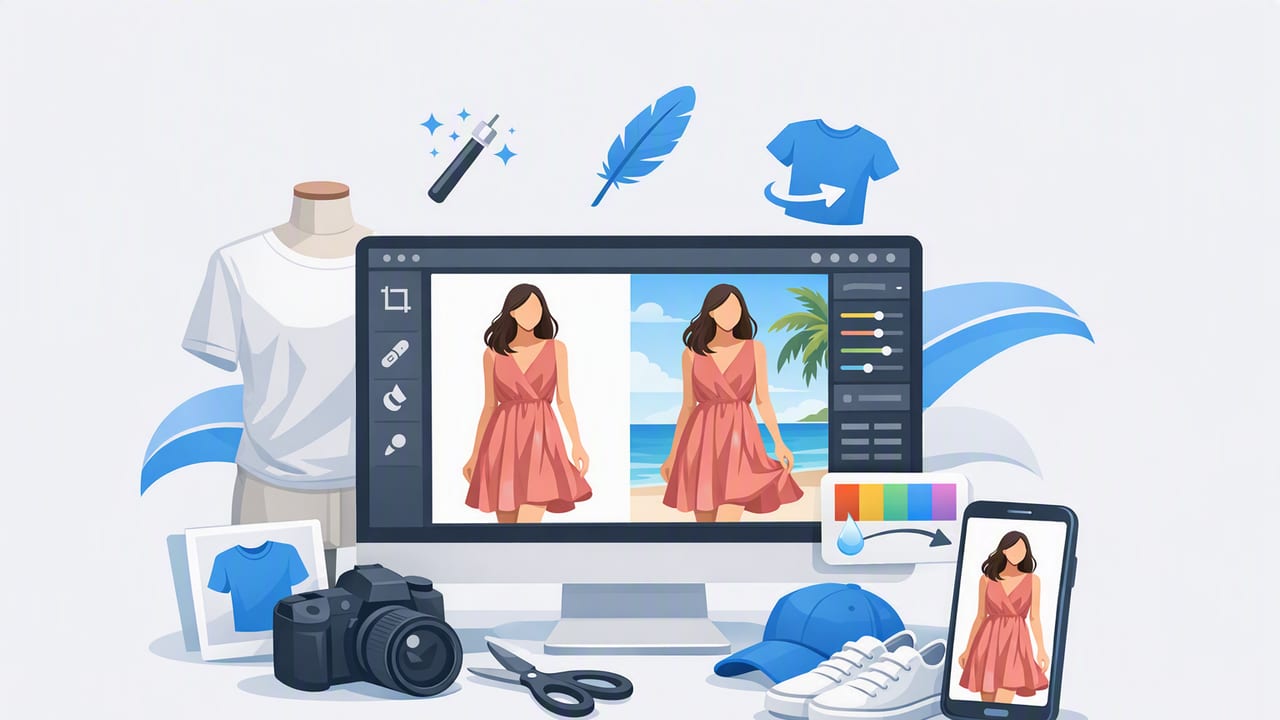
In fashion resale and e-commerce, your photos do a lot of heavy lifting. Buyers can’t feel the fabric, try on the fit, or inspect seams in person—so your images must communicate condition, color, shape, and quality quickly. That’s why the right clothing photo editor matters: it turns “good enough” snapshots into clean, consistent product photos that look trustworthy across your entire closet or catalog.
This guide breaks down what to look for in a clothing photo editor (especially if you shoot on a phone), plus a simple editing workflow you can repeat for on-hanger, folded, flat lay, and ghost mannequin-style images—without getting overly technical.
What a great clothing photo editor should help you do
Before comparing apps or tools, get clear on the outcomes you need. For clothing listings, the best editor supports:
- Consistency (same background, brightness, crop, and framing across listings)
- Accuracy (true-to-life color and fabric texture)
- Speed (quick edits when you have dozens of items to list)
- Presentation options (on-hanger, flat lay, folded, mannequin/ghost mannequin, or on-model)
- Platform readiness (export sizes and clean edges that look good on eBay, Poshmark, Etsy, Shopify, and more)
In other words: a clothing photo editor isn’t just for making images “prettier.” It’s a tool for making images clearer and more consistent, which reduces buyer hesitation and returns.
Key features to look for (and why they matter)
1) Background removal that looks natural
Clean backgrounds are one of the easiest ways to make your listings look professional. But not all cutouts are equal. Look for background removal that preserves fine details like:
- lace edges
- fringe and knit texture
- sheer fabrics
- straps and thin sleeves
If the edges look jagged or “haloed,” buyers may subconsciously interpret the listing as less trustworthy.
2) Wrinkle reduction / smoothing (without plastic-looking fabric)
Wrinkles and hanger bumps can make a garment feel worn out—even when it isn’t. A good clothing photo editor helps reduce wrinkles while keeping texture realistic. The goal is tidy, not artificial.
3) Color correction and white balance
Color accuracy is a sales and returns issue. Indoor lighting (especially warm bulbs) can turn whites yellow and blacks brown. Look for tools that let you adjust:
- White balance (warmer vs cooler)
- Exposure (overall brightness)
- Shadows/highlights (recover detail in dark or bright areas)
- Saturation (carefully—too much looks misleading)
4) Cropping and alignment for a consistent grid
On most marketplaces, shoppers scan a grid of thumbnails. If each item is framed differently, your shop looks messy. A clothing photo editor should make it easy to:
- straighten images
- keep garments centered
- reuse the same crop ratio across items
5) Batch-friendly workflow
If you list frequently, speed matters. Even if you edit one photo at a time, your editor should help you repeat steps (for example: apply the same background, crop ratio, and brightness style).
A repeatable editing workflow (works for most clothing categories)
Use this as your standard operating procedure. Once you do it a few times, you’ll move faster and your listings will look more cohesive.
- Pick your “hero” image first (front view, best representation of fit and color)
- Remove or clean the background (white or light neutral is usually safest)
- Correct brightness and white balance (aim for natural, not dramatic)
- Reduce visible wrinkles or bumps (especially around collars, waistbands, and sleeves)
- Crop and align consistently (center the item, similar zoom level)
- Export for the platform (high quality, not overly compressed)
Tip: If you’re editing multiple photos of the same item (front, back, tag, flaws), edit the hero image first and match the rest to it so the set looks unified.
Choosing the right presentation style: on-hanger, folded, flat lay, ghost mannequin, or on-model
Your clothing photo editor should support the style you use most. Here’s how to choose based on your inventory and time.
| Style | Best for | Pros | Common pitfalls |
|---|---|---|---|
| On-hanger | Everyday tops, jackets, quick listing | Fast to shoot, easy to standardize | Hanger bumps, skewed shoulders |
| Folded | Denim, tees, sweaters, accessories | Neat, space-saving | Harder to show fit/length |
| Flat lay | Dresses, sets, styled looks | Shows full silhouette; creative | Uneven lighting, floor wrinkles |
| Ghost mannequin | Brands, higher-end listings, structured items | “3D” shape without a model | Neck/inner label area can look messy if poorly edited |
| On-model | Fit-dependent items (dresses, activewear) | Shows drape and scale | Harder to keep consistent backgrounds; more time |
When ghost mannequin makes the biggest difference
Ghost mannequin-style imagery is helpful when buyers need to understand structure—think blazers, dresses with shaping, collared shirts, or premium knitwear. If you can’t shoot on a mannequin, some clothing photo editor tools can help simulate a clean “hollow” look by refining the interior neckline and removing distractions.
Common photo problems (and how a clothing photo editor fixes them)
| Problem | Why it hurts sales | Editing fix |
|---|---|---|
| Yellowish whites / dull blacks | Looks aged or inaccurate | Adjust white balance + contrast gently |
| Busy room background | Distracts from the item | Background removal or clean solid backdrop |
| Wrinkles and creases | Signals poor condition | Wrinkle reduction + small exposure tweaks |
| Inconsistent framing | Shop looks messy in grid view | Crop to a consistent ratio and center the garment |
| Harsh shadows | Hides details and skews color | Raise shadows slightly; avoid over-brightening |
How to keep colors honest (and still flattering)
Buyers care about color, and platforms often side with buyers in “not as described” disputes. Use these guidelines:
- Start with neutral light: if possible, shoot near a window or under consistent lighting.
- Correct white balance before saturation: a warm cast can make you overcompensate with saturation.
- Boost exposure carefully: too bright can wash out texture (especially denim, knits, and black items).
- Include a close-up: fabric texture and weave help buyers trust color accuracy.
“The best product photos don’t look edited—they look dependable.”
A practical consistency checklist (save this)
If you want your closet or store to look cohesive, consistency beats perfection. Here’s a quick checklist you can reuse:
- Background: same color and style (clean white or light neutral)
- Hero angle: same angle (front-facing, centered)
- Crop ratio: same ratio across listings
- Brightness: similar exposure so thumbnails match
- Detail set: always include tag, fabric close-up, flaw close-up (if any)
Optional: simple file naming for faster listing
This isn’t required, but it helps when you’re uploading to multiple marketplaces or saving drafts.
Brand_ItemType_Color_Size_View
Example:
Everlane_Sweater_Cream_M_Front
Everlane_Sweater_Cream_M_Back
Everlane_Sweater_Cream_M_Tag
Everlane_Sweater_Cream_M_Flaw01
AI photo editing: what it’s great for (and where to be careful)
AI features in a clothing photo editor can be a huge time-saver, especially for background removal, smoothing wrinkles, and creating cleaner presentation images. But use AI with a reseller mindset: speed and clarity should not turn into misrepresentation.
Great use cases
- Removing cluttered backgrounds to a clean neutral
- Reducing light wrinkles caused by storage or hangers
- Creating more consistent lighting and cropping across a batch
- Helping generate a polished mannequin/ghost mannequin look for structured pieces
Use caution with
- Over-smoothing: it can erase fabric texture (linen and knits especially).
- Color shifts: ensure the final image still matches the real item.
- Shape changes: avoid edits that make the garment look slimmer, longer, or different than reality.
Mini FAQ: clothing photo editor choices and workflow
How many photos should I edit per listing?
For most platforms, aim for 6–10 photos: front, back, close-up of fabric, tag/label, any flaws, and a shot that shows shape (on-hanger or flat lay).
Should I use pure white backgrounds?
Pure white can look crisp, but a very light neutral often looks more natural and reduces harsh edge artifacts from background removal. Either works if it’s consistent and clean.
What’s the biggest mistake beginners make?
Inconsistent lighting and framing. One strong “house style” helps buyers trust your listings and makes your shop feel curated.
Putting it all together
A strong clothing photo editor helps you create listings that are clean, consistent, and accurate—without spending hours on each item. Prioritize natural-looking background removal, gentle wrinkle reduction, reliable color correction, and tools that make repeatable edits easy. Then commit to a simple workflow you can follow every time.
If you’re looking for an iOS option built around apparel-specific edits like wrinkle cleanup, ghost mannequin-style presentation, and background removal, Clothing Studio is one example worth exploring—start with any tool, but stick to the consistency principles in this guide.
