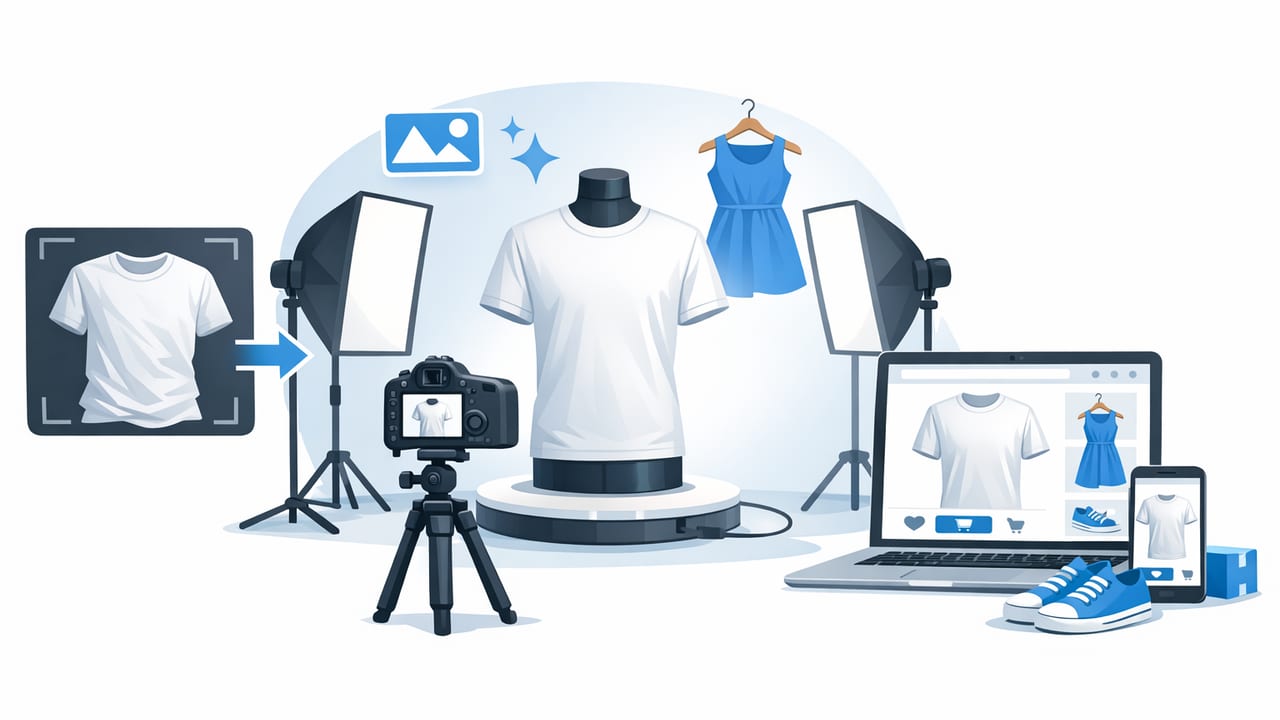
If you sell clothing online, your photos do most of the selling. Buyers can’t feel fabric, check stitching up close, or try on fit—so your images have to communicate quality, shape, and trust in a split second. The good news: you don’t need a studio or an expensive camera to make ecommerce clothing photos look professional. You need a repeatable workflow.
This guide walks through practical steps you can use with a phone and basic setup: lighting, styling, framing, background cleanup, and simple editing that keeps colors accurate and listings consistent across platforms.
What “professional” clothing photos actually mean
Professional doesn’t mean “perfect.” It means the buyer can clearly see what they’re getting, and every image looks consistent across your shop. Aim for:
- Accurate color (no heavy filters, no weird tints)
- Clean presentation (smooth fabric, lint-free, centered)
- Consistent framing (same crop and spacing across listings)
- Clear shape (structure shown, not slumped)
- Low distraction (simple background, minimal props)
“Buyers don’t just shop the product—they shop the photo quality. Clean, consistent images reduce hesitation and returns.”
Step 1: Start with a repeatable photo setup (even on a budget)
Lighting: choose one method and stick to it
Lighting is the #1 factor that makes photos look professional. Pick one of these two approaches and use it every time:
- Window light: Stand near a bright window with indirect light. Avoid direct sun (it creates harsh shadows).
- Softbox or ring light: Use a continuous light with a diffuser. Keep it in the same spot for each session.
Quick tip: Turn off mixed indoor lights (warm bulbs) if you’re using daylight. Mixing color temperatures makes clothes look “off” and harder to edit accurately.
Background: go simple to look premium
Clean backgrounds help buyers focus and help marketplaces display your items neatly. You have three practical options:
- Plain wall (white or light gray): easiest and fast.
- Foam board: great for flat lays or small items.
- Seamless paper roll: best consistency if you shoot often.
Camera settings: keep it simple
A modern phone is enough if you do these basics:
- Use the back camera, not the selfie camera.
- Tap to focus on the garment, then slightly lower exposure if whites are blowing out.
- Step back a bit and zoom minimally (or not at all) to avoid distortion on sleeves and hems.
Step 2: Prep the garment like a stylist (this is where “pro” happens)
Most “unprofessional” listings fail before the camera even comes out. Prep makes fabric look higher quality and reduces editing time.
Use this 5-minute prep checklist
- Remove lint and hair (lint roller + quick brush)
- Smooth wrinkles (steam, iron, or carefully straighten for photos)
- Shape the garment (clip excess fabric behind on-hanger shots)
- Clean small details (buttons aligned, collars straight, straps untwisted)
- Add structure (tissue paper in bags, light stuffing in sleeves if needed)
Pro detail: For knits and dark fabrics, check under bright light before shooting—you’ll catch dust and lint that your phone won’t show until you upload.
Step 3: Choose the best presentation style for the item
Different categories sell better with different photo styles. Use the style that shows shape and fit most clearly.
| Style | Best for | Pros | Watch-outs |
|---|---|---|---|
| Flat lay | Tops, tees, denim, accessories | Fast, consistent, minimal gear | Can hide structure/fit if not styled carefully |
| On-hanger | Shirts, dresses, outerwear | Shows length and drape, quick for volume | Hanger tilt and wall shadows can look messy |
| Ghost mannequin | Structured tops, jackets, dresses | Pro “3D” look without a model, shows shape | Needs clean editing to look natural |
| Model/on-body | Trendy items, fit-dependent pieces | Best for fit and styling | Time, consistency, and privacy considerations |
When ghost mannequin makes the biggest difference
Ghost mannequin is especially useful when a flat lay looks “lifeless” (blazers, collared shirts, dresses with structure). It helps buyers understand shoulder shape, neckline, and torso volume—without distracting backgrounds or visible mannequins.
Step 4: Compose like a product photographer
Even with perfect lighting, composition can make photos look amateur. Use these rules:
- Straight lines: Keep the camera level so hems and seams don’t tilt.
- Consistent crop: Leave the same spacing above the shoulders and below the hem for every listing.
- Fill the frame: The item should take up most of the image while leaving a small border.
- Show key angles: Front, back, close-up of label, fabric texture, flaws (honesty reduces returns).
Suggested photo set (8 images): front, back, side (optional), tag/brand label, size label, fabric close-up, detail shot (buttons/zip), flaw shot (if any).
Step 5: Edit for clean, natural results (don’t overdo it)
Editing should make the item look like it does in real life—just cleaner and easier to shop. A simple, repeatable edit stack is enough.
A simple editing workflow that scales
- Crop & straighten for consistent framing.
- Correct white balance so whites look white (not yellow/blue).
- Adjust exposure to brighten slightly without losing highlights.
- Reduce distractions (remove background clutter, harsh shadows).
- Refine texture (light sharpening; keep it subtle).
- Wrinkle cleanup (keep folds that show drape; remove accidental creases).
Background removal: when to use it (and when not to)
A clean background can make a store feel premium and consistent. Background removal helps most when:
- Your shooting space changes often (different walls, rooms, or times of day).
- You’re listing at volume and need a consistent look across hundreds of items.
- You sell on marketplaces where clean, bright images stand out in search grids.
When to be careful: If background removal creates jagged edges, “cut-out” halos, or removes parts of fringe/mesh, it can look less professional than a simple wall shot. Always zoom in and check edges around lace, fur, and sheer fabrics.
Wrinkle reduction: keep it believable
Some wrinkles are part of how fabric drapes. The goal is to remove accidental creasing from storage and handling—without making the garment look plastic-smooth.
- Keep natural folds at elbows, waist, and gathered seams.
- Focus on big distracting creases across the torso or skirt panel.
- Compare to your original to ensure texture still looks real.
Step 6: Create consistency across your whole shop (the real conversion boost)
One great listing helps. A consistently professional shop builds trust and raises conversion across everything you sell. Consistency comes from templates and rules.
Build a “house style” in 10 minutes
- Pick one background (white, light gray, or a consistent removed background look).
- Pick one crop (e.g., 4:5 for most marketplaces) and stick to it.
- Pick one brightness level: slightly brighter than real life is fine; avoid blown-out highlights.
- Pick one angle: chest-height for hanger shots, overhead for flat lays.
Use a batch workflow (so it stays fast)
If you list regularly, batch your work:
- Prep 10–30 items at once (lint, steam, tags aligned).
- Shoot all fronts, then all backs, then detail shots.
- Edit in batches using the same settings.
- Do a quick quality check before uploading.
Common mistakes that make clothing photos look amateur
- Mixed lighting (window + warm lamp = strange colors)
- Busy backgrounds (bedsheets, clutter, patterned walls)
- Over-filtering (colors shift, texture looks fake)
- Wrong focal length (too close = distortion at shoulders/waist)
- Inconsistent framing (each listing looks like a different shop)
A quick quality checklist before you post
- Does the cover photo read clearly at thumbnail size?
- Are the colors accurate compared to the real item?
- Is the garment centered, straight, and evenly lit?
- Are key details included (labels, texture, closures, flaws)?
- Do all photos in the listing look like they belong together?
Putting it all together: a simple “pro look” recipe
To consistently make ecommerce clothing photos look professional, follow this repeatable recipe:
- Use one lighting setup (indirect window light is enough).
- Prep garments quickly (lint + smooth + shape).
- Shoot in a consistent style (flat lay, hanger, ghost mannequin, or model).
- Edit lightly for cleanliness (straighten, correct color, remove distractions).
- Standardize your shop look (same background, crop, and brightness).
If you want to speed up steps like background cleanup, wrinkle reduction, and ghost mannequin-style presentation on iPhone, apps such as Clothing Studio can help streamline that workflow without turning your process into a full production.
