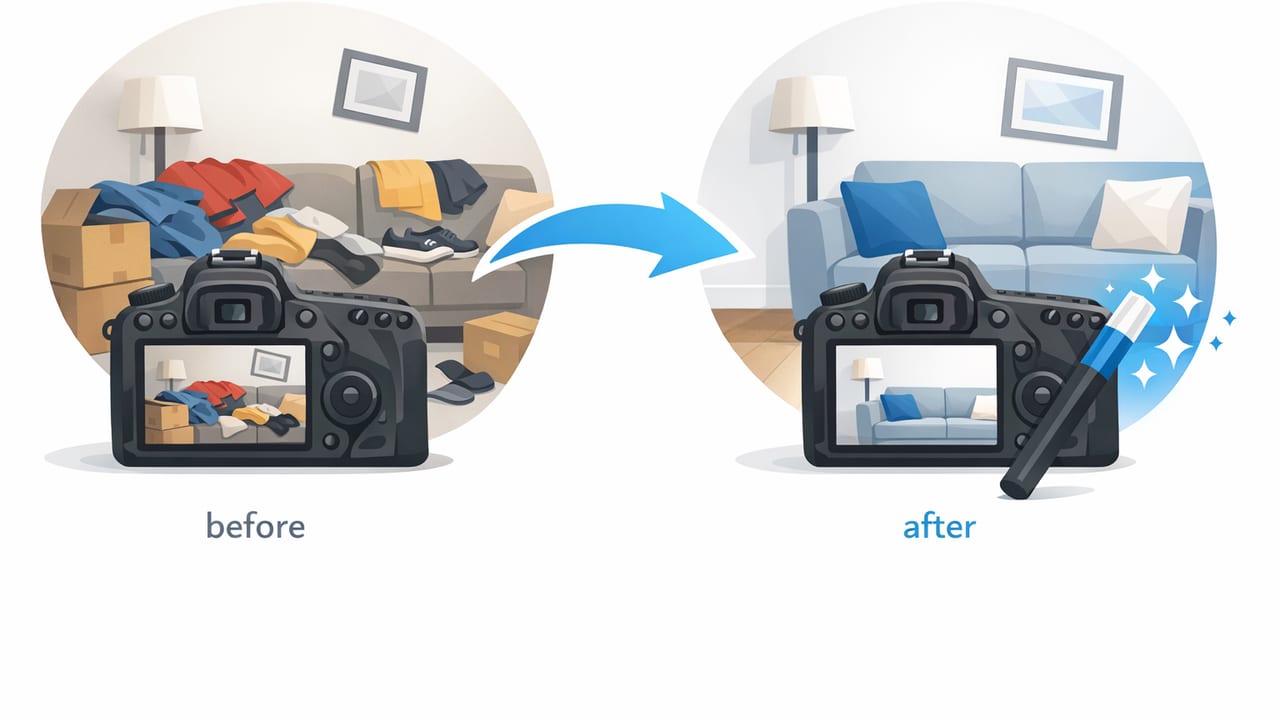
If you sell clothing online, speed matters—but photo quality still decides whether shoppers click, trust, and buy. The good news: you don’t need a full studio setup or hours of editing to get clean, consistent images. With a repeatable process, you can do same day photo cleanup for sellers—from snapping photos to publishing listings—without sacrificing professional polish.
This guide breaks down a practical workflow you can follow on busy sourcing days, weekends, or whenever you’re trying to keep listings moving. You’ll learn what to fix first, what to ignore, and how to batch your steps so you finish faster.
Goal: Make every photo “marketplace-ready” in the least time possible—clean background, accurate color, sharp details, and a consistent look across your closet/store.
What “same-day photo cleanup” really means (and what it doesn’t)
Same-day cleanup isn’t about perfection. It’s about hitting the quality threshold that improves conversion while protecting your time.
- It means: removing distractions, correcting obvious issues, and standardizing your set.
- It doesn’t mean: painstaking retouching, hours of spot fixes, or obsessing over tiny wrinkles no buyer will notice.
Think of it as a checklist that gets you to “clean and consistent” fast.
The 45–90 minute same-day workflow (overview)
Depending on your batch size and tools, a typical session looks like this:
- Prep (10–15 min): quick garment readiness + photo area setup
- Shoot (15–30 min): consistent angles, consistent light
- Cleanup (15–30 min): background, exposure/color, straighten/crop
- Export & list (5–15 min): file naming, upload order, final check
The biggest speed gain comes from batching: do one step for all items before moving to the next.
Step 1: Prep that saves editing time later
Choose one photo style and stick to it
Mixing flat lays, hangers, and “on-body” for the same category creates inconsistency (and slows editing). Pick one primary style for your closet/store:
- Flat lay: fast, consistent, great for tops and knits
- On-hanger: quick for volume, good for structured pieces
- Ghost mannequin / invisible form: polished look, best for jackets/dresses
Do a 20-second garment check
Before you shoot, do only what changes the photo dramatically:
- Remove lint and pet hair (lint roller)
- Smooth obvious fold lines with a quick steam pass (or hang in a steamy bathroom)
- Tuck tags/strings that look messy
- Close zippers/buttons for structure (unless styling requires open)
Tip: Don’t chase every wrinkle. Focus on the ones that change the silhouette or look like damage.
Set up a “good enough” lighting baseline
You don’t need studio lights, but you do need consistency. Aim for:
- Bright indirect daylight (near a window)
- One plain wall or backdrop
- Same shoot spot each time
If you shoot at night, use the same indoor lights every session and avoid mixing bulbs (warm + cool) that change color from item to item.
Step 2: Shoot for fewer fixes
Use a repeatable angle set
For most apparel listings, this set covers what buyers want:
- Front
- Back
- Tag/brand label
- Material/care tag (if helpful)
- Close-up of texture or key detail (embroidery, hardware, print)
- Flaw photo (only if needed)
Keep the camera height and distance similar each time. That alone makes your feed look more professional.
Lock focus and exposure (quick habit)
On iPhone, tap and hold to lock focus/exposure before snapping. This prevents the phone from changing brightness between shots—one of the biggest reasons sellers spend extra time editing.
Leave “cropping room” around the garment
Don’t fill the frame too tightly. A small border around the item makes straightening, background cleanup, and consistent cropping easier.
Step 3: Same-day photo cleanup (the priority order)
When time is tight, edit in this order. Each step has a high impact on buyer perception.
1) Straighten + crop for consistency
First, make sure everything is level and centered. Cropping is a fast way to make your shop look cohesive.
- Keep the garment centered
- Match aspect ratio across the batch
- Avoid cutting off sleeves/hem unless intentional
2) Background cleanup (remove distractions)
Busy backgrounds can reduce trust and make items look lower value. Your goal is a clean, distraction-free background that helps the garment stand out.
- Remove clutter (chairs, cords, wall marks)
- Whiten/neutralize the background when it looks gray or yellow
- Keep edges clean around sleeves and straps
Time-saver: If your tool supports batch background removal or applying the same background to multiple photos, use it—this is where most sellers lose time.
3) Light + color correction (make it accurate)
Buyers return items when the color is off. You don’t need dramatic edits; you need accuracy.
- Increase brightness slightly if the item looks dull
- Lower highlights if whites are blown out
- Adjust warmth so blacks don’t look brown and whites don’t look yellow
4) Quick “imperfection polish” (only if it’s obvious)
Same-day cleanup is not deep retouching. But a few fast fixes help:
- Reduce the look of heavy wrinkles that change the shape
- Remove a visible lint patch you missed
- Fix a distracting shadow if it looks like a stain
A simple batching system that prevents overwhelm
Instead of finishing one item at a time, batch by task:
- Shoot all items
- Favorite/select keepers
- Crop/straighten everything
- Background cleanup on everything
- Light/color pass on everything
- Export and upload
This reduces decision fatigue and speeds up your hands because you repeat the same motion.
Quality check in 60 seconds
Before exporting, scan your batch for:
- Same background and brightness across the set
- No harsh color shifts (one image suddenly warmer/cooler)
- Crisp edges around the garment
- Correct order: front/back/details/flaws
Time vs. results: which cleanup approach fits your store?
| Approach | Best for | Typical time per item | Pros | Cons |
|---|---|---|---|---|
| Manual editing (basic phone edits) | Low volume, casual selling | 8–15 min | Free, familiar | Inconsistent, slower for backgrounds |
| Template workflow (same crop + presets) | Medium volume, consistent setup | 4–8 min | Faster, more uniform look | Still can struggle with tricky edges |
| AI-assisted cleanup (background + polish) | Higher volume, same-day listing goals | 2–5 min | Fast, scalable, consistent | May need quick checks for accuracy |
File naming and photo order (tiny step, big speed)
If you list on multiple platforms or manage lots of drafts, naming and sorting saves time later. Here’s a simple pattern you can copy:
brand_item_color_size_01.jpg
brand_item_color_size_02.jpg
brand_item_color_size_tag.jpg
brand_item_color_size_flaw.jpg
Even if your platform renames files, this keeps your camera roll organized and helps you find images fast.
Common same-day cleanup mistakes (and quick fixes)
Mistake: Over-whitening until the item looks gray
Fix: Aim for a neutral background, not pure white at all costs. Keep true whites on the garment visible (lace, knit texture) without flattening detail.
Mistake: Using heavy filters that change color
Fix: Skip filters. Adjust brightness/contrast/warmth lightly and compare to the real item in daylight.
Mistake: Inconsistent crops across photos
Fix: Use one aspect ratio and crop rule (for example: leave equal space on both sides and keep hems visible when possible).
Mistake: Spending time fixing low-performing inventory
Fix: Prioritize items with higher demand or higher price points for the cleanest photos. “Good enough” is fine for low-cost basics.
A realistic same-day plan for 10 clothing items
- Prep (15 min): lint roll + quick steam + setup
- Shoot (25 min): 6 photos per item (move fast, same angles)
- Select (5 min): delete obvious misses
- Cleanup (30 min): crop/straighten + background + light pass
- Upload (10 min): order photos + draft listings
Total: about 85 minutes for a full batch that looks consistent and professional.
Final checklist: your “marketplace-ready” definition
- Clean background (no distractions)
- Accurate color (minimize returns)
- Sharp details (fabric, logo, condition)
- Consistent framing (looks like a real shop)
- Clear flaw disclosure (trust builder)
When you follow the same order every time, same day photo cleanup for sellers becomes a routine instead of a burden—and your listings go live faster with fewer second-guessing edits.
Optional tool note: If you prefer an iPhone-first workflow that helps with quick clothing photo polish (like clean backgrounds and pro-looking presentation), apps like Clothing Studio can support that same-day routine without turning editing into a project.
