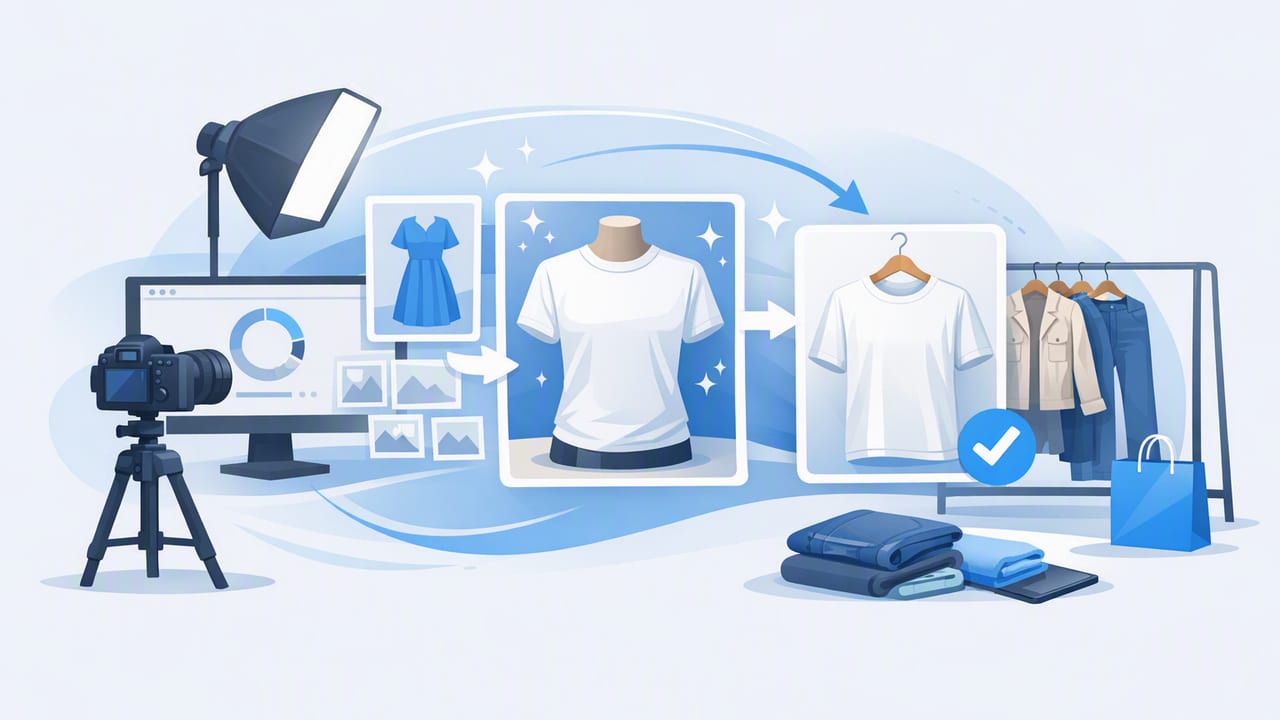
Great clothing photos do more than “look nice.” They reduce buyer questions, lower return risk, and help shoppers quickly understand fit, fabric, and condition. Whether you’re a fashion reseller listing daily or a small brand building a catalog, your goal is the same: clear, consistent, trustworthy clothing photos that make the item easy to buy.
This guide walks through a practical workflow—from prep and lighting to angles, editing, and platform-ready exports—without requiring a studio or expensive gear.
What buyers (and marketplaces) want from clothing photos
Before you change your setup, align on what “good” means in e-commerce photography. The best clothing photos typically share these traits:
- Accurate color (no heavy filters, no weird casts)
- Visible texture and fabric drape (so buyers can judge quality)
- Consistent framing (so a shop grid looks professional)
- Clean background that doesn’t compete with the garment
- Honest condition details (close-ups of flaws, tags, wear)
“The best product photo is the one that answers the buyer’s questions before they ask.”
Step 1: Prep the item (this saves the most editing time)
Editing can help, but the fastest path to better clothing photos is better prep. Build a 3-minute pre-shoot routine:
- Lint roll (especially knits, dark colors, fleece)
- Smooth and shape seams, collars, cuffs, hems
- Check pockets and closures (zip, button, tie) so the garment sits correctly
- Steam if needed (or at least flatten major creases)
- Stage tags (brand tag visible on one frame; care tag on another)
Quick “shape check” for presentation
Regardless of whether you shoot on-hanger, flat lay, or mannequin-style, aim for symmetry:
- Shoulders level
- Sleeves evenly placed
- Hem straight and not tucked under
- Collar laid flat
Step 2: Choose your setup (flat lay, hanger, mannequin, model)
Different categories benefit from different presentations. Here’s a simple comparison to help you pick a default style—and when to switch.
| Style | Best for | Pros | Watch-outs |
|---|---|---|---|
| Flat lay | Tops, tees, denim, kids, accessories | Fast, consistent, great for details | Can hide drape/fit if not styled well |
| On-hanger | Blouses, dresses, jackets, sets | Shows length well; easy for bulk workflows | Hanger may distort shoulders; background can be tricky |
| Mannequin / ghost mannequin | Structured pieces, premium listings | Shows shape and fit clearly; “store-like” look | Requires clean alignment and consistent angles |
| Model | Trend items, fit-dependent styles | Highest clarity on fit and scale | More time, more variation, more retakes |
Tip: Pick one “default” style for 80% of your inventory (for example, on-hanger for tops and dresses). Then use model or mannequin-style shots for items where fit and silhouette drive the sale.
Step 3: Nail lighting without a studio
Lighting is the difference between “meh” and “buy now.” The good news: you can get excellent clothing photos with simple setups.
Best low-cost option: window light
- Place the garment near a large window with indirect light.
- Turn off overhead room lights to avoid mixed color temperatures.
- Use a white wall or foam board opposite the window to bounce light back and soften shadows.
DIY “mini studio” option
- Two soft lights at 45° angles (left/right of the garment)
- One clean backdrop (paper roll, white wall, or consistent surface)
- Mark your floor spots with tape so framing stays consistent
Common lighting mistakes (and quick fixes)
- Yellow/blue color shifts: turn off extra lights; edit white balance lightly.
- Harsh shadows: move the item farther from the background; soften with a diffuser (thin curtain works).
- Blown highlights on satin/leather: angle the garment slightly away from the light and reduce exposure.
Step 4: Use a consistent shot list (so you don’t forget anything)
Consistency builds trust and speeds listing. Use a repeatable shot list for every item. Here’s a reliable baseline for most categories:
Essential clothing photos (minimum set)
- Front full (straight-on)
- Back full (straight-on)
- Label/brand tag
- Fabric detail (close-up for texture/pilling)
- Any flaws (stains, pulls, worn hems—clearly shown)
Optional shots that often increase confidence
- Close-up of closures (zipper, buttons)
- Shot showing stretch (for knits/athleisure)
- Measurement photo (tape on pit-to-pit or inseam)
- Hem/cuff detail (especially for denim and tailoring)
Step 5: Frame and angles that flatter (without misrepresenting)
“Flattering” should never mean misleading. It means showing the garment clearly, without distortion.
- Keep your camera level to avoid warped proportions.
- Step back and zoom slightly (instead of shooting too close). This reduces wide-angle distortion on sleeves and shoulders.
- Center the garment and keep equal margins for a clean shop grid.
- Match angles between front and back (same distance, same height).
Step 6: Editing workflow for clean, consistent clothing photos
Editing is where you standardize your entire catalog. A good workflow is fast, light-touch, and repeatable.
A simple edit order (fast and reliable)
- Crop + straighten (consistent aspect ratio across listings)
- Adjust exposure (brighten slightly; protect highlights)
- Correct white balance (neutral whites, accurate blacks)
- Reduce distractions (background cleanup or background removal)
- Light wrinkle smoothing (keep fabric texture natural)
- Sharpen lightly (especially for knits and small patterns)
Background removal vs. clean real background
Both can work. Choose based on your volume and brand look:
- Clean real background: feels natural, minimal editing, great if your shooting space is consistent.
- Background removal: great for consistency across varied locations, faster batch workflows, and clean marketplace thumbnails.
Ghost mannequin look (why it converts)
Ghost mannequin images give structure—necklines, shoulders, and body shape—without the distraction of a visible mannequin or person. It’s especially useful for jackets, collared shirts, and dresses where silhouette matters.
Key tip: The ghost mannequin effect only works if your front/back shots are aligned and the garment is shaped symmetrically. Even slight tilt makes the result look “off.”
Step 7: Export settings and file naming (small details, big payoff)
Even excellent clothing photos can look inconsistent if you export them differently each time. Standardize two things: sizing and naming.
Practical export guidelines
- Keep images crisp: avoid over-compressing; text on tags should stay readable.
- Use a consistent aspect ratio: a uniform grid looks more professional and helps buyers compare items quickly.
- Save a “master” edit: if you cross-post, you can re-export for different platforms without re-editing.
Simple naming convention (helps when cross-posting)
This isn’t mandatory, but it reduces confusion when you’re listing at volume. Here’s a readable pattern:
brand_category_color_size_uniqueID_view.jpg
Example:
madewell_denim_blue_27_1042_front.jpg
Quality checklist: diagnose why your clothing photos aren’t converting
If you’re getting views but not sales, run through this quick checklist:
- Color accuracy: does the item look true to life?
- First photo impact: is the cover image bright, centered, and easy to read as a thumbnail?
- Enough angles: do you show front, back, and key details?
- Distractions: is the background cluttered, wrinkled, or inconsistent across listings?
- Condition transparency: are flaws documented clearly?
FAQ: Clothing photos for resale and e-commerce
How many photos should I upload per listing?
Use as many as the platform allows if each one adds information. A strong set is usually 5–10: front/back, details, tags, measurements, and flaws.
Should I use filters?
Avoid heavy filters. They can distort color and reduce trust. Minor exposure and white-balance adjustments are usually enough.
What’s the fastest way to make my shop look consistent?
Standardize three things: your lighting, your framing distance, and your edit order. Consistency matters more than perfection.
Conclusion: a repeatable system beats “perfect” photos
The best clothing photos come from a workflow you can repeat every day: prep quickly, shoot with consistent lighting and angles, and edit lightly for clarity and uniformity. When shoppers can instantly understand what they’re buying, they’re more likely to click, trust, and purchase.
If you want to streamline common steps like background cleanup, wrinkle smoothing, and mannequin-style presentation on iPhone, an app such as Clothing Studio can help you move faster—while keeping your listings looking consistent and professional.
