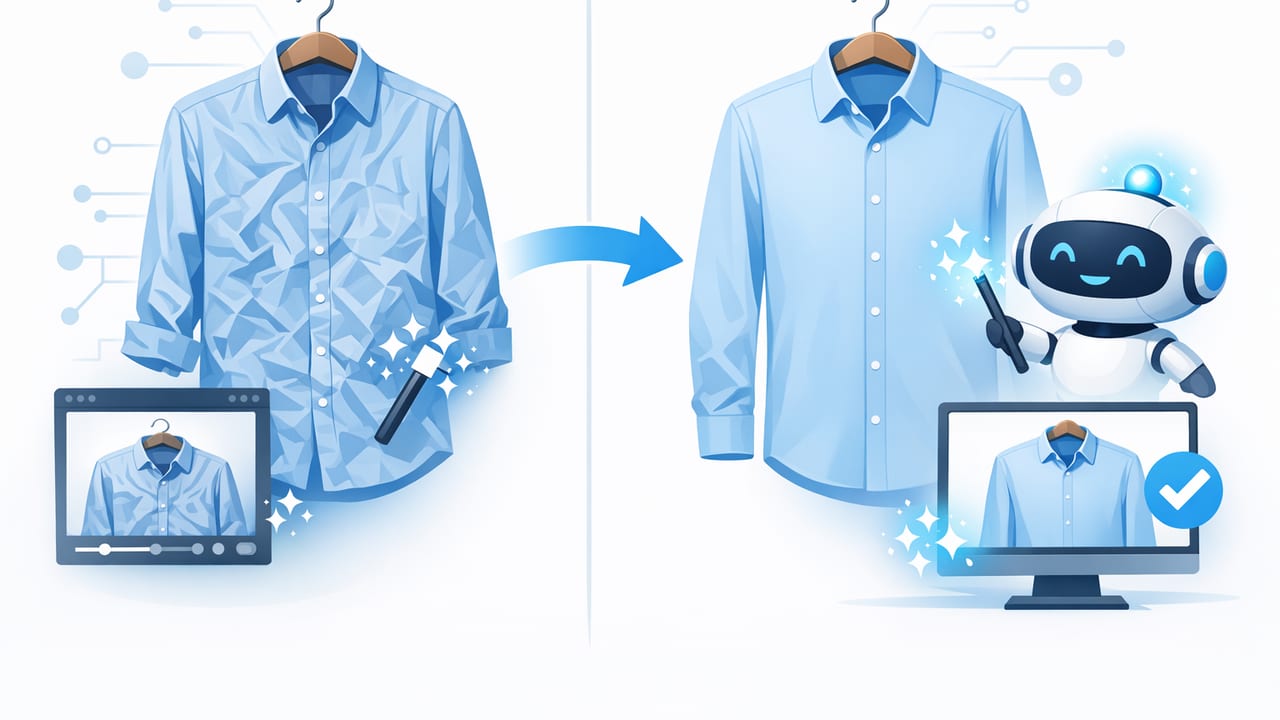
If you sell clothing online, you already know the hidden time sink: wrinkles. Even when a garment is freshly steamed, fabric can crease the moment you hang it, lay it flat, or pin it to a mannequin. A good ai tool to unwrinkle clothes can help you create smoother, more professional-looking photos without re-shooting everything—especially when you’re listing at volume.
This guide explains what “AI unwrinkling” actually does, when it’s worth using, how to get the most natural results, and how it fits into an efficient e-commerce photo workflow. The goal isn’t perfection—it’s clean, consistent presentation that helps shoppers focus on the item, not the distractions.
Why wrinkles matter in e-commerce photos
Wrinkles aren’t just a styling issue; they can affect perceived value and buyer confidence. In online marketplaces, shoppers can’t feel the fabric or try the fit, so they rely heavily on visual cues.
- Wrinkles can look like wear even when the item is new or in excellent condition.
- Creases distort fit and silhouette, making it harder to judge shape, drape, and tailoring.
- They reduce consistency across your closet or catalog, especially if you mix flat lays, on-hanger, and mannequin shots.
- They invite questions (“Is that stain?” “Is the fabric damaged?”), which can slow sales.
That’s why many resellers and small brands aim for a smooth “retail-ready” look. The challenge is doing it quickly and consistently.
What an AI tool to unwrinkle clothes actually does
Traditional editing tools often require manual retouching—dodging, burning, blur, clone stamp—done wrinkle by wrinkle. AI-based unwrinkling typically takes a different approach:
- Detects fabric areas (separating garment from background and hands, hangers, or props when possible).
- Identifies crease patterns (high-contrast lines and shadow valleys that read as wrinkles).
- Re-balances texture and lighting to reduce harsh creases while keeping seams, hems, and intentional pleats.
- Preserves garment structure so logos, prints, buttons, and stitching don’t look smeared.
In simple terms: it smooths what looks accidental while trying to keep what looks designed. The best results come from pairing AI unwrinkling with good capture habits (lighting, angles, and garment prep).
AI unwrinkle vs steaming vs manual editing
AI isn’t a replacement for basic garment prep, but it can reduce how often you need to re-shoot or re-steam. Here’s a practical comparison.
| Method | Best for | Pros | Cons |
|---|---|---|---|
| Steaming / ironing | Deep creases, wrinkly fabrics, high-end listings | Looks natural; improves drape in real life | Time-consuming; needs space; can re-wrinkle during shooting |
| AI tool to unwrinkle clothes | Quick polish; small-to-medium wrinkles; bulk listings | Fast; consistent; reduces retakes | Can over-smooth if pushed too far; not ideal for extreme creases |
| Manual retouching | One-off hero images; complex fabrics; brand campaigns | Maximum control | Slow; requires skill; hard to scale for reselling |
Best practice: do light physical prep (shake out, smooth by hand, quick steam if needed), then use AI unwrinkling to finish and standardize your listings.
When AI unwrinkling helps most (and when to skip it)
Great use cases
- Cotton tees, shirts, and knits with light creasing from storage.
- On-hanger photos where gravity creates vertical ripples.
- Flat lays that pick up fold lines from drawers or bins.
- Batch editing when you want the same clean look across 20–200 listings.
Use caution with
- Linen and intentionally crinkled textures (you don’t want to remove the fabric’s character).
- Pleats, ruching, smocking (these are design details, not flaws).
- High-gloss satin or sequins (heavy smoothing can look “painted”).
A good rule: if a crease changes the perceived size/fit, reduce it; if the texture is part of the garment identity, preserve it.
A simple shoot-to-edit workflow for smoother clothing photos
AI unwrinkling works best when the original image is clear, evenly lit, and properly framed. Here’s a workflow designed for resellers and small teams.
1) Prep the garment in under 60 seconds
- Shake it out and smooth major folds with your hands.
- Clip or pin the shoulders/waist for shape (optional, depending on your style).
- Check the front panel: chest area, midsection, and sleeves are the most noticeable in thumbnails.
2) Capture with “edit-friendly” lighting
- Use soft, even light (near a window or diffused light) to avoid harsh shadows that exaggerate wrinkles.
- Keep the camera straight-on for on-hanger and mannequin styles to reduce distortion.
- Leave a little margin around the garment so cropping and background cleanup is easier.
3) Apply AI unwrinkling as a finishing step
Think of unwrinkling as “polish,” not “plastic surgery.” Aim to reduce distracting creases while keeping:
- Seams and hems
- Buttons and plackets
- Intentional pleats or drape
- Fabric grain and texture
4) Keep your listings consistent
Consistency sells because it builds trust. Use the same editing intensity across a category (e.g., all blouses get light smoothing; all tees get medium smoothing). Mixing heavy smoothing on one item and none on another can make your closet or catalog feel uneven.
How to avoid the “over-smoothed” AI look
Some sellers worry AI smoothing will make clothes look unreal. That usually happens when the edit removes too much texture or flattens shadows that should exist.
- Don’t erase texture. Cotton, denim, and wool should still look like fabric.
- Zoom in on key areas. Check collars, cuffs, waistbands, and logos for warping.
- Compare before/after at thumbnail size. If the item reads cleaner without looking “airbrushed,” you’re good.
- Preserve honest condition. Don’t remove pilling, holes, or permanent creasing that reflects wear—disclose those clearly.
The best edits don’t draw attention to themselves—they simply make the product easier to see.
Unwrinkling + background removal + presentation styles
Wrinkle reduction is even more effective when paired with a clean presentation. Many sellers use a combination of:
- Background removal for a consistent, distraction-free listing grid.
- On-hanger for speed and clarity (great for tops and dresses).
- Flat lay for styling and detail visibility (great for jeans, sets, and accessories).
- Ghost mannequin for a premium, “filled-out” look without a live model.
If you do ghost mannequin imagery, smoothing can help the torso area look cleaner and more structured, especially where fabric tends to bunch around the neckline or armholes.
Practical checklist for editing clothing photos
Use this quick checklist to standardize your process across listings.
Clothing photo edit checklist
- Crop and straighten
- Correct brightness (avoid blown highlights)
- Unwrinkle lightly (preserve seams/texture)
- Remove background (or clean up distractions)
- Match color to real-life garment
- Review at thumbnail size
- Export consistently (same size/quality each time)
FAQ: AI tools to unwrinkle clothes for listing photos
Is AI unwrinkling “allowed” for marketplace listings?
Generally, marketplaces want photos to represent the item accurately. Light wrinkle reduction is usually fine as a presentation improvement, but avoid edits that misrepresent condition, fabric texture, or construction. When in doubt, keep edits subtle and disclose flaws.
Will AI unwrinkling fix a badly wrinkled garment?
It can help, but results vary. For heavy creasing (especially after shipping bags or long storage), a quick steam often gives a better base. AI is strongest as a finishing pass.
Does smoothing change the perceived size or fit?
If overdone, it can. That’s why it’s important to preserve natural folds that indicate drape and structure. The goal is to reduce distracting lines, not reshape the garment.
What photos work best for unwrinkling?
Sharp images with even lighting and a clear view of the garment. Extremely low light, motion blur, or harsh shadows can confuse any editing tool and produce uneven smoothing.
Key takeaways
- An ai tool to unwrinkle clothes is most useful for fast, consistent polish across many listings.
- Pair light garment prep with good lighting for the most natural results.
- Avoid over-smoothing—keep fabric texture, seams, and intentional design details.
- Combine unwrinkling with clean backgrounds and consistent presentation for a more professional storefront.
If you’re building a repeatable workflow on iPhone, apps such as Clothing Studio combine wrinkle reduction with other common listing edits (like background cleanup and presentation tools) to help keep photos consistent without turning the process into a full-time job.
